





Dual Lens Solar Camera Outdoor Wireless
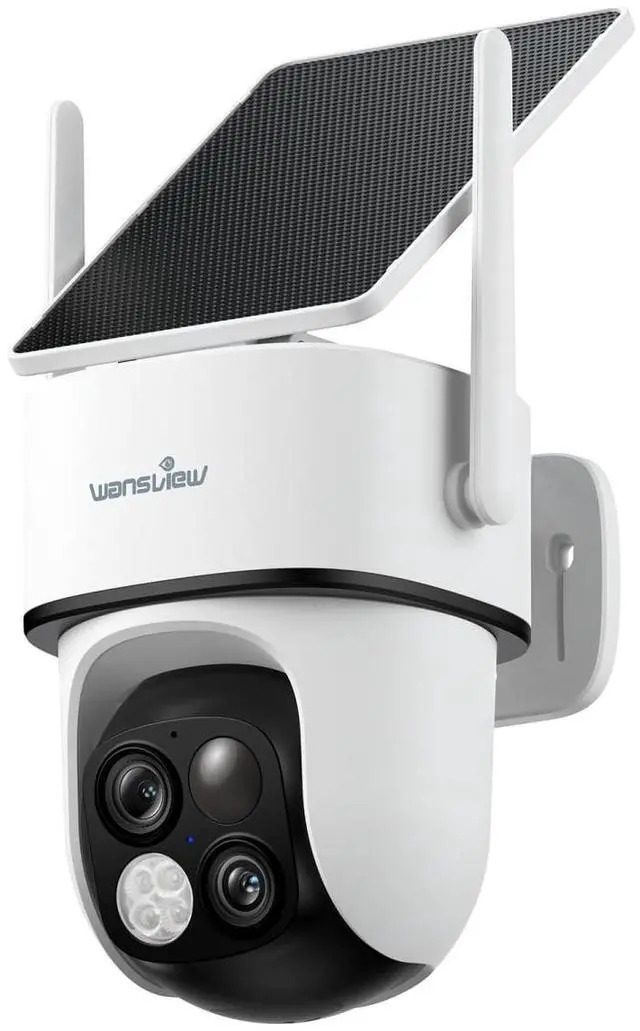
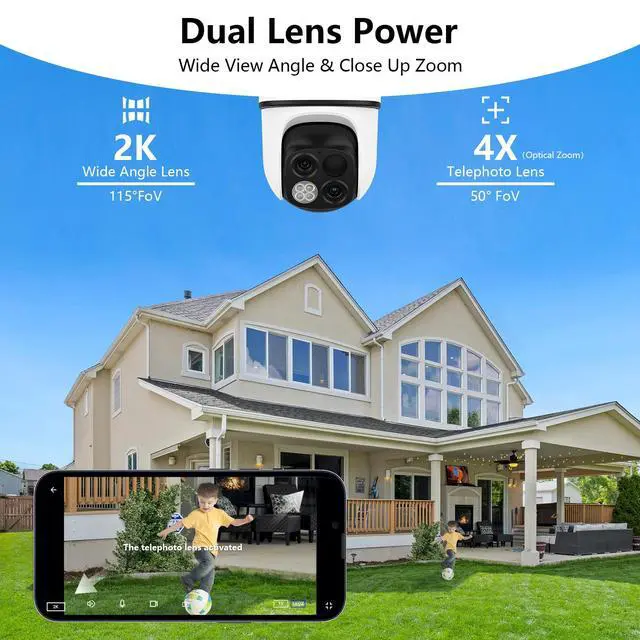
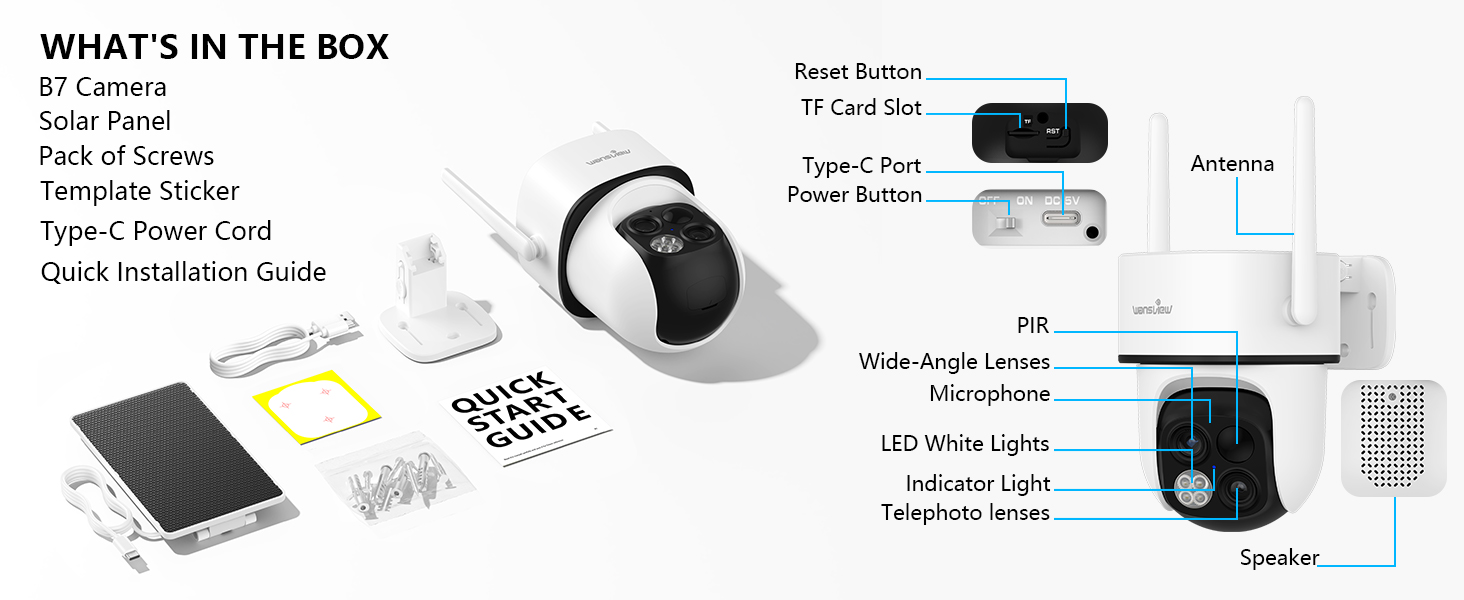
This 2K security camera features a 360° head. Dual lenses provide a more comprehensive view. The wide-angle lens captures panoramic views, while the telephotolens provides close-up views.
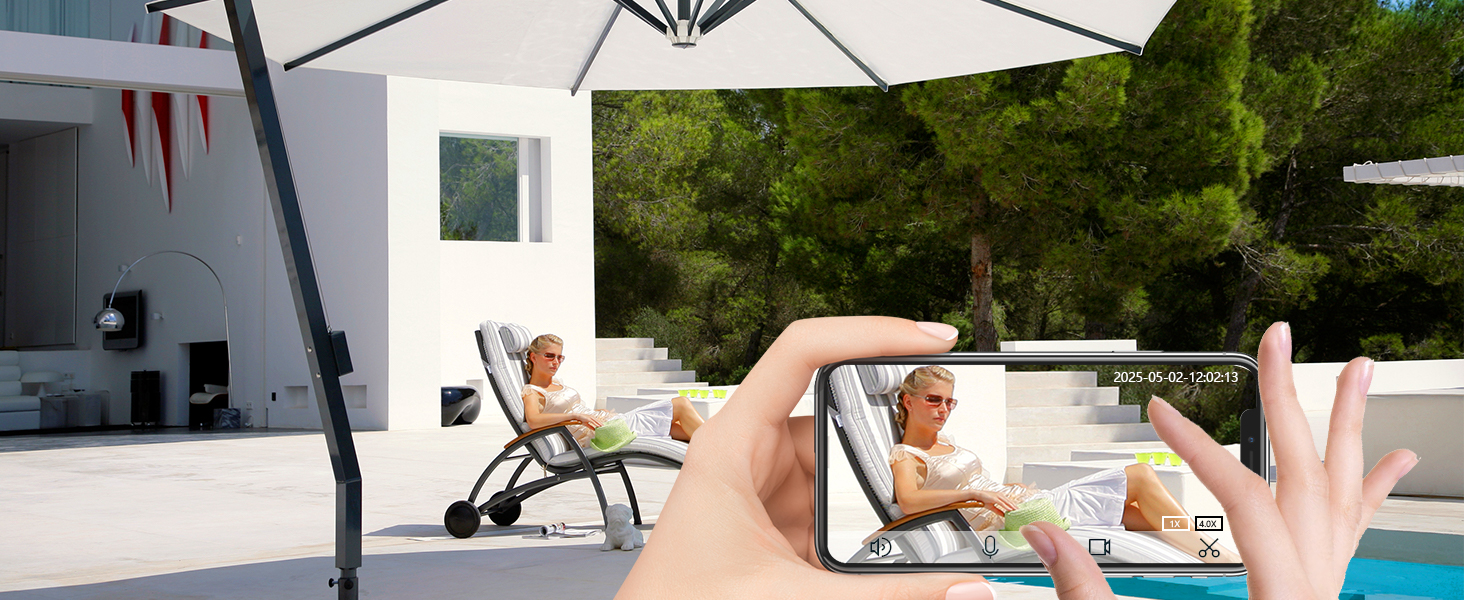
4X Optical Zoom
Experience the power of 4X optical zoom in and bring details to the center of your screen.

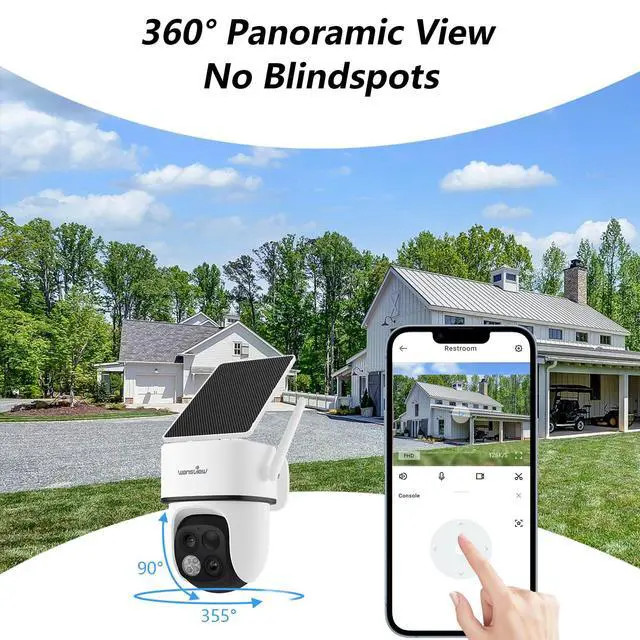
360° Coverage Monitoring
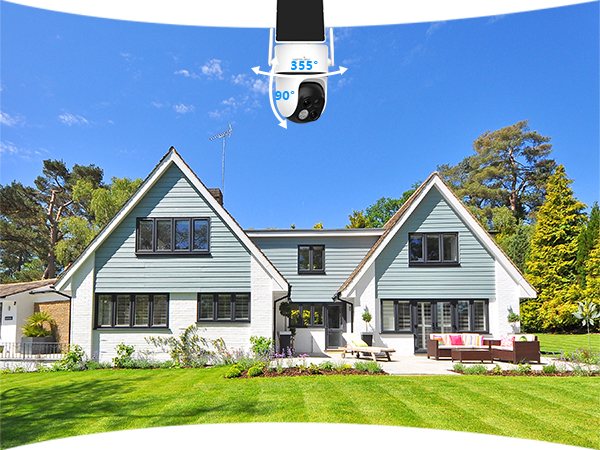
Remotely control the solar camera outdoor wireless 355° pan 90° tilt to see more area from the APP.
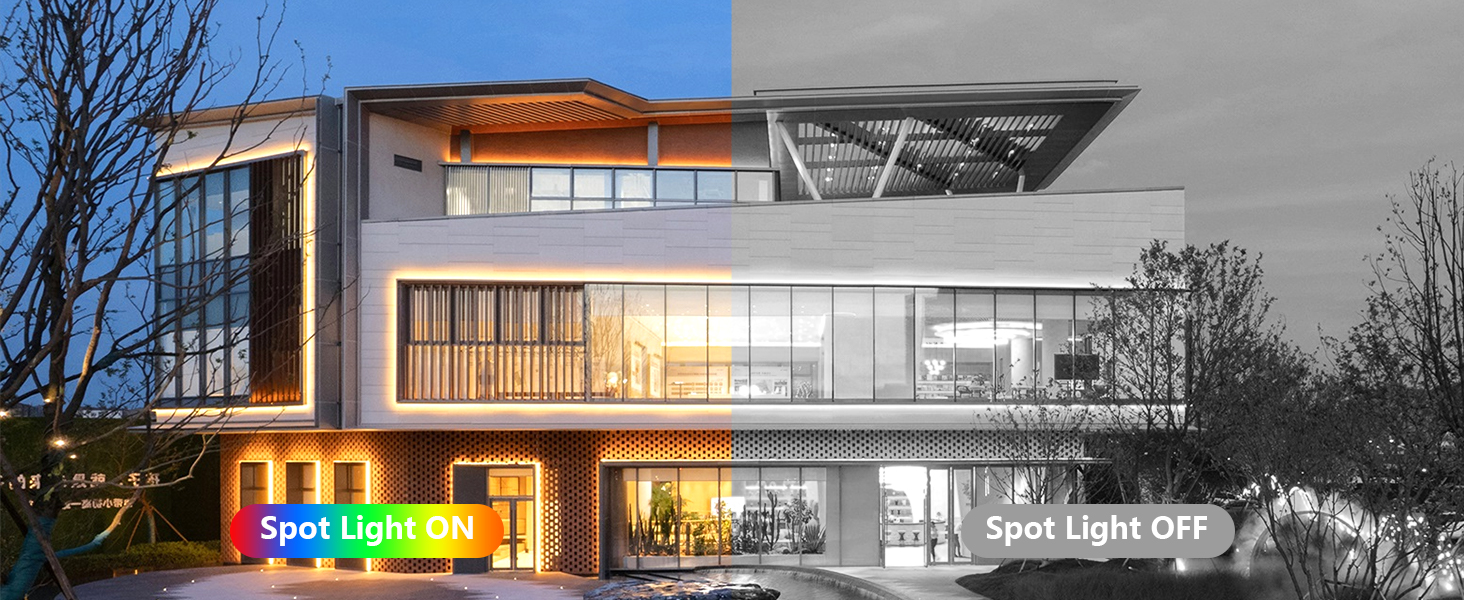
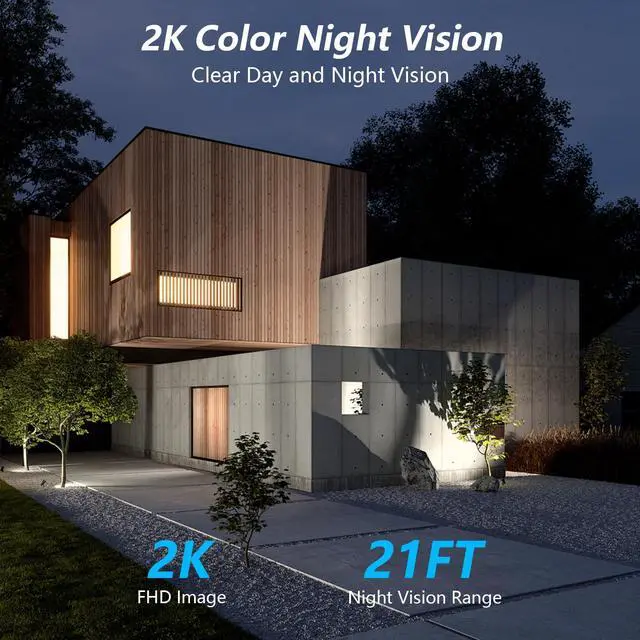
Crystal Color Night Vision
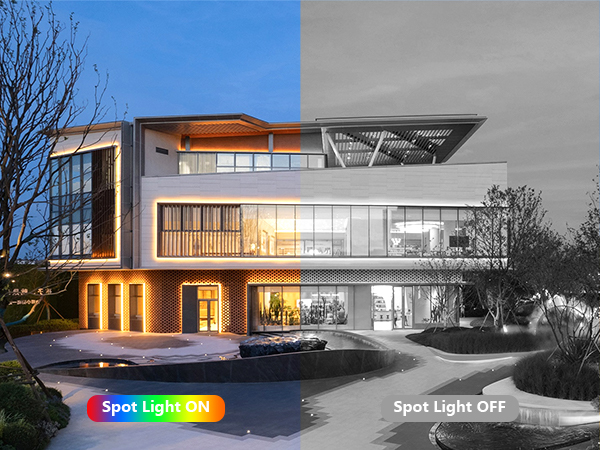
With 4 LED lights, this outdoor camera wireless capture more critical details even in dark.
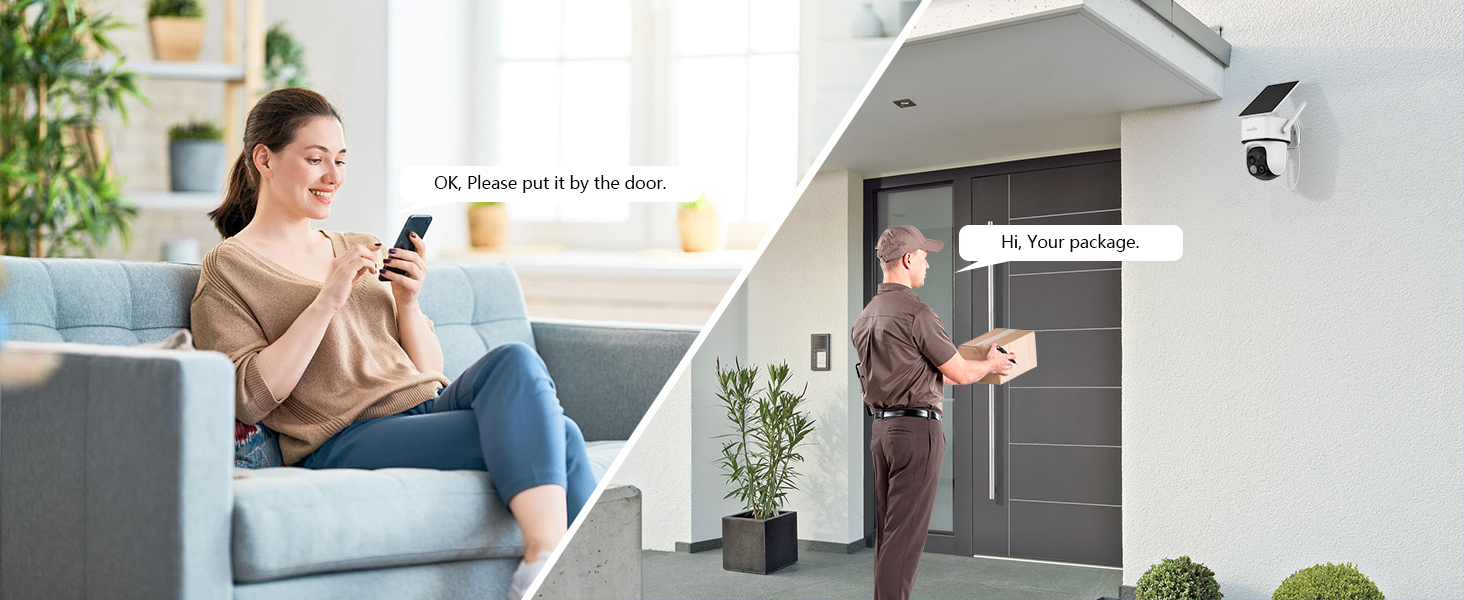
Two-Way Audio
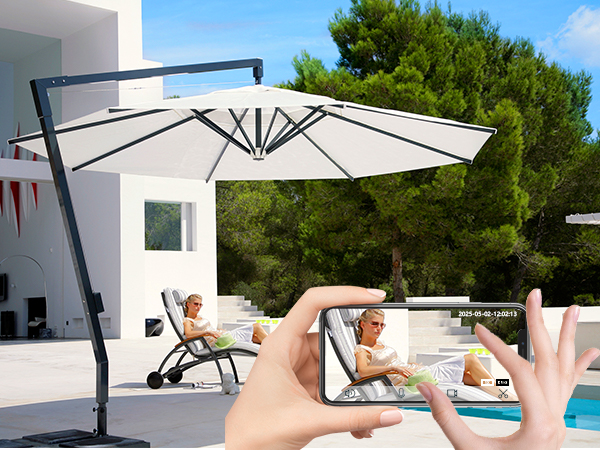
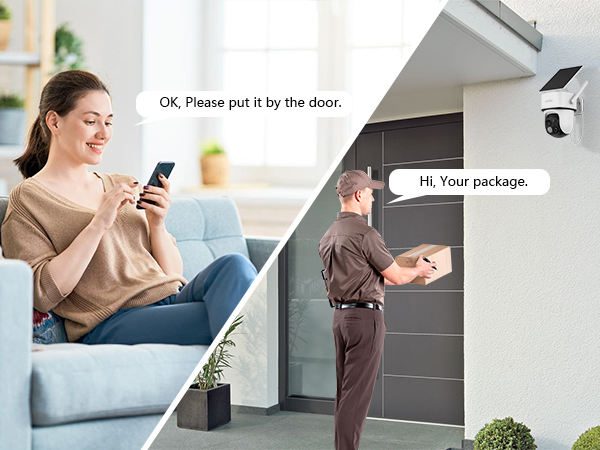
Listen and talk with the visitor even if you're not at home.
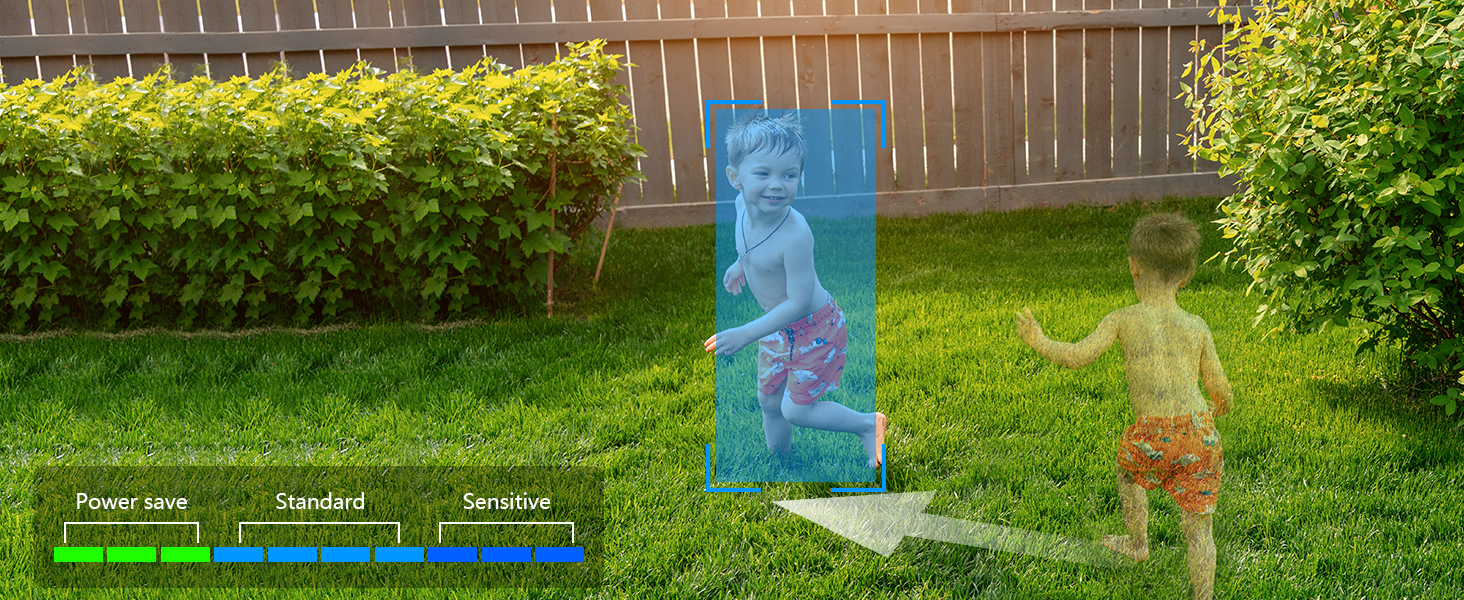
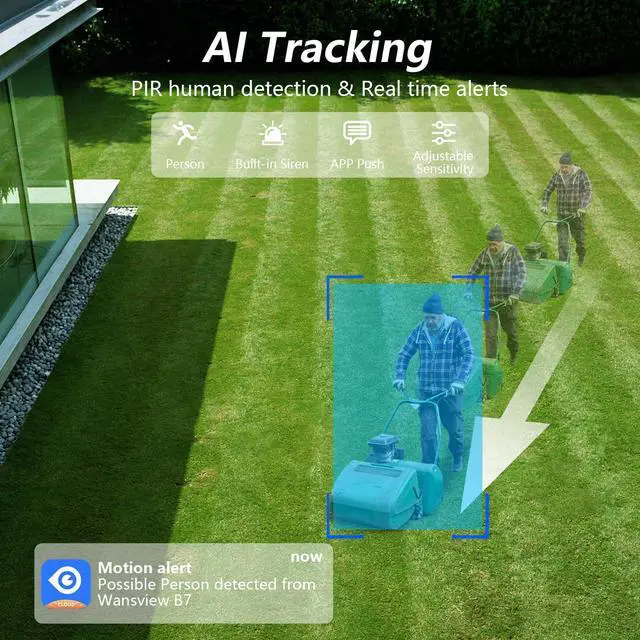
Auto-tracking Motions & Customized Detection mode
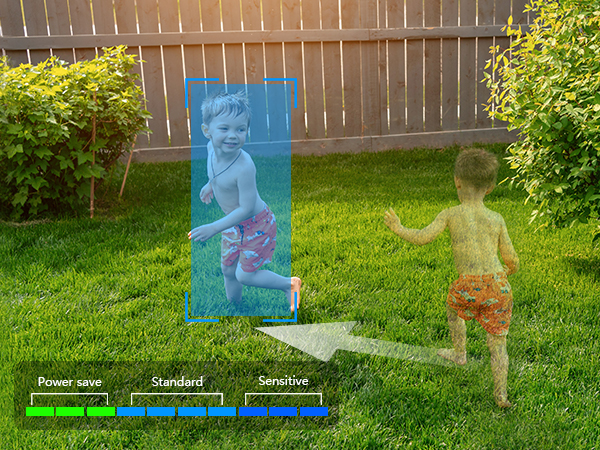
Wireless security camera outdoor auto-tracks motion, ensuring no movement is missed.
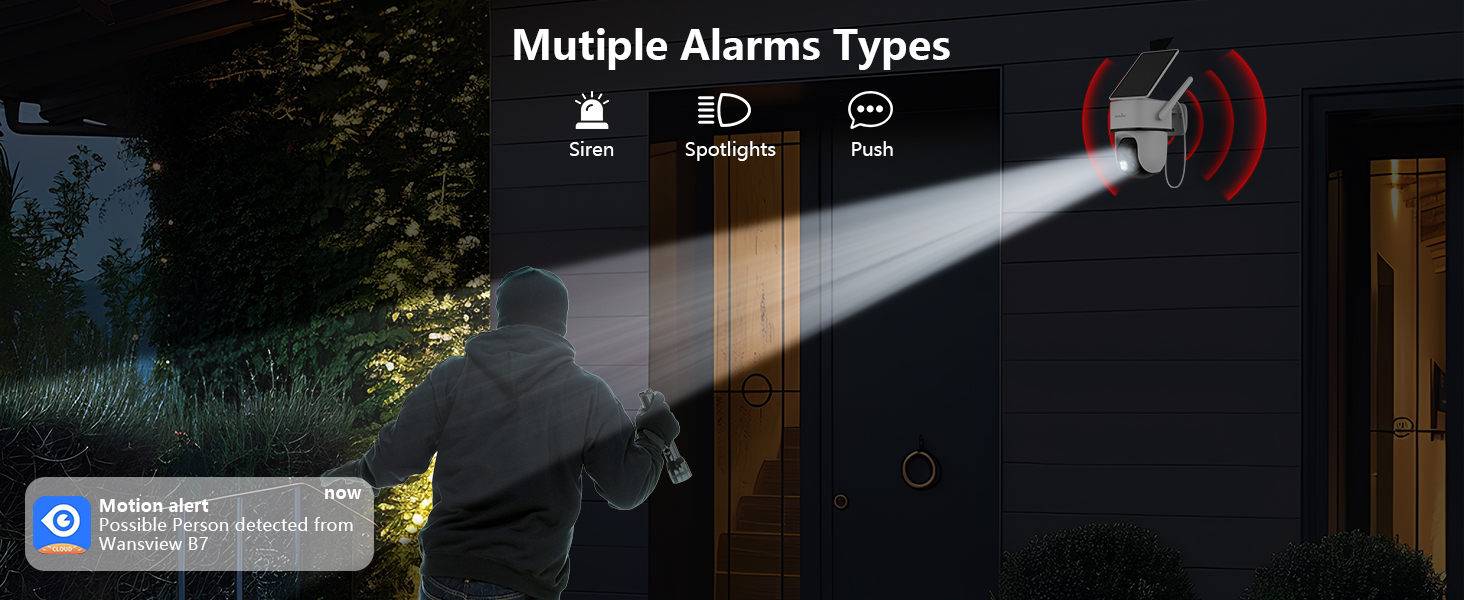
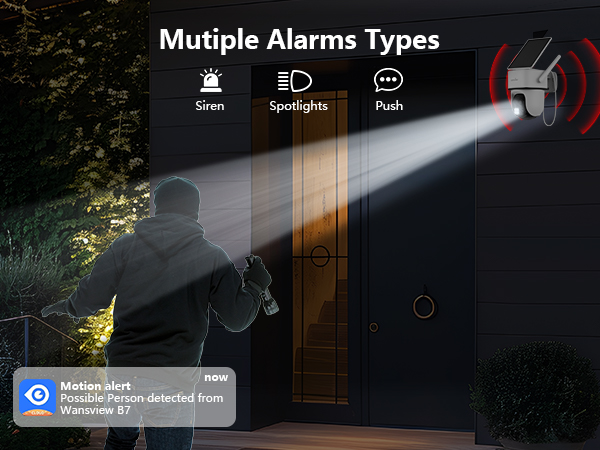
Multiple Alarms Features Drive Away Intruders
Security camera triggers spotlights, siren, and app alerts when detecting intruders.

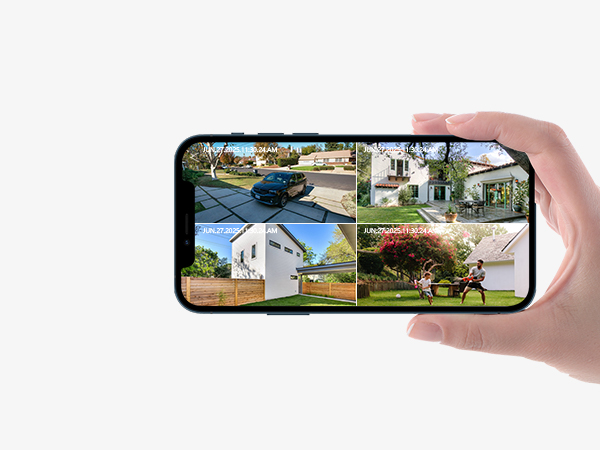
Multi-Device Monitoring
The APP allows you to view 4 cameras on one screen at the same time.
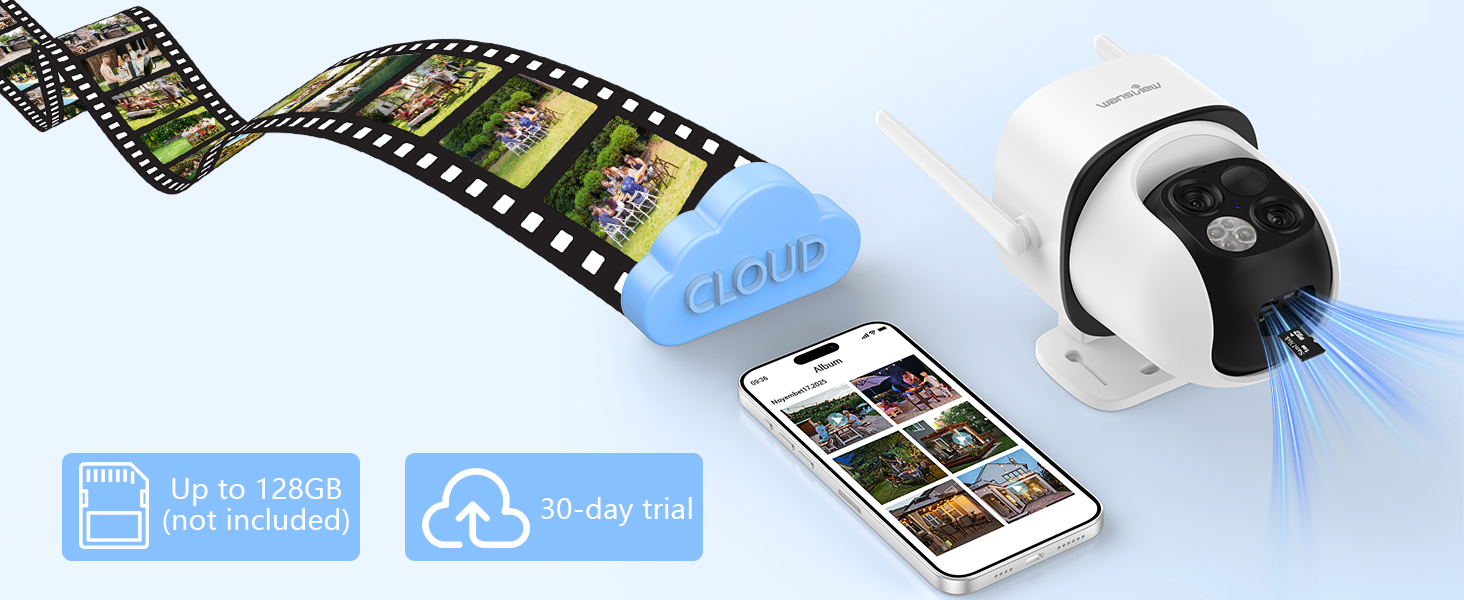
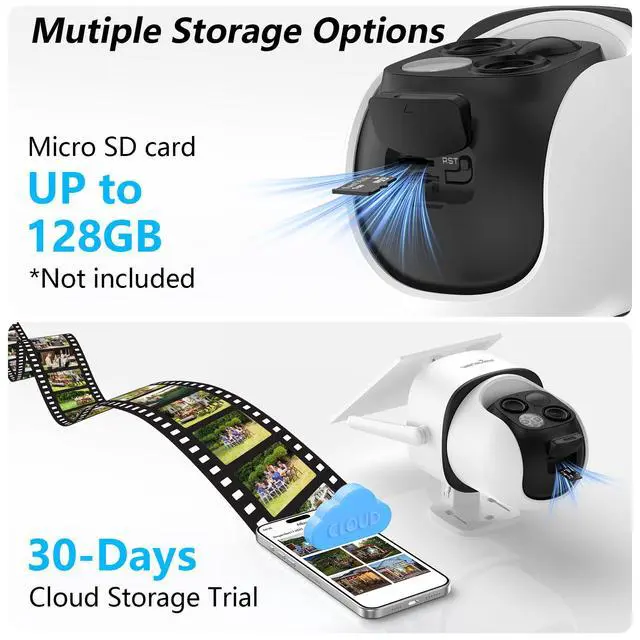
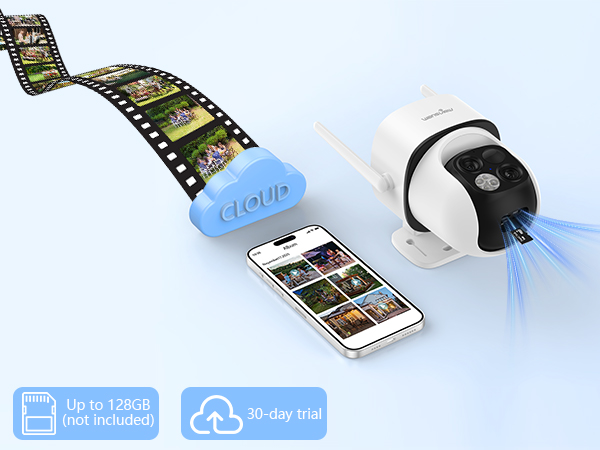
Two Storage Options for Recording
For video longer than 10s, need to insert an SD card, or subscribe & add your camera into the plan.
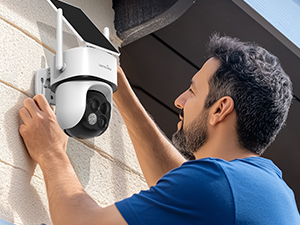
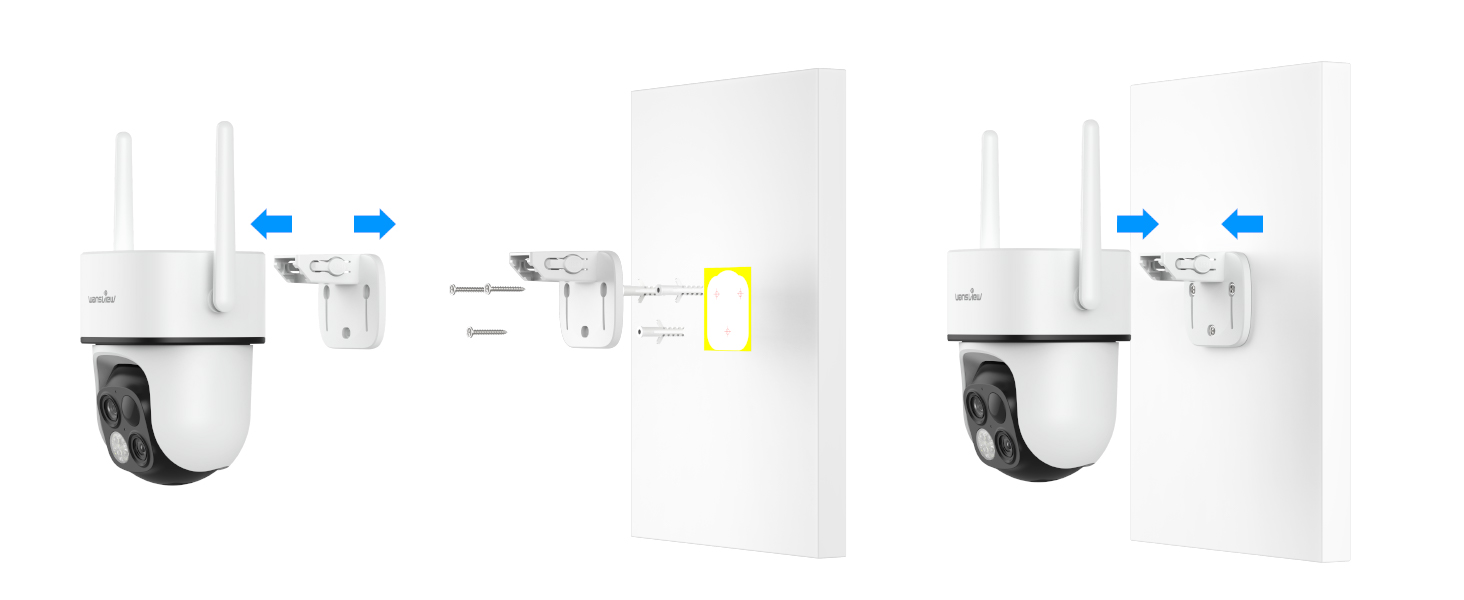
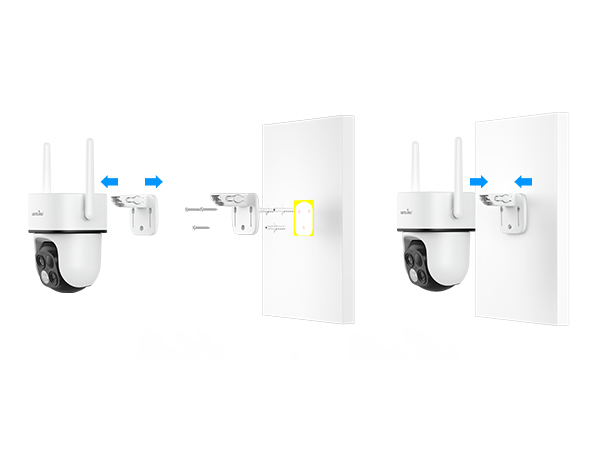
Easy to Install
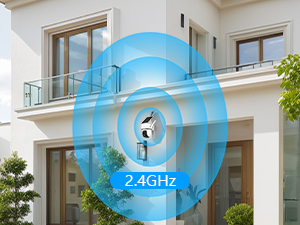
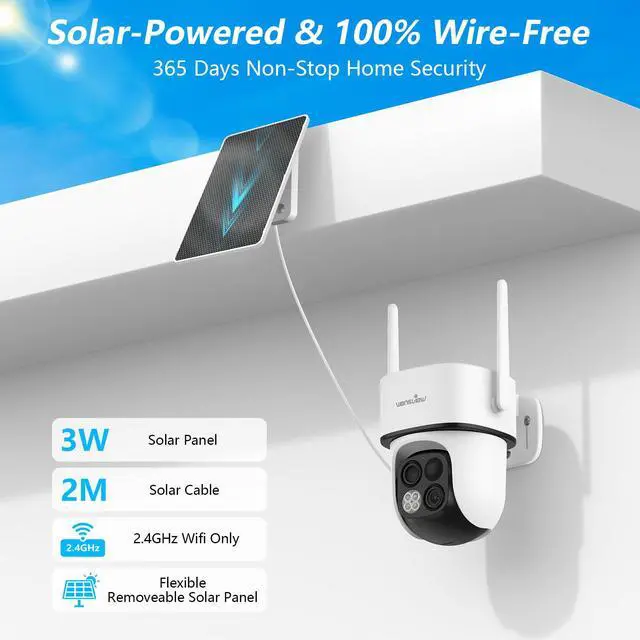
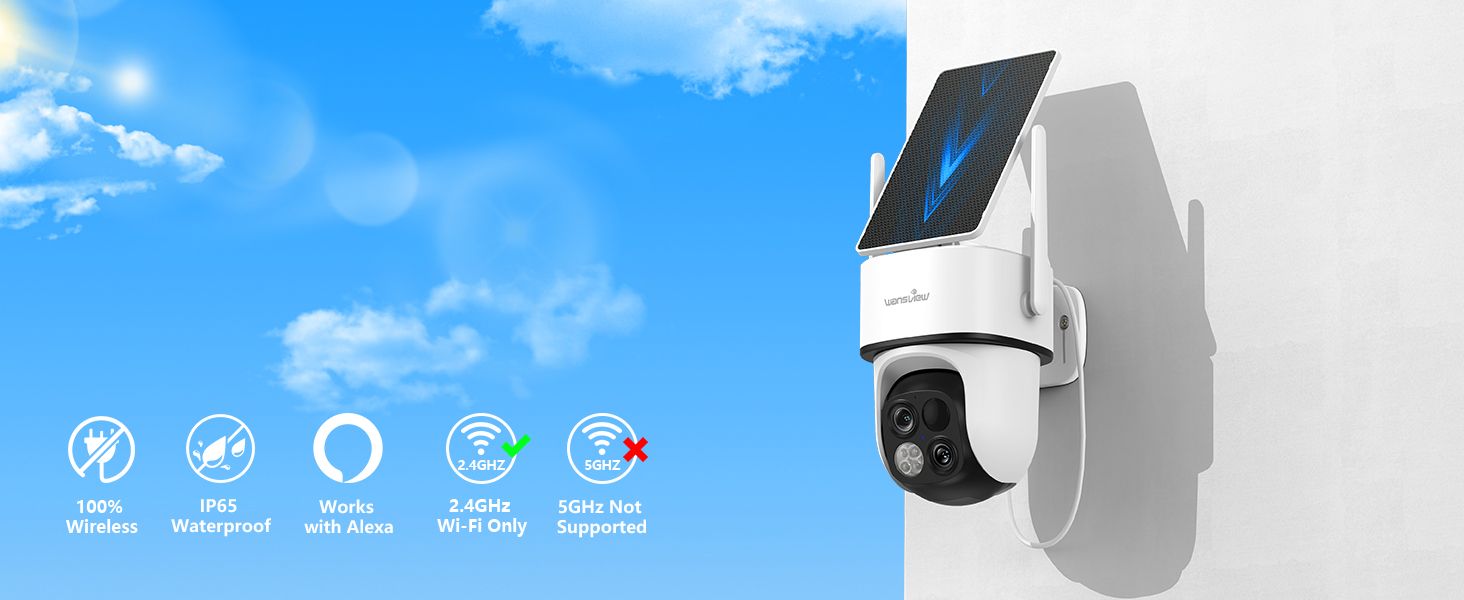
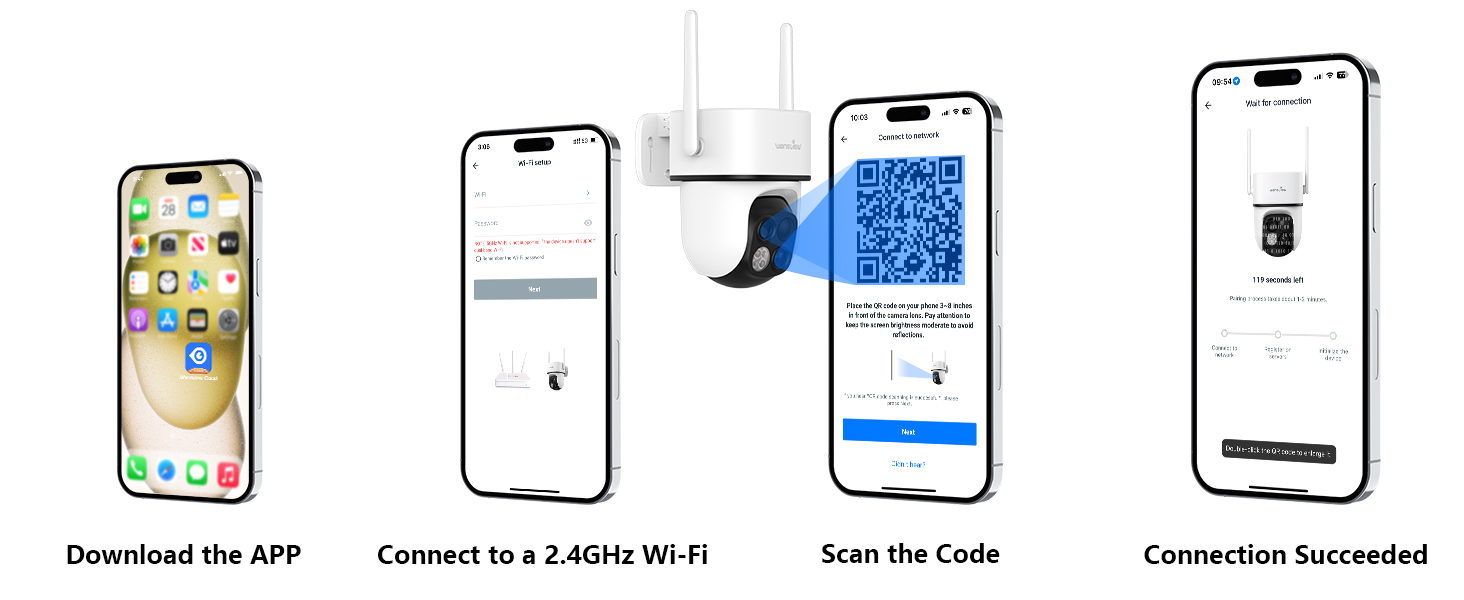
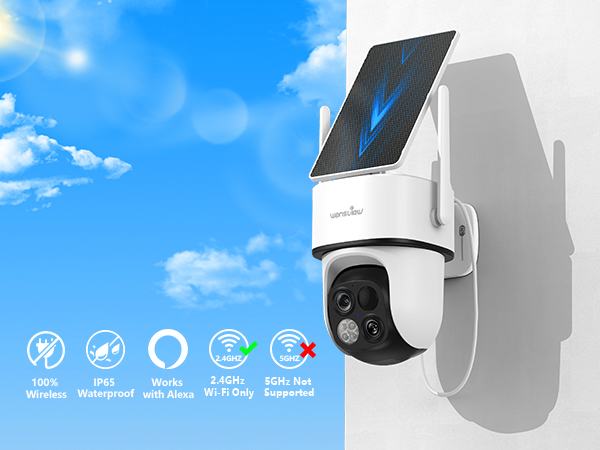
Only supports 2.4GHz Wi-Fi
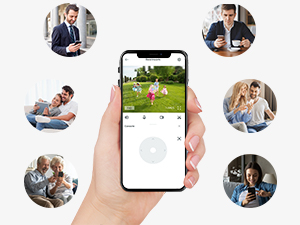
Mutiple Users Sharing
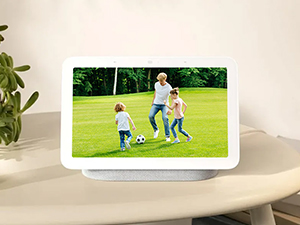
Works with Alexa
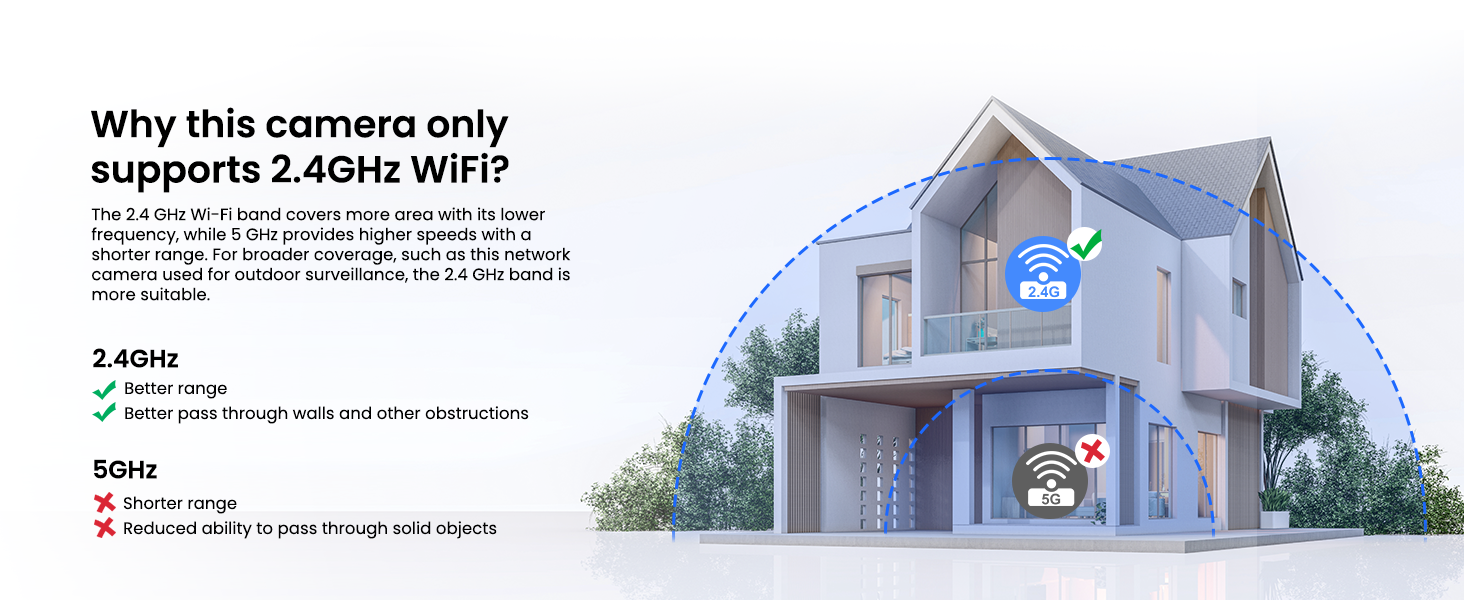
Is this security camera compatible with 5GHz Wi-Fi?
No, this outdoor wireless camera can only connect with 2.4GHz Wi-Fi. The 2.4GHz network provides wider coverage and consistent performance than 5GHz network for wireless for home security due to its lower frequency. (5GHz Wi-Fi is not supported)
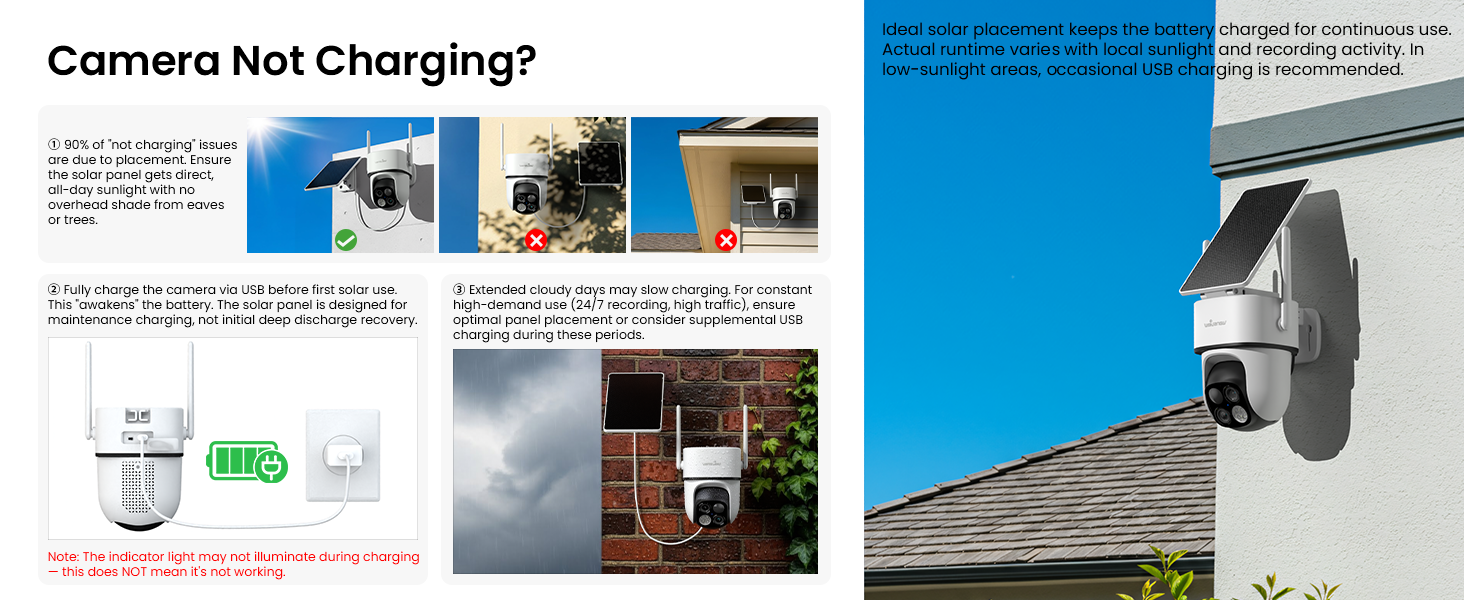
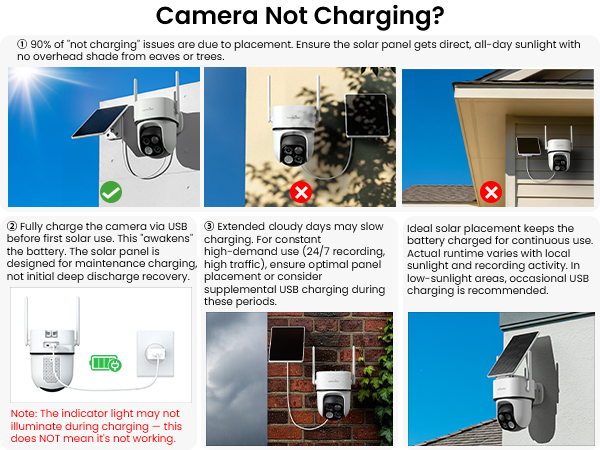
Why is my solar camera not charging?
Please check: 1) Place the solar panel in full sun, not in shade. 2) Fully charge the camera via USB before first solar use. 3) Note that the camera's indicator light may not illuminate during charging, but this does not mean that it is not charging.
Intelligent Light & All Lights Off
Intelligent Light: Default mode; switches to color when motion is detected at night (if battery >20%). All Off Mode: Recommended for well-lit areas where night vision is not needed.
What's the difference between motion alerts and SD card/cloud recordings?
Our camera offers motion alerts with 10-second videos(kept for 2 days) and images(kept for 5 days). Longer recording requires a microSD card or a paid cloud subscription. The "Replay" is only accessible with cloud storage or a microSD card inserted.
Does the battery need to be charged immediately out of the box?
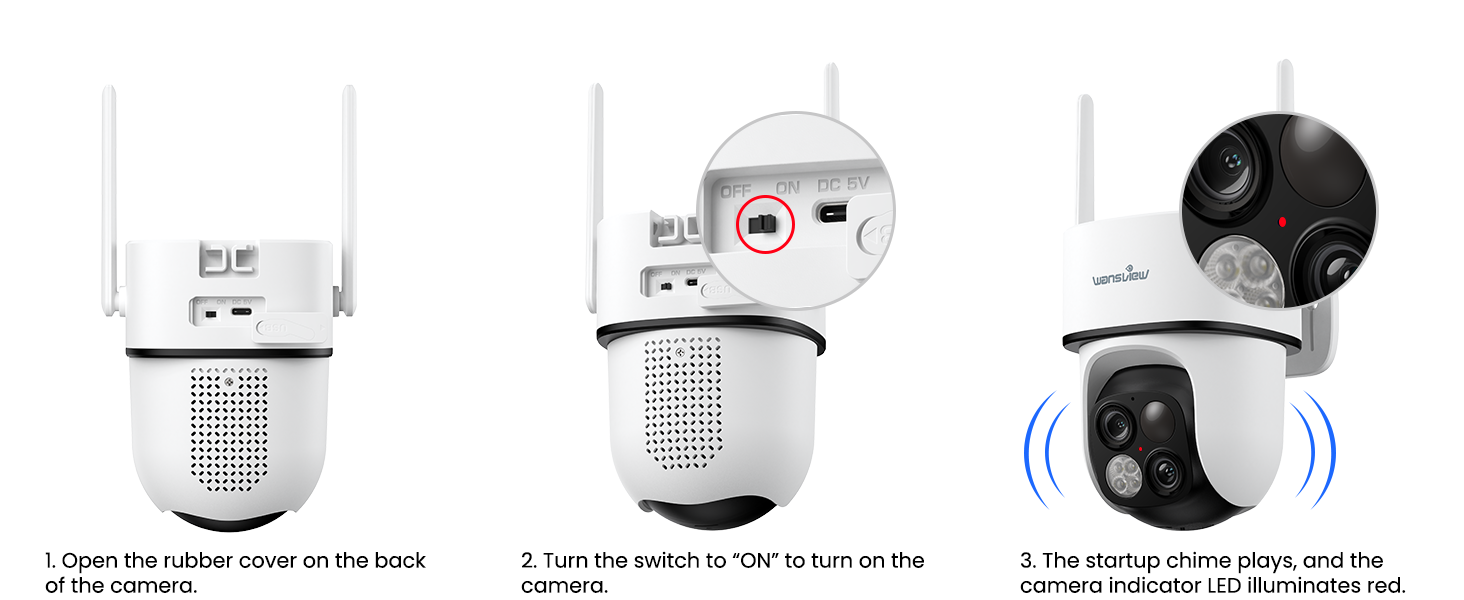
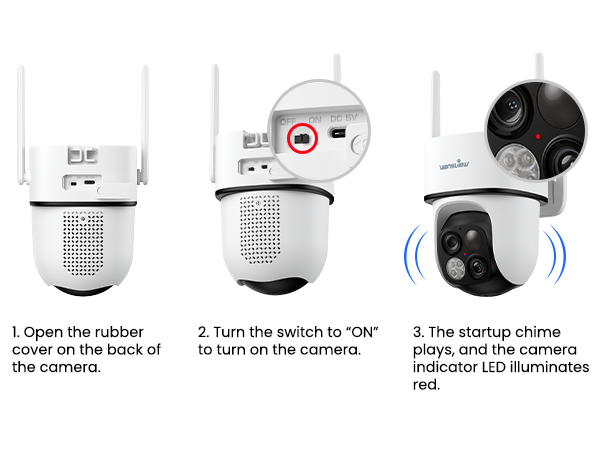
Each camera is fully charged before shipment and may run out of power during transportation. When you get the camera, you can turn on the "ON" button to check if the indicator lightis on. If it does not, charge it for 4-5 hours using the type C-cord.
wansview
Protecting what's important to you

Founded in 2002, Wansview is a leading manufacturer of IP cameras and one of the earliest manufacturers capable of developing, producing, and selling IP cameras.
After 10 years of unremitting efforts, Wansview has become a modern enterprise by virtue of its strong R&D capability and independent intellectual property rights.
Wansview products are highly evaluated by the market and welcomed by customers for the high quality and service.
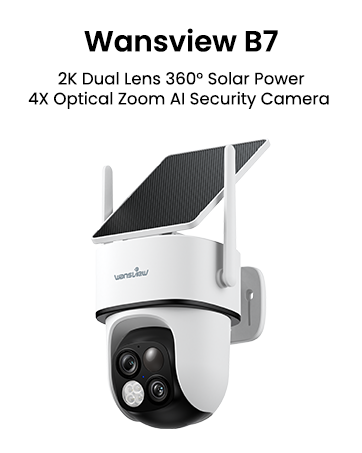

Dual Lens Solar Camera Outdoor Wireless
This 2K security camera features a 360° head. Dual lenses provide a more comprehensive view. The wide-angle lens captures panoramic views, while the telephotolens provides close-up views.
4X Optical Zoom
Experience the power of 4X optical zoom in and bring details to the center of your screen.
360° Coverage Monitoring
Remotely control the solar camera outdoor wireless 355° pan 90° tilt to see more area from the APP.
Crystal Color Night Vision
With 4 LED lights, this outdoor camera wireless capture more critical details even in dark.
Two-Way Audio
Listen and talk with the visitor even if you're not at home.
Auto-tracking Motions & Customized Detection mode
Wireless security camera outdoor auto-tracks motion, ensuring no movement is missed.
Multiple Alarms Features Drive Away Intruders
Security camera triggers spotlights, siren, and app alerts when detecting intruders.
Multi-Device Monitoring
The APP allows you to view 4 cameras on one screen at the same time.
Two Storage Options for Recording
For video longer than 10s, need to insert an SD card, or subscribe & add your camera into the plan.
Easy to Install
Only supports 2.4GHz Wi-Fi
Mutiple Users Sharing
Works with Alexa
Camera Setup Guide
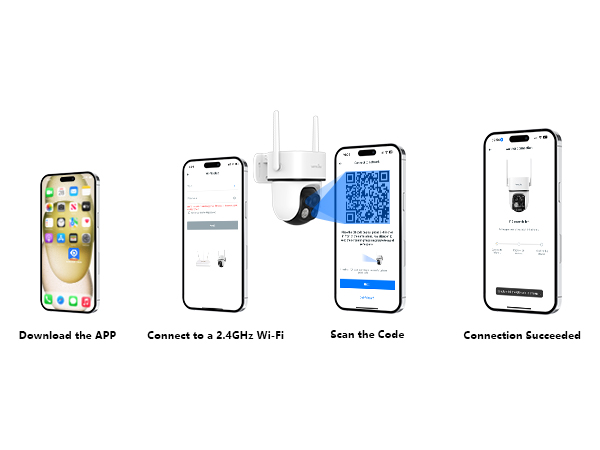
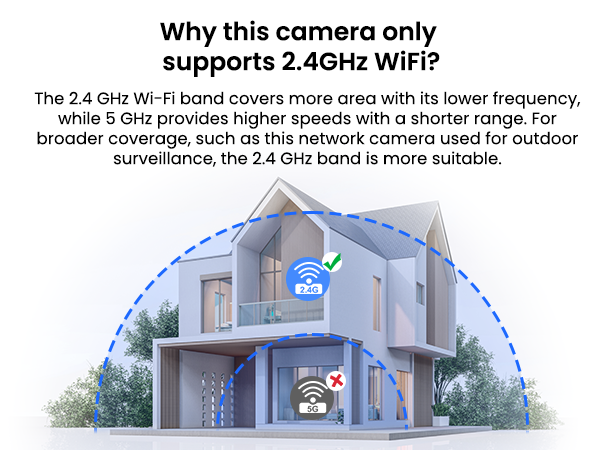
Is this security camera compatible with 5GHz Wi-Fi?
No, this outdoor wireless camera can only connect with 2.4GHz Wi-Fi. The 2.4GHz network provides wider coverage and consistent performance than 5GHz network for wireless for home security due to its lower frequency. (5GHz Wi-Fi is not supported)
Why is my solar camera not charging?
Please check: 1) Place the solar panel in full sun, not in shade. 2) Fully charge the camera via USB before first solar use. 3) Note that the camera's indicator light may not illuminate during charging, but this does not mean that it is not charging.
Intelligent Light & All Lights Off
Intelligent Light: Default mode; switches to color when motion is detected at night (if battery >20%). All Off Mode: Recommended for well-lit areas where night vision is not needed.
What's the difference between motion alerts and SD card/cloud recordings?
Our camera offers motion alerts with 10-second videos(kept for 2 days) and images(kept for 5 days). Longer recording requires a microSD card or a paid cloud subscription. The "Replay" is only accessible with cloud storage or a microSD card inserted.
Does the battery need to be charged immediately out of the box?
Each camera is fully charged before shipment and may run out of power during transportation. When you get the camera, you can turn on the "ON" button to check if the indicator lightis on. If it does not, charge it for 4-5 hours using the type C-cord.
wansview
Protecting what's important to you
Founded in 2002, Wansview is a leading manufacturer of IP cameras and one of the earliest manufacturers capable of developing, producing, and selling IP cameras.
After 10 years of unremitting efforts, Wansview has become a modern enterprise by virtue of its strong R&D capability and independent intellectual property rights.
Wansview products are highly evaluated by the market and welcomed by customers for the high quality and service.