







What you need to pay attention to before using?
1.Our camera does not come with Wi-Fi connectivity. If you need Wi-Fi, please consider our other model that supports this feature.
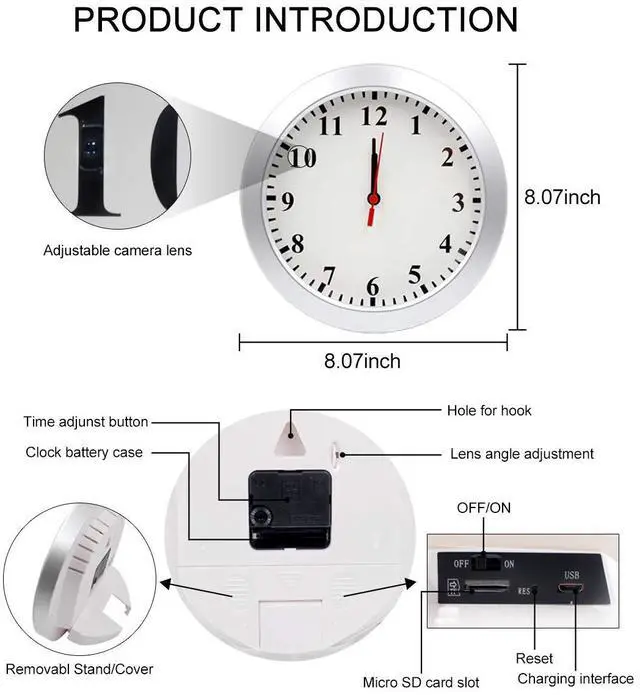
2.This camera requires an SD card to operate, and all files will be saved directly to the card.
3.This camera does not have night vision.
4.For first-time use, please fully charge the camera.
5.Since this camera has a relatively small battery, we recommend using it while plugged in.
6.According to USA law, sound is forbidden, our spy camera has no sound.

Camera Usage Steps
1.When you receive the camera, we recommend charging it first. The indicator light will flash red while charging, and stay solid red once it's fully charged.
2.Insert a formatted SD card into the camera. (If both the red and blue indicator lights flash rapidly, this means the camera can't read the SD card — you'll need to replace it with a new one.)
3.Once the SD card is inserted, you can select either L or M mode, and the camera will start recording.
*For video playback, we recommend using VLC Media Player.
*Chromebook computers are not supported; if you use one, no video will be displayed.

 Pelay Hidden Camera Detector Wall Clock 1080P No WiFi Security Camera Nanny C... |  Pelay WiFi Wall Clock Camera Wireless Nanny Cam 1080P Mini Clock Camera with ... |  Pelay Picture Frame Camera HD 1080P Dome Cameras, No WiFi Nanny Cam for Dog M... |  Pelay Hidden Clock Camera HD 1080P WiFi Nanny Cam Video Recorder with Night V... |  Pelay Car Key Camera for Home Security Surveillance | |
|---|---|---|---|---|---|
| Customer Reviews | — | — | — | — | — |
| Price | — | — | — | — | — |
| wifi function | no data | ? | no data | ? | no data |
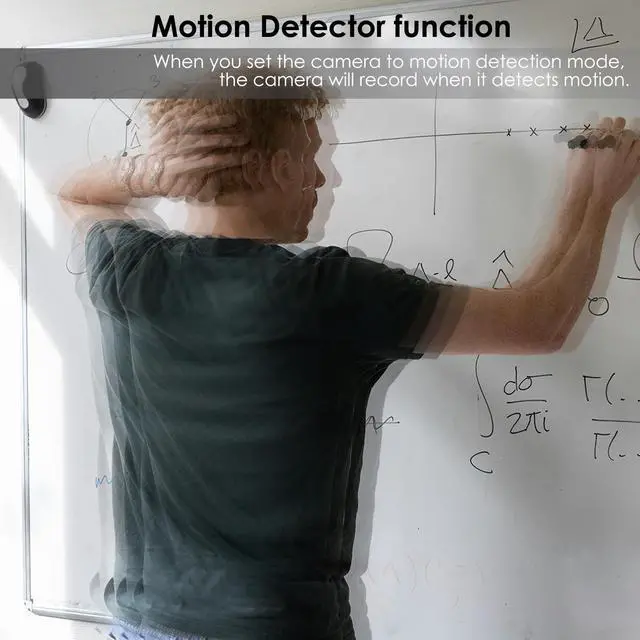
| motion detection | ? | ? | ? | ? | ? |
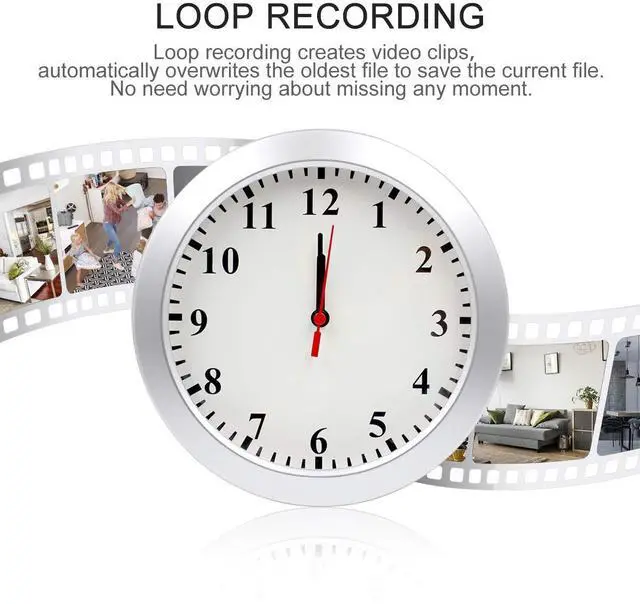
| Loop recording | ? | ? | ? | ? | ? |
What you need to pay attention to before using?
1.Our camera does not come with Wi-Fi connectivity. If you need Wi-Fi, please consider our other model that supports this feature.
2.This camera requires an SD card to operate, and all files will be saved directly to the card.
3.This camera does not have night vision.
4.For first-time use, please fully charge the camera.
5.Since this camera has a relatively small battery, we recommend using it while plugged in.
6.According to USA law, sound is forbidden, our spy camera has no sound.
Camera Usage Steps
1.When you receive the camera, we recommend charging it first. The indicator light will flash red while charging, and stay solid red once it's fully charged.
2.Insert a formatted SD card into the camera. (If both the red and blue indicator lights flash rapidly, this means the camera can't read the SD card — you'll need to replace it with a new one.)
3.Once the SD card is inserted, you can select either L or M mode, and the camera will start recording.
*For video playback, we recommend using VLC Media Player.
*Chromebook computers are not supported; if you use one, no video will be displayed.
Pelay Hidden Camera Detector Wall Clock 1080P No WiFi Security Camera Nanny C... | Pelay WiFi Wall Clock Camera Wireless Nanny Cam 1080P Mini Clock Camera with ... | Pelay Picture Frame Camera HD 1080P Dome Cameras, No WiFi Nanny Cam for Dog M... | Pelay Hidden Clock Camera HD 1080P WiFi Nanny Cam Video Recorder with Night V... | Pelay Car Key Camera for Home Security Surveillance | |
|---|---|---|---|---|---|
| Customer Reviews | — | — | — | — | — |
| Price | — | — | — | — | — |
| wifi function | no data | ? | no data | ? | no data |
| motion detection | ? | ? | ? | ? | ? |
| Loop recording | ? | ? | ? | ? | ? |