






Connect Failed?Try These Fixes:
- Wrong Password Double : check the Wi-Fi password during setup.
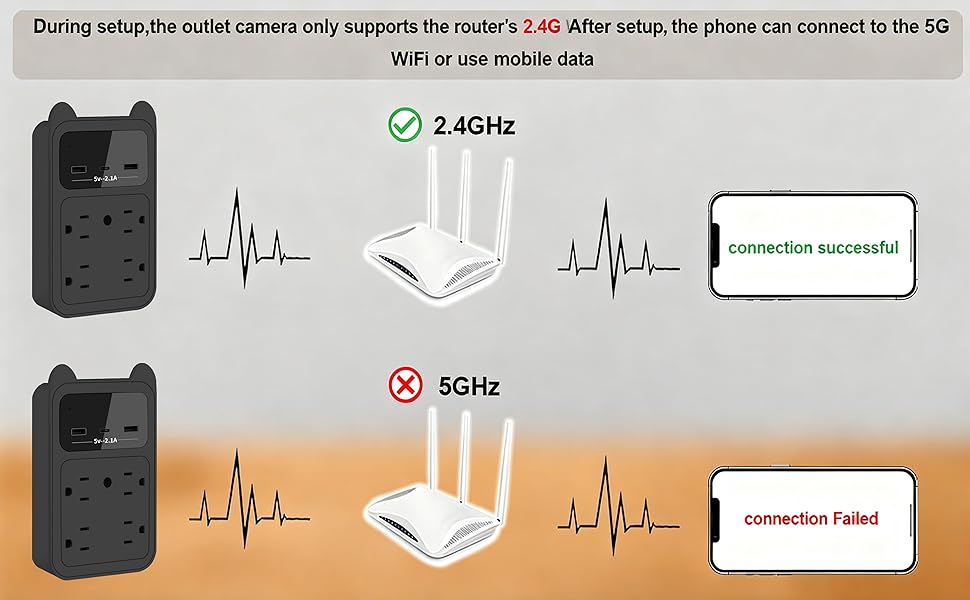
- 5GHz Not Supported : CAM only works with 2.4GHz Wi-Fi during setup.
- Too Far from Router : Keep phone, CAM & router within 2 meters.
- Unstable Wi-Fi : Avoid public/limited networks. Use a stable connection.
- If all above methods fail, restore the product to factory settings and reconfigure the network.
Warm Reminder:
Please enable the Engineering Mode in the APP Settings before use.
What will you get?
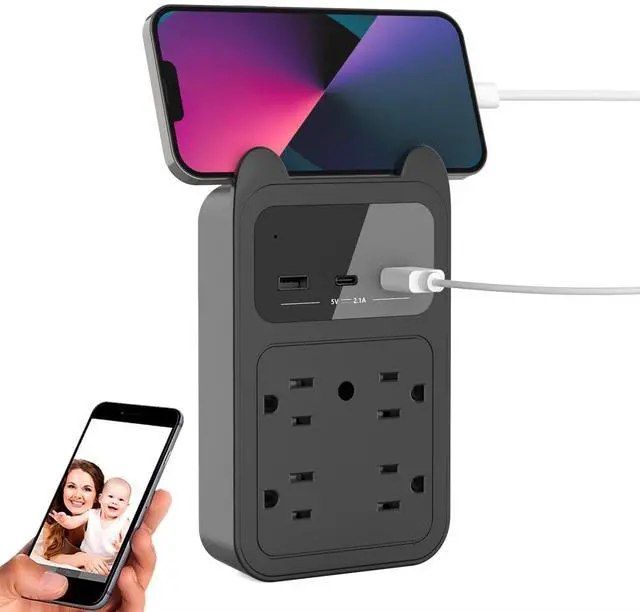
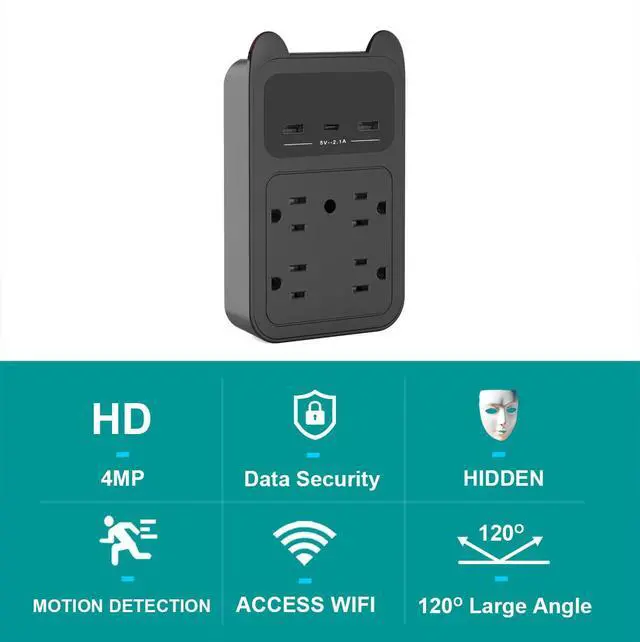
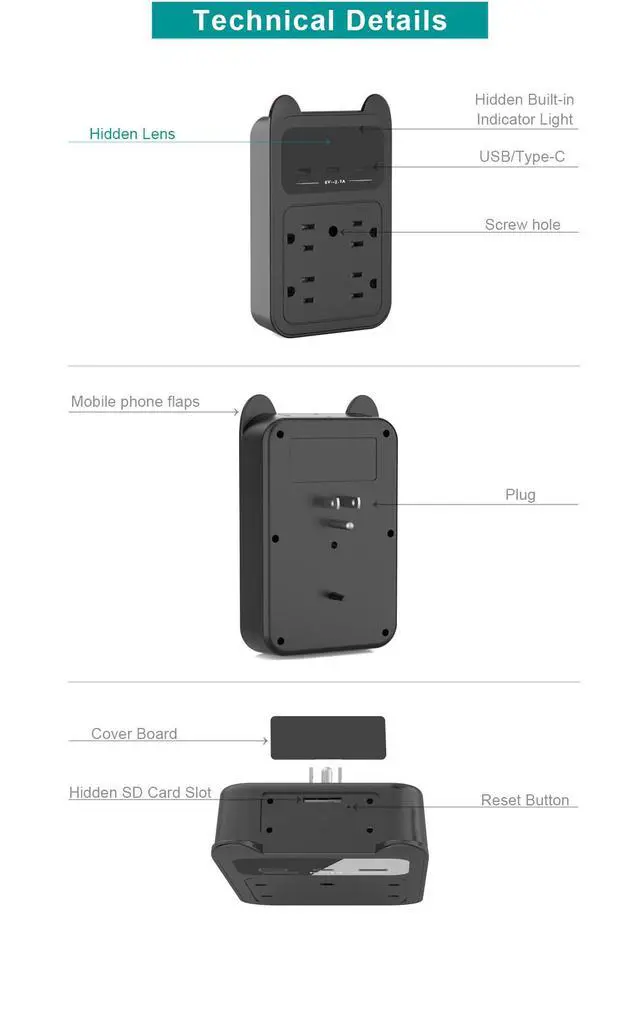
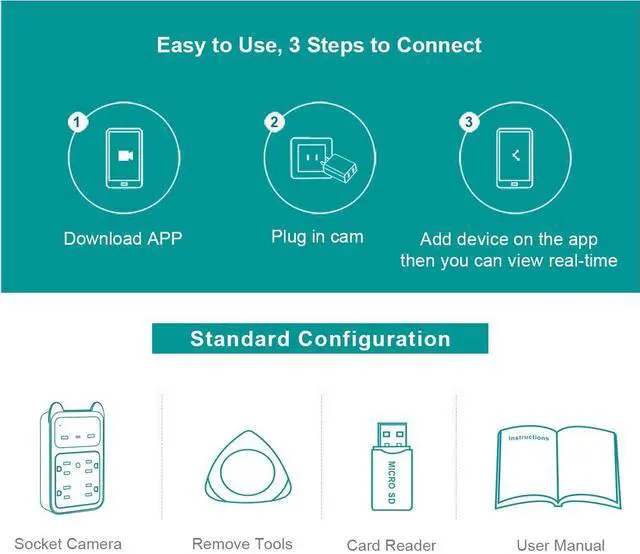
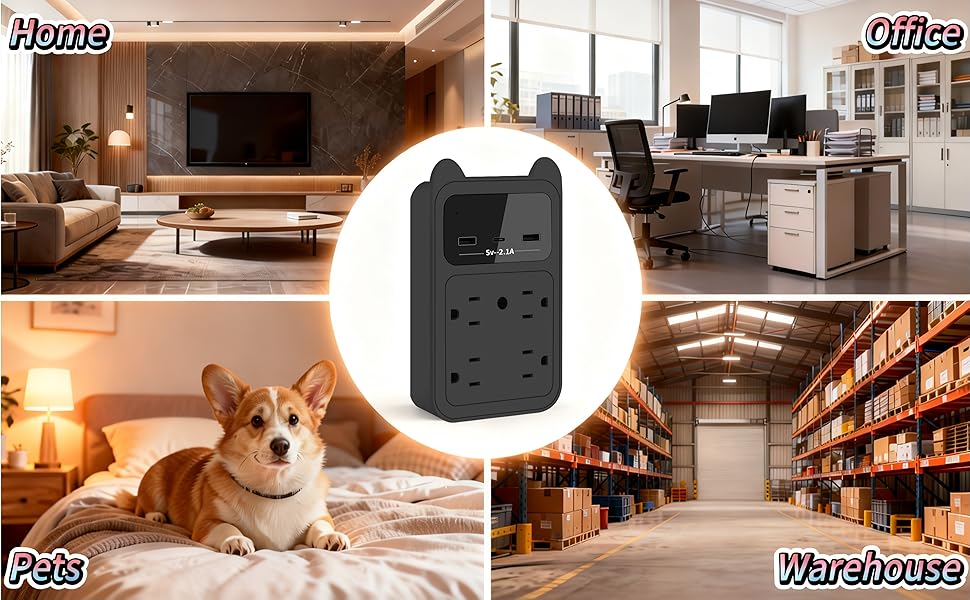
- 1× Hidden Camera Outet
- 1× User Manual
- 1× Remove Tool
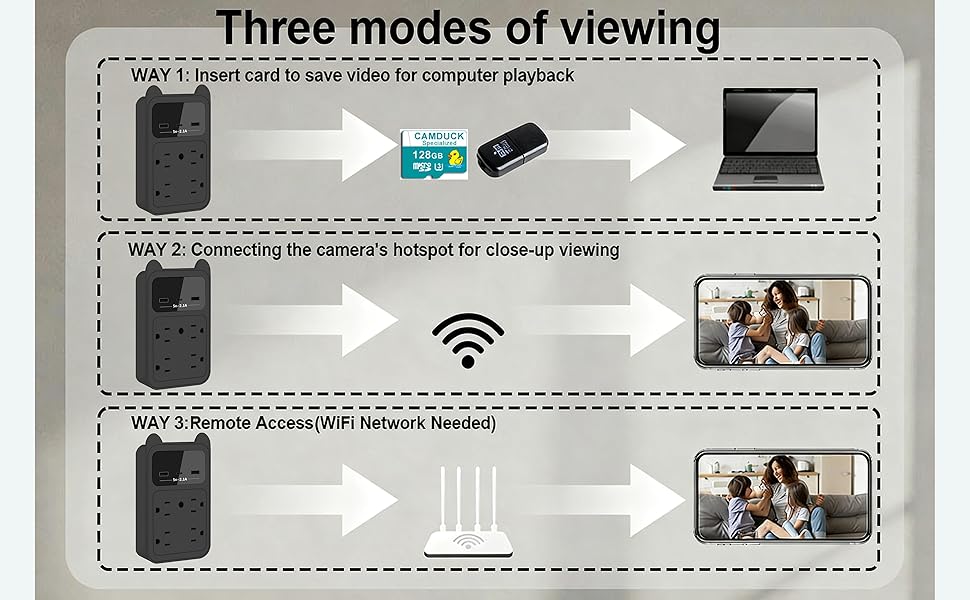
- 1× Card Reader
- 1× Fixed screw
- 1× Unique Packaging
Connect Failed?Try These Fixes:
- Wrong Password Double : check the Wi-Fi password during setup.
- 5GHz Not Supported : CAM only works with 2.4GHz Wi-Fi during setup.
- Too Far from Router : Keep phone, CAM & router within 2 meters.
- Unstable Wi-Fi : Avoid public/limited networks. Use a stable connection.
- If all above methods fail, restore the product to factory settings and reconfigure the network.
Warm Reminder:
Please enable the Engineering Mode in the APP Settings before use.
What will you get?
- 1× Hidden Camera Outet
- 1× User Manual
- 1× Remove Tool
- 1× Card Reader
- 1× Fixed screw
- 1× Unique Packaging
| Video compression mode | H.265 |
| Recommended player | VLC |
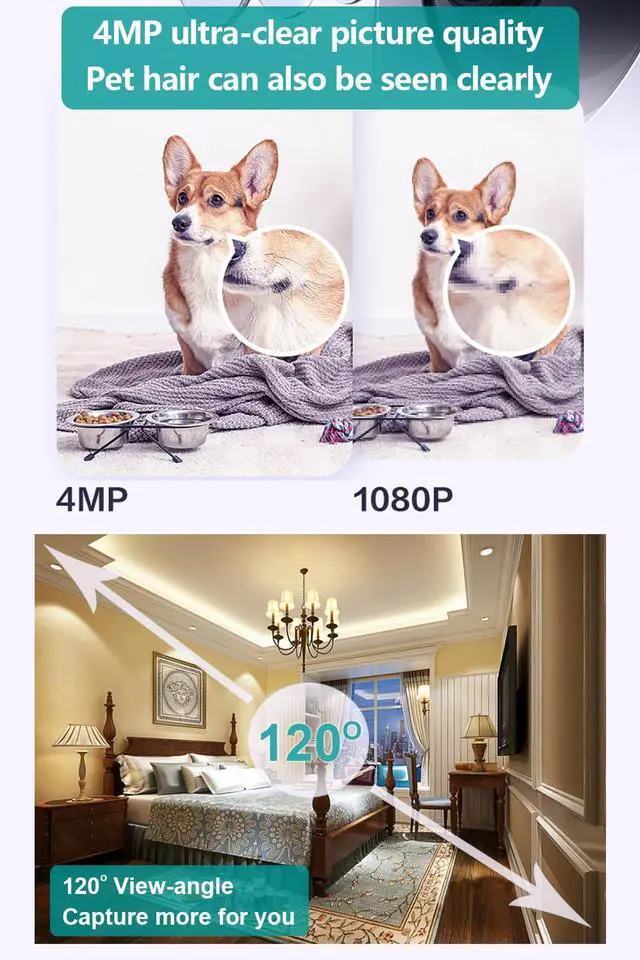
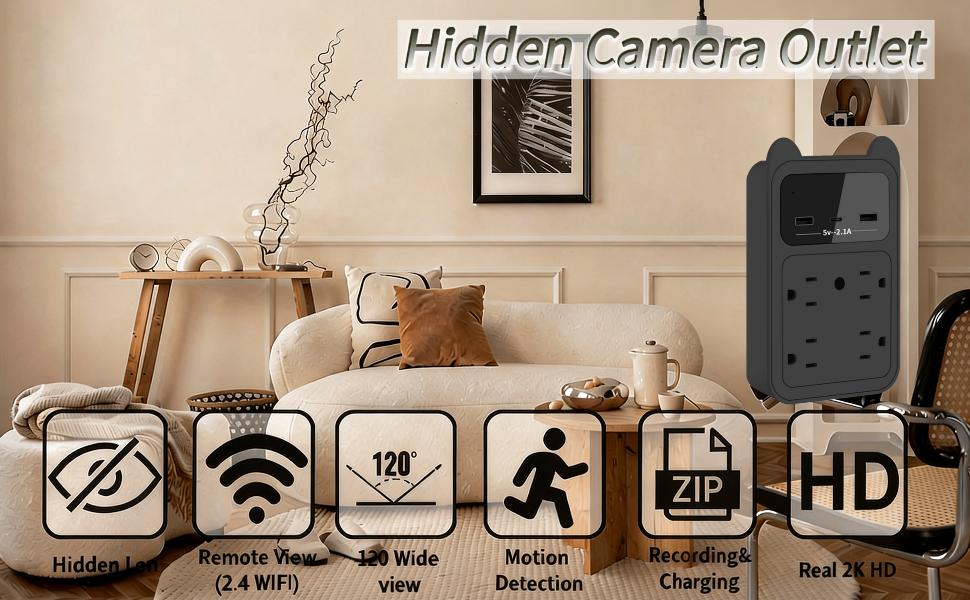
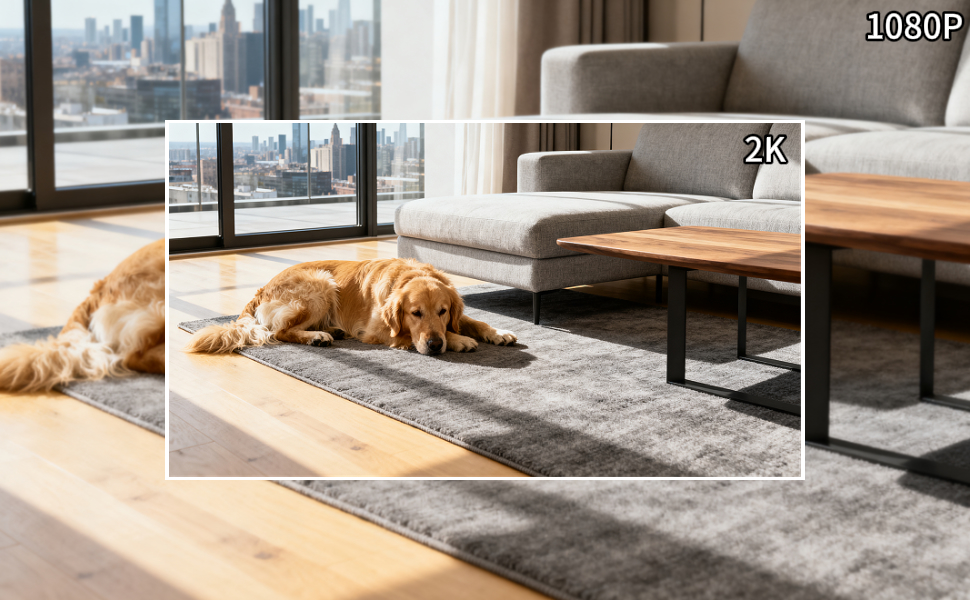
| Resolution | 2048*1080P |
| Shooting Angle | 120° |
| Applicable voltage | 110-240V |
| APP name | CAMDUCK |
| Support system | IOS/Andoid |
| Product size | 6.7*4.1*2.4in |
| Product weight | 6.7oz/0.42ib |