






Stable Connection & Long Battery Life
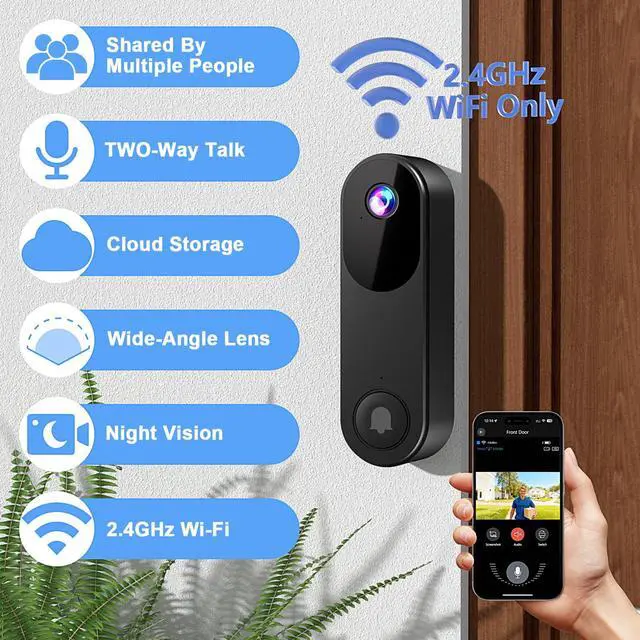
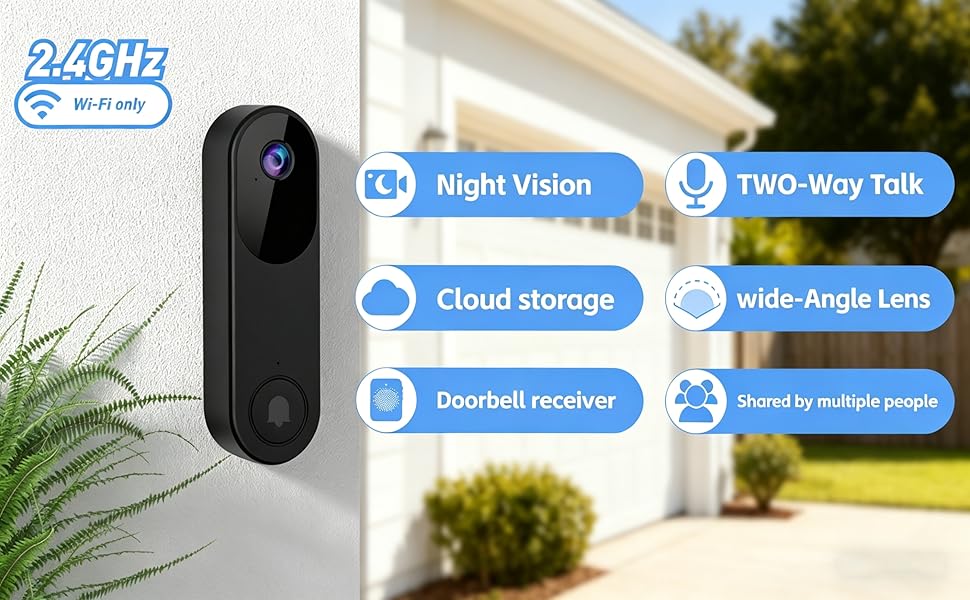
Designed for 2.4GHz Wi-Fi, this doorbell ensures a strong, reliable connection with most home routers for uninterrupted live video and alerts.
Enjoy extended use and fewer charges with the built-in 5000mAh battery and smart power-saving features.
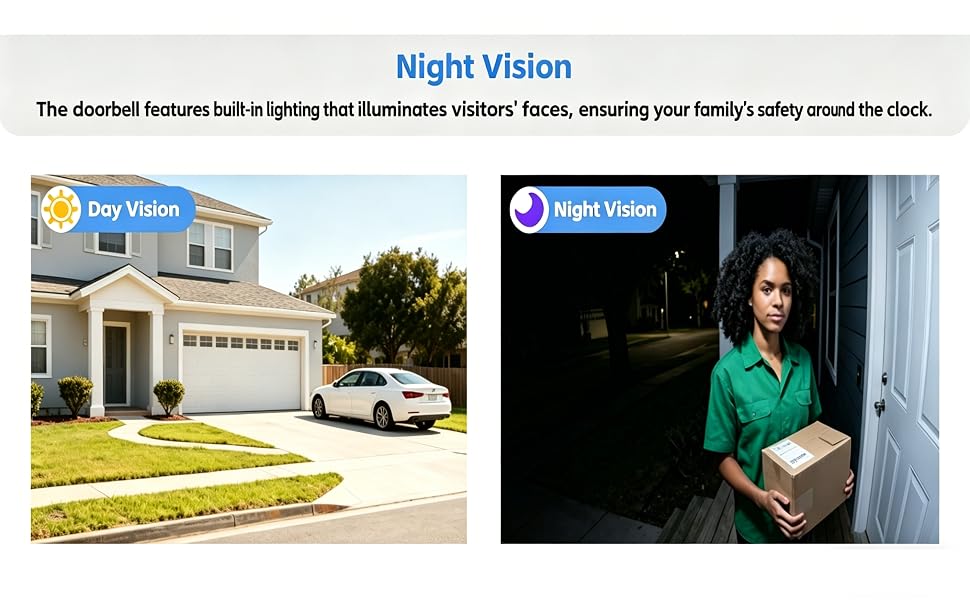
136° Ultra-Wide View & Night vision capability
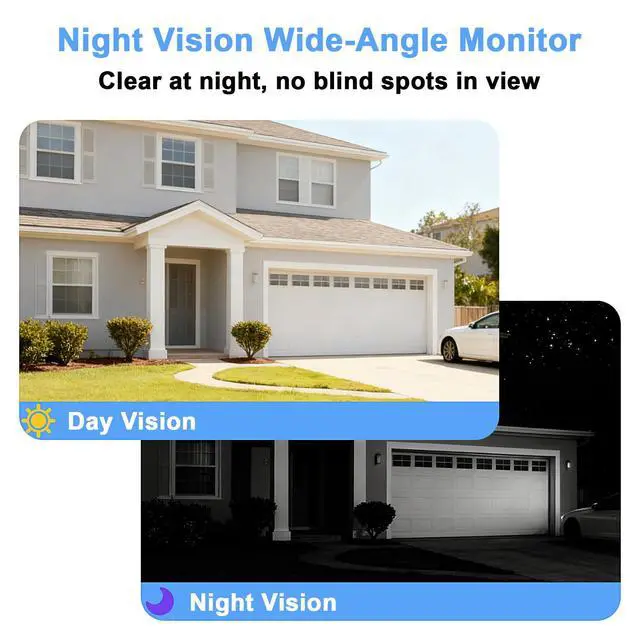
Features a 125° horizontal field of view that easily covers your doorstep, steps, and package drop-off areas, minimizing blind spots.
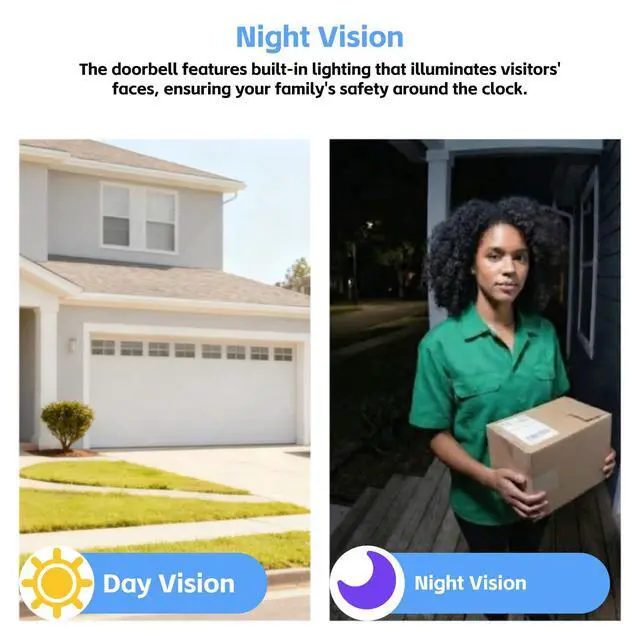
Even in pitch-dark conditions, Built-in fill light provides full-color video—Ensure safety around the clock.
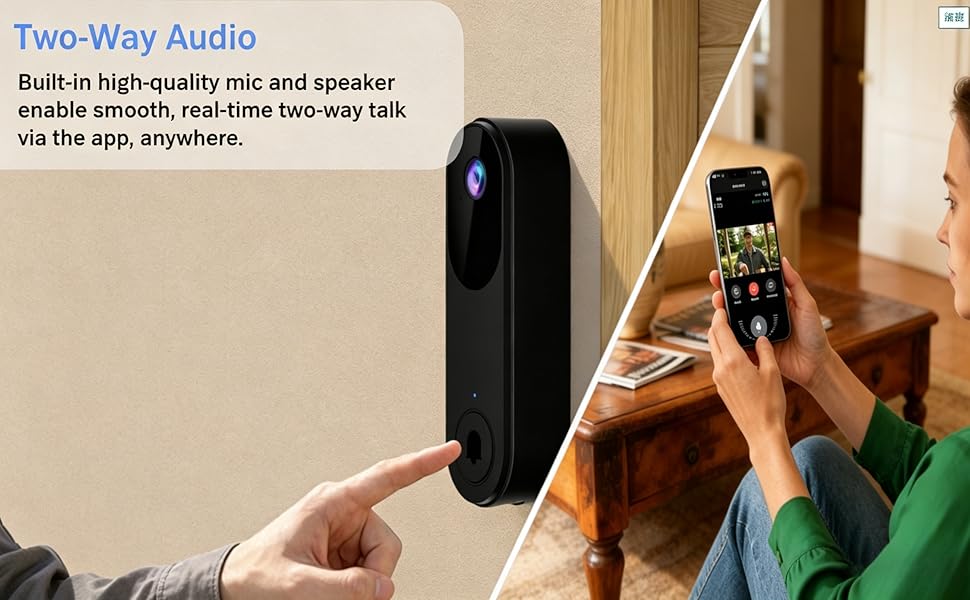
Two-Way Audio & Doorbell Receiver
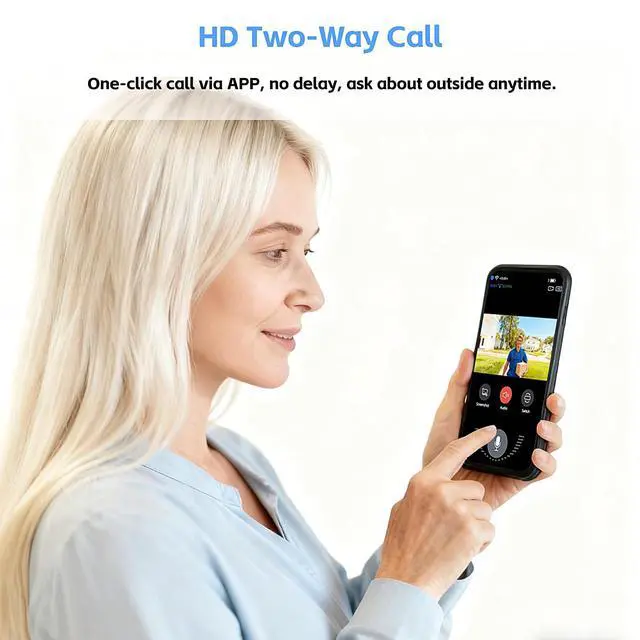
Built-in high-quality microphone and speaker support real-time, smooth two-way conversation through the mobile app—wherever you are.
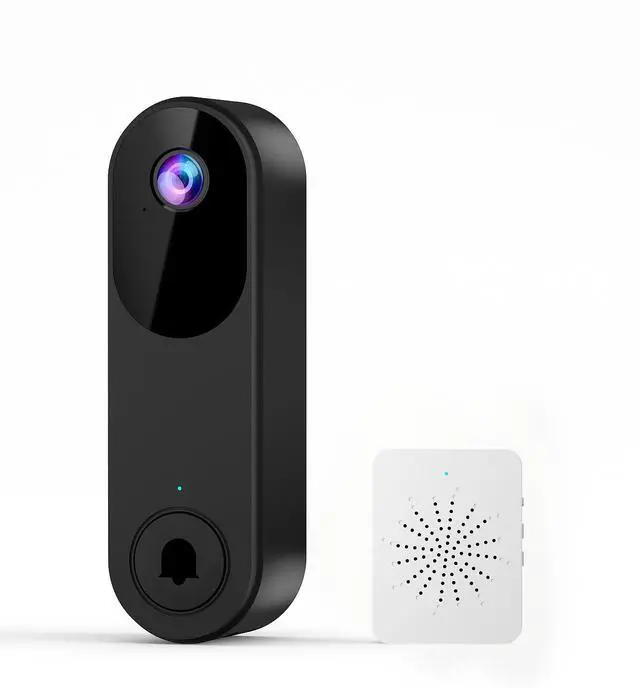
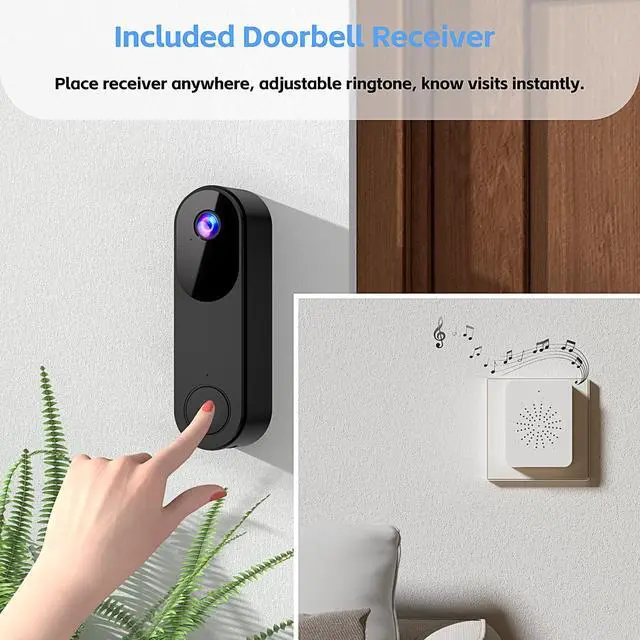
Includes a physical indoor receiver that chimes loudly even when your phone is on silent or out of reach, Notice to you.
Real-time Notifications to Multi-User Access
Get an instant smartphone alert the moment your visitor presses the button—never miss a visitor again.
Easily invite family members to share access. Everyone can receive alerts, view live video, and help keep your home secure together.

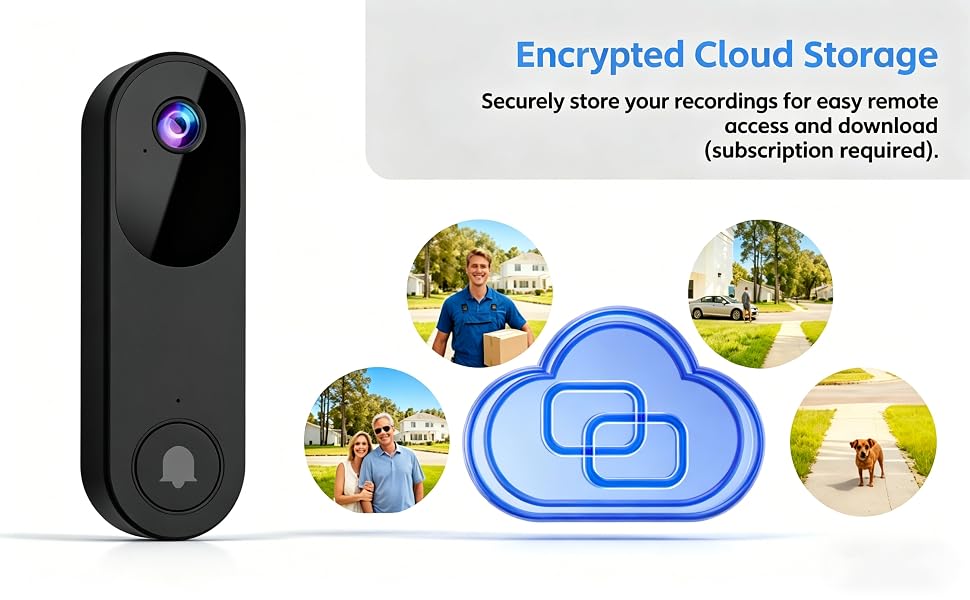
Secure Cloud Storage
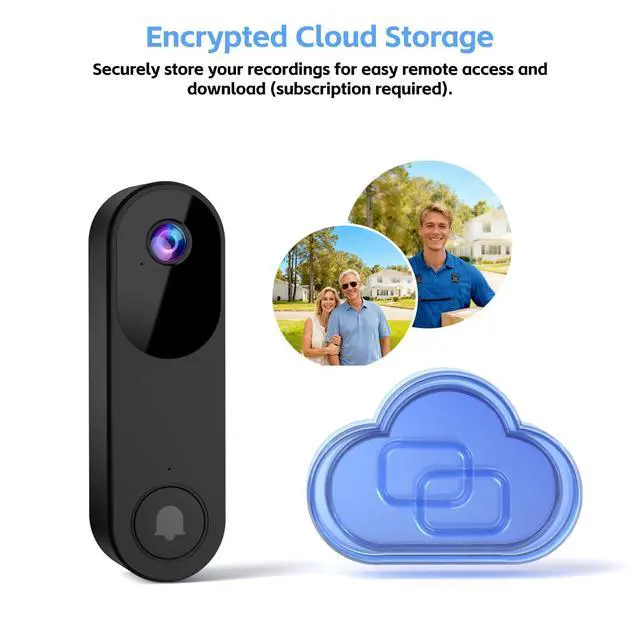
Event recordings are protected with encryption technology and can be played back or downloaded at any time.
Important Note: Cloud storage is optional. All core features, including two-way talk and real-time alerts, work without subscription.
Troubleshooting Network Connection Issues
1. Ensure you are connected to a 2.4GHz Wi-Fi network (5GHz Wi-Fi is not supported). The doorbell and device must have previously connected to the same Wi-Fi network.
2. Double-check that the Wi-Fi name and password are entered correctly.
3. Confirm the camera is within 65 feet (20 meters) of the Wi-Fi router. The receiver must be within 115 feet (35 meters) of the doorbell.
4. Enable Bluetooth on your phone during setup (no manual pairing required).
5. If you change your Wi-Fi password or the camera disconnects: Press and hold the doorbell button until the camera resets. Re-add the camera to your app account and reconnect to Wi-Fi.
Q & A
1. How can I let other household members use my doorbell device?
On the primary device, go to "My Devices", select your doorbell, tap "Device Share" for a unique access link. Others open Zoroiix app, use top-left scan to process the link and complete access. Only the primary device can start this for security.
2. Does live viewing require a subscription? Can this camera use an SD card without paying cloud service subscription fees?
This camera supports live video viewing but does not support recording to an SD card. Video is only stored after you subscribe to the cloud service.
3. Does the real-time alert notify me whenever a human figure is detected?
Real-time notifications are only sent to your phone and receiver when a visitor rings the doorbell.
4. Can the doorbell camera connect to a 5GHz Wi-Fi network?
No, this doorbell camera only connects to 2.4GHz Wi-Fi. If you have both 2.4GHz and 5GHz networks, ensure each has a distinct name to connect successfully.
5. How long does the doorbell last on a single charge?
The doorbell takes 8 hours to fully charge and can operate for 30 days (battery life will decrease based on usage frequency).
Stable Connection & Long Battery Life
Designed for 2.4GHz Wi-Fi, this doorbell ensures a strong, reliable connection with most home routers for uninterrupted live video and alerts.
Enjoy extended use and fewer charges with the built-in 5000mAh battery and smart power-saving features.
136° Ultra-Wide View & Night vision capability
Features a 125° horizontal field of view that easily covers your doorstep, steps, and package drop-off areas, minimizing blind spots.
Even in pitch-dark conditions, Built-in fill light provides full-color video—Ensure safety around the clock.
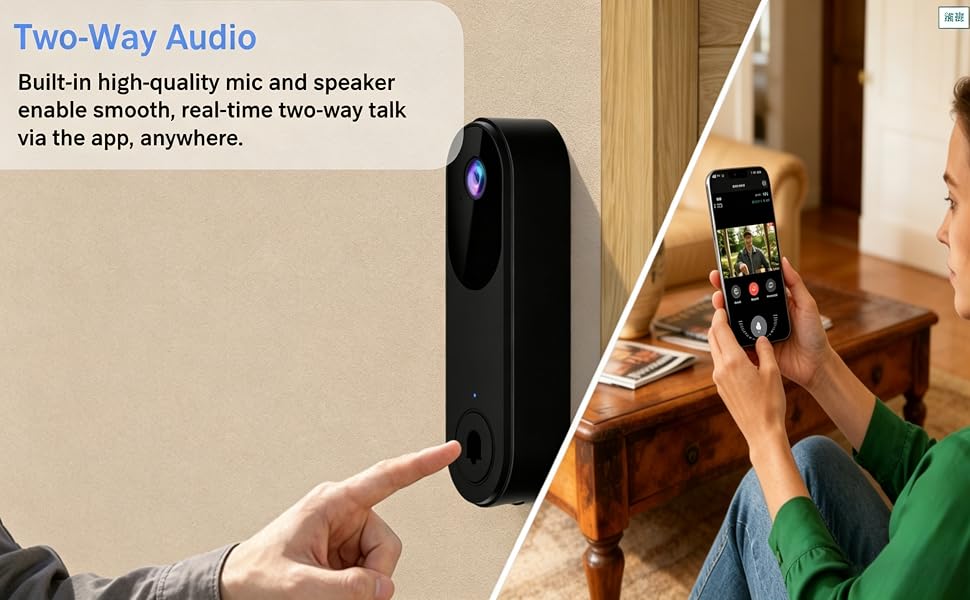
Two-Way Audio & Doorbell Receiver
Built-in high-quality microphone and speaker support real-time, smooth two-way conversation through the mobile app—wherever you are.
Includes a physical indoor receiver that chimes loudly even when your phone is on silent or out of reach, Notice to you.
Real-time Notifications to Multi-User Access
Get an instant smartphone alert the moment your visitor presses the button—never miss a visitor again.
Easily invite family members to share access. Everyone can receive alerts, view live video, and help keep your home secure together.
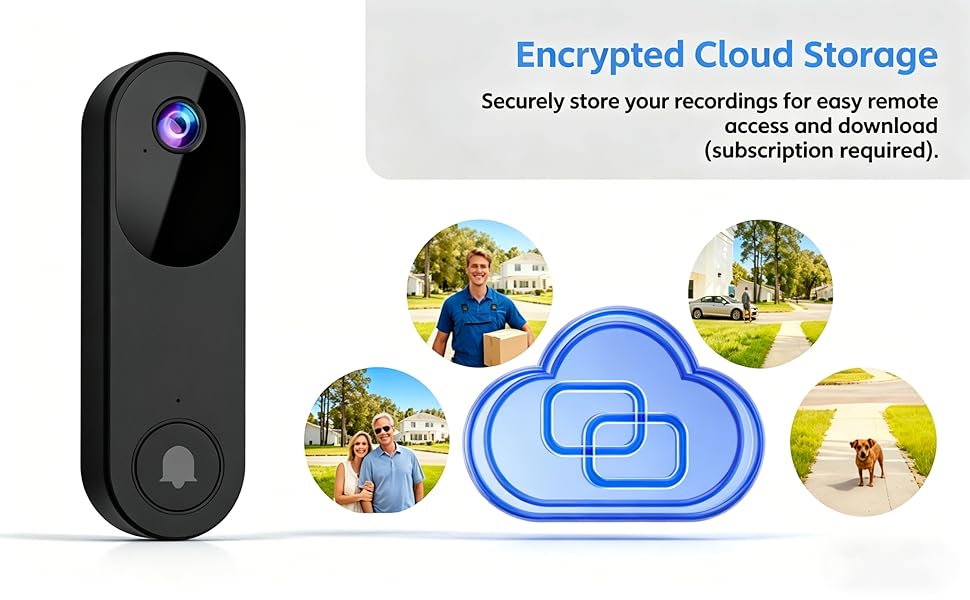
Secure Cloud Storage
Event recordings are protected with encryption technology and can be played back or downloaded at any time.
Important Note: Cloud storage is optional. All core features, including two-way talk and real-time alerts, work without subscription.
Troubleshooting Network Connection Issues
1. Ensure you are connected to a 2.4GHz Wi-Fi network (5GHz Wi-Fi is not supported). The doorbell and device must have previously connected to the same Wi-Fi network.
2. Double-check that the Wi-Fi name and password are entered correctly.
3. Confirm the camera is within 65 feet (20 meters) of the Wi-Fi router. The receiver must be within 115 feet (35 meters) of the doorbell.
4. Enable Bluetooth on your phone during setup (no manual pairing required).
5. If you change your Wi-Fi password or the camera disconnects: Press and hold the doorbell button until the camera resets. Re-add the camera to your app account and reconnect to Wi-Fi.
Q & A
1. How can I let other household members use my doorbell device?
On the primary device, go to "My Devices", select your doorbell, tap "Device Share" for a unique access link. Others open Zoroiix app, use top-left scan to process the link and complete access. Only the primary device can start this for security.
2. Does live viewing require a subscription? Can this camera use an SD card without paying cloud service subscription fees?
This camera supports live video viewing but does not support recording to an SD card. Video is only stored after you subscribe to the cloud service.
3. Does the real-time alert notify me whenever a human figure is detected?
Real-time notifications are only sent to your phone and receiver when a visitor rings the doorbell.
4. Can the doorbell camera connect to a 5GHz Wi-Fi network?
No, this doorbell camera only connects to 2.4GHz Wi-Fi. If you have both 2.4GHz and 5GHz networks, ensure each has a distinct name to connect successfully.
5. How long does the doorbell last on a single charge?
The doorbell takes 8 hours to fully charge and can operate for 30 days (battery life will decrease based on usage frequency).