Meet Your Seller
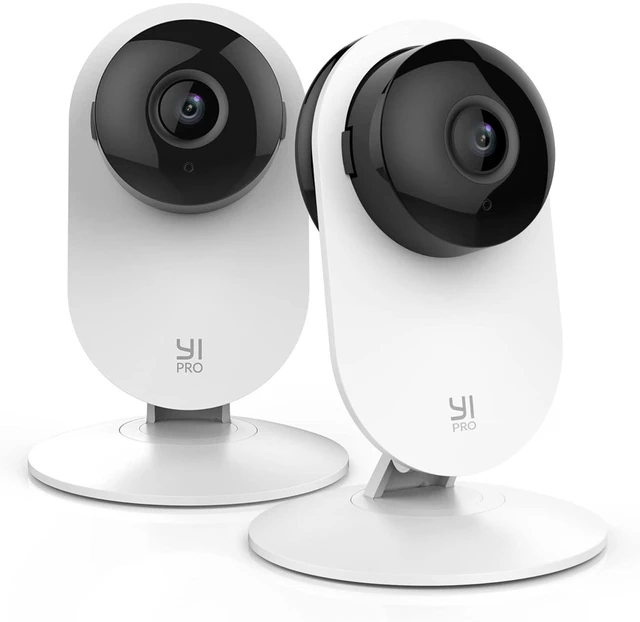
Pro 2K Home Security Camera 2Packs,2.4GHz WiFi with Smart Detection | Stable 2.4GHz WIFI,Wired Camera,Smart Detection for Person, Vehicle, Animal,Motion Alerts,Two-way Audio,Infrared Night Vision
- 7-Day Free Cloud Trial No SD Card, No Hidden Fees, Full Smart Experience: Enjoy 7 days of free cloud storage right out of the box no extra purchase, no binding. All event-triggered videos are automatically stored in the cloud with end-to-end encryption, safe even if the camera is damaged. Experience full smart detection, cloud recording, and instant alert video playback risk-free. Auto-expires after 7 days with no charges, no automatic renewal.
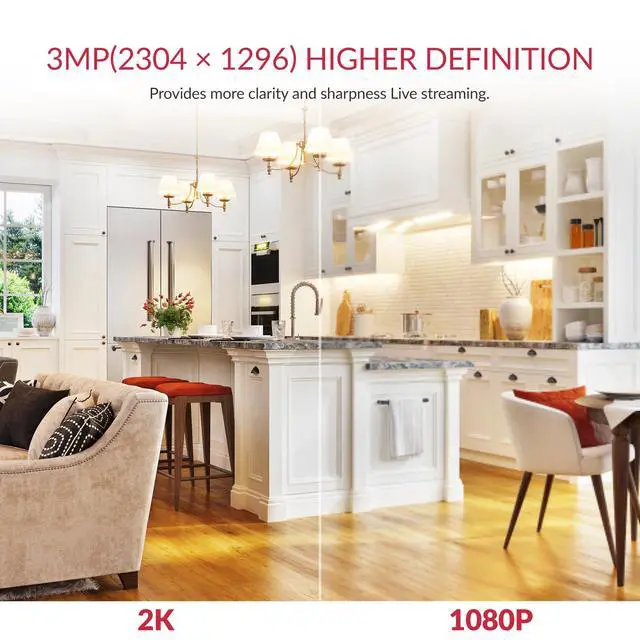
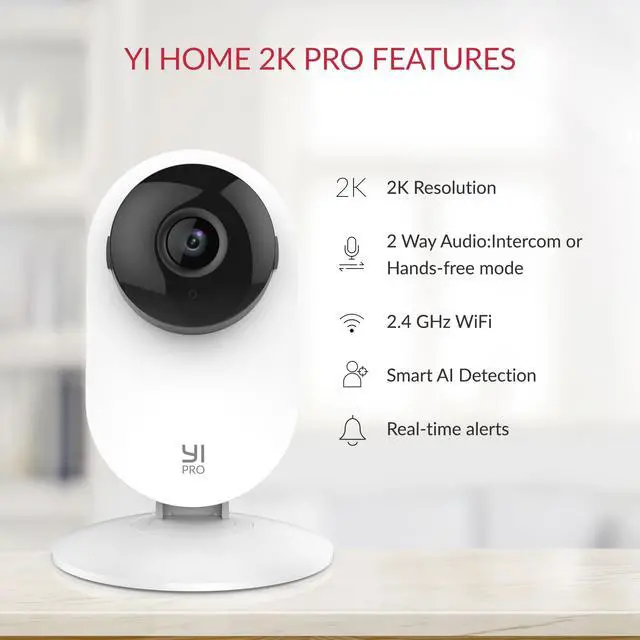
- Stable 2.4GHz Wi-Fi Connection & 2K Super Clear Video Enjoy a seamless 2.4GHz Wi-Fi connection for uninterrupted monitoring. Capture every detail in 2K super clear resolution (2304 x 1296) with upgraded 3 million pixels, ensuring clarity from every angle.
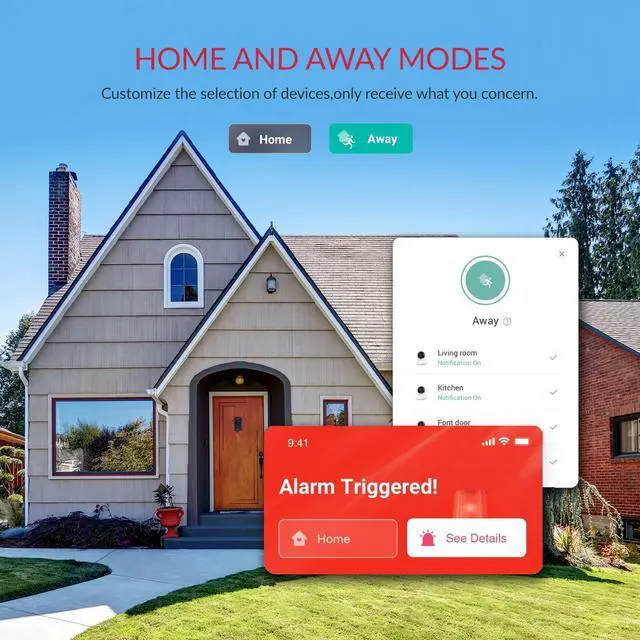
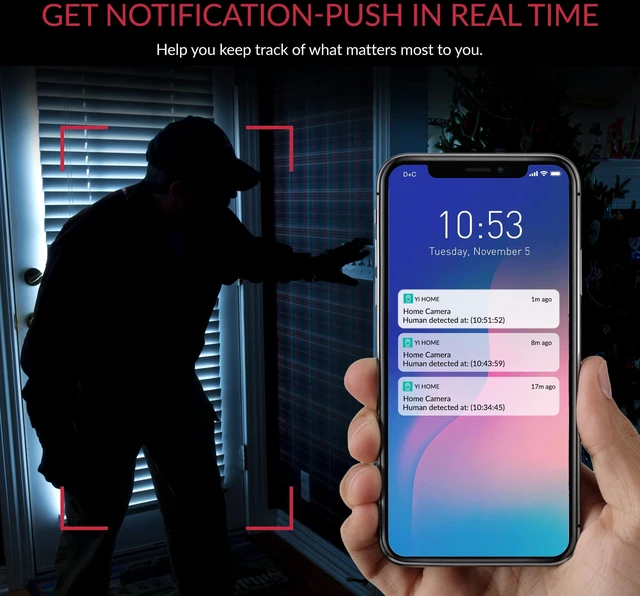
- Smart AI Motion Detection YI cloud service is equipped with the latest Smart AI technology, capable of accurately distinguishing between Person, Vehicle, and Animal to significantly reduce false alarms and it also supports multi-live view (subscription required). Additionally, free push notifications and motion detection are included to enhance the user experience.
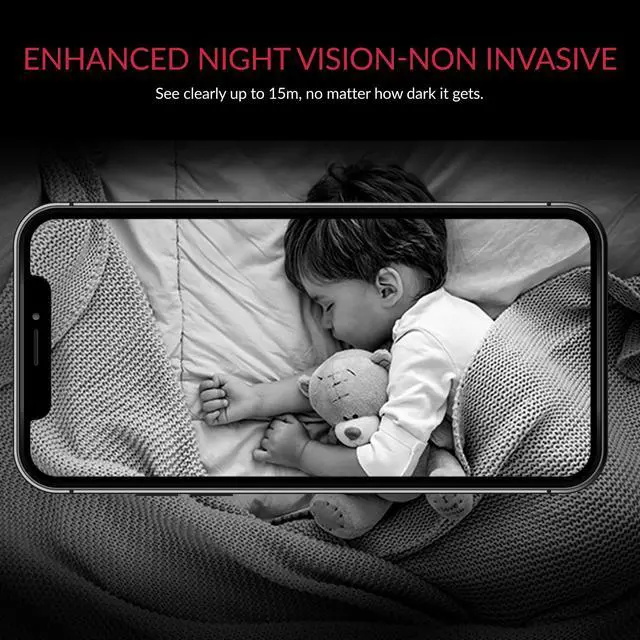
- Enhanced Night Vision Equipped with 940-nm infrared lights, a high-sensitivity image sensor, and an F1.4 large aperture lens, this camera captures clear, detailed images even in low-light conditions.
Any questions? Ask CelesteSM will help you find out quickly.
Set Up Your Camera With YI Home App 1.Install YI Home App and create a YI Home Account 2.Turn your camera on and select the '+' icon in YI Home App to add your camera 3.Select your Wi-Fi network and enter your Wi-Fi password, then select Connect to Wi-Fi 4.Scan the QR Code shown on the app, then select Next once the QR Code has scanned 5.Select Save, then select Start using to finish pairing 6.If connection failed, please push the Reset button and try again WiFi Settings 1.YI Home cameras will need to connect to a 2.4GHz band network. 5GHz WiFi band is not supported 2.Turning on the location service on the phone if you encounter Unknown SSID issue 3.Encryption mode must be set to WPA/WPA2 (mixed mode) or WPA2 4.Your Wi-Fi password must be 8-20 characters in length.
Warranty & Returns
Warranty, Returns, And Additional Information
Warranty
- Please contact the Seller directly for warranty information. Warranty information may also be found on the Manufacturer's website.
- CONTACT
Return Policies
- Return for refund within: 30 days
- Return for replacement within: non-replaceable
- This item is covered by Pulsara Return Policy
Manufacturer Contact Info
- For a directory of all our manufacturers, please click below.
- Manufacturers Directory