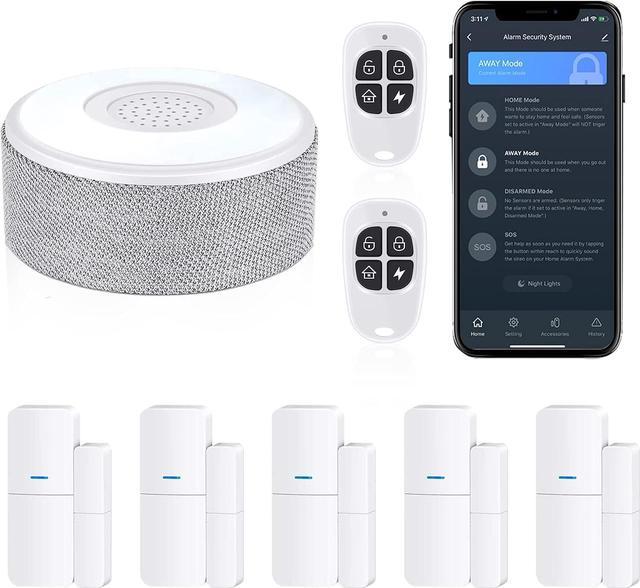
2nd Generation Home Alarm System (There is a V3 at the bottom of the base station)
1, Make Sure before Pairing:
Connect your smartphone to your home wifi. Make sure your wifi signal is 2.4GHz.
2, Pairing the Base Station with Your Smart Phone
Slide the button to the left to turn on the base station.
At this time, turn on your smartphone’s Bluetooth. Create an account and add base station by tap”+” on the upper right, tap”Auto scan”,choose “enable bluetooth”then tap “Start scanning”.
Tap “Go to add” Select 2.4 GHz Wi-Fi network and enter password. Then tap Confirm. Tap “Done “after the device is successfully added. You can control your accessories by smart phone from now on.
3, Pairing the Accessories with your Smart Phone.
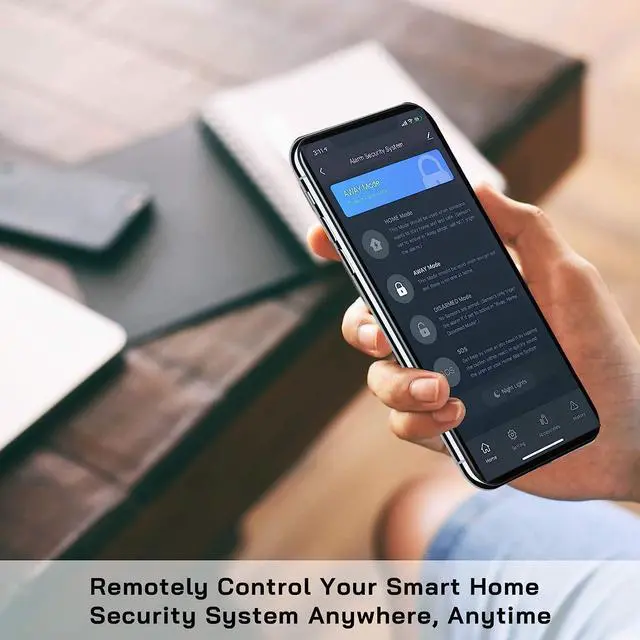
Tap "Accessories" at the bottom of the Smart Life App to set up the sensors/remotes.
If you want to add motion sensors/contact sensors, tap "Sensors", tap "+ Add". If you want to add remotes/Keypads, tap "Remotes", tap"+Add".
Trigger your sensors at this time.
Contact Sensor: Line up the contact sensor together then seperate the 2 parts of the contact sensors.
Motion Sensor: Wave your hands in front of the Motion Sensor.
Remote Control: Pressing any button of the remotes.
Keypads: Press and Hold the panic button on the keypad for 3 seconds.
Q: Will it make a noise when a door is opened and system is disarmed?
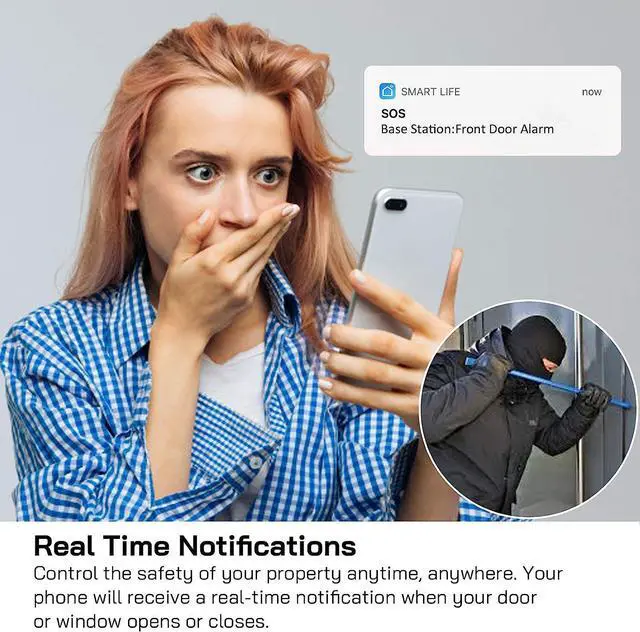
A: When the system is in disarm mode, there will be no beeping sound when you open the door. But if you encounter an abnormal situation, please set the door sensor only active in Away, Home Mode via Smart Life app.