Any questions? Our AI beta will help you find out quickly.
Try me now
Use steps (networking steps):
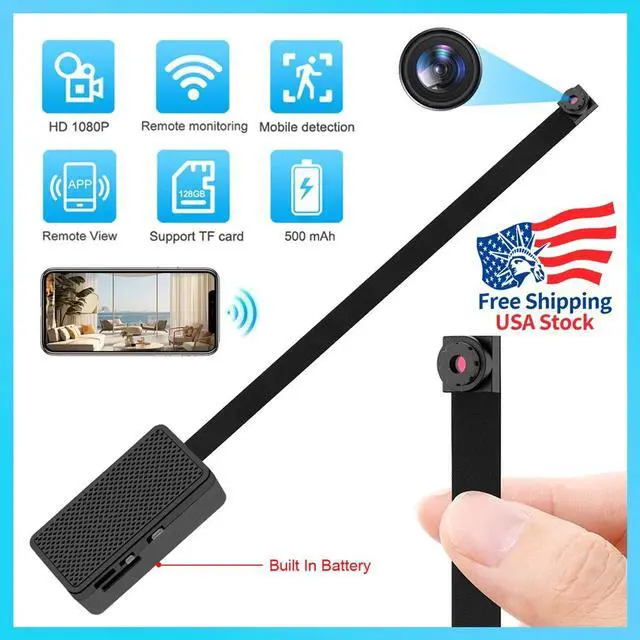
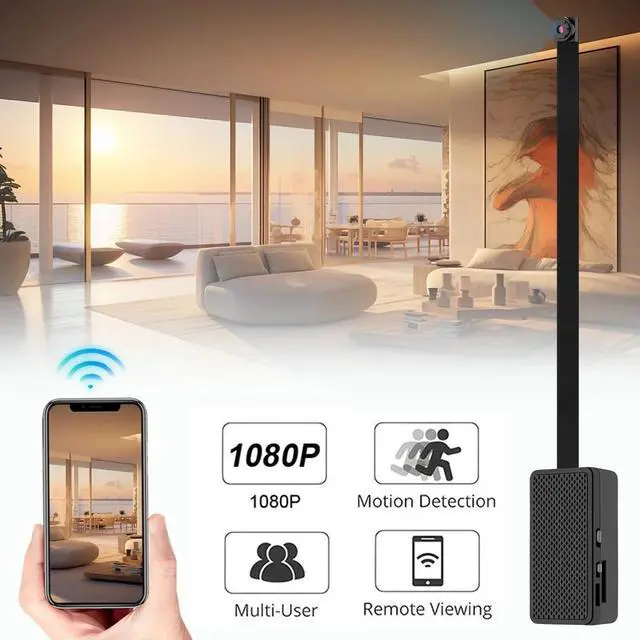
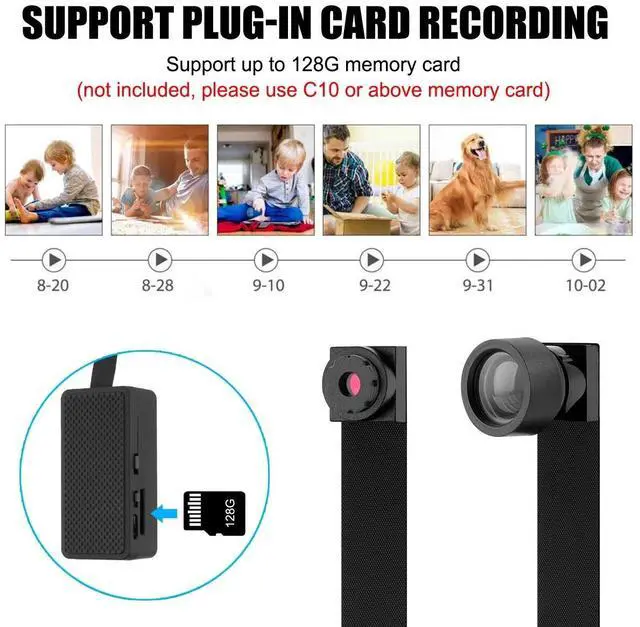
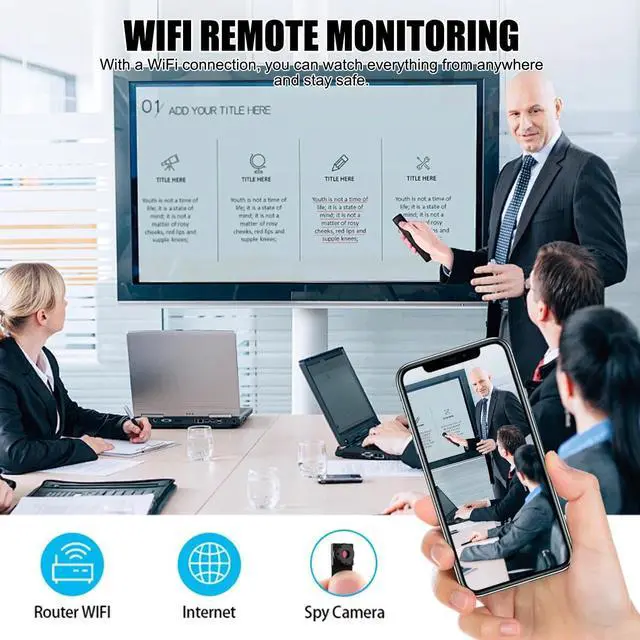
First, download the APP on the mobile phone according to the instruction information-put the device into the memory card and turn it on (fully charge it for the first time, then put the memory card into the device after formatting)-please wait patiently for the device to start up after turning it on until the red indicator light of the device is always on and the blue indicator light flashes slowly (if the light remains unchanged for a long time, press and hold the reset button to reset the product)-enter the WiFi list in the mobile phone settings and connect the device hotspot signal (starting with BK, No password is required for connection)-After connection, enter the APP, refresh and wait for the device to be added-After the device is added to the APP, a pop-up window will prompt you to connect to the WiFi network, and just follow the prompts to connect to the Internet (only 2.4G WiFi is supported, and the red and blue indicator lights are always on after networking).
Learn more about the Detailed Specifications
Additional Information
First Listed on Newegg
September 13, 2025
There are no reviews yet.
Do you own this product?
Warranty & Returns
Warranty, Returns, And Additional Information
Warranty
Please contact the Seller directly for warranty information. Warranty information may also be found on the Manufacturer's website.