



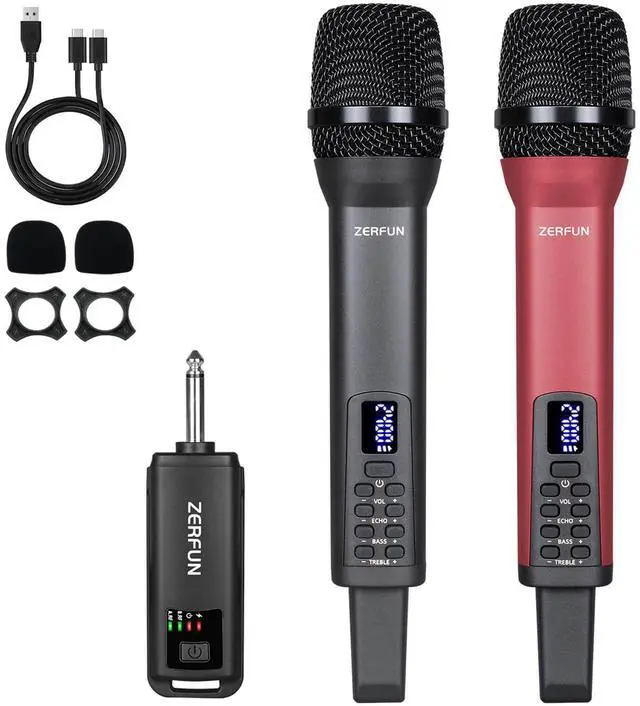
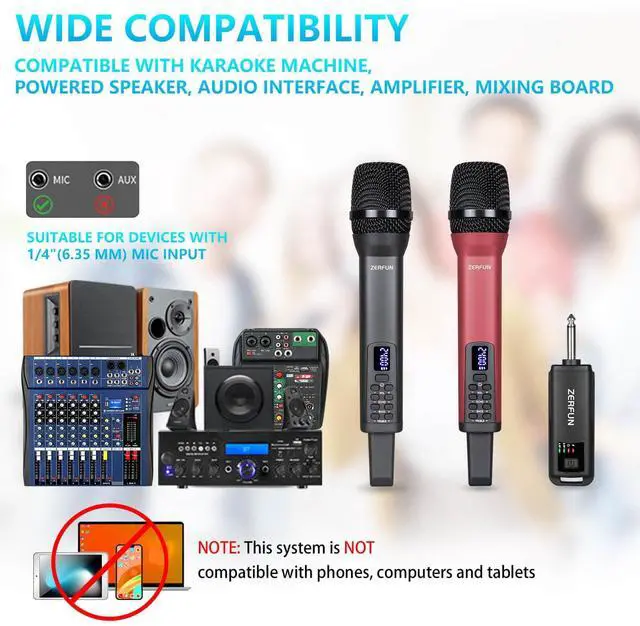
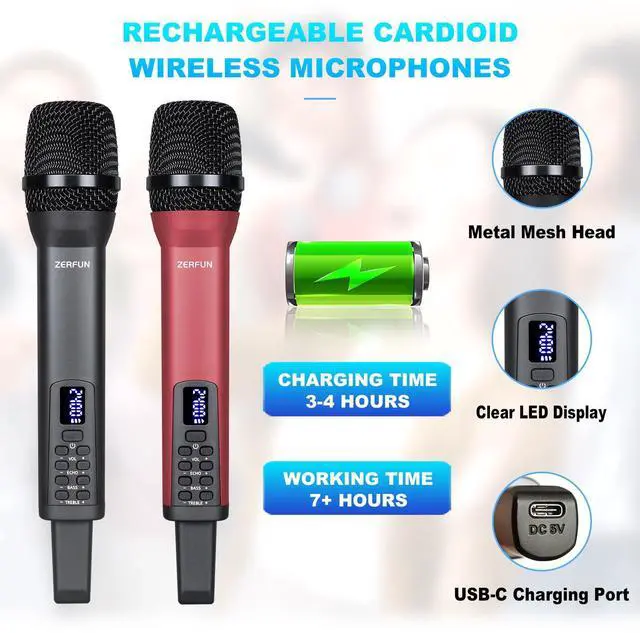
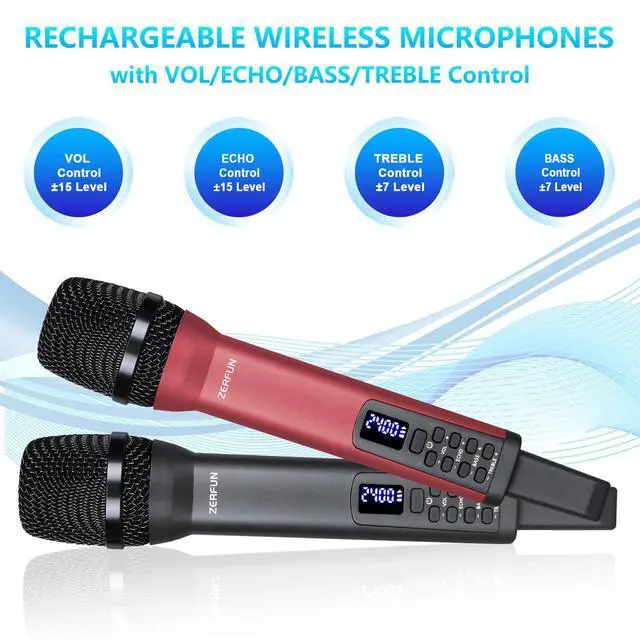
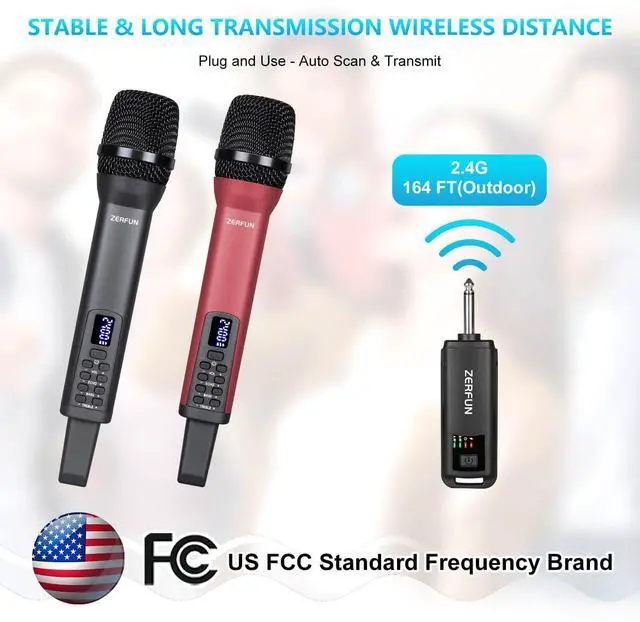
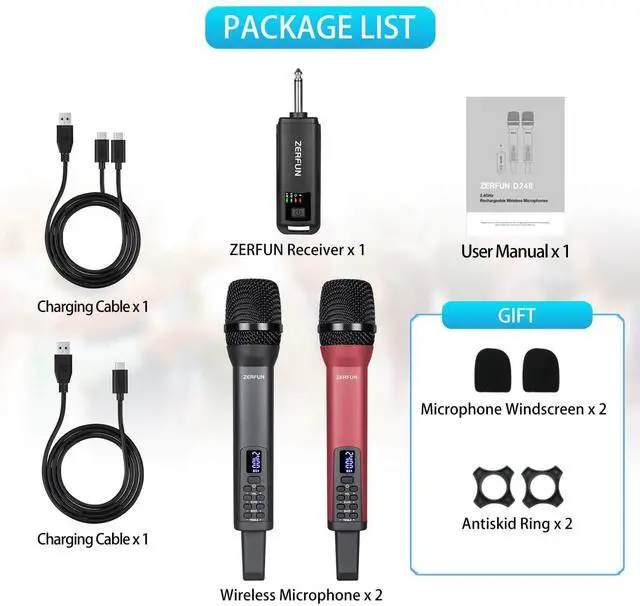




ZERFUN always focus on the development of microphone products, and you really can’t go wrong with the ZERFUN Wireless Microphone System Kit. Beautifully made, impeccably designed, this is a bundle that will serve small groups and soloists well but can grow into a monster system if needed. Whether for your bar, church, or small home karaoke party, these systems give you peace of mind and let you focus on your performance.

PRO WIRELESS MICROPHONES
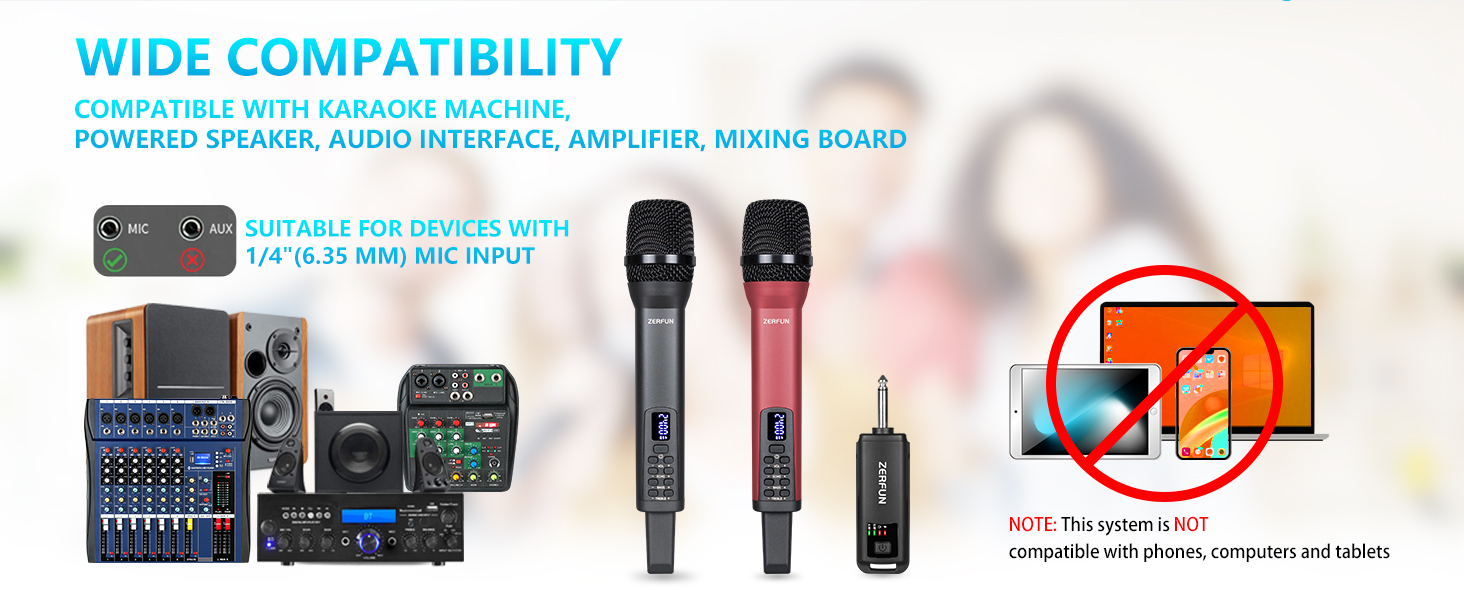
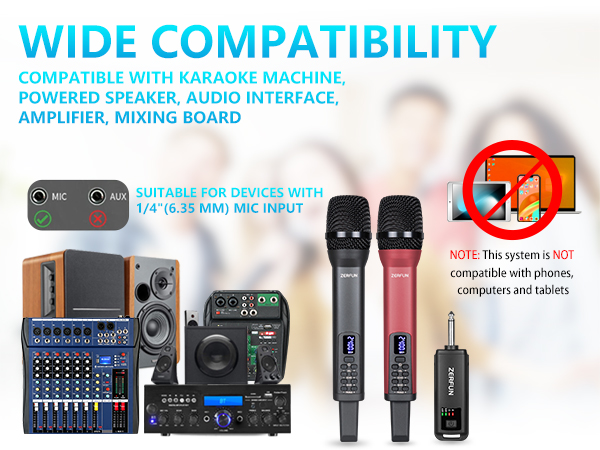
Perfect for home karaoke, meeting, party, church, DJ, wedding, and much more.
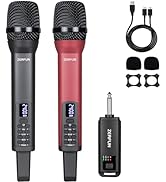
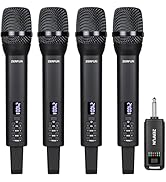
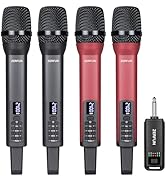
RECHARGEABLE WIRELESS MICS
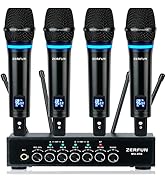
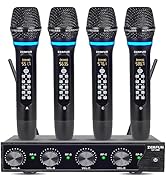
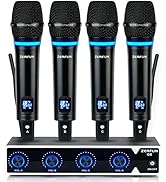
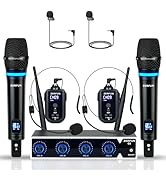
RECHARGEABLE WIRELESS MICS

PRO WIRELESS MICROPHONE SYSTEM
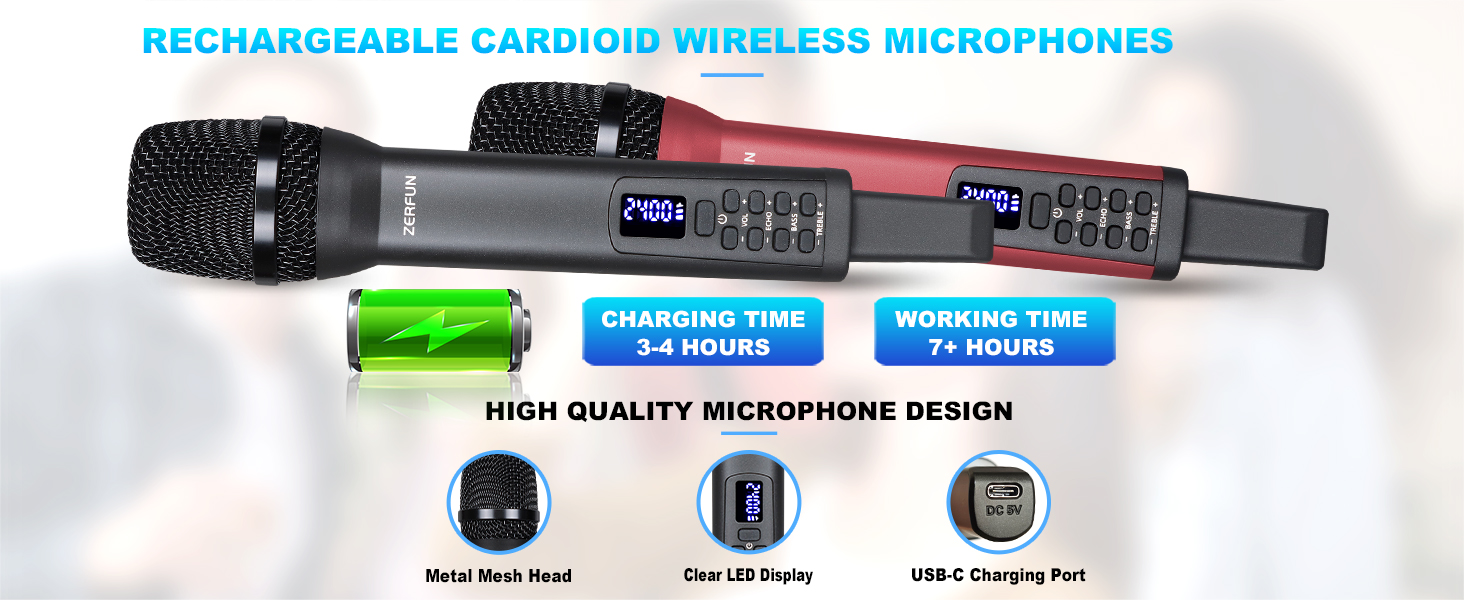
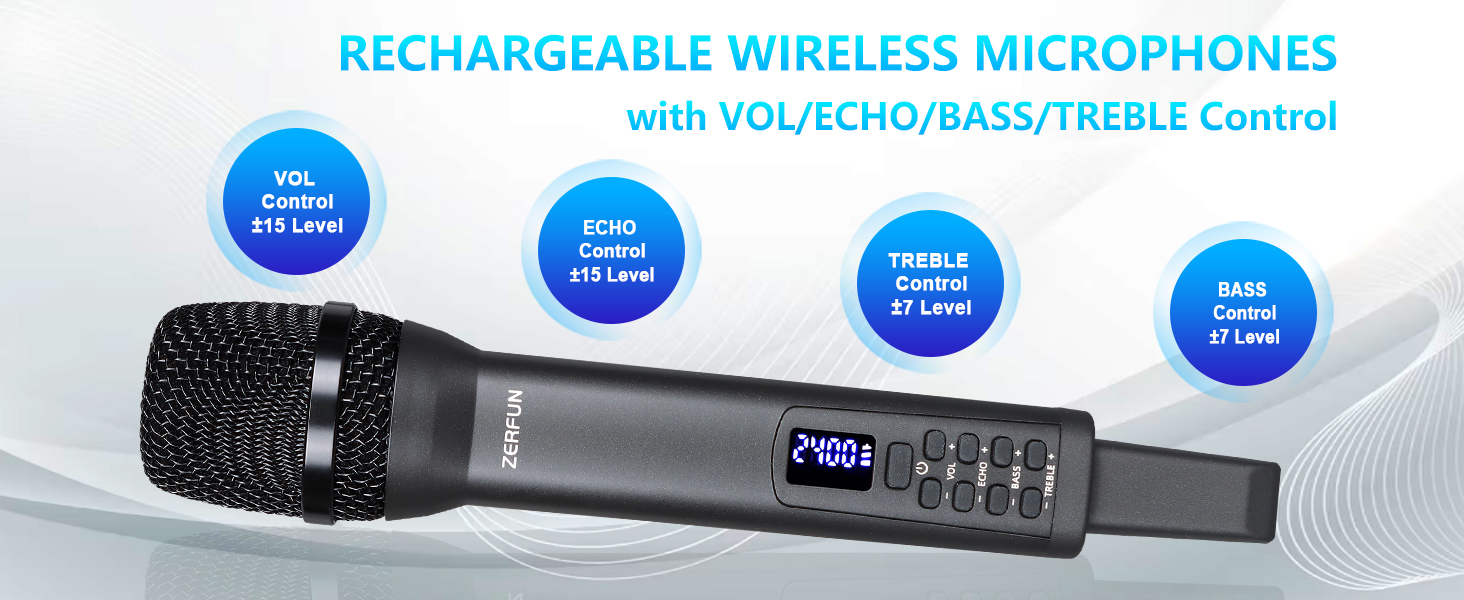
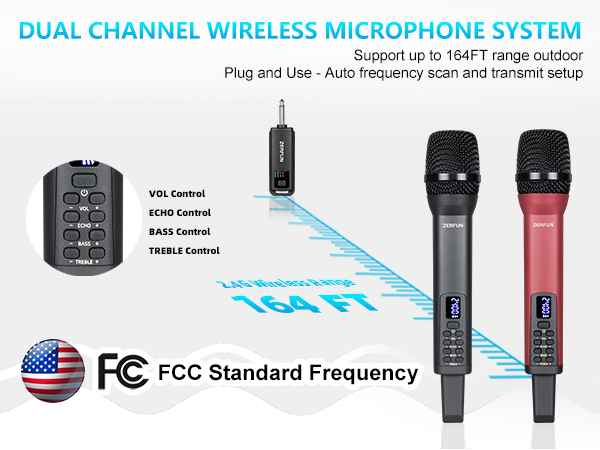
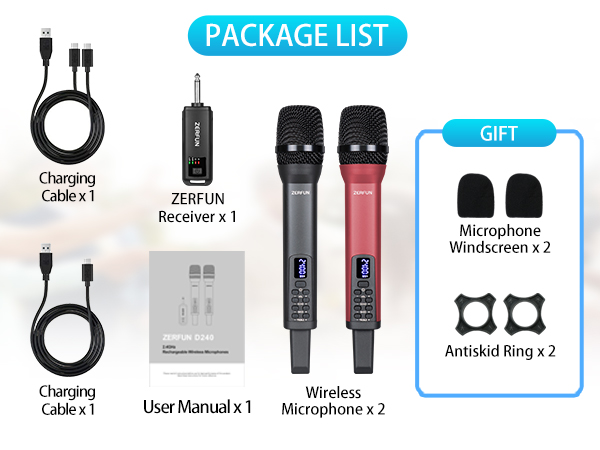
High quality wireless system features integrated handheld metal cardioid microphones and receiver box for impressive audio clarity.
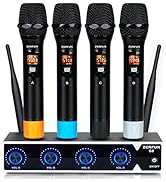
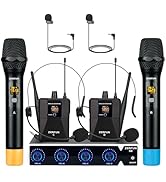
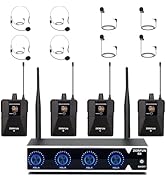
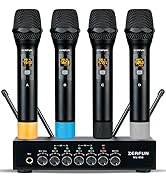
WIRELESS MICROPHONE SYSTEM

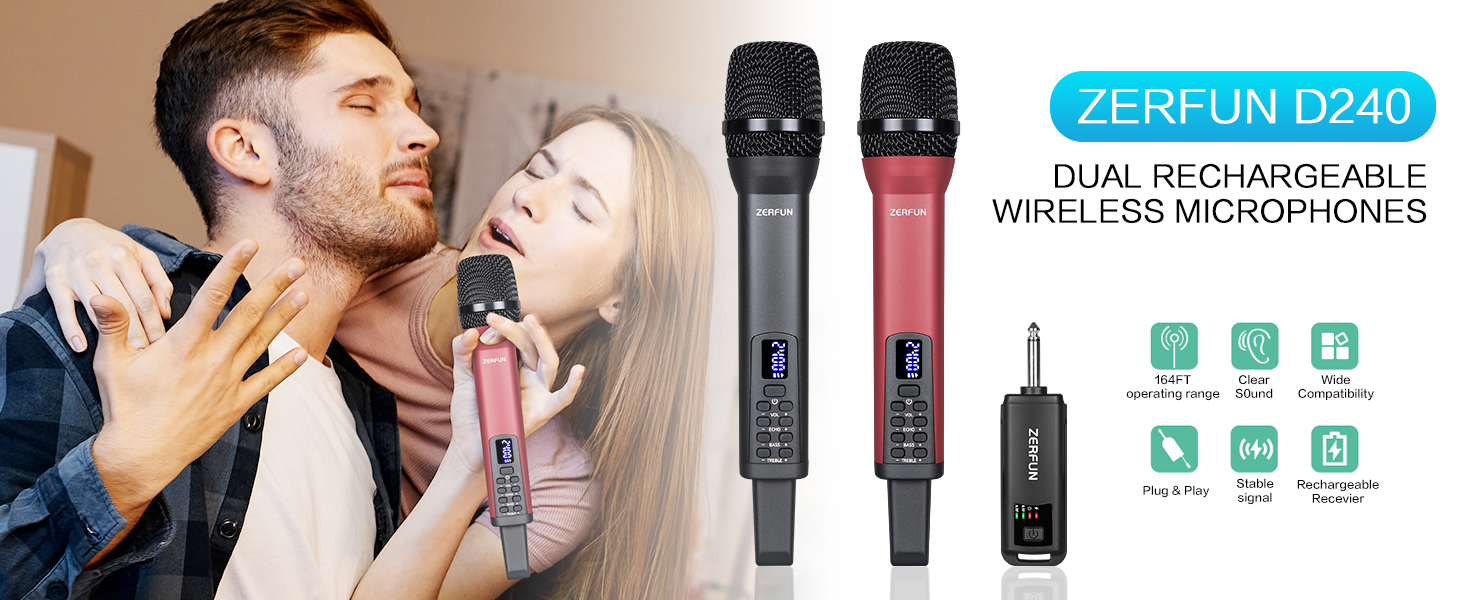
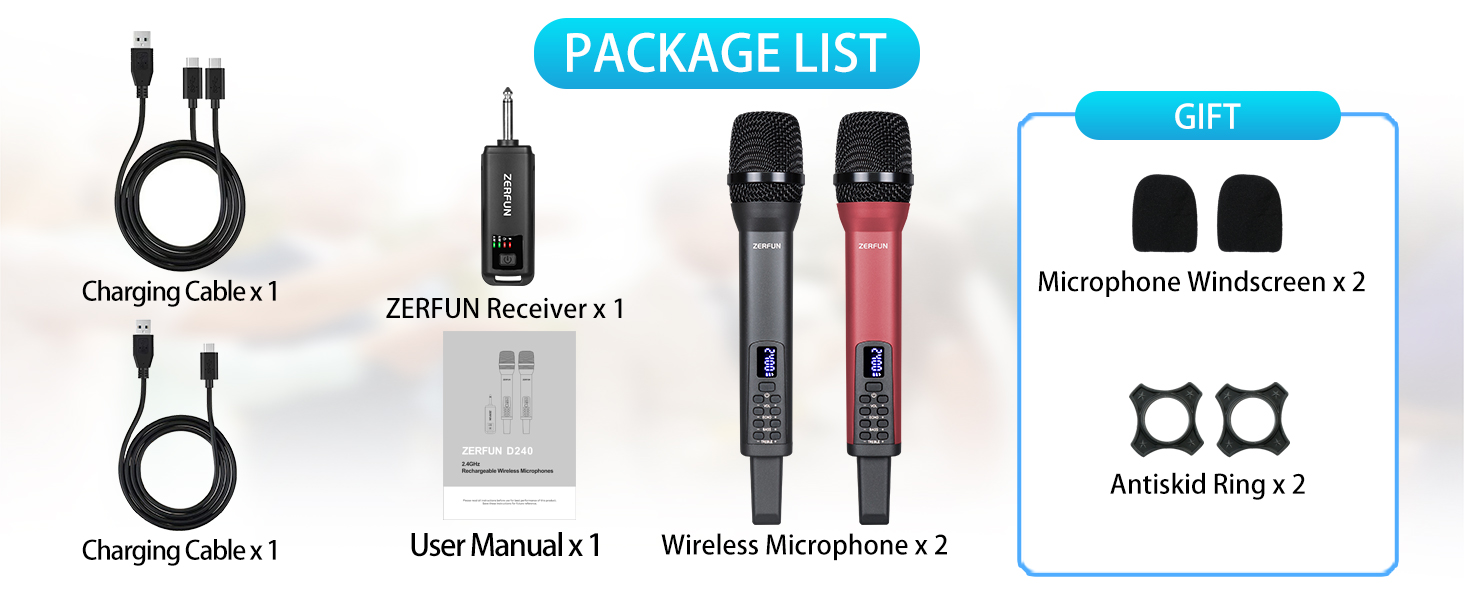
ZERFUN Dynamic Cardioid Rechargeable Wireless Microphones
ZERFUN Rechargeable Wireless Microphones are well-made cardioid wireless mics which means they pick up noise unidirectionally(Only when we speak towards the top of the microphone will there be a sound, while there will be no sound when speaking on the side). With this pickup pattern, the directional vocals are easy to isolate from background noise.
How to check whether the microphone and the receiver have quality problems?
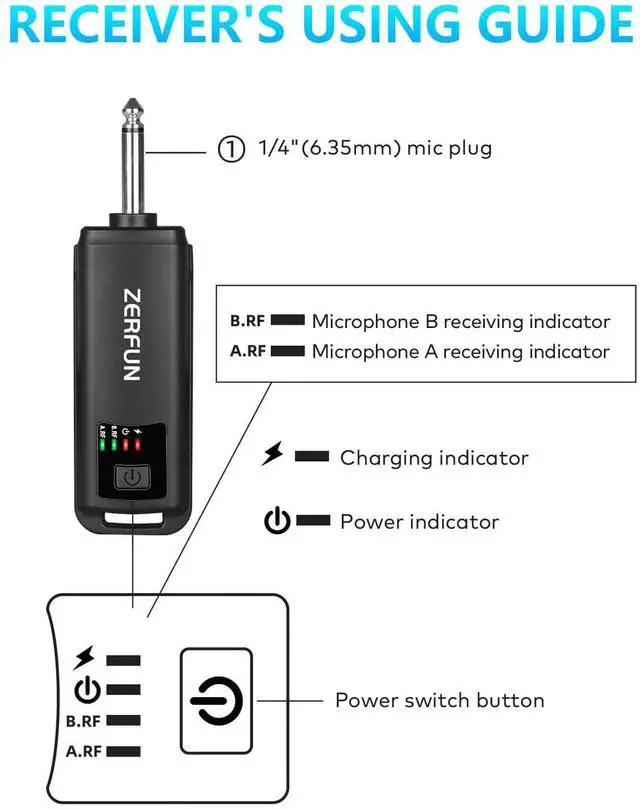
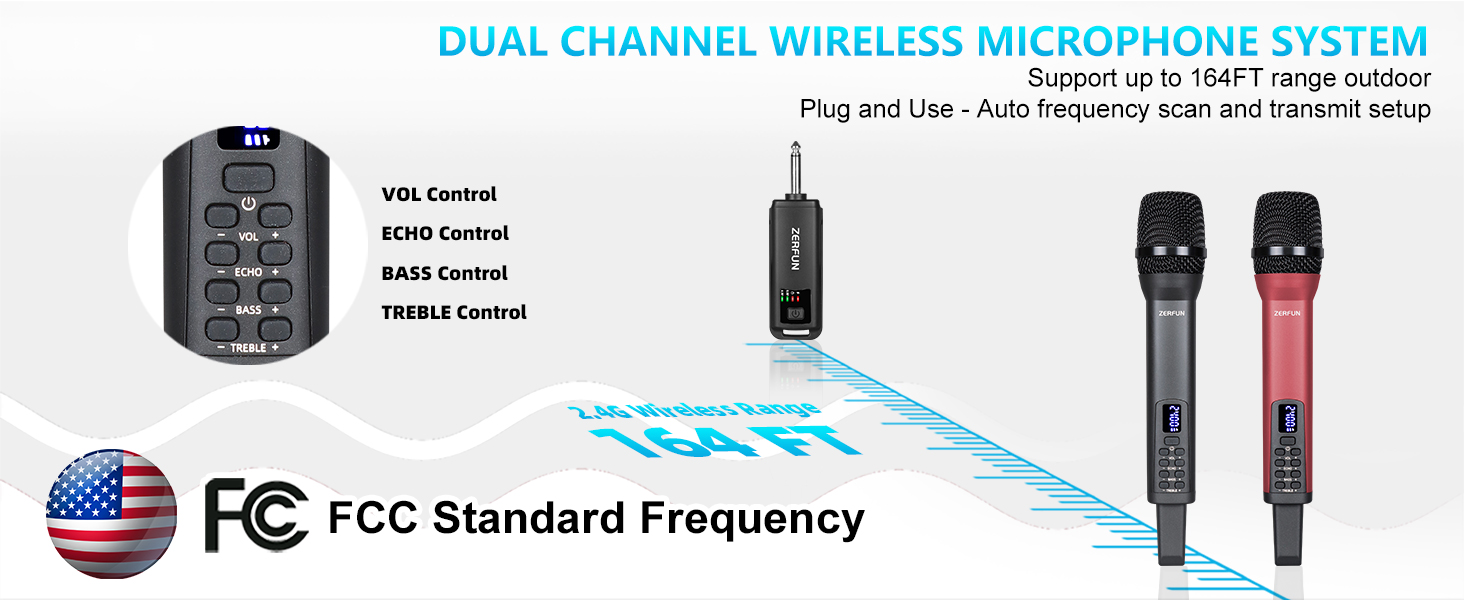
First Check the normal working status of microphone and receiver: 1. Receiver power Indicator is on; 2. Microphone power Indicator is on; 3. Receiver RF Signal Indicator A, B is on(Means microphone A, B have connect with receiver rightly). If all yes, it means microphone and receiver device have no quality problem, can work normally.
How to reset the microphone and the receiver connection(Repairing)?
Power on the microphone, then press the power button of the microphone for 4 times quickly, the led display of microphone will flash and reset, then automatically connect with receiver again. Please notice the microphone RF indicator on receiver. If you encounter that both microphone and the receiver can power on, but "the microphone cannot connect to the receiver" or "the microphone has no sound", you can try to reset the connection between the microphone and the receiver and let the product can work normally.
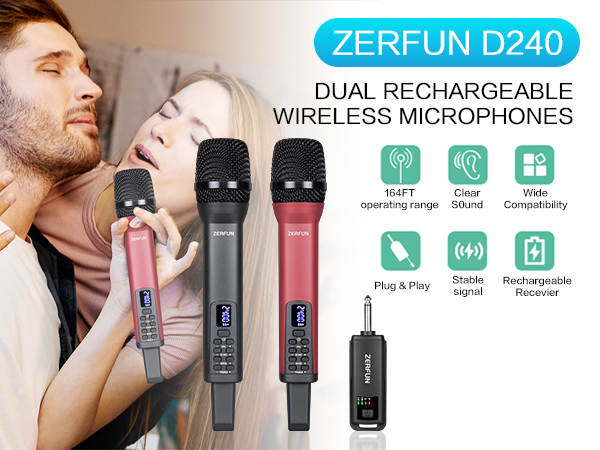
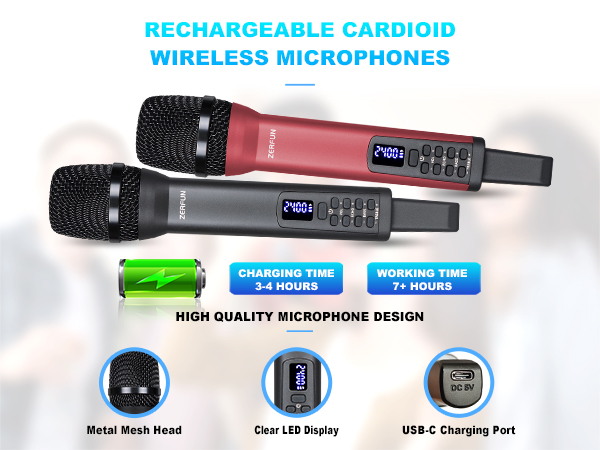
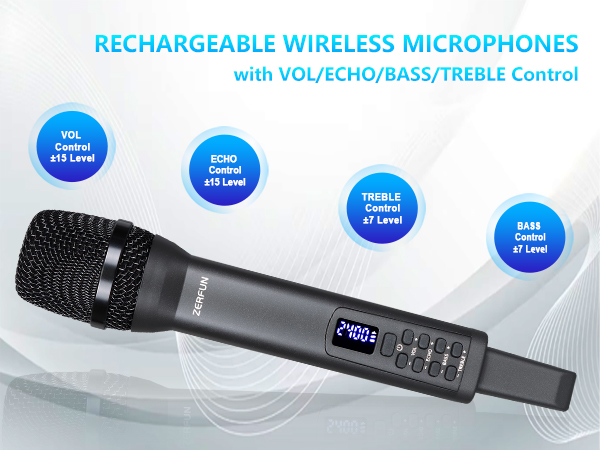
ZERFUN Dynamic Cardioid Rechargeable Wireless Microphones
ZERFUN Rechargeable Wireless Microphones are well-made cardioid wireless mics which means they pick up noise unidirectionally(Only when we speak towards the top of the microphone will there be a sound, while there will be no sound when speaking on the side). With this pickup pattern, the directional vocals are easy to isolate from background noise.
How to check whether the microphone and the receiver have quality problems?
First Check the normal working status of microphone and receiver: 1. Receiver power Indicator is on; 2. Microphone power Indicator is on; 3. Receiver RF Signal Indicator A, B is on(Means microphone A, B have connect with receiver rightly). If all yes, it means microphone and receiver device have no quality problem, can work normally.
How to reset the microphone and the receiver connection(Repairing)?
Power on the microphone, then press the power button of the microphone for 4 times quickly, the led display of microphone will flash and reset, then automatically connect with receiver again. Please notice the microphone RF indicator on receiver. If you encounter that both microphone and the receiver can power on, but "the microphone cannot connect to the receiver" or "the microphone has no sound", you can try to reset the connection between the microphone and the receiver and let the product can work normally.
ZERFUN always focus on the development of microphone products, and you really can’t go wrong with the ZERFUN Wireless Microphone System Kit. Beautifully made, impeccably designed, this is a bundle that will serve small groups and soloists well but can grow into a monster system if needed. Whether for your bar, church, or small home karaoke party, these systems give you peace of mind and let you focus on your performance.
PRO WIRELESS MICROPHONES
Perfect for home karaoke, meeting, party, church, DJ, wedding, and much more.
RECHARGEABLE WIRELESS MICS
RECHARGEABLE WIRELESS MICS
PRO WIRELESS MICROPHONE SYSTEM
High quality wireless system features integrated handheld metal cardioid microphones and receiver box for impressive audio clarity.
WIRELESS MICROPHONE SYSTEM