
 Holiday Shipping Details & Extended Holiday Returns



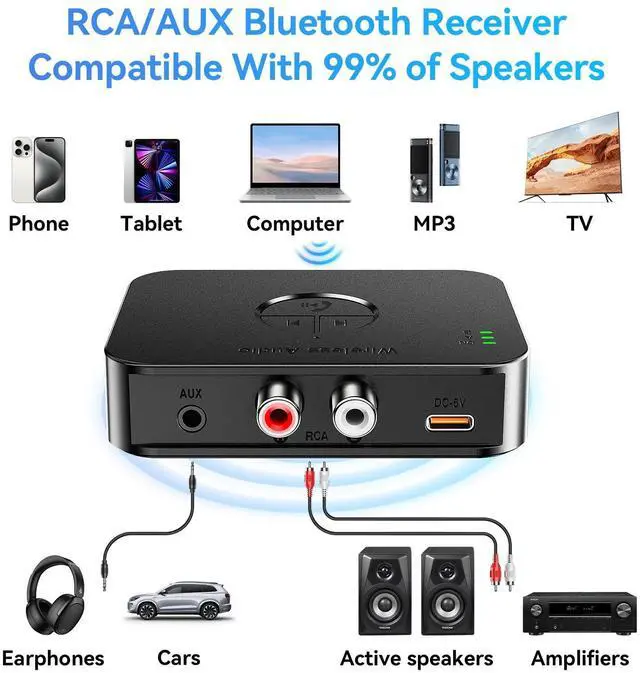



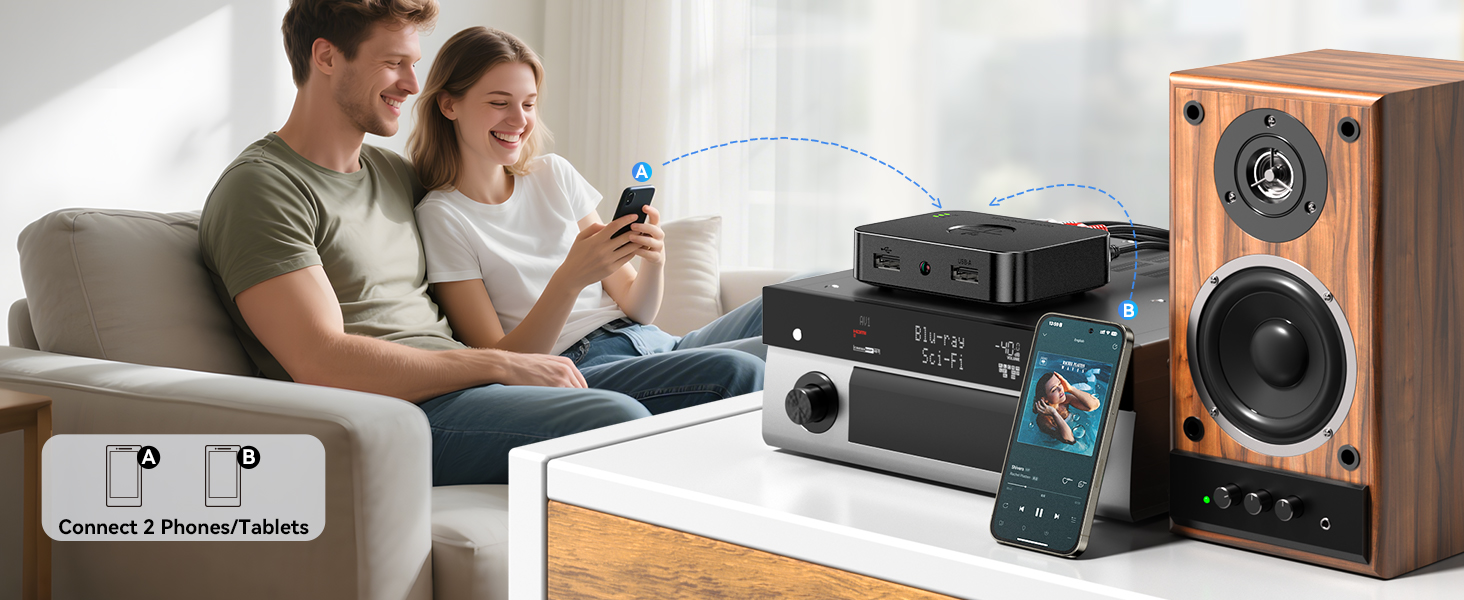
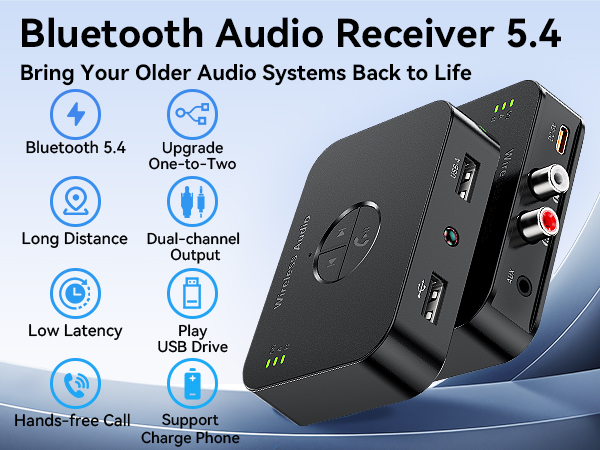
Speakers upgraded to Bluetooth,Connects to two cell phones
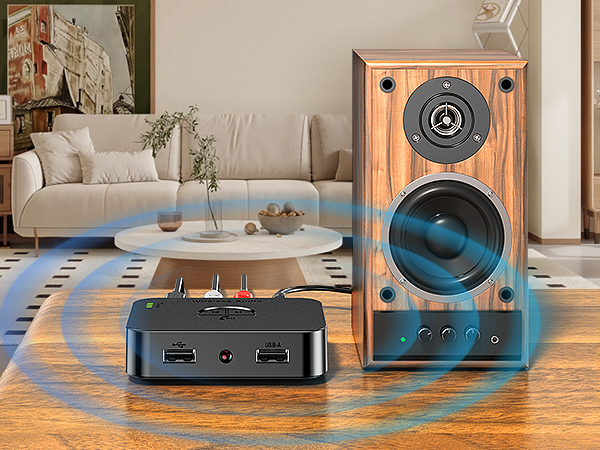
Give your old stereo a new lease of life with this Bluetooth receiver for old stereos. Get rid of tangled wires and stream music and audio with ease. Super easy to use, plug and play. Stream HD music wirelessly through your old system in just seconds.
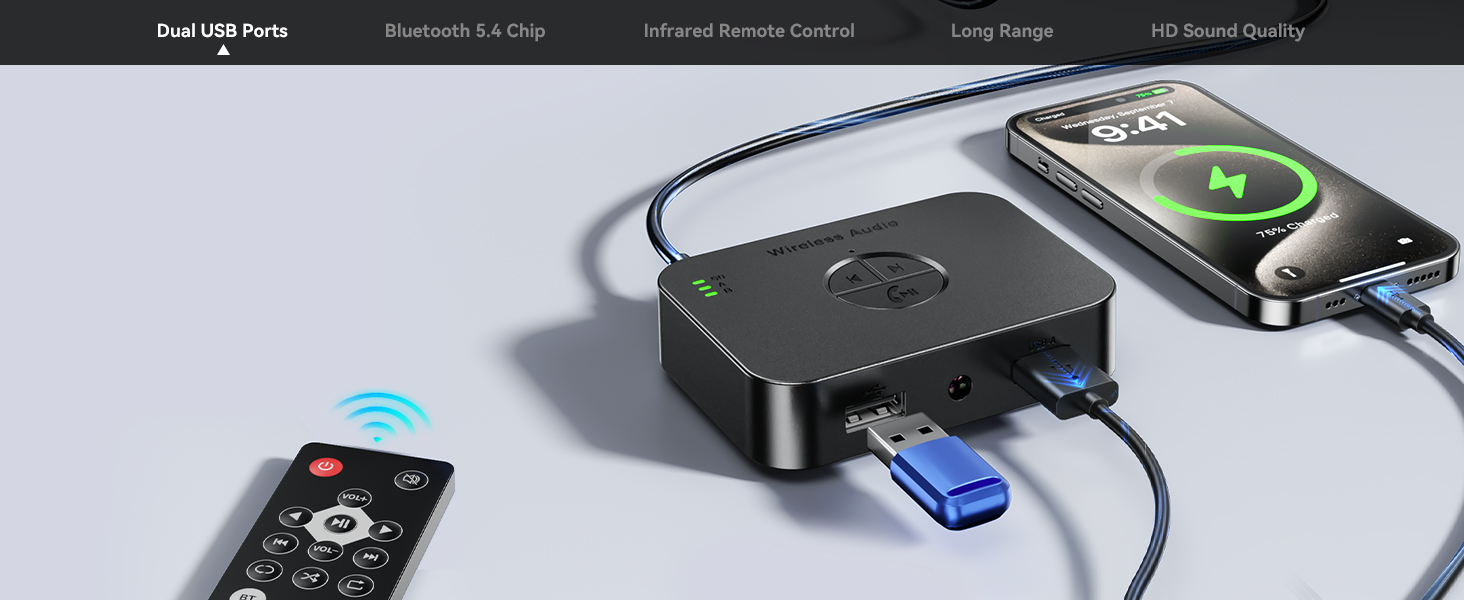
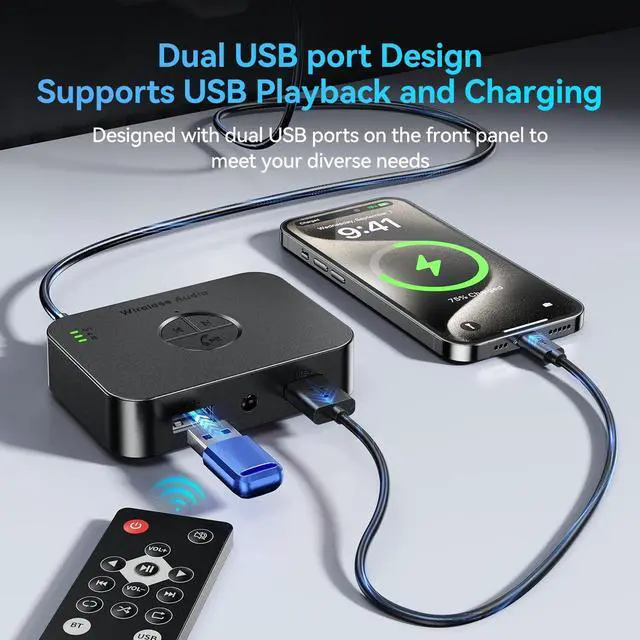
Equipped with Dual USB Ports
Supports playing music from USB flash drive.
Built-in smart charging chip, connects to USB-A port when powering devices and supports charging cell phones or digital products at the same time.
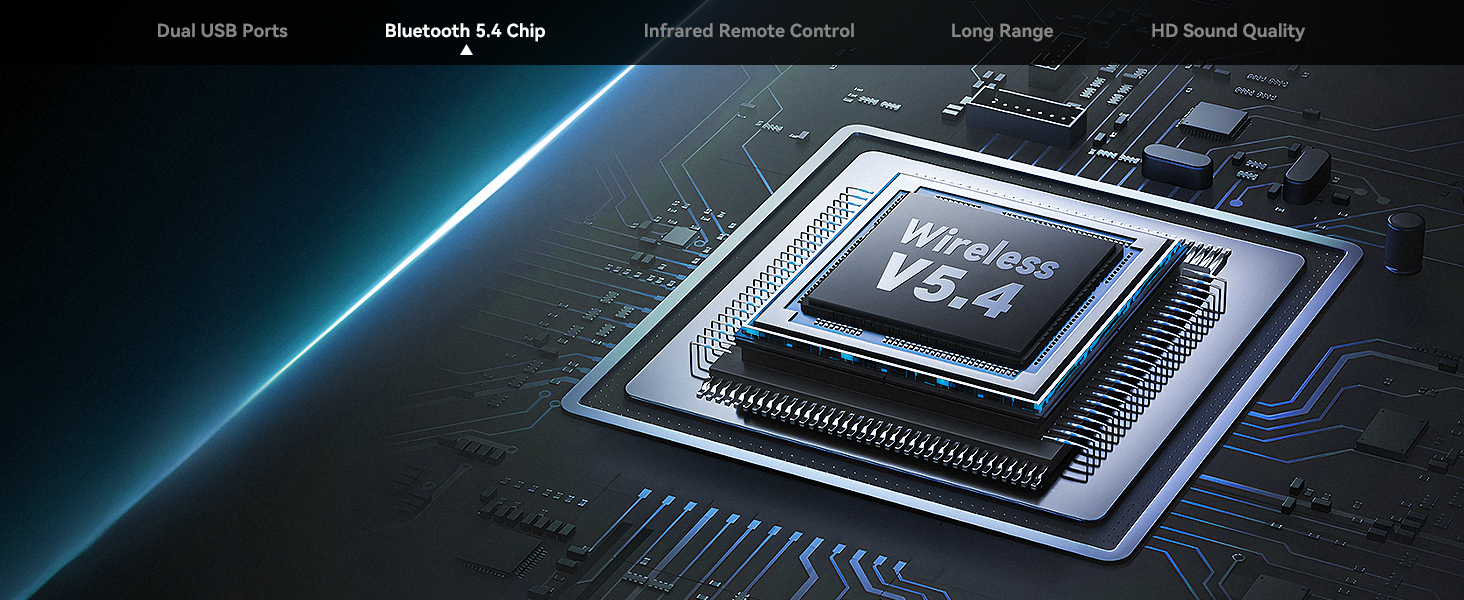
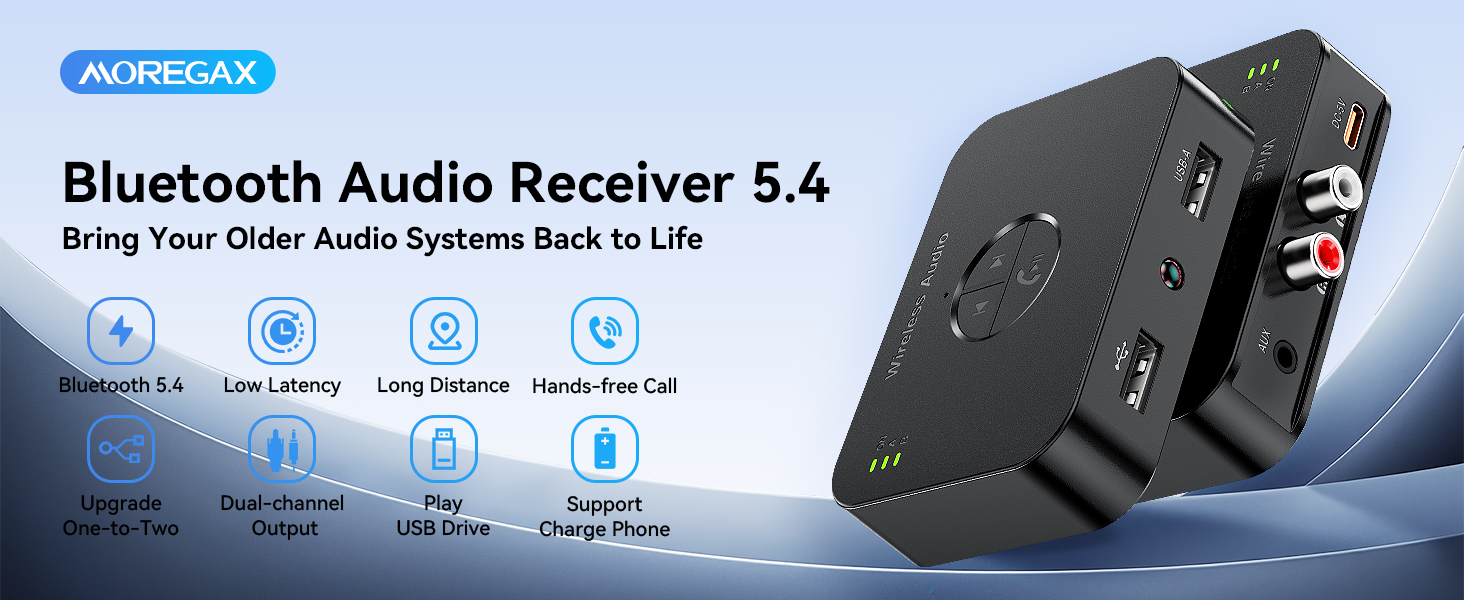
Upgrade Bluetooth 5.4 Chip
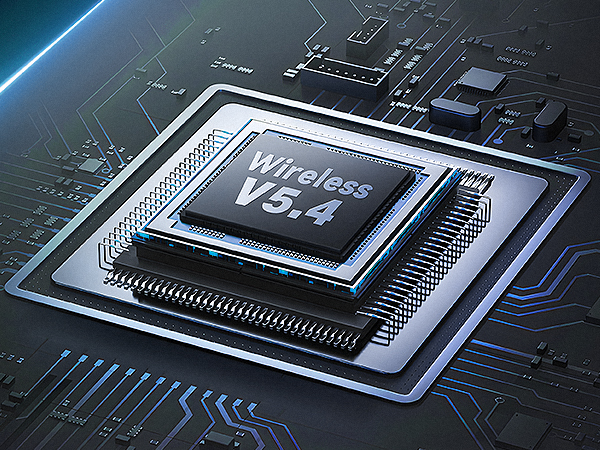
This Bluetooth receiver utilizes the latest Bluetooth 5.4 chip to ensure a more stable connection.
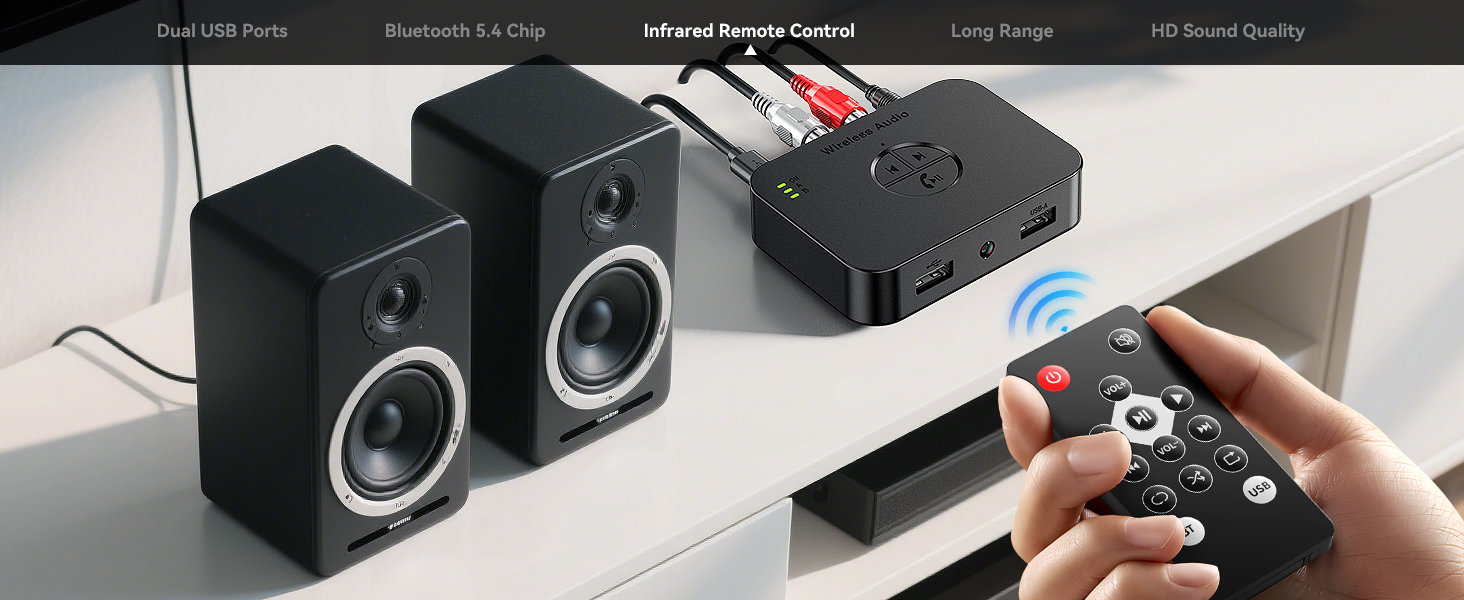
Wireless Infrared Remote Control
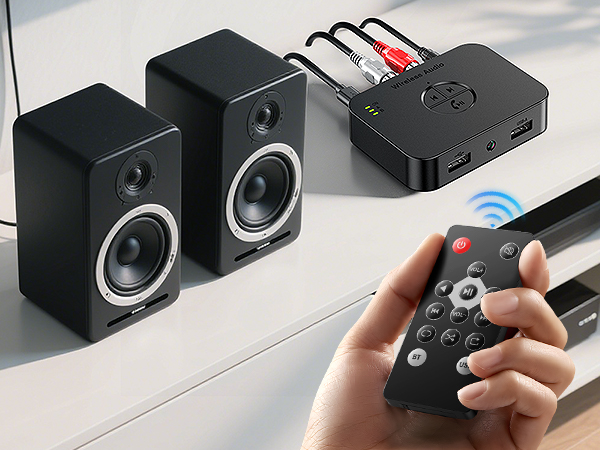
Wireless infrared remote control operation, support power on/off/switch songs/volume adjustment/signal switching and other operations.
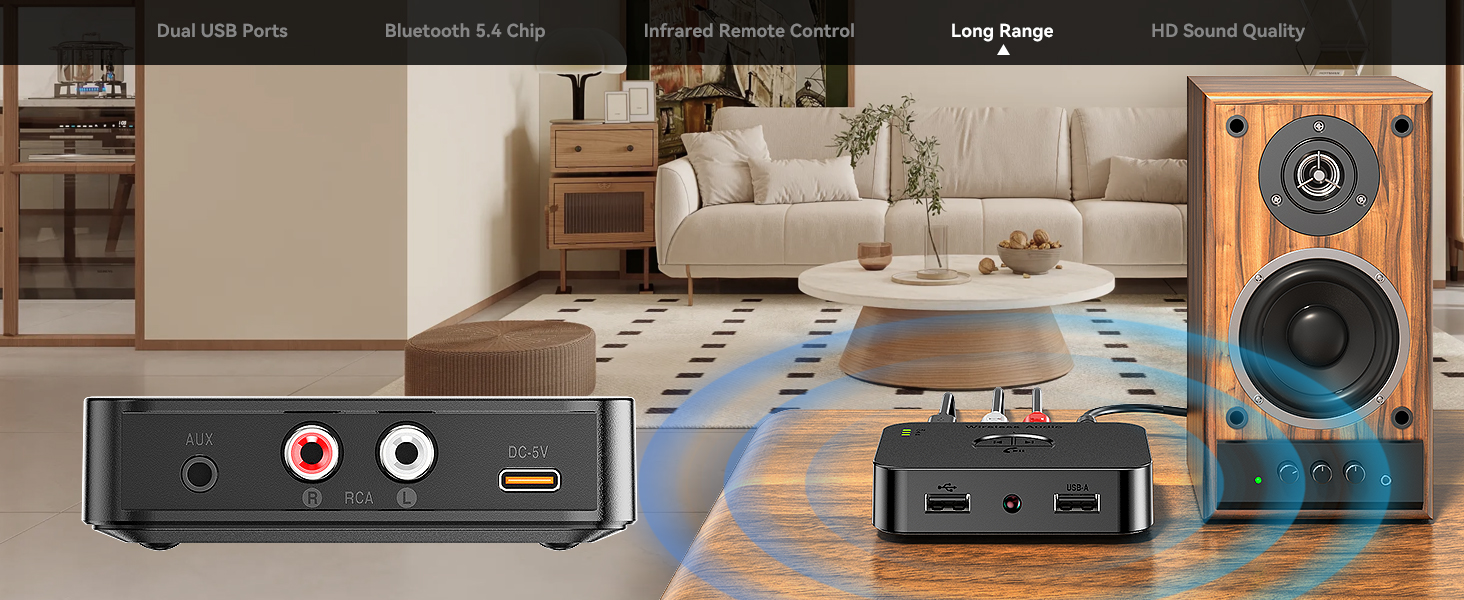
Stable Transmission-Long distance connection
With a range of up to 33 feet, it is ideal for indoor and outdoor use (without obstructions).
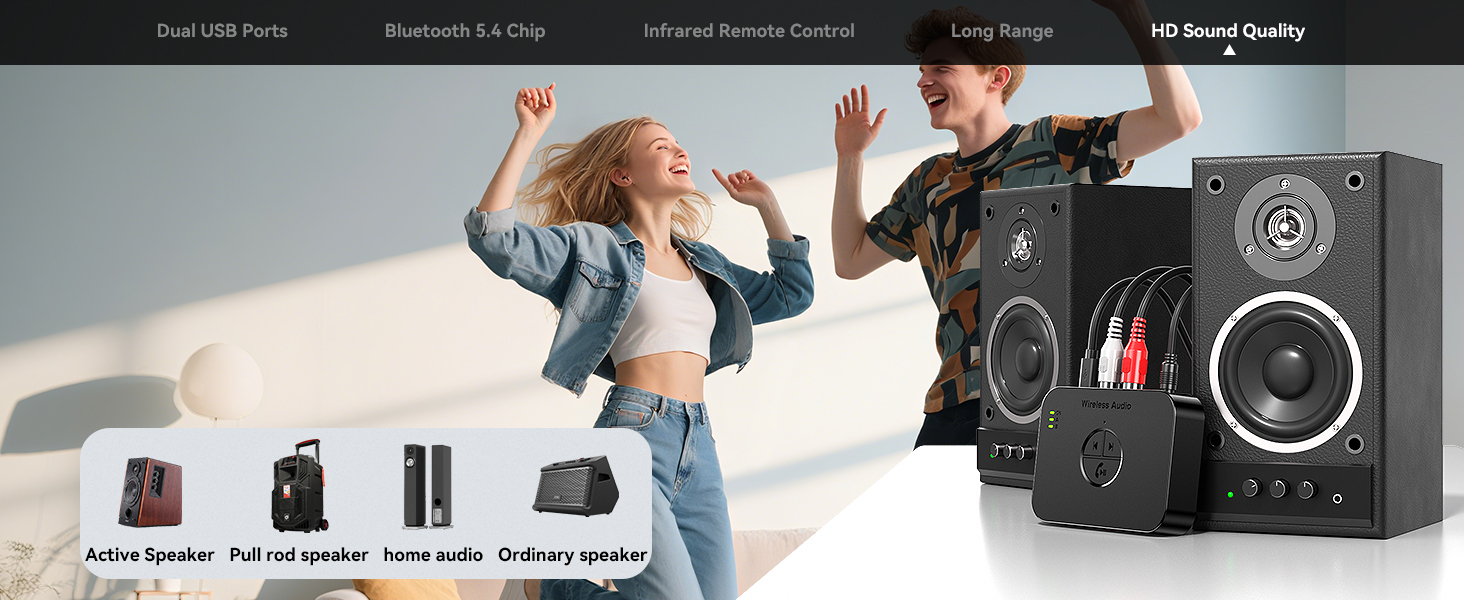
High-Definition sound from every speaker
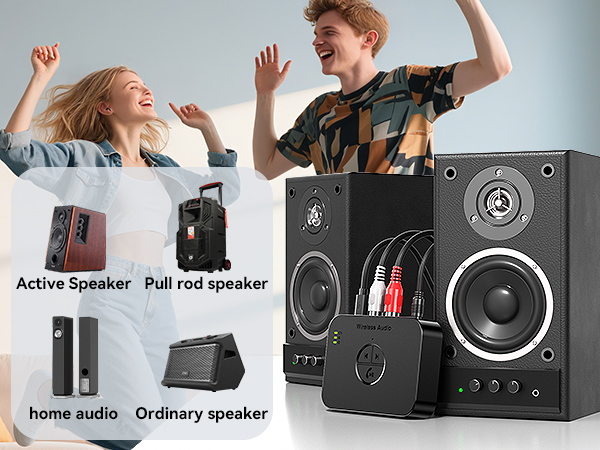
As a Bluetooth audio receiver, Whether you use it as a Bluetooth receiver for your living room speakers or as part of a large home stereo system, enjoy high-definition music.
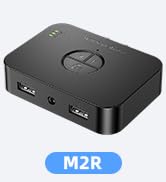
How to connect with M2R Bluetooth Receiver?
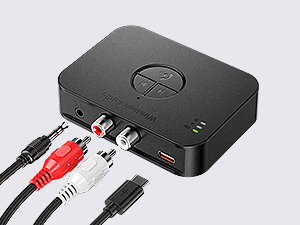
Step 1:
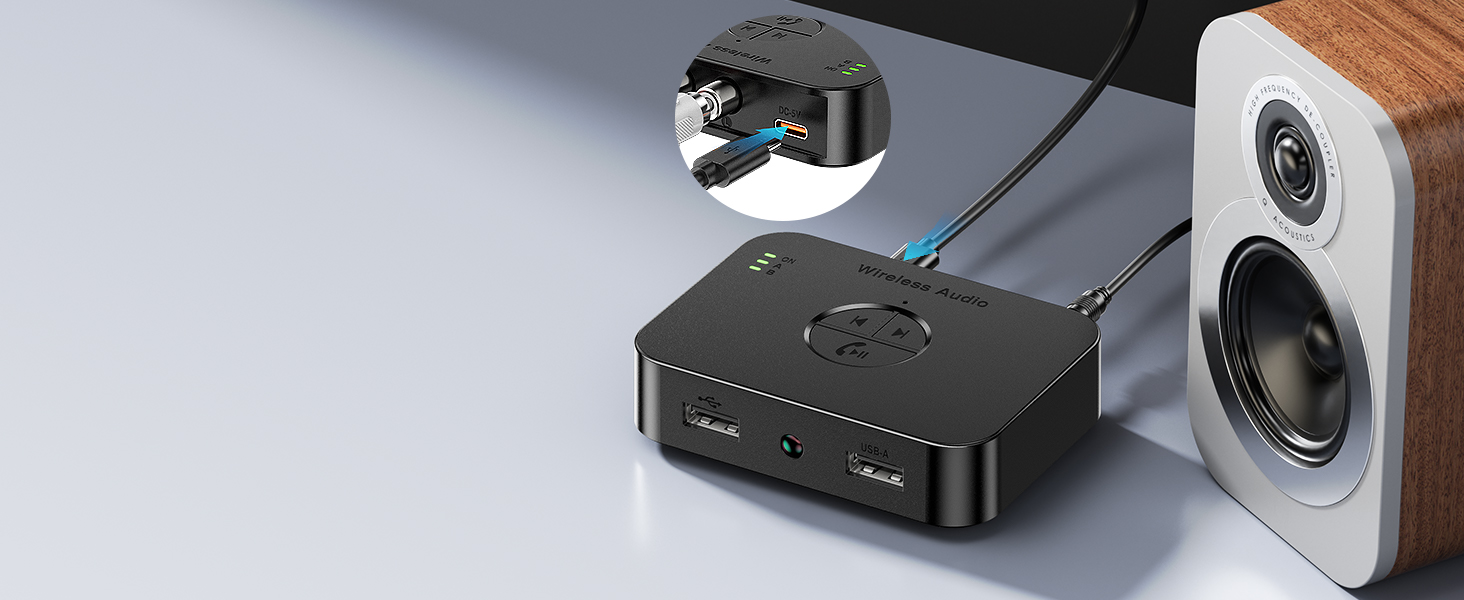
Connsource via the power cable, and plug the AUX/RCA cable into the audio sourceect the Bluetooth audio receiver to the power.
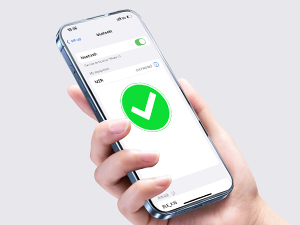
Step 2:
Power on automatically after supply, turn on your phone's Bluetooth, search for “M2R” and click pairing.
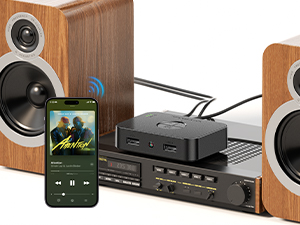
Step 3:
After successful connected, you can enioy music from your phone wirelessly.
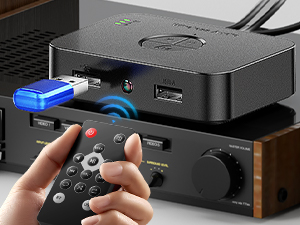
Step 4:
Insert a USB flash drive into the stereo Bluetooth receiver, the product automatically switch to USB mode. and the remote control can cut songs.
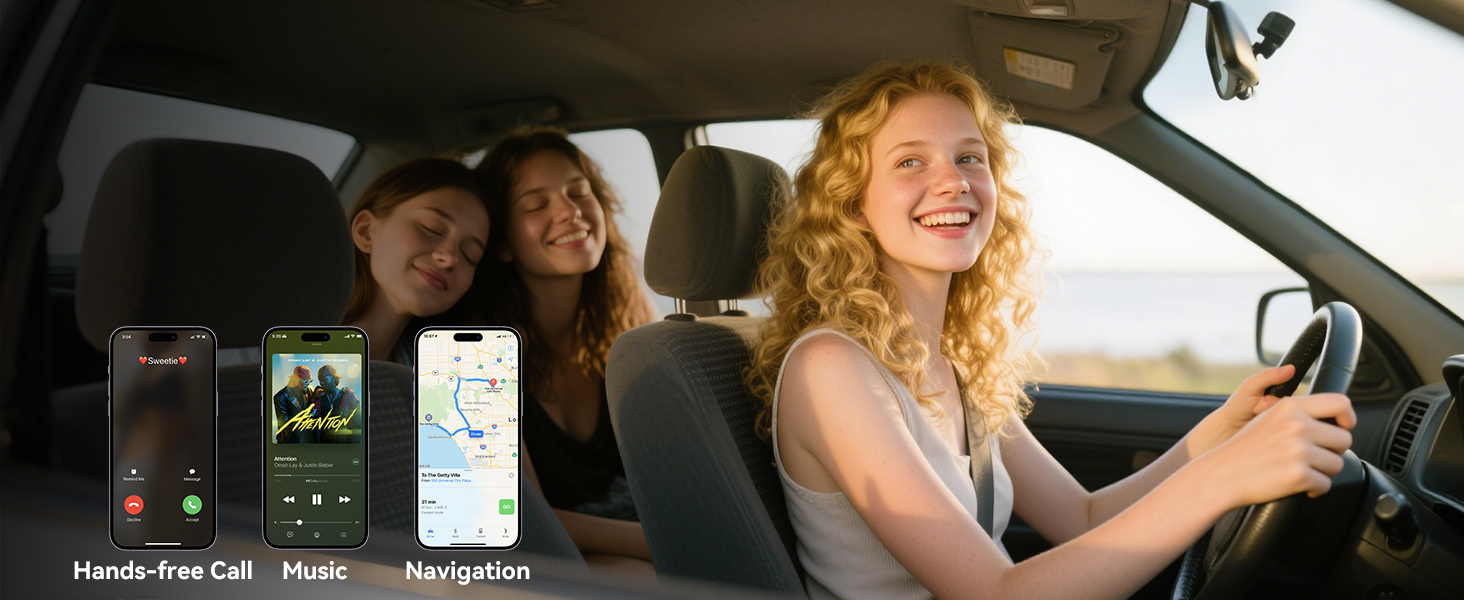
Drive safely with Hands-free Calling
The Receiver's built-in microphone makes it easy to answer, hang up or reject incoming calls.
Two Important Notes
1.Please note that this Receiver is only a Bluetooth Receiver and does not function as a transmitter.
2.This is a Bluetooth Receiver without a built-in battery. Simply connect it to a power source before use. Please note that it does not come with a DC5V charging adapter.

![[Upgraded] MOREGAX M10 Pro+ Bluetooth Receiver Transmitter for TV/Home Stereo/Vintage Speakers/Mu...](http://c1.neweggimages.com/sellingpilot/modules/product/a-plus/6908af2310a2e779c10a760b659398da2a69c8c62932eecefaa65720ddc80218.jpg)

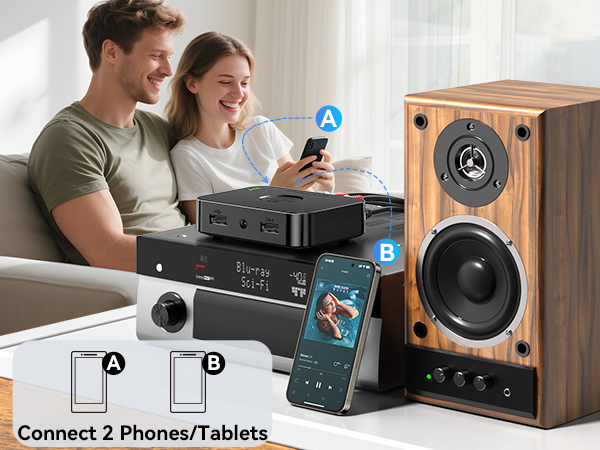
Speakers upgraded to Bluetooth,Connects to two cell phones
Give your old stereo a new lease of life with this Bluetooth receiver for old stereos. Get rid of tangled wires and stream music and audio with ease. Super easy to use, plug and play. Stream HD music wirelessly through your old system in just seconds.
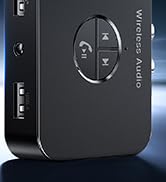
Equipped with Dual USB Ports
Upgrade Bluetooth 5.4 Chip
Wireless Infrared Remote Control
Stable Transmission-Long distance connection
High-Definition sound from every speaker
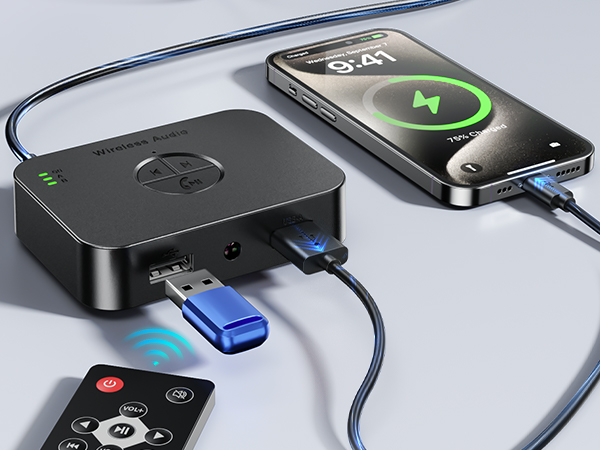
Supports playing music from USB flash drive.
Built-in smart charging chip, connects to USB-A port when powering devices and supports charging cell phones or digital products at the same time.
This Bluetooth receiver utilizes the latest Bluetooth 5.4 chip to ensure a more stable connection.
Wireless infrared remote control operation, support power on/off/switch songs/volume adjustment/signal switching and other operations.
With a range of up to 33 feet, it is ideal for indoor and outdoor use (without obstructions).
As a Bluetooth audio receiver, Whether you use it as a Bluetooth receiver for your living room speakers or as part of a large home stereo system, enjoy high-definition music.
How to connect with M2R Bluetooth Receiver?
Step 1:
Connsource via the power cable, and plug the AUX/RCA cable into the audio sourceect the Bluetooth audio receiver to the power.
Step 2:
Power on automatically after supply, turn on your phone's Bluetooth, search for “M2R” and click pairing.
Step 3:
After successful connected, you can enioy music from your phone wirelessly.
Step 4:
Insert a USB flash drive into the stereo Bluetooth receiver, the product automatically switch to USB mode. and the remote control can cut songs.
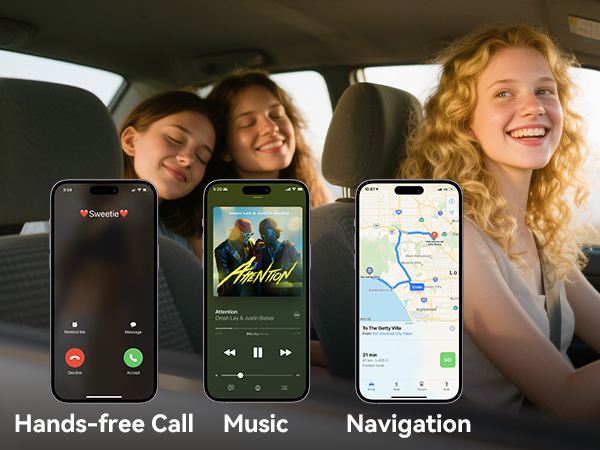
Drive safely with Hands-free Calling
The Receiver's built-in microphone makes it easy to answer, hang up or reject incoming calls.
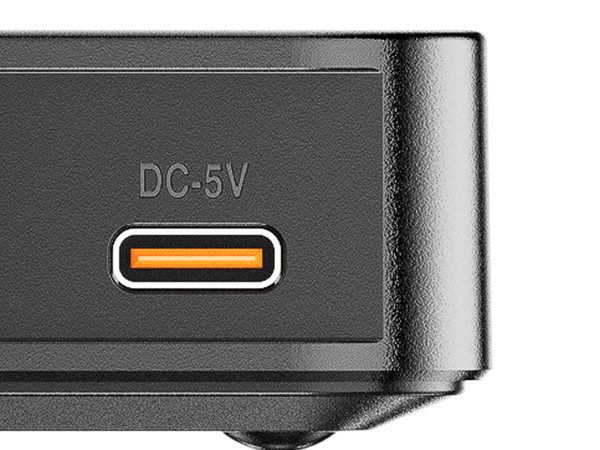
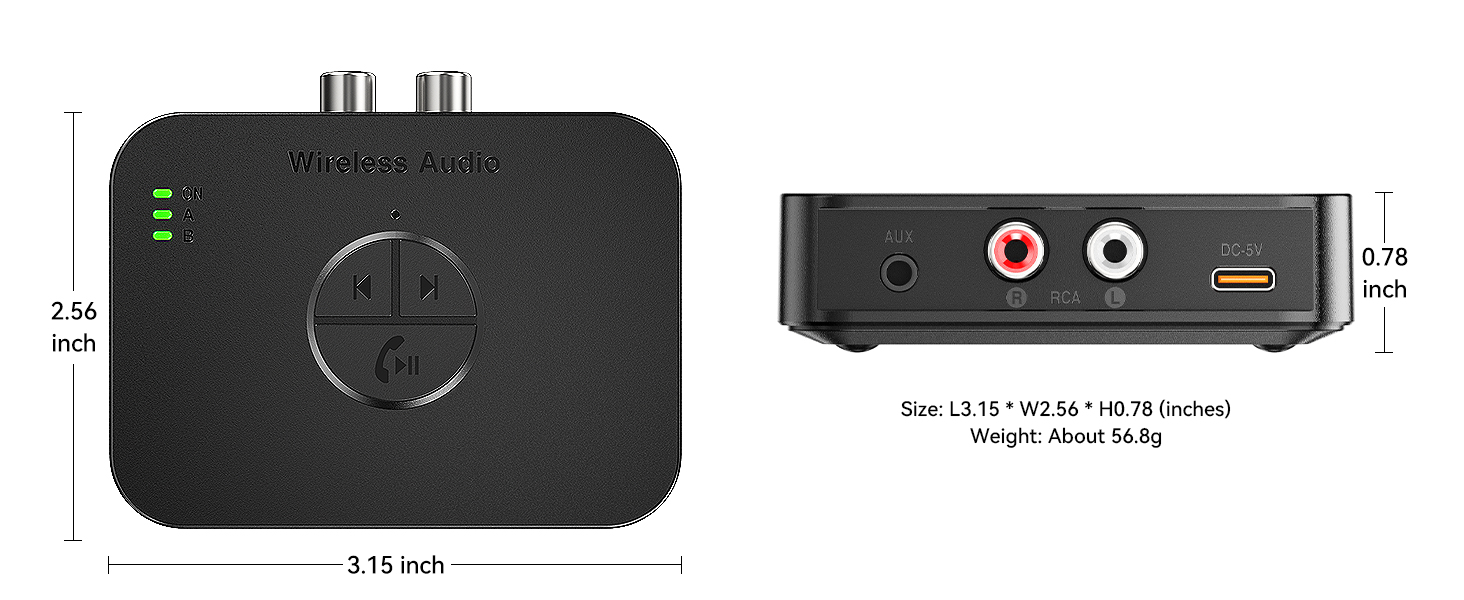
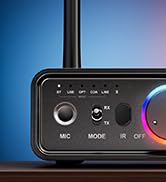
Type-C Charge port
The Bluetooth receiver doesn't contain a battery, so it needs to be connected to the charging cable to work.
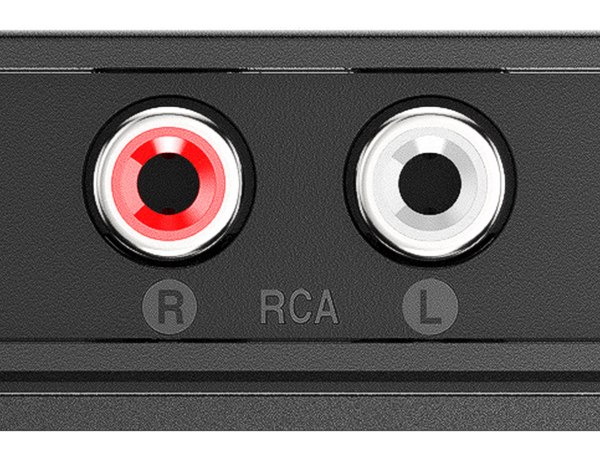
RCA Port
RCA Audio Output Interface
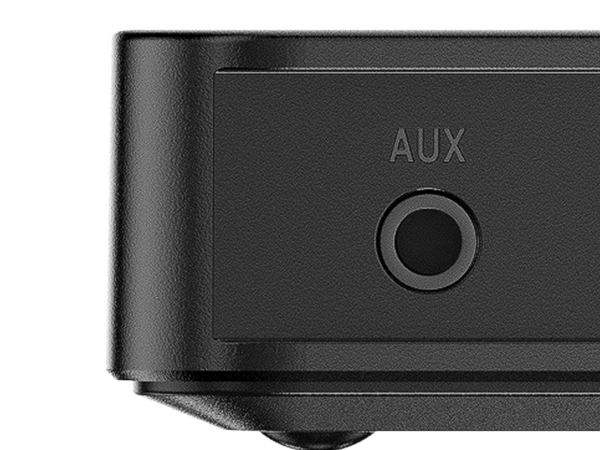
3.5mm AUX jack
AUX Audio Output Interface
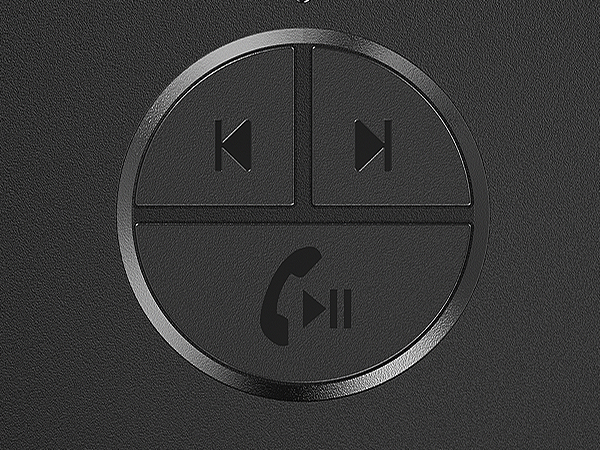
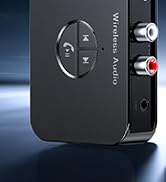
Multi-function Buttons*3
Supports Previous/Next track/Volume adjustment,/Answer/Hang up/Play/Pause.
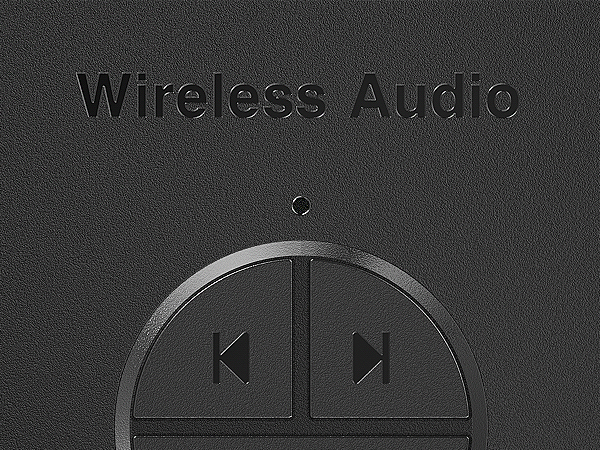
Microphone
High-Definition microphone, supports hands-free calling.
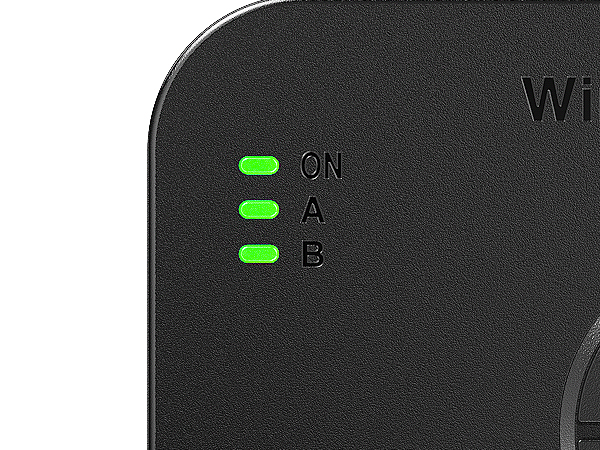
Indicator Lights*3
ON: ON is always on after the device is turned on, A: A is always on after the first cell phone is successfully connected, B: B is always on after the second cell phone is successfully connected.
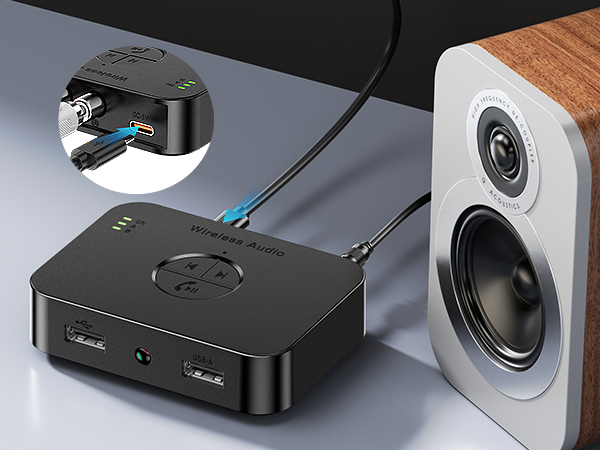
Two Important Notes
1.Please note that this Receiver is only a Bluetooth Receiver and does not function as a transmitter.
2.This is a Bluetooth Receiver without a built-in battery. Simply connect it to a power source before use. Please note that it does not come with a DC5V charging adapter.
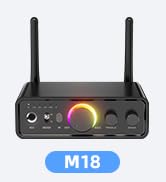
M18-Receive/Transmit/Sing 3in1
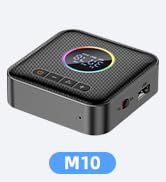
M10-Receive/Transmit/FM 3 in 1
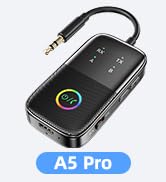
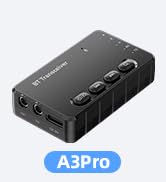
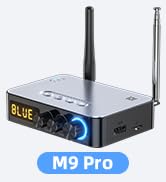
Bluetooth 5.4 RCA Receiver
Bluetooth Adapter for Airplane
Bluetooth Adapter/Stereo Amp
![[Upgraded] MOREGAX M10 Pro+ Bluetooth Receiver Transmitter for TV/Home Stereo/Vintage Speakers/Mu...](//c1.neweggimages.com/sellingpilot/modules/product/a-plus/6908af2310a2e779c10a760b659398da2a69c8c62932eecefaa65720ddc80218.jpg)
Upgrade Bluetooth Adapter
Bluetooth Receive/USB/TF card
