





Air compression+ Music
Dynamic Mode
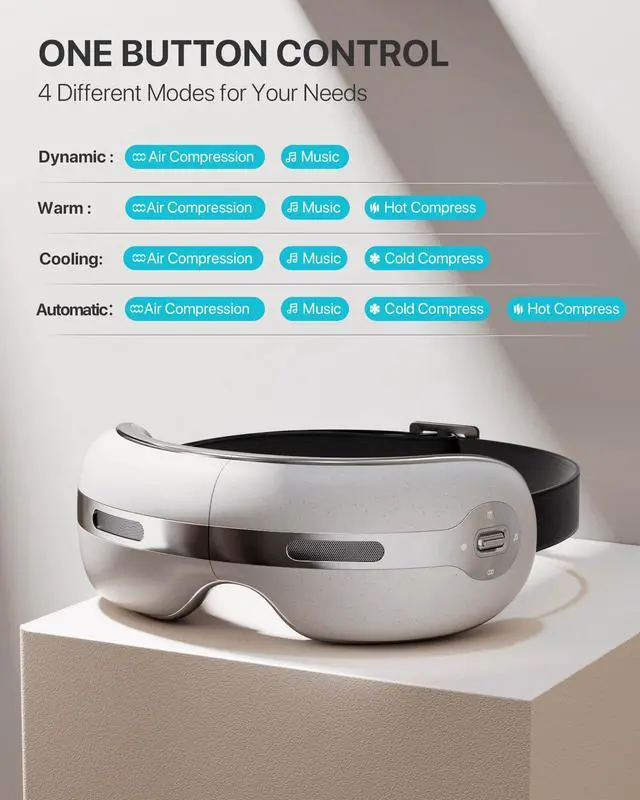
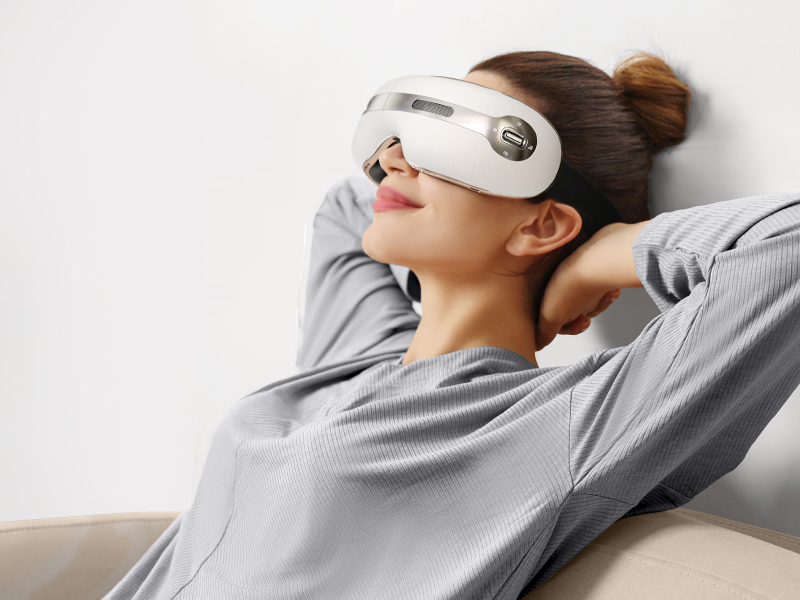
This mode combines air compression and music to provide a relaxing and soothing massage experience. It's perfect for people who want to unwind after a long day or who suffer from eye strain and fatigue. The air compression helps to relieve tension and pressure around the eyes, while the music helps to create a calming atmosphere.
Air compression+ Music+Hot Compress
Warm Mode
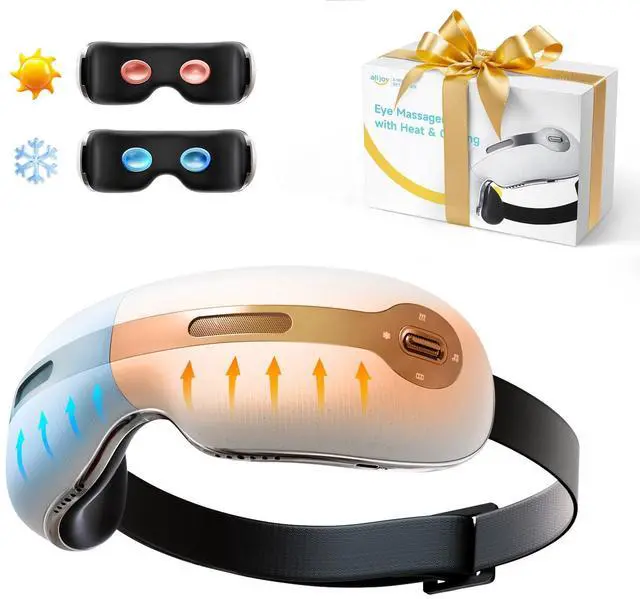
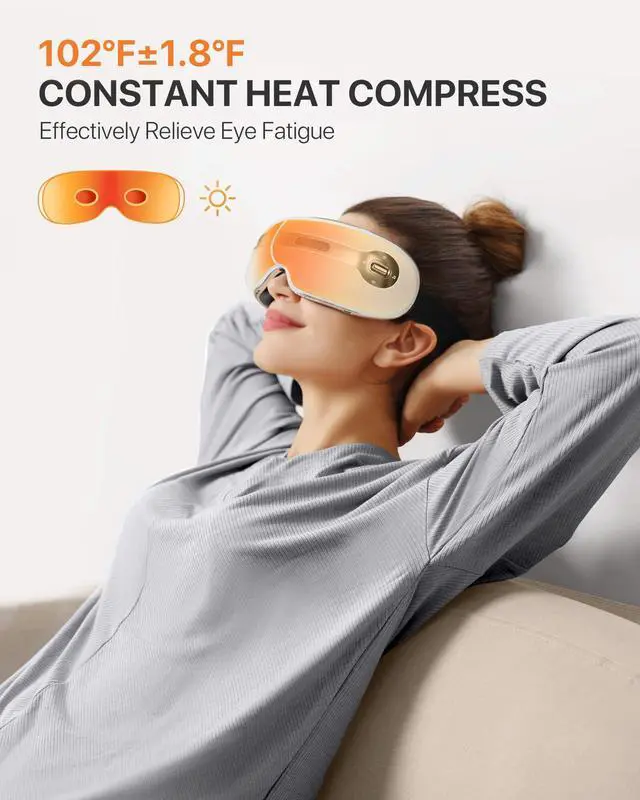
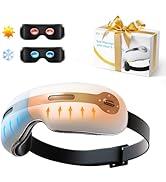
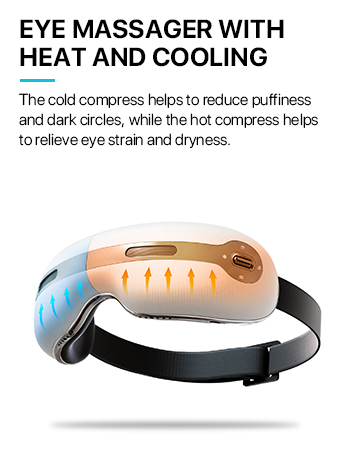
This mode combines air compression, hot compress, and music to provide a comprehensive massage experience. It's perfect for people who suffer from dry eyes, dark circles, or eye strain. The hot compress helps to improve blood circulation and relieve eye strain, while the air compression provides a gentle massage. The music helps to create a relaxing atmosphere and enhance the overall experience.
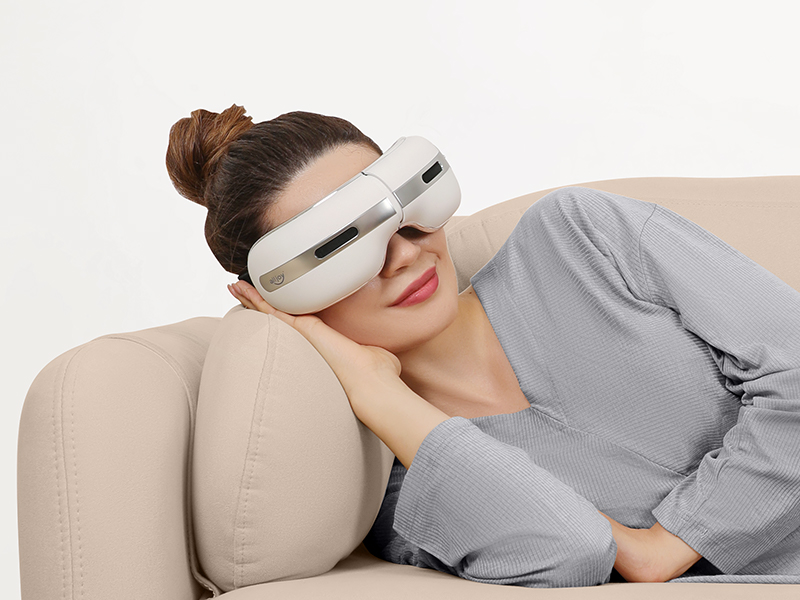
Air compression+ Music+Cold Compress
Cooling Mode
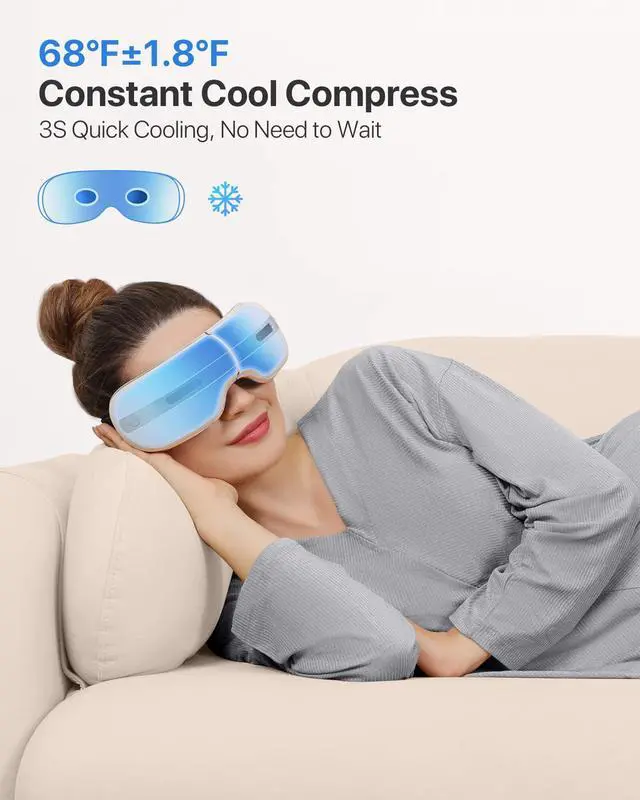
This mode combines air compression, cold compress, and music to provide a refreshing and rejuvenating massage experience. It's perfect for people who suffer from eye puffiness, swelling, or redness. The cold compress helps to reduce puffiness and swelling, while the air compression provides a gentle massage. The music helps to create a calming atmosphere and enhance the overall experience.
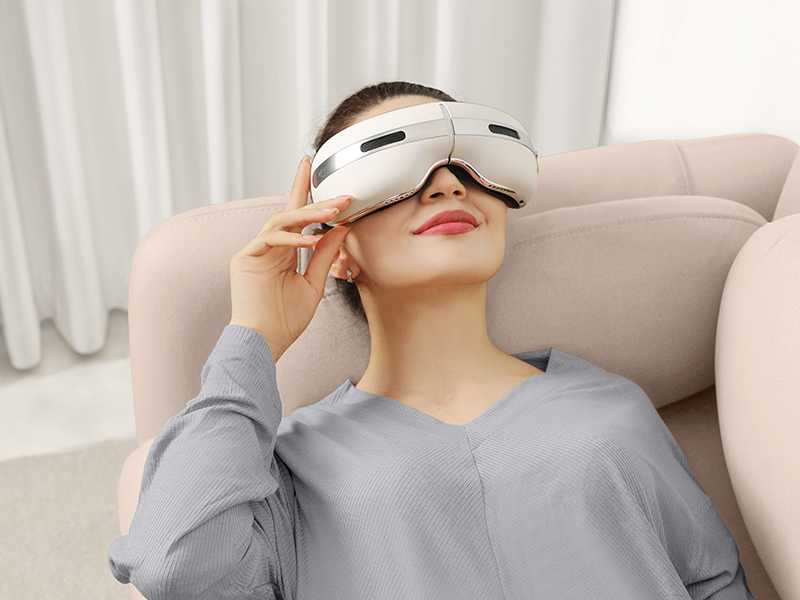
Air Compression+Hot Compress+Cold Compress+Music
Automatic Mode
This mode combines all three modes into one, providing a comprehensive and relaxing massage experience. This mode is perfect for people who want to get the most out of their eye massager and enjoy a complete massage experience. This mode is ideal for use when you have some free time and want to relax and unwind.
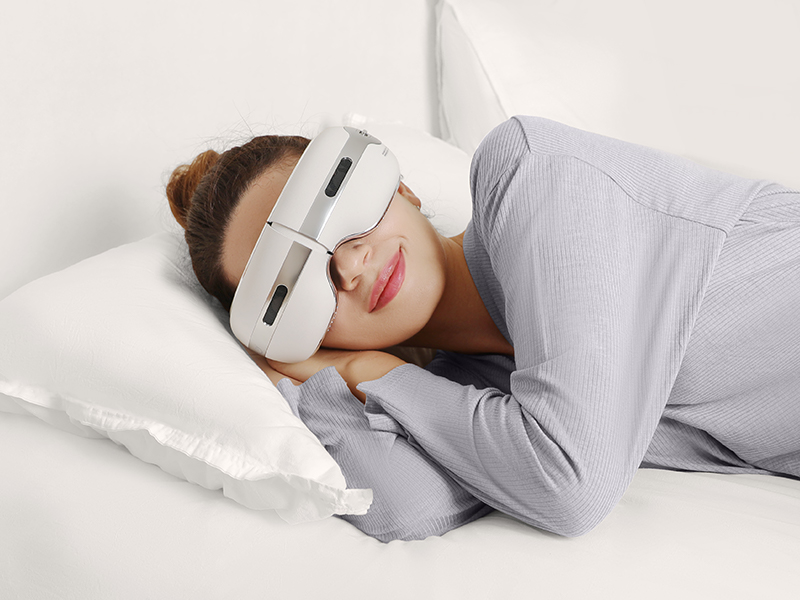


Everything about the product.
If you have any inquiries regarding the product, don't hesitate to reach out to us anytime as we are available 24/7 to address any concerns you may have. We offer a 365-day return period on our products.
Preparation prior to use.
Please ensure that it has power. If the battery is low or the machine is turned off and cannot be powered on, kindly charge it before proceeding with its use.
How to charge?
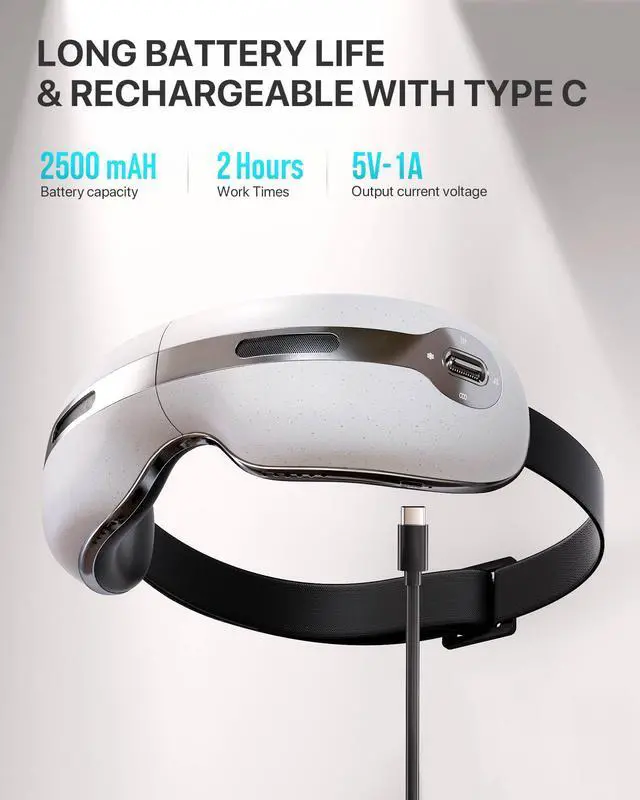
To charge the product, simply connect the USB charging cable to the charging port. The indicator light will turn red during charging and blue once charging is complete.
How to turn off/on the built-in music?
Pull the switch and double-click twice (press twice in succession) to turn off/on the music.
How to connect Bluetooth?
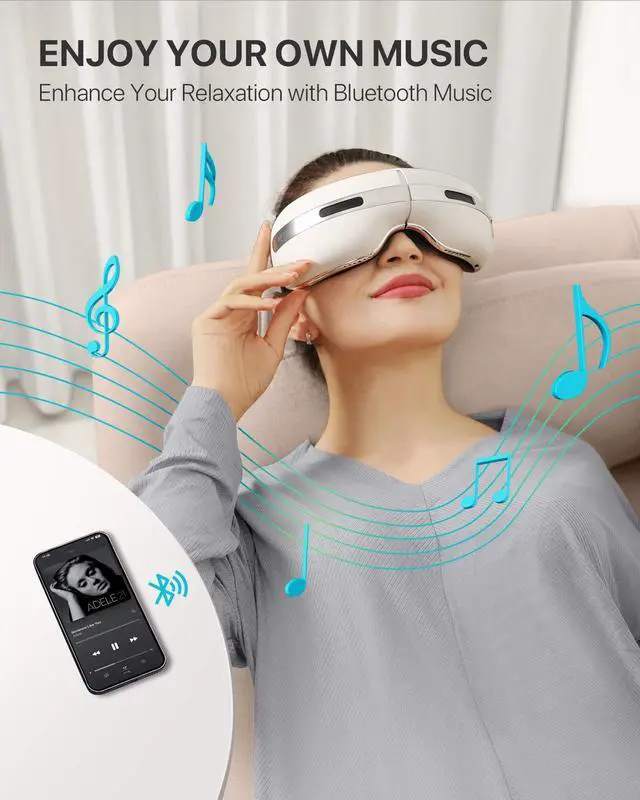
Turn on Bluetooth on your phone, search for the Bluetooth name L20, and click Connect. At this time, the voice prompts Bluetooth Connection, indicating that the connection is successful.
Hot Top Product
Best
low price


Air compression+ Music
Dynamic Mode
This mode combines air compression and music to provide a relaxing and soothing massage experience. It's perfect for people who want to unwind after a long day or who suffer from eye strain and fatigue. The air compression helps to relieve tension and pressure around the eyes, while the music helps to create a calming atmosphere.
Air compression+ Music+Hot Compress
Warm Mode
This mode combines air compression, hot compress, and music to provide a comprehensive massage experience. It's perfect for people who suffer from dry eyes, dark circles, or eye strain. The hot compress helps to improve blood circulation and relieve eye strain, while the air compression provides a gentle massage. The music helps to create a relaxing atmosphere and enhance the overall experience.
Air compression+ Music+Cold Compress
Cooling Mode
This mode combines air compression, cold compress, and music to provide a refreshing and rejuvenating massage experience. It's perfect for people who suffer from eye puffiness, swelling, or redness. The cold compress helps to reduce puffiness and swelling, while the air compression provides a gentle massage. The music helps to create a calming atmosphere and enhance the overall experience.
Air Compression+Hot Compress+Cold Compress+Music
Automatic Mode
This mode combines all three modes into one, providing a comprehensive and relaxing massage experience. This mode is perfect for people who want to get the most out of their eye massager and enjoy a complete massage experience. This mode is ideal for use when you have some free time and want to relax and unwind.


Everything about the product.
If you have any inquiries regarding the product, don't hesitate to reach out to us anytime as we are available 24/7 to address any concerns you may have. We offer a 365-day return period on our products.
Preparation prior to use.
Please ensure that it has power. If the battery is low or the machine is turned off and cannot be powered on, kindly charge it before proceeding with its use.
How to charge?
To charge the product, simply connect the USB charging cable to the charging port. The indicator light will turn red during charging and blue once charging is complete.
How to turn off/on the built-in music?
Pull the switch and double-click twice (press twice in succession) to turn off/on the music.
How to connect Bluetooth?
Turn on Bluetooth on your phone, search for the Bluetooth name L20, and click Connect. At this time, the voice prompts Bluetooth Connection, indicating that the connection is successful.