• $135.99
  • Free 30-day Returns
  • Sold by Cloud Sail

    Shipped by Cloud Sail

    Price alert
    Shop it at NeweggBusiness.

    Meet Your Seller

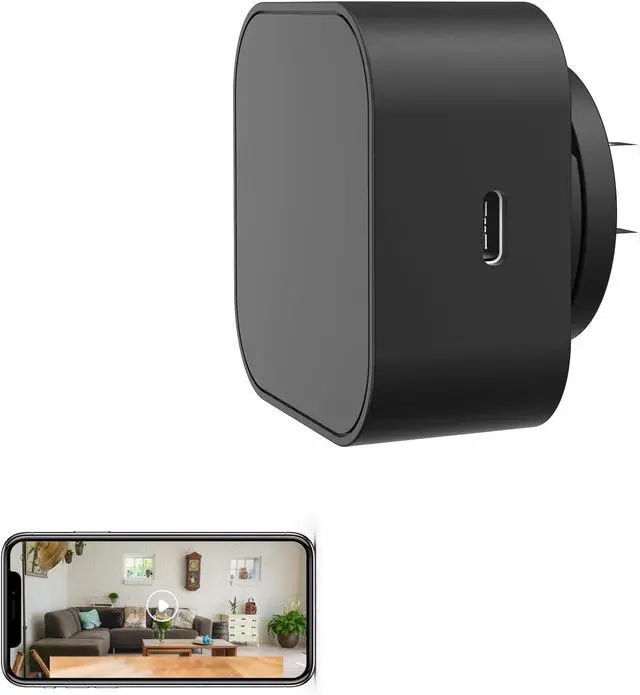
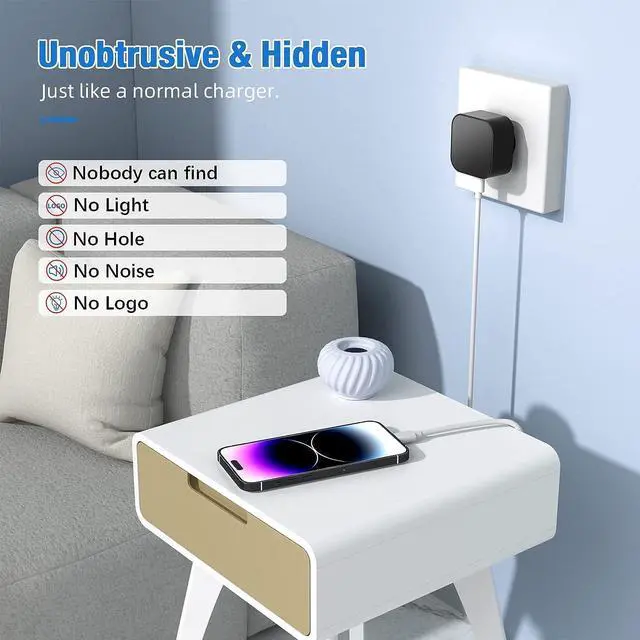
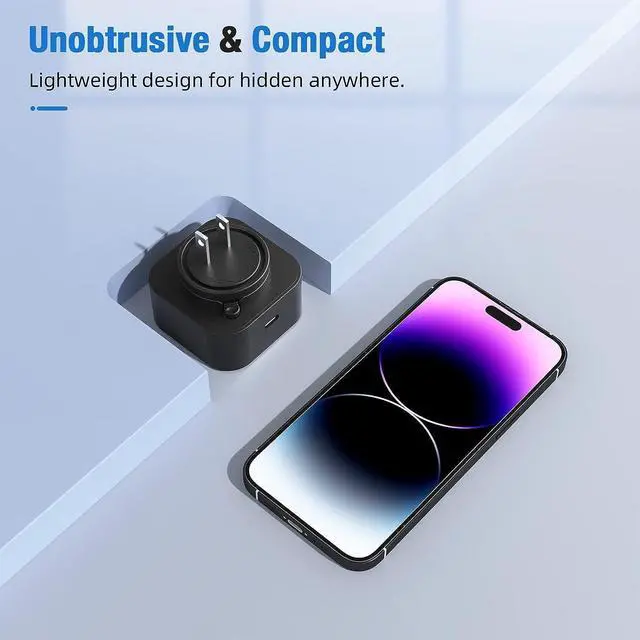
    Hidden Camera, Spy Cameras with 110° Wide Angle & 1080p HD, Automatic Night Vision/Motion Detection/SD Storage Mini Camera USB, Nanny Cam for Cat/Dog/Baby

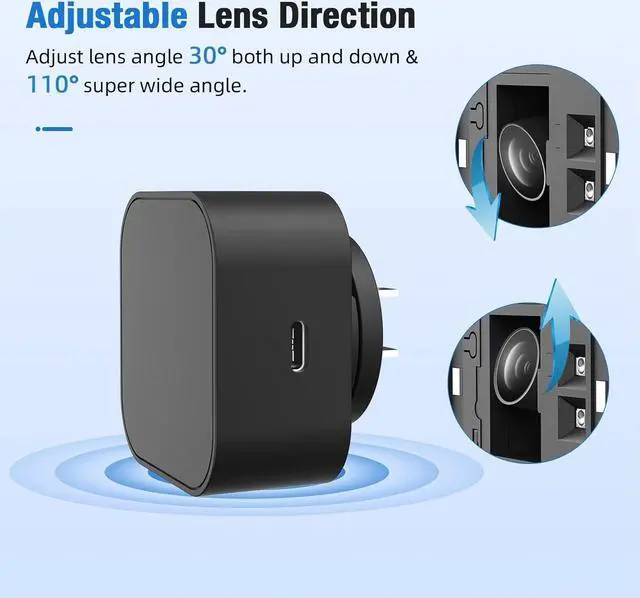
    • 1080P HD & 110°Ultra-Wide Angle Enjoy crystal-clear 1080P HD video with an ultra-wide 110° lens. Capture every corner of your roomfrom floor to ceilingso you never miss what matters.
    • Automatic Night VisionBuilt-in infrared LEDs automatically switch to night vision mode when the lights go out. You'll get sharp, detailed video even in total darkness. No more blind spots at night.
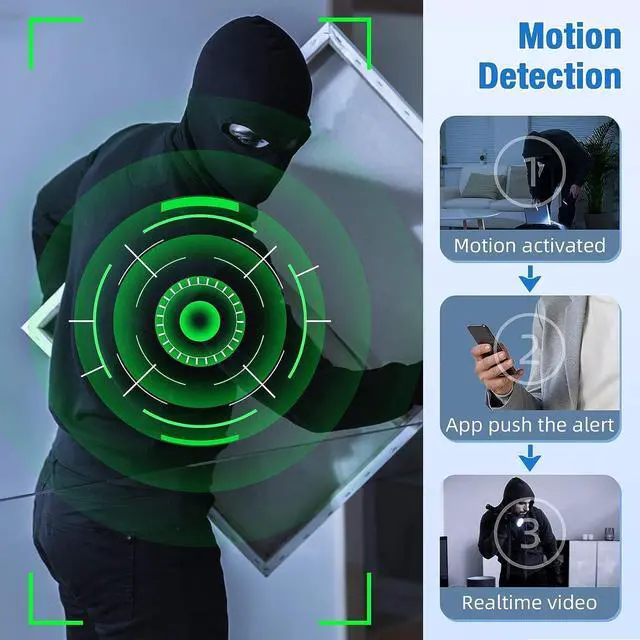
    • Smart Motion Detection with Instant AlertsThe camera detects movement the moment it happens and sends a real-time alert straight to your phone. Whether it's your baby waking up, your dog jumping on the sofa, or an unexpected visitoryou'll know instantly.
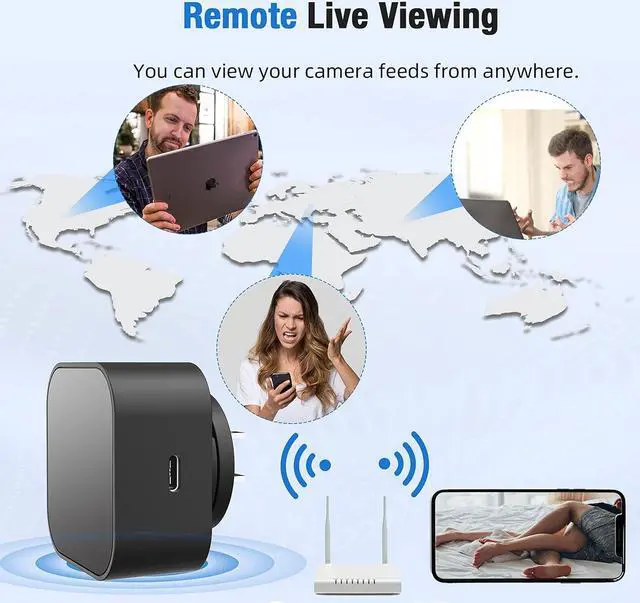
    • Free App Remote Access + SD Card Storage & Loop RecordingWatch live footage anywhere via the free app. Supports microSD cards with loop recordingautomatically overwrites old files when full. No monthly fees.
    • Hidden USB-C Charger DesignDesigned to look like a regular USB-C charger, this camera blends into any room without drawing attention. Use
    +
    +
    Overview
    Specs
    Reviews
    avatar

    Any questions? Our AI beta will help you find out quickly.

    Step 1: Remove the Protective Film
    Before use, gently peel off the protective film covering the lens to ensure a clear image.
    Step 2: Power On the Device
    Plug the device into a outlet and wait 3060 seconds for it to boot up. The device will emit a wireless network signal named BLink-XXXX.
    Step 3: Connect via Phones WiFi Settings
    On your phone, open WiFi settings, find and connect to BLink-XXXX. Default password: 0123456789. No Internet message is normal just ensure the connection is successful.
    Step 4: Open the App
    Launch the Lizvie Pro app. The device will appear automatically and take you to the viewing screen.
    Step 5: Connect to Home WiFi
    After about 10 seconds, a prompt will appear. Select your 2.4GHz home WiFi, enter the password, and complete the setup.
    Important: Pairing with your home router is required for remote viewing functionality.(If no prompt appears, go to Settings > Network Information in the app.)
    Step 6: Ready to Use
    You can now access the device remotely, receive motion alerts, and manage settings via your phone.
    How to Use (Quick Setup Guide)

    Warranty & Returns

    Warranty, Returns, And Additional Information

    Warranty

    • Please contact the Seller directly for warranty information. Warranty information may also be found on the Manufacturer's website.
    • CONTACT

    Return Policies

    • Return for refund within: 30 days
    • Return for replacement within: 30 days
    • This item is covered by Cloud Sail Return Policy

    Manufacturer Contact Info

    LOADING...