• $360.99
  • Free 30-day Returns
  • Ships from China.

    Shipped by Cloudless Clear

    Price alert
    Shop it at NeweggBusiness.

    Meet Your Seller

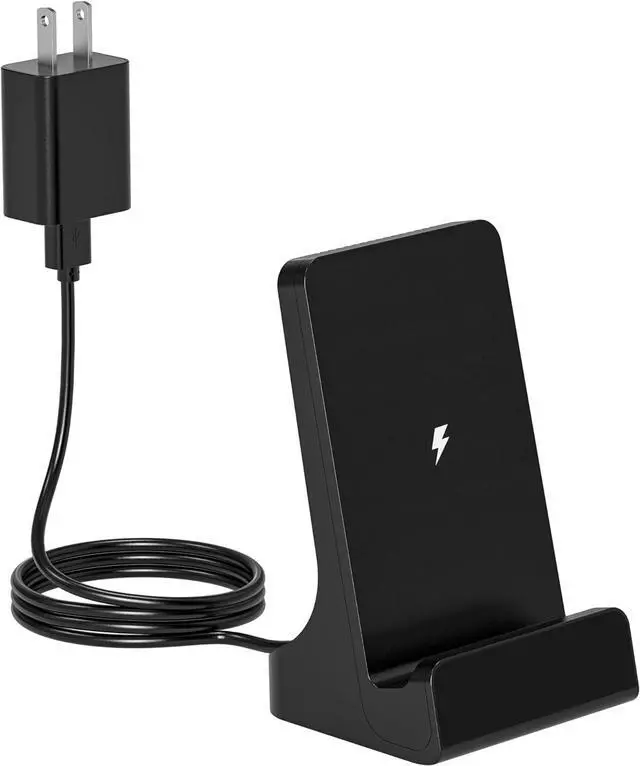
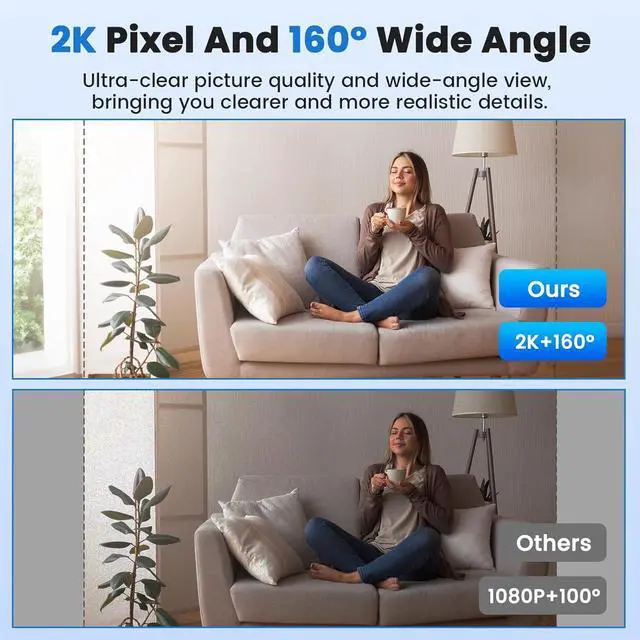
    Wireless Hidden Camera Charger Dock with 2K 5G Pixels Security Adjustable 160° Wide-Angle Lens - Night Vision and Motion Detection - APP Remote Control for Home and Office

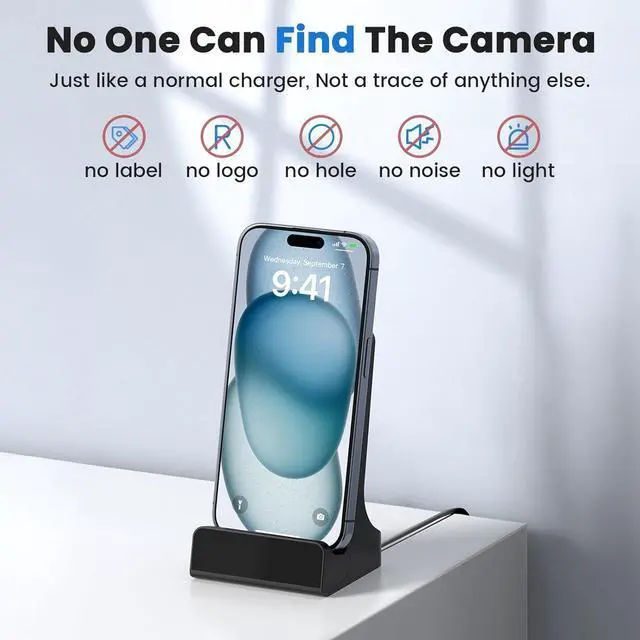
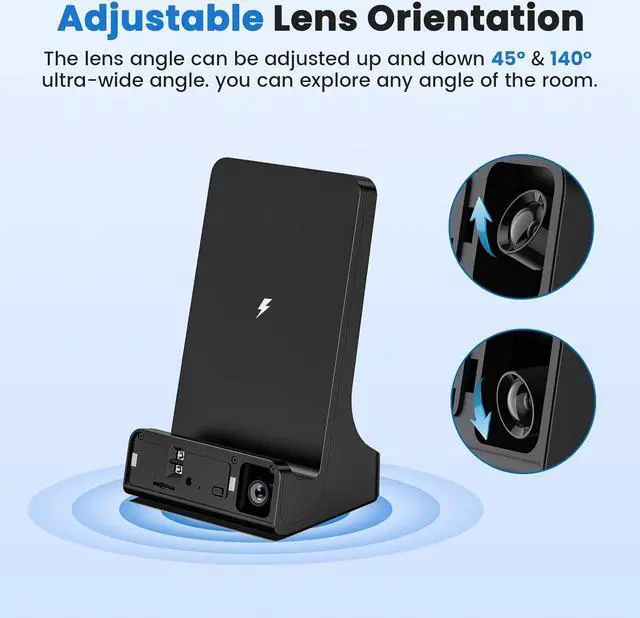
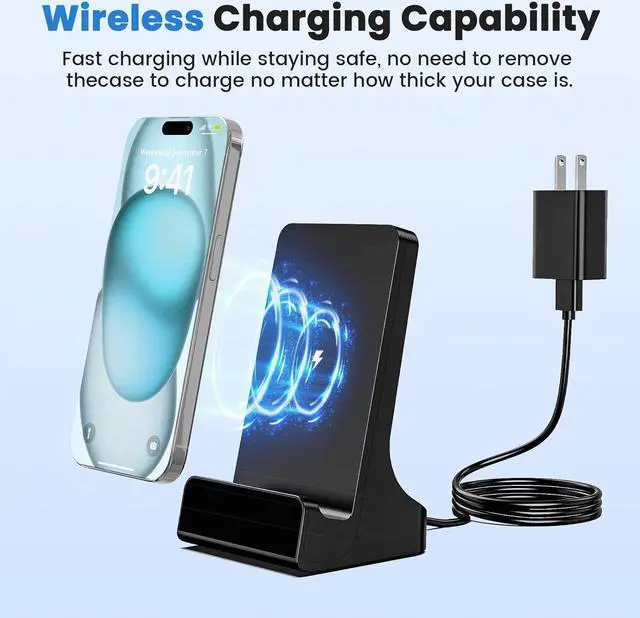
    • Invisible & Wireless Charging: Featuring an invisible LED indicator, hidden SD card slot, adjustable 45-140 degree ultra-wide-angle hidden lens, and a specific transparent glass panel, this hidden camera charger is undetectable to anyone. It functions just like a regular wireless charging stand (as long as the phone supports wireless charging), with no need for a power cordjust place and charge for convenience and ease.
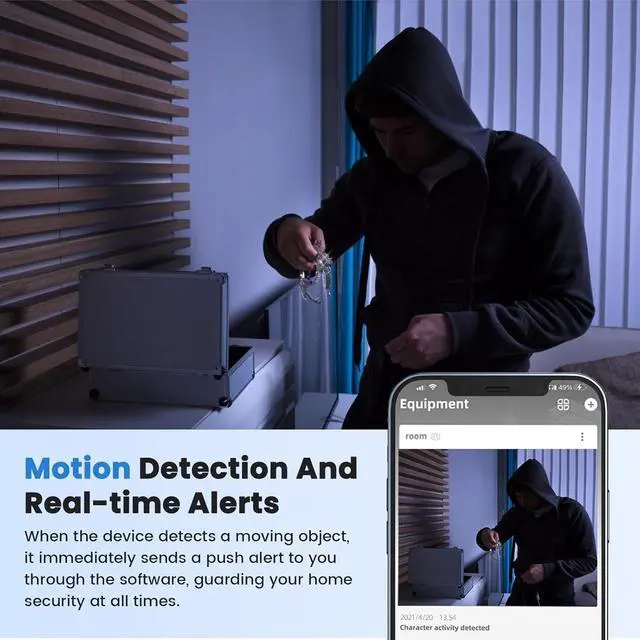
    • Agile Motion Detection and Alert Function: When motion is detected, the nanny spy camera charger sends a push notification to your phone. You can set it to capture video upon motion detection, ensuring you don't miss any important moments, day or night.
    • Just Like a Regular Wireless Charging Stand: No logos, no holes, no noise, and silent operation with a built-in hidden lens. (No one can find the camera).
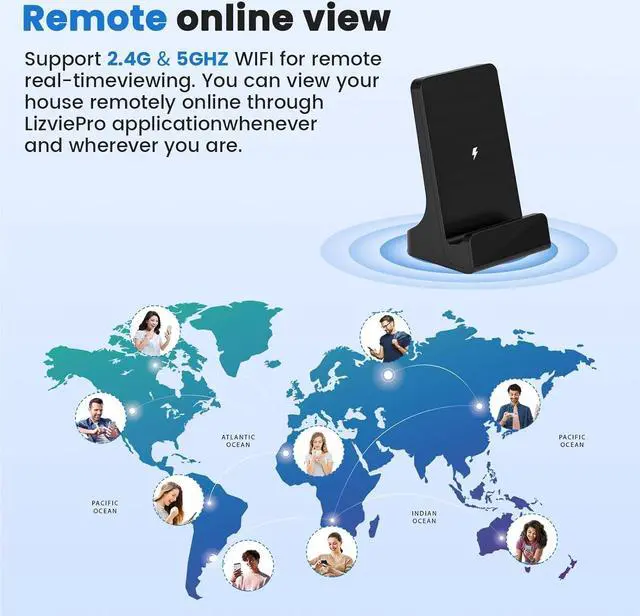
    • Hidden Camera Charger Outstanding APP Features: The app provides intelligent alerts, motion detection, real-time viewing in full HD (true 2K) quality, video loop
    +
    +
    Overview
    Reviews

    Any questions? Ask CelesteSM will help you find out quickly.

    If the software does not automatically configure the device, do the following to configure it:
    1.Configure Device
    Download APP >> Plug in >> Tap "+" in the upper right corner inside the APP >> Add for the first time >> Select your device >> Tab Step 1 - Connect Camera Wifi (blinking - ***** ) >> Default Password: 0123456789 (Confirm to use this WiFi and keep it connected) >> Return to APP >> Tab Step 2 - "List Camera to APP".
    2.Remotely Control
    Setting >> network information >> Select the router SSID you need to add support 2.4G / 5G WIFI
    Usage Issues
    1. watch and download videos directly on the LizviePro App (note that the device will automatically loop);
    2. Setting the time zone can be more accurate to ensure more complete video data recording;
    3. videos can be downloaded directly from the APP to your phone or played in your APP;
    4. To play the video on your computer, you need to use H.264 video converter to extract the SD card video file.
    5. We recommend changing the default password of your device to ensure security. If someone visits your home and connects to your home WIFI with LizviePro on their phone, it will automatically synchronize the devices connected to the same WIFI within the APP.
    PS: Please remove the lens protection film before use.

    Warranty & Returns

    Warranty, Returns, And Additional Information

    Warranty

    • Please contact the Seller directly for warranty information. Warranty information may also be found on the Manufacturer's website.
    • CONTACT

    Return Policies

    Manufacturer Contact Info

    LOADING...