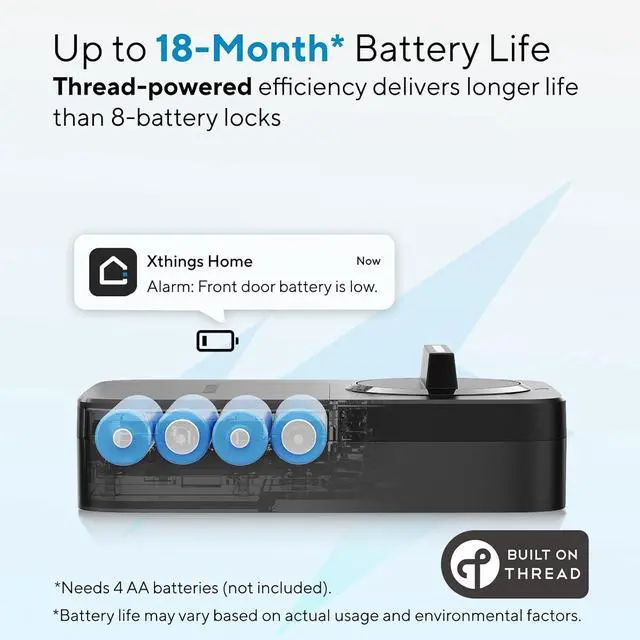
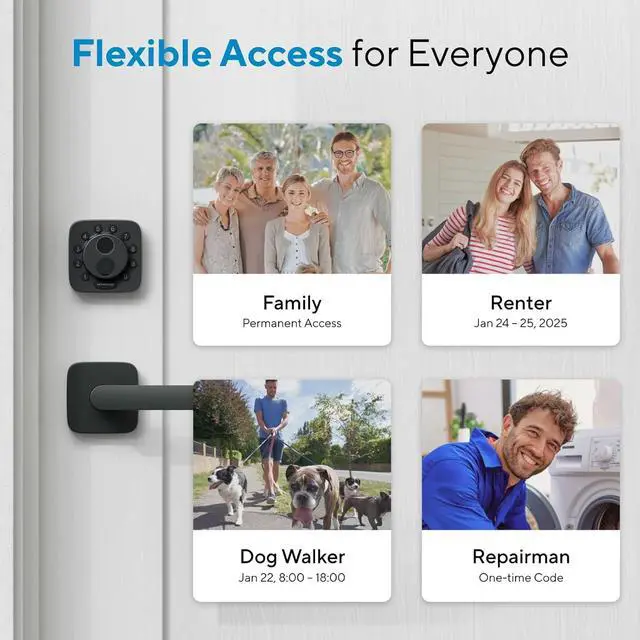
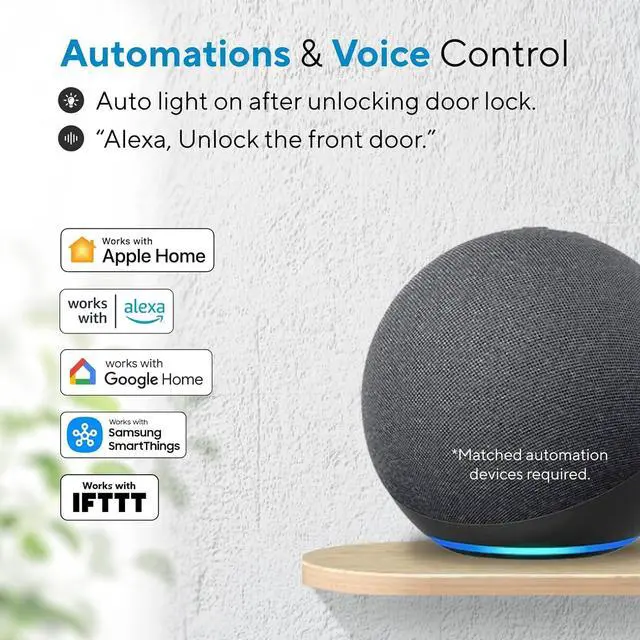
1Supports Wi-Fi or Matter2Reliable Connectivity3All Devices, One App4Seamless Integration5Supported Matter Hubs1Share Access2Auto Lock3Works with Apple Home4Works with Xthings Home5Free Web Portal1ANSI/BHMA Certified2Long-lasting Battery3Data Protection4Check Before You Buy5Easy DIY Installation What is Matter?
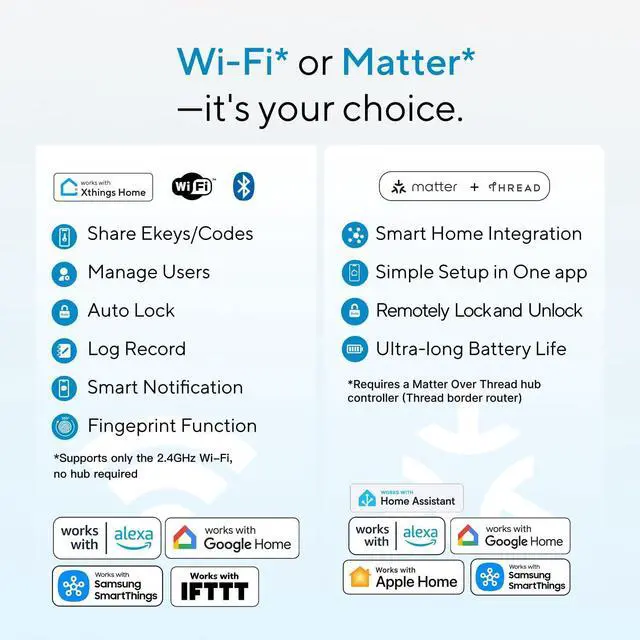
Matter is a universal smart-home standard that lets devices from different brands work together securely. If a product supports Matter, it can connect with Apple Home, Google Home, Alexa, and SmartThings without compatibility issues.
What is Thread?
Thread is a low-power wireless protocol for smart home devices. It lets lights, locks, and sensors communicate directly in a secure, reliable, energy-efficient mesh network. Often paired with Matter, Thread makes devices faster and more responsive.
What do I need if I want to setup Matter-over-Thread device?
Matter-over-Thread required means the device must run Matter on a Thread network. Setup needs a Thread Border Router (like a compatible smart speaker or hub) and a Matter-supported app such as Apple, Alexa, or Google.
How to activate Bluetooth to complete product setup
Press any front button to turn on Bluetooth, then begin setup within 30 seconds.
How to switch WiFi/Matter mode?
Open Xthings Home App and connect to the Lock via WiFi/Bluetooth first; then go to the settings page of the lock and click "Switching Mode" and you can now switch between WiFi & Matter mode.
AI-powered Lightning-fast Fingerprint Reader App Remote Control Mechanical Key Security You Can Trust Every Day Built to Last Up to 18-month Battery Life Your Data, Stay Yours No Drilling, No Wiring What is Matter?
What is Thread?
What do I need if I want to setup Matter-over-Thread device?
How to activate Bluetooth to complete product setup
How to switch WiFi/Matter mode?