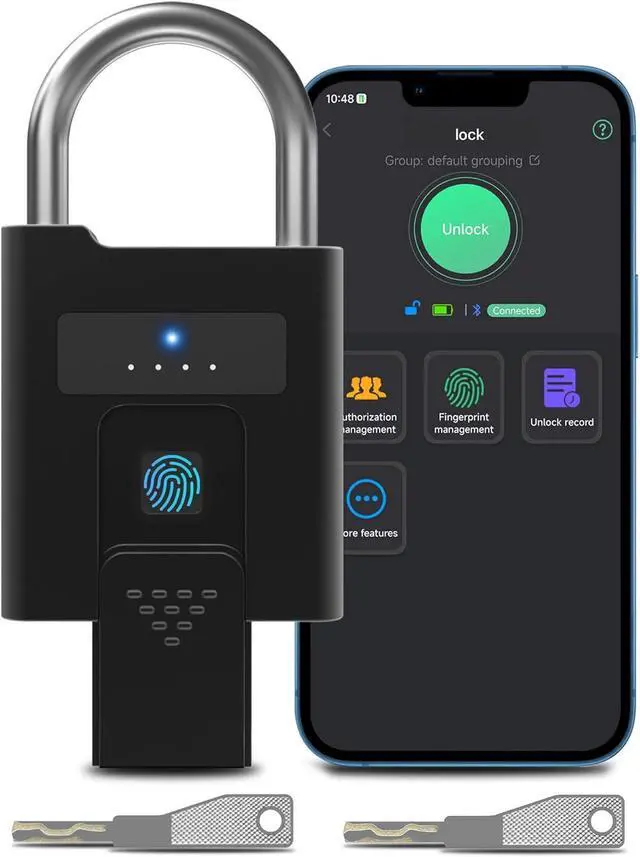
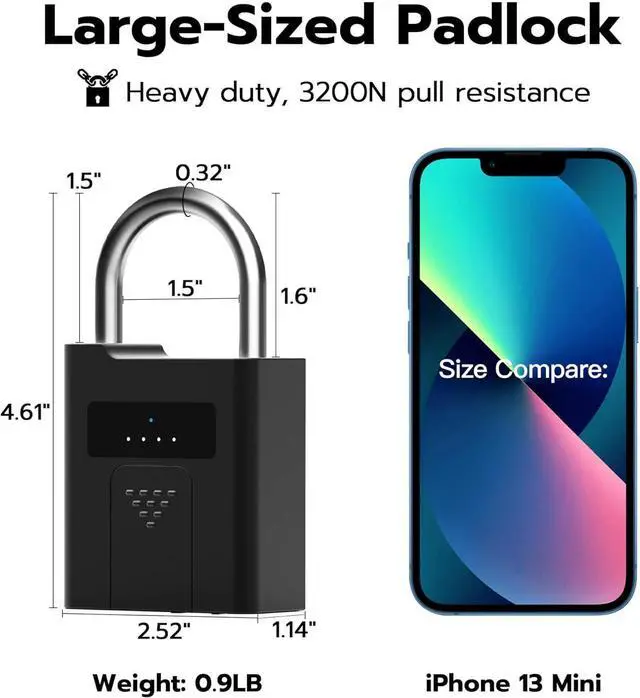
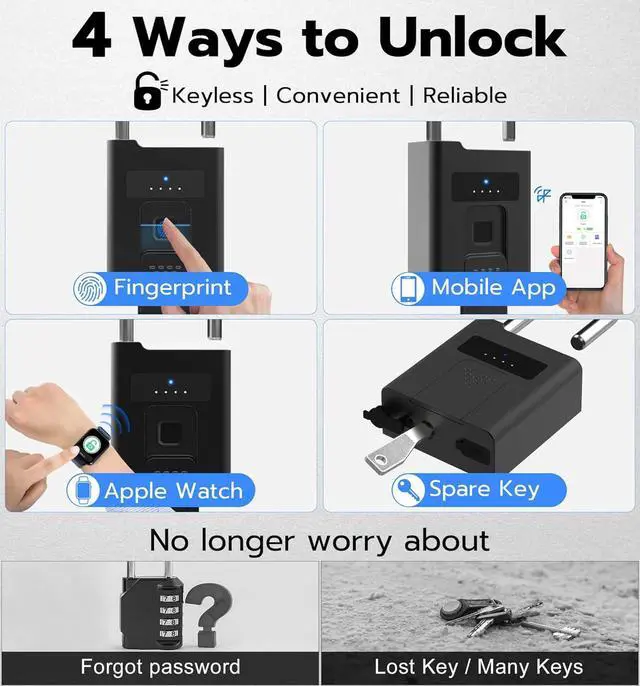
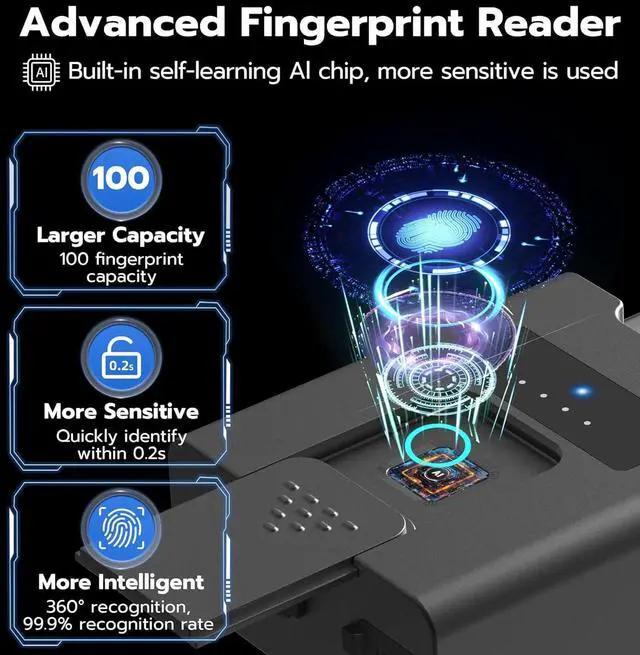
Upgraded Fingerprint Reader:
Larger Capacity: 100 fingerprints capacity
144% Enlarge: More precise and sensitive
More Sensitive: Quickly identify within 0.2s
More Intelligent: 360° and 99.9% Recognition
Self-learning Al Chip: More sensitive is used
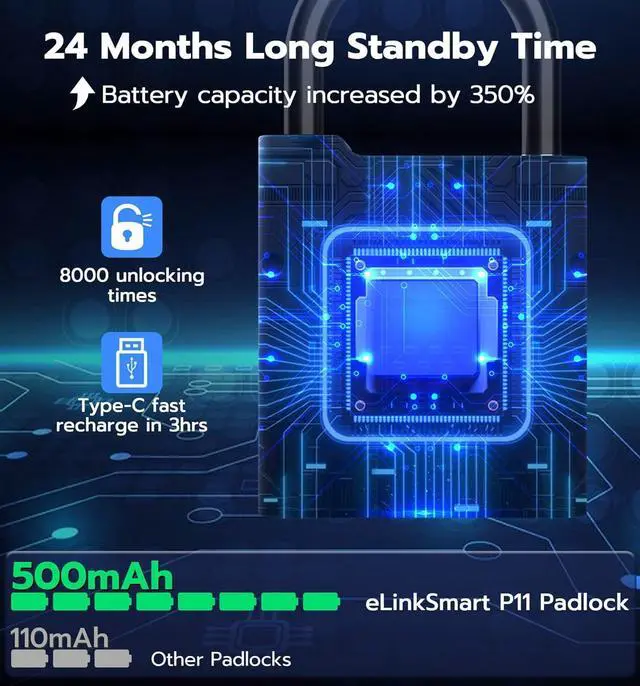
Eco-Power Mode (Default): The P11 padlock adopts an energy-saving design, the lock will go into a sleep state after operation to save power, so you need to touch the fingerprint reader once to wake it up, and then operate the lock.
Fast Connection Mode: The P11 padlock supports turning on the stay wake-up state, which will increase power consumption, and you can directly operate the lock.
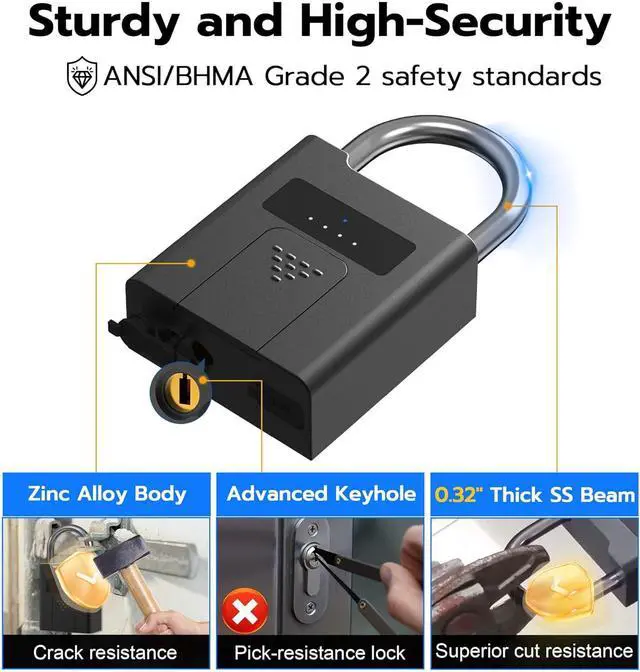
P11 padlock complies with the same safety standards as ANSI/BHMA Grade 2, provides excellent security.
Reminder: Please make sure your finger and fingerprint reader are dry during fingerprint recognition.
Suitable for Gate, Outdoor Fence, Gym Locker, Storage Locker, Pool, Shed, Hasp, Toolbox, etc.
Question 1: How to set up the lock?
Answer: Connect the [eSmartLock] App to set up, you can download and install the App from the App Store (iOS) / Google Play (Android).
Question 2: Why can other unregistered fingerprints unlock the lock?
Answer: Before the first fingerprint is registered successfully, it is the experience mode, any fingerprint can unlock the lock in experience mode.
Question 3: Why my fingerprints cannot be registered successfully?
Answer: One fingerprint needs to be collected 5 times that will be registered successfully. So you should enter the same fingerprint 5 times instead of entering 5 different fingerprints when registering a fingerprint.
Fingerprint Unlock Widely Used: FAQs: