Your Browsing History
Meet Your Seller
WiFi Smart Door Lock with Camera, 2K Video Doorbell Deadbolt
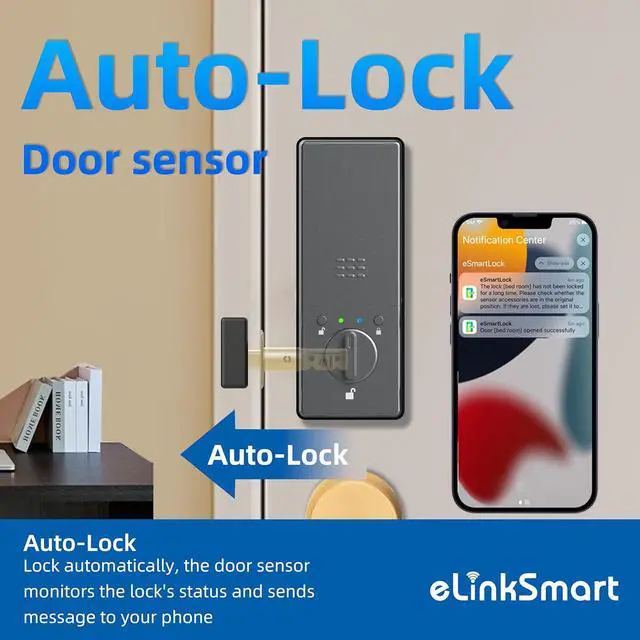
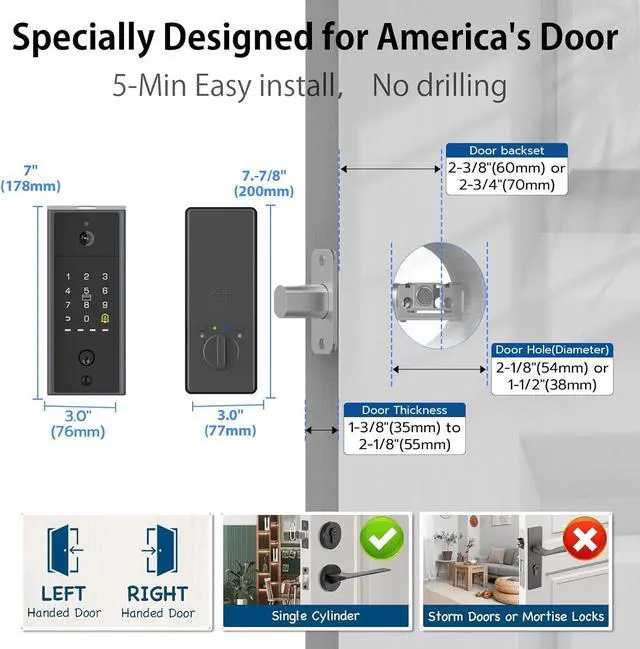
- Unlock for Visitors from Anywhere, Two-Way Talk, Fingerprint Keypad Keyless Entry, Door Sensor Auto Lock, No Drill
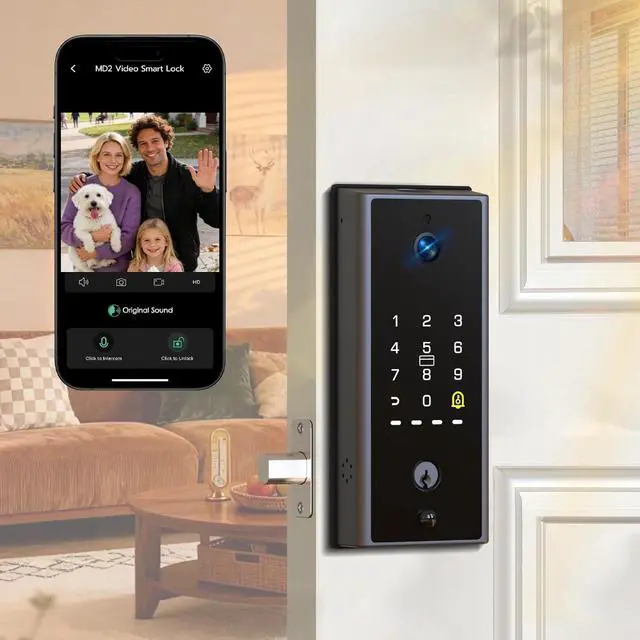
- SEE WHO IS THERE AND LET THEM IN WITHOUT GETTING UP: The 2K camera, two-way talk, and remote unlock live in one device, so you can answer the door from the couch, the garden, or the office. Mid-game, mid-movie, hands full in the yard: check the live view, speak to them, and open the door from your phone.
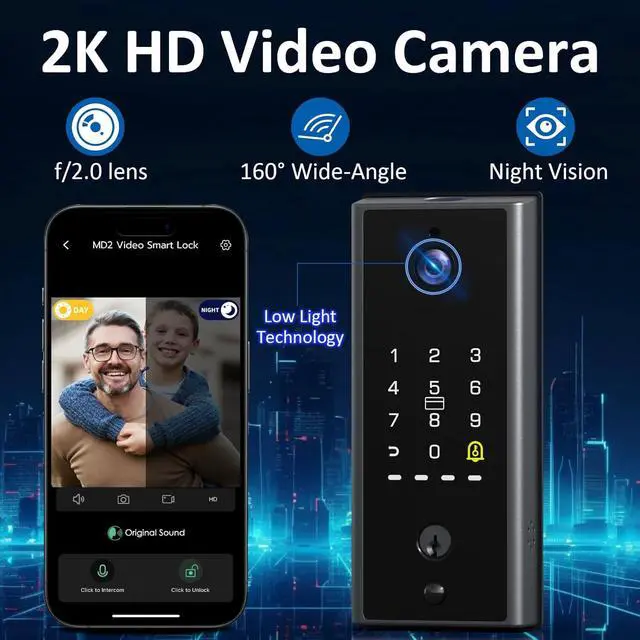
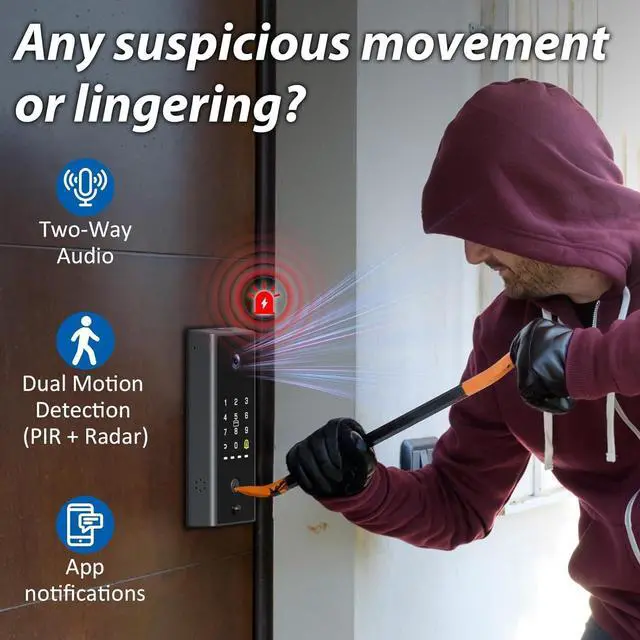
- 2K CAMERA WITH NIGHT VISION AND DUAL DETECTION: An f/2.0 wide-angle lens with automatic night vision, plus PIR and radar sensors working together, so you get alerts for real people instead of passing cars and shadows. Live view, event playback, and loitering alerts when someone lingers at your door.
- LET THE DELIVERY IN, NOT THE PORCH PIRATE: Talk to the courier through the lock, unlock for them remotely, then lock it behind them. Create temporary or one-time codes for guests, cleaners, and dog walkers that expire on their own, so no key ever leaves your hands.
- AUTO-LO
+
+
Overview
Reviews
Any questions? Ask CelesteSM will help you find out quickly.
Try me now
1App Remote Control2Voice Control3Doorbell When the video smart lock MD2 runs out of power, how do you unlock it?
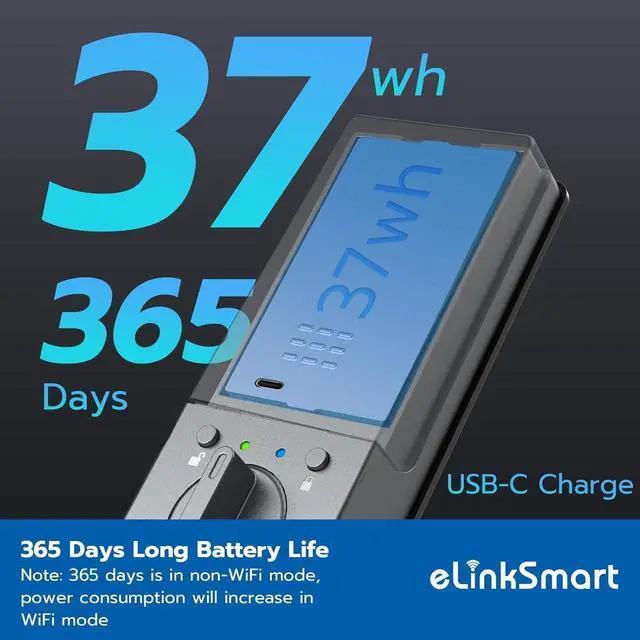
When the battery level drops below 10%, you will receive a low-battery notification. If the battery is completely drained, you can power it up via the port on the exterior lock. You can also unlock the device with the physical key in case of no power
How can I verify if my video smart lock MD2 is installed correctly?
The smart lock is properly installed if the following conditions are met:
The latch works smoothly and the lock feels secure.
Biometric functions (fingerprint, password) operate normally.
The Wi-Fi for remote control and camera viewing is stable.
Why can't my app connect to the smart lock MD2?
Check the following:
App name: eSmartLock.
Wi-Fi: Connect to a 2.4GHz network.
Bluetooth: Enable Bluetooth and grant app permissions.
Try a factory reset (follow the instructions in the manual).
When the video smart lock MD2 runs out of power, how do you unlock it?
How can I verify if my video smart lock MD2 is installed correctly?
Why can't my app connect to the smart lock MD2?
Warranty & Returns
Warranty, Returns, And Additional Information
Warranty
- Please contact the Seller directly for warranty information. Warranty information may also be found on the Manufacturer's website.
- CONTACT
Return Policies
- Return for refund within: 30 days
- Return for replacement within: 30 days
- This item is covered by Cloudless Clear Return Policy
Manufacturer Contact Info
- For a directory of all our manufacturers, please click below.
- Manufacturers Directory
LOADING...