Your Browsing History
Meet Your Seller
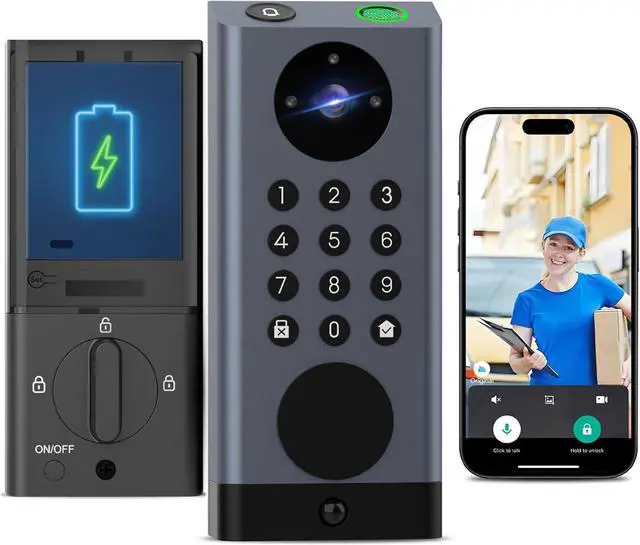
Front Door Lock with Camera, Video Doorbell Smart Deadbolt
- PIR and Radar Spot Visitors Before They Knock, Fingerprint Keypad Keyless Entry, Built-in WiFi No Hub, IP65, No Drill
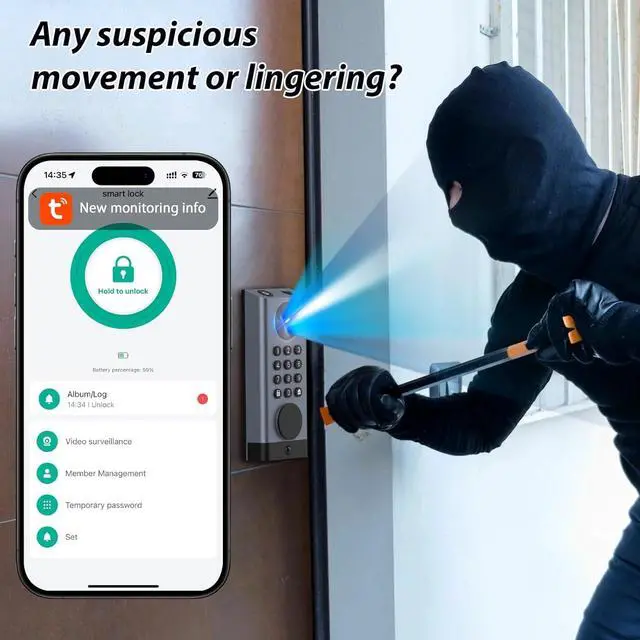
- PIR + Radar Dual-Sensor Active GuardUnlike standard locks that react only when the doorbell is pressed, the built-in PIR infrared sensor and millimeter-wave radar detect motion up to 6ft away, automatically recording and pushing alerts before a stranger even reaches your door.
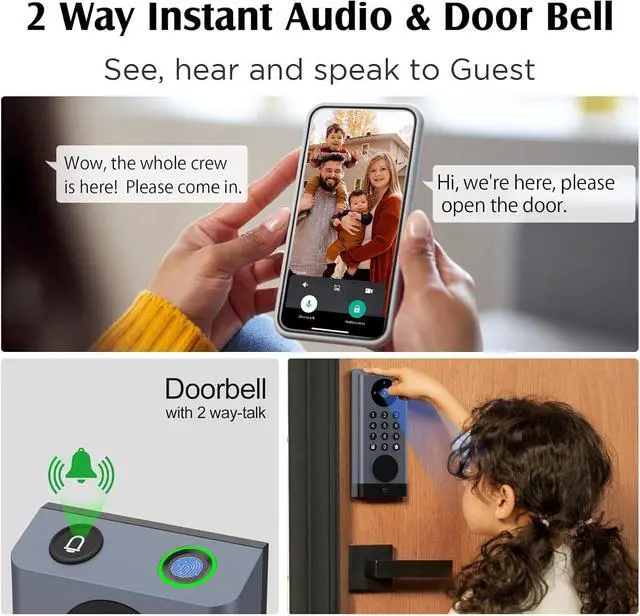
- 6 Keyless Entry MethodsUnlock via biometric fingerprint, PIN keypad (anti-peep mode), IC card fob, Tuya App remote, Alexa voice command, or backup mechanical key. Create temporary one-time codes for cleaners, dog walkers, or Airbnb guests revoke access instantly from your phone.
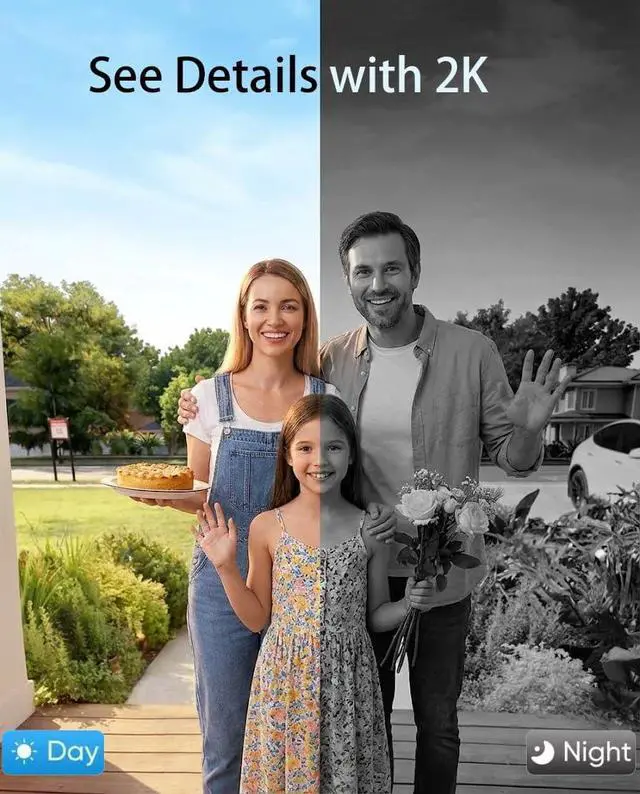
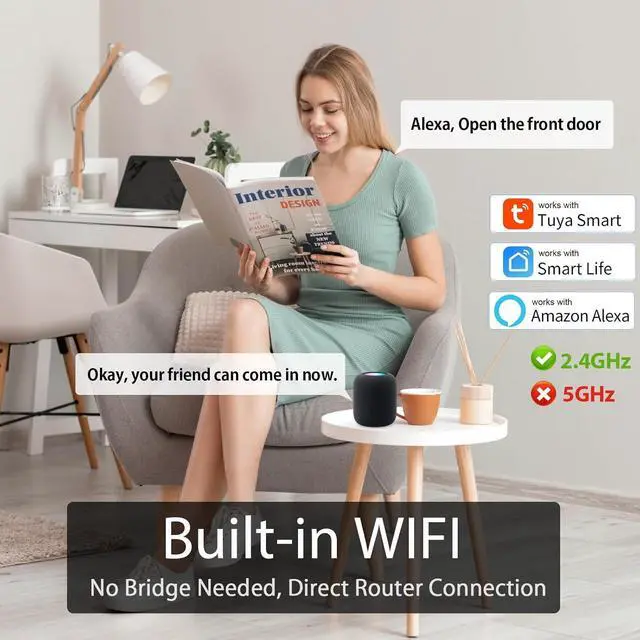
- Built-in WiFi No Hub, No Gateway, No Monthly Fee Connects directly to your 2.4GHz WiFi in minutes. Use the Tuya Smart App to remotely unlock, generate time-limited guest codes, view live HD video, and check full access logs anytime, anywhere. Works with Alexa for voice control.
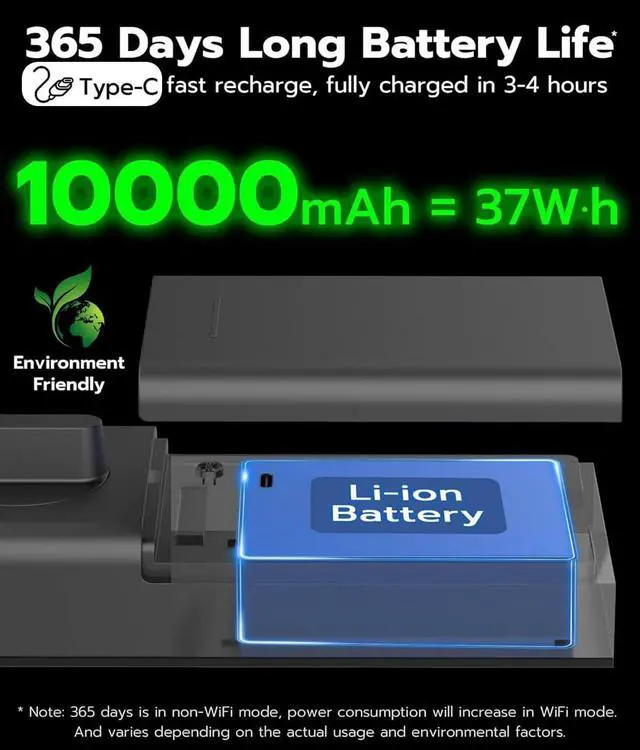
- 365-Day Rechargeable Ba
+
+
Overview
Reviews
Any questions? Ask CelesteSM will help you find out quickly.
Try me now
1App Remote Control2Voice Control3Doorbell When the video smart lock MD121 runs out of power, how do you unlock it?
When the battery level drops below 10%, you will receive a low-battery notification. If the battery is completely drained, you can power it up via the port on the exterior lock. You can also unlock the device with the physical key in case of no power
How can I verify if my video smart lock MD121 is installed correctly?
The smart lock is properly installed if the following conditions are met:
The latch works smoothly and the lock feels secure.
Biometric functions (fingerprint, password) operate normally.
The Wi-Fi for remote control and camera viewing is stable.
Why can't my app connect to the smart lock MD121?
Check the following:
Battery level: Ensure it is 80%.
Wi-Fi: Connect to a 2.4GHz network.
Bluetooth: Enable Bluetooth and grant app permissions.
Try a factory reset (follow the instructions in the manual).
When the video smart lock MD121 runs out of power, how do you unlock it?
How can I verify if my video smart lock MD121 is installed correctly?
Why can't my app connect to the smart lock MD121?
Warranty & Returns
Warranty, Returns, And Additional Information
Warranty
- Please contact the Seller directly for warranty information. Warranty information may also be found on the Manufacturer's website.
- CONTACT
Return Policies
- Return for refund within: 30 days
- Return for replacement within: 30 days
- This item is covered by Cloudless Clear Return Policy
Manufacturer Contact Info
- For a directory of all our manufacturers, please click below.
- Manufacturers Directory
LOADING...