Your Browsing History
Meet Your Seller
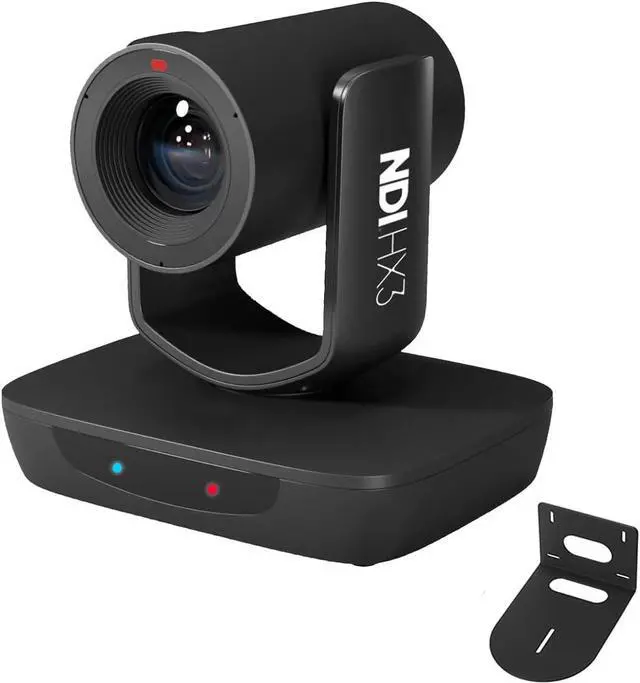
AVKANS AI Auto Tracking NDI 6 Camera, 20X Live Streaming HDMI SDI USB3.0 Live Streaming PTZ Camera for Church Worship and Event (NDI HX2 & NDI HX3, LV20N)
- AVKANS AI Auto Tracking PTZ Camera with NDI HX3, Budget but POWER NDI Camera with HDMI SDI USB Video outputs for Live Streaming. Right Livestream Camera for Church, Media Ministry, Worship, Live Event Wedding Sport and other Video Production and Video Recording Services, even for Studio and Broadcasting Events.
- NDI HX2 AND NDI HX3 PTZ CAMERA WITH 20X OPTICAL ZOOM LENS: You can choose NDI HX3 or NDI HX2 according your hardware and software and network speed. NDI Key/license already included. With NDI HX3 the latest NDI technology, it provides up to 1080P 60fps high quality video with much less delay than NDI HX. It works well with OBS, vMix, Streamlabs, Propresenter, Wirecast and other NDI software.
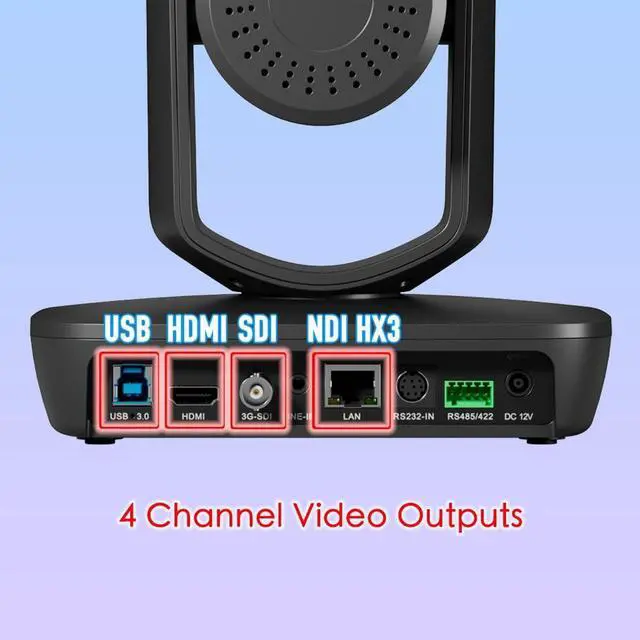
- Multiple Video Output Interfaces - This AVKANS PTZ Camera is not only with HDMI USB NDI video outputs, but also SDI output. SDI is popular for professional installations becuase it features locking connectors and long cable distances, distance is up to 300ft WITHOUT PURCHASING EXTRA DEVIC
+
+
Overview
Specs
Reviews
Any questions? Ask CelesteSM will help you find out quickly.
Try me now
1Power over Ethernet (POE)2HDMI and SDI Outputs3NDI HX2 and NDI HX34Works well with vMix5Works well with OBS1Multi-Cam Video Option 12Multi-Cam Video Option 23Connection Diagram How to start and stop Auto Tracking feature?
3 Ways to Start and Stop Auto Tracking:
1). Press F1 F2 to Start and stop tracking on IR remote.
2). Use Web app/Web browser to start and stop auto tracking feature.
3). Use AVKANS Super Joystick Controller to start and stop auto tracking feature.
How to network the PTZ Camera? How to get the camera's IP Address?
1). You can turn the DHCP on or off, and find the camera IP address from the camera Menu using IR remote
2). Using CMS software to find, setup, preview, control the camera.
What is the user name and password for the on/vif protocol, Web Interface
On-vif :
user name: admin, password: 123456
Web Interface:
user name: admin, password: admin123
Visca over iP port: 1259
What is different between AVKANS AI auto tracking camera compare to others/competitors
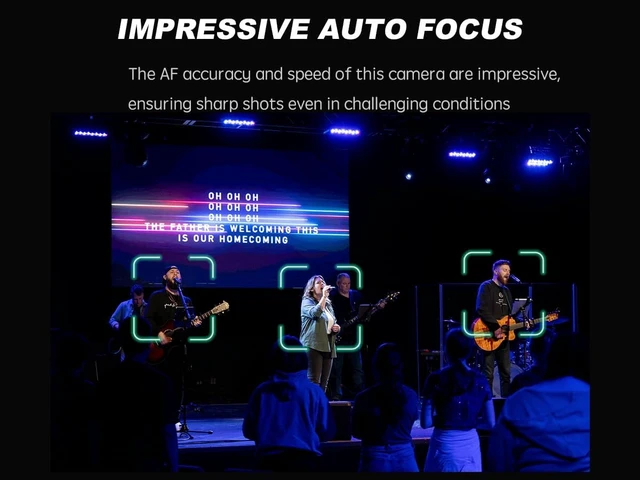
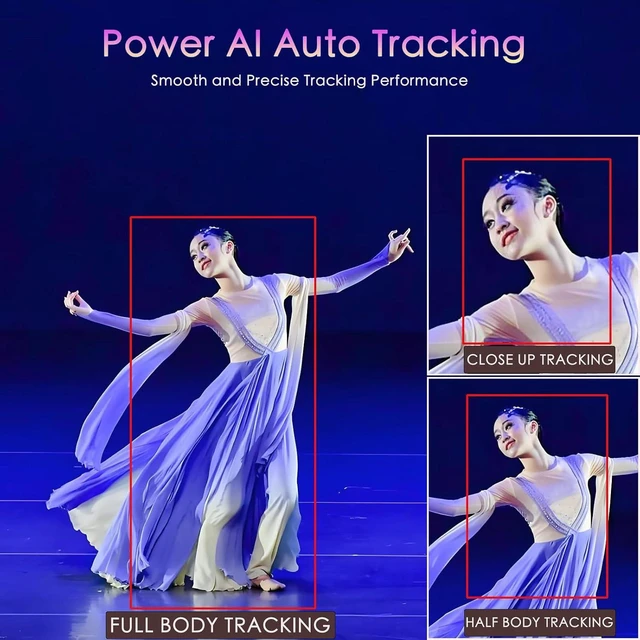
1) AVKANS has 3 tracking mode: presenter tracking/zone tracking/hybrid tracking
2) AVKANS has settings like tracking sensitive, speed, tracking area, bettter tracking performance
3) AVKANS has Tally Light
4) AVKANS has SDI out for long cable runs.
Does this PTZ Camera work with Blackmagic Video Switchers?
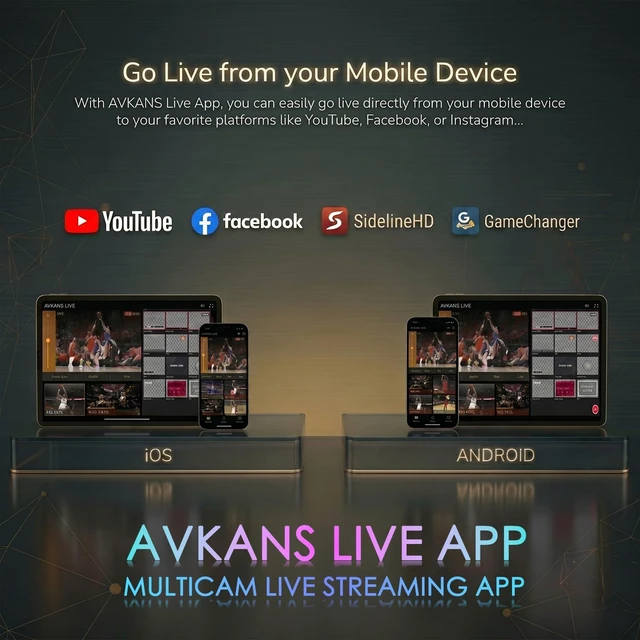
Yes, AVKANS PTZ Camera comes with HDMI, SDI video outputs, all is Compatible with blackmagic, NDI is Compatible with vMix, OBS and other Live Video Streaming Softwares. It is a good Multi-camera video production and live streaming Camera.
AVKANS LV20N 20X NDI Kits
4K 20X PTZ Camera Kits
Warranty & Returns
Warranty, Returns, And Additional Information
Warranty
- Please contact the Seller directly for warranty information. Warranty information may also be found on the Manufacturer's website.
- CONTACT
Return Policies
- Return for refund within: 30 days
- Return for replacement within: 30 days
- This item is covered by Cloudless Clear Return Policy
Manufacturer Contact Info
- For a directory of all our manufacturers, please click below.
- Manufacturers Directory
LOADING...