eufy Security Floodlight Camera E340 Wired, 360° Pan and Tilt, 24/7 Recording, Dual-Band Wi-Fi, 2,000 Lumens, Motion-Activated, Dual Camera, HomeBase 3 Compatible, Local Storage, No Monthly Fee
  •  
  • $219.99 
  • $396.99
  • Price alert
    Shop it at NeweggBusiness.

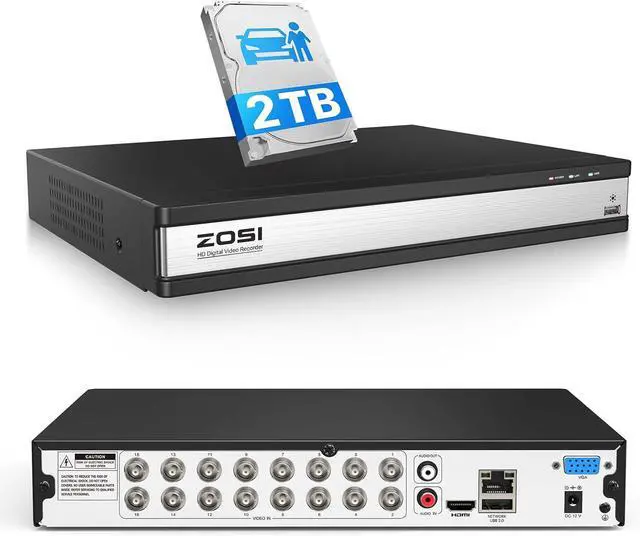
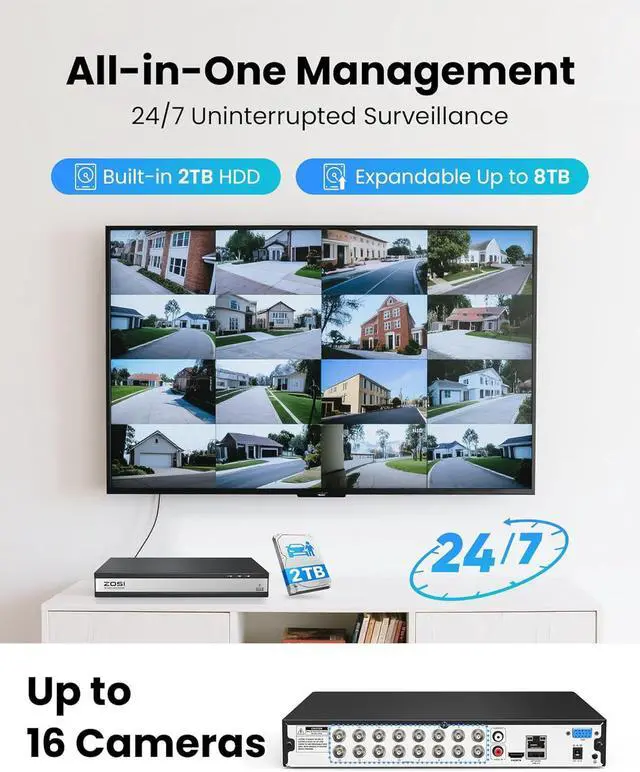
    ZOSI 16 Channel H.265+ Home Security DVR Recorder, 1080P Lite Hybrid 4-in-1(Analog/AHD/TVI/CVI) CCTV DVR for Security Camera, Motion Detection, Mobile Remote Control, Alert Push (2TB HDD Included)

    • (1). [ Advanced H.265+ High Efficiency Video Compression ] __ ZOSI self-developed H.265+ video coding technology extract features that focus on characteristics of the surveillance scenes for larger storage space and better image quality. H.265+ can further improve compression ratio on the basis of H.265 standard and save about 80% storage compared with H.264, and thus effectively saving storage resources and provides an excellent and smooth viewing experience.
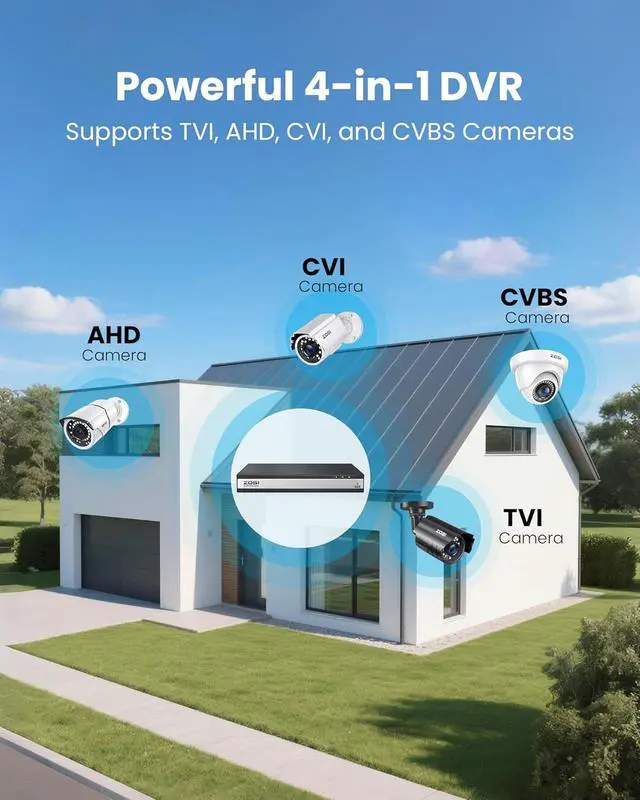
    • (2). [ 4-in-1 1080P 16CH DVR ] __ Hybrid Capability 4-in-1 16 Channel 1080P DVR Recorder, with self-adaptive technology, it supports 4 kinds of camera models: 960H Analog,720P/1080P AHD,720P/1080P TVI and CVI. (2TB Security Grade Hard Drive Included) Note: This DVR is recommended to be used in conjunction with ZOSI cameras for an enhanced user experience. This DVR supports up to 16 CCTV cameras and is not compatible with WiFi cameras, IP cameras or PoE cameras.
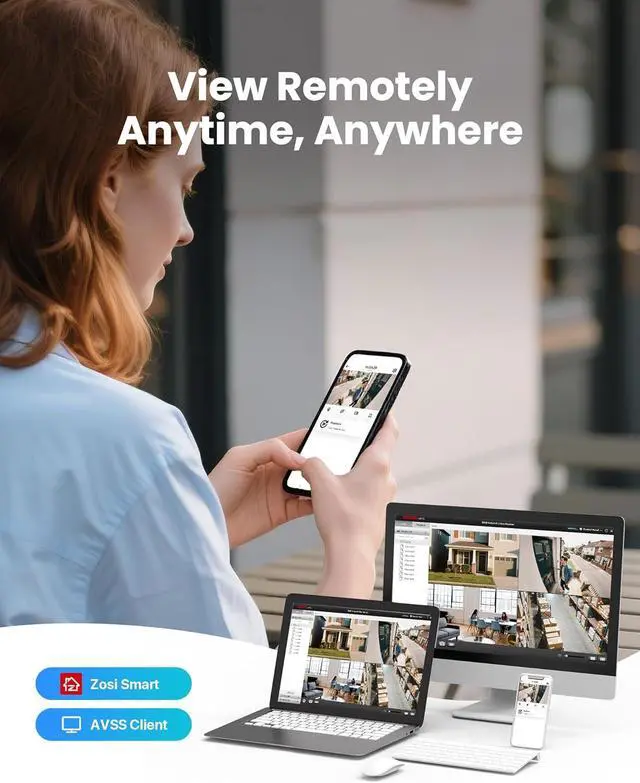
    • (3). [ Local or Remote Access, Playback Anytime & Anywhere
    +
    +
    Overview
    Specs
    Reviews
    avatar

    Any questions? Our AI beta will help you find out quickly.

    Does the system require an internet connection?
    No. The DVR can operate and record without internet access. However, an internet connection is required for remote viewing and receiving motion alerts.
    What camera resolutions does this DVR support?
    The DVR supports multiple analog resolutions, including 1080P (2MP), 720P (1MP), and 960H cameras (700TVL1000TVL).
    Do I need to set up the hard drive before using it?
    Yes. You will need to format the hard drive on the DVR before first use to enable recording and ensure proper performance.
    How do I enable continuous overwrite recording?
    Go to Main Menu Setup Record Recycle Record, then enable the recycle record option. This allows the DVR to automatically overwrite the oldest footage when storage is full.
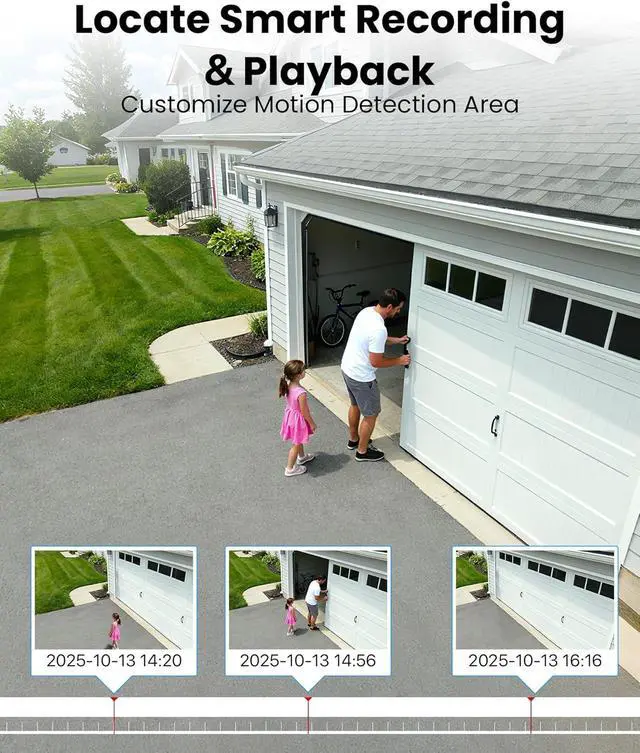
    24/7Recording & Protection AI Human & Vehicle Detection Timely App Email Notification Technical Specifications Does this DVR work with wireless cameras?
    Does the system require an internet connection?
    What camera resolutions does this DVR support?
    Do I need to set up the hard drive before using it?
    How do I enable continuous overwrite recording?

    Warranty & Returns

    Warranty, Returns, And Additional Information

    Warranty

    • Please contact the Seller directly for warranty information. Warranty information may also be found on the Manufacturer's website.
    • CONTACT

    Return Policies

    Manufacturer Contact Info

    LOADING...