

Your Browsing History
- Free 30-day Returns
$88.99

Meet Your Seller

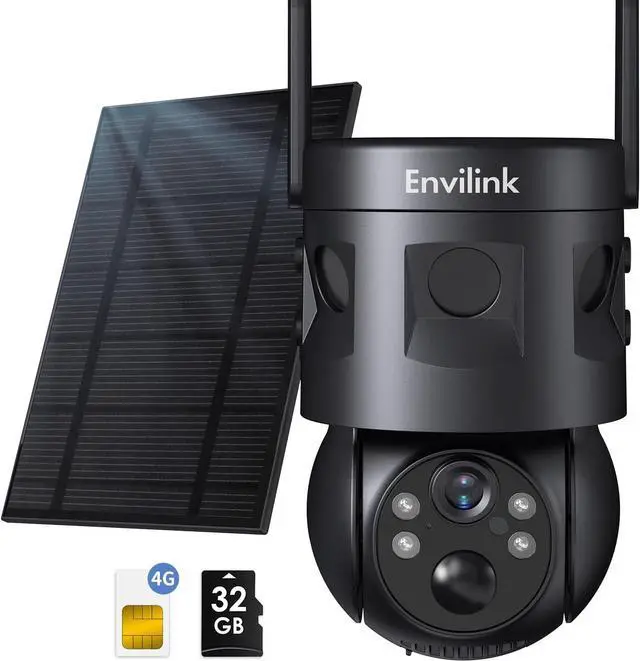
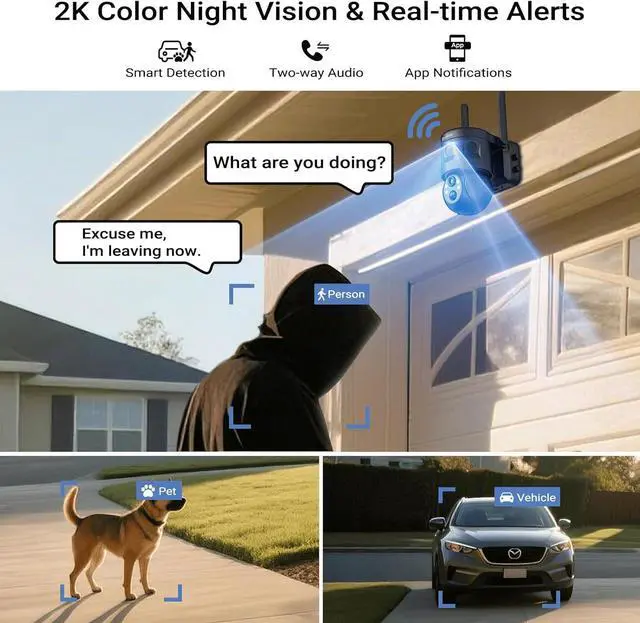
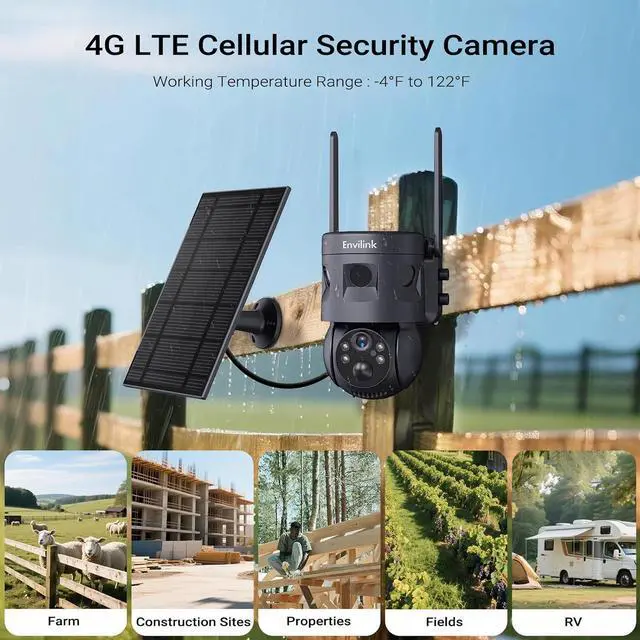
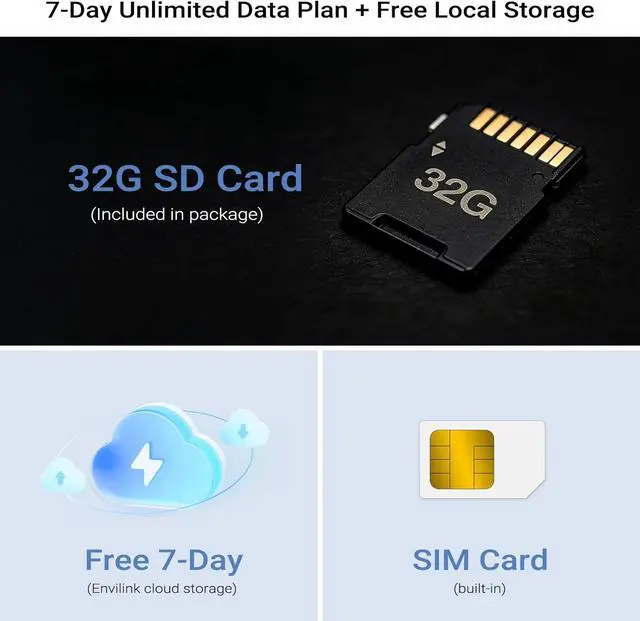


Solar Security Cameras Wireless Outdoor, 4G LTE Cellular, 2K Color Night Vision, 360°View with 3 PIR Sensors,3X Wider Motion Detection Range, 10000mah Battery, 2-Way Audio, No WiFi Needed
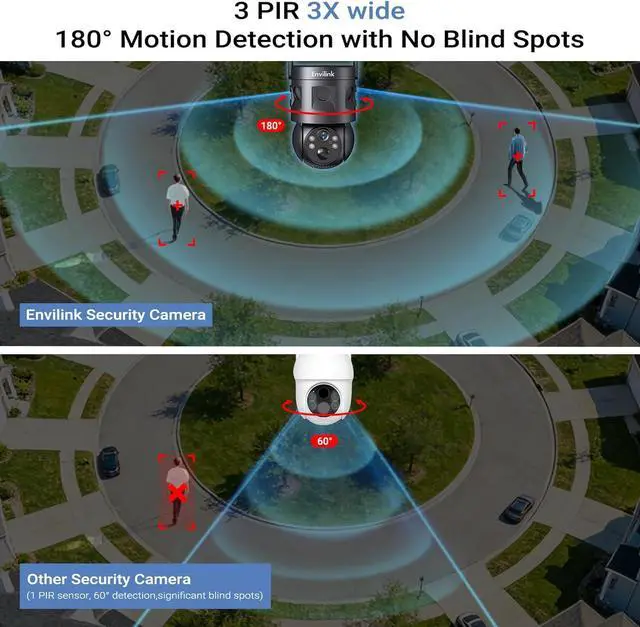
- 180° Motion Detection with 3 PIR Sensors: Never miss a moment with our Envilink solar security camera's 180°ultra-wide motion detection, powered by 3 advanced PIR sensorstriple the coverage of ordinary outdoor security cameras. It reduces event miss-detection and safeguards your property, delivering superior motion detection that traditional single-sensor cameras simply cant match. Perfect for comprehensive monitoring of your yard, driveway, or entire property.
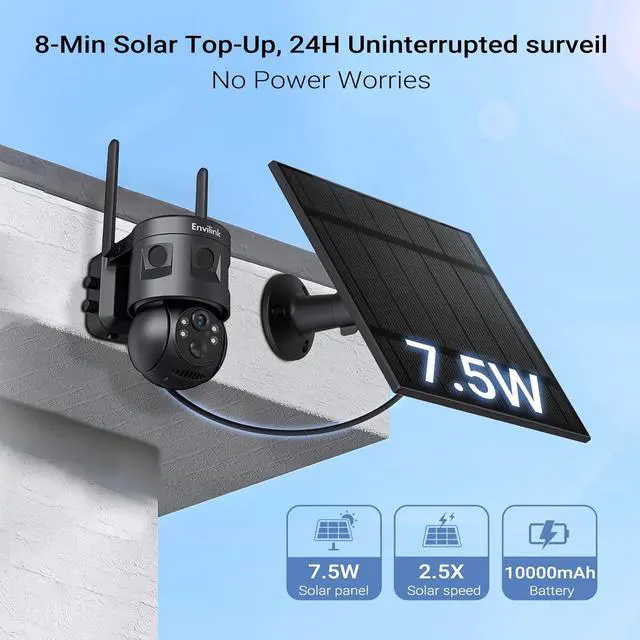
- 7.5W Solar Panel & 10,000mAh Battery for Uninterrupted Power: Stay powered through any weather with our 7.5W high-efficiency solar panel and massive 10,000mAh battery backup. Compared to a 5W solar panel, the envilinK 7.5W solar panel charges 30% faster. Even during 10 consecutive rainy days, your surveillance remains uninterrupted. No more worrying about power outages or frequent battery replacementsthis solar security camera is built for reliability in all conditions.
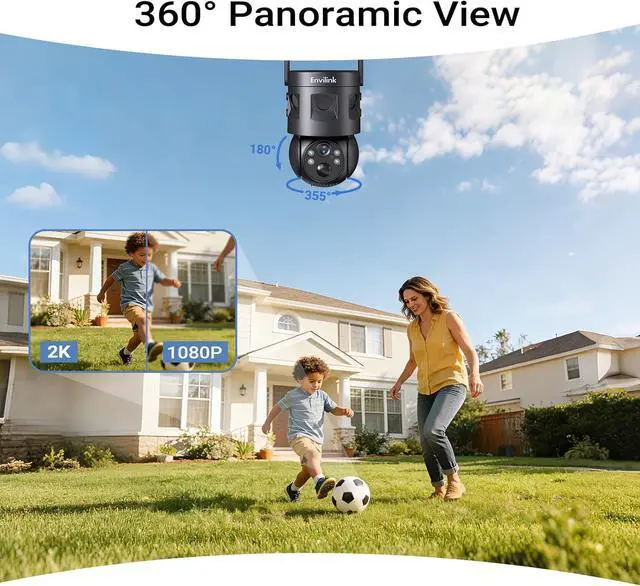
- 360° Panoramic View & Vivid 2K Color Night Vision: Ca
+
+
Overview
Specs
Reviews

Any questions? Our AI beta will help you find out quickly.
Try me now
How do I install the solar panel?
1. Direct Camera Mounting - The solar panel can be screwed directly onto the top of the camera housing for a compact setup.
2. Separate Installation - Install the solar panel separately in a location with better sun exposure.
What type of Wi-Fi network or cellular connection is required for setup?
1. Wi-Fi Requirements - The camera requires a 2.4GHz Wi-Fi band for connectivity and is incompatible with 5GHz-only networks.
2. Cellular Support - Compatible with Cellular 4G LTE networks. Currently does not support Cellular 5G LTE connections.
What should I do if the camera is not charging?
1. Ensure you are using 5V output voltage a charger
2. Connect the Type-C power cable to the device and flip the power switch to the ON position.
3. The power indicator light illuminates, the device is successfully receiving power.
What should l do if the camera is malfunctioning or offline?
1. Try restarting the device.
2. Locate the reset button near the SD card slot, which is situated on the top of the spherical portion.
3. lf the issue persists, ensure the device remains connected to the power supply and attempt another restart.
4G Solar Security Camera How should I install the camera to achieve optimal motion detection performance?
How do I install the solar panel?
What type of Wi-Fi network or cellular connection is required for setup?
What should I do if the camera is not charging?
What should l do if the camera is malfunctioning or offline?
1. Direct Camera Mounting - The solar panel can be screwed directly onto the top of the camera housing for a compact setup.
2. Separate Installation - Install the solar panel separately in a location with better sun exposure.
What type of Wi-Fi network or cellular connection is required for setup?
1. Wi-Fi Requirements - The camera requires a 2.4GHz Wi-Fi band for connectivity and is incompatible with 5GHz-only networks.
2. Cellular Support - Compatible with Cellular 4G LTE networks. Currently does not support Cellular 5G LTE connections.
What should I do if the camera is not charging?
1. Ensure you are using 5V output voltage a charger
2. Connect the Type-C power cable to the device and flip the power switch to the ON position.
3. The power indicator light illuminates, the device is successfully receiving power.
What should l do if the camera is malfunctioning or offline?
1. Try restarting the device.
2. Locate the reset button near the SD card slot, which is situated on the top of the spherical portion.
3. lf the issue persists, ensure the device remains connected to the power supply and attempt another restart.
4G Solar Security Camera How should I install the camera to achieve optimal motion detection performance?
How do I install the solar panel?
What type of Wi-Fi network or cellular connection is required for setup?
What should I do if the camera is not charging?
What should l do if the camera is malfunctioning or offline?
Warranty & Returns
Warranty, Returns, And Additional Information
Warranty
- Please contact the Seller directly for warranty information. Warranty information may also be found on the Manufacturer's website.
- CONTACT
Return Policies
- Return for refund within: 30 days
- Return for replacement within: 30 days
- This item is covered by CITY BUSINESS LIMITED Return Policy
Manufacturer Contact Info
- For a directory of all our manufacturers, please click below.
- Manufacturers Directory
LOADING...