Working temperature: -25°C~50°C(-13 °F~ 122°F)
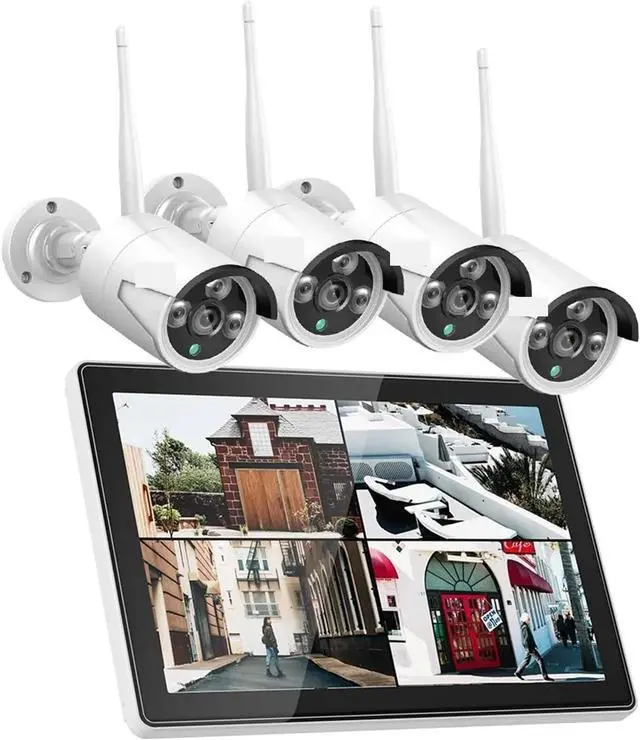
Comparison between traditional wireless NVR recorder and 10 Inch LCD wireless NVR
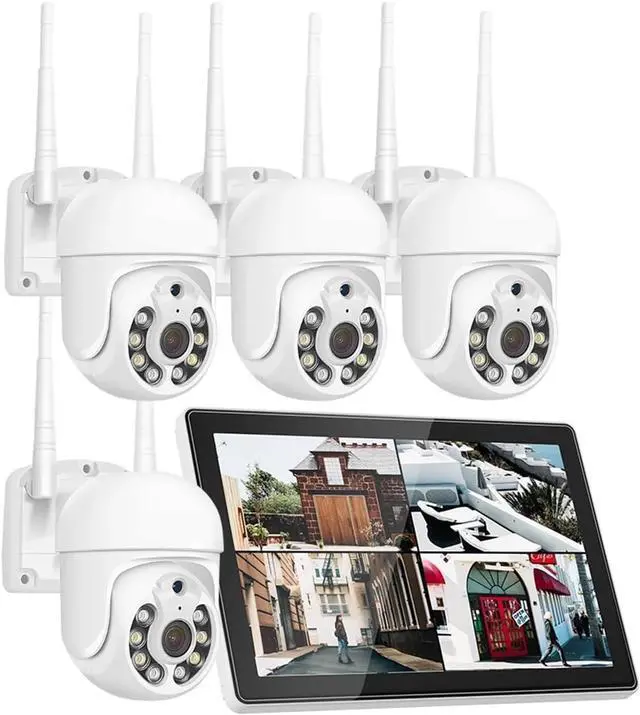
LCD wireless NVR can save money and save space ,due to dont need to seperate monitor /display /TV,directly power LCD NVR,they can work well .it is more easy to connect .but if you still want to use your own display ,you also can use HDMI cable to connect it .
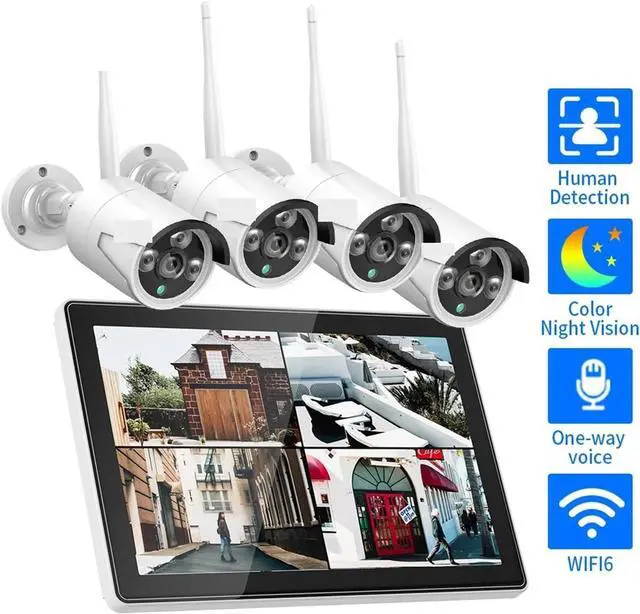
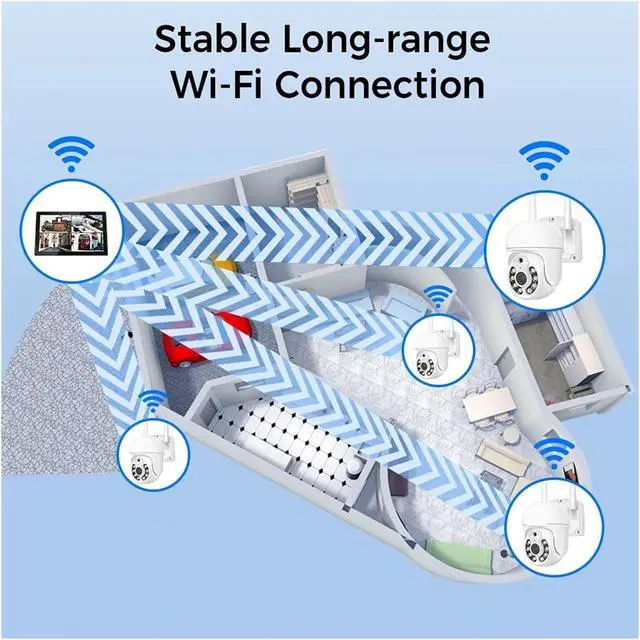
Upgrade from Wi-Fi 4 standard to Wi-Fi 6 standard, for higher data transfer rates and better performance
Wi-Fi 4(Only Support 2.4GHz WIFI instead of 5GHz WIFI)
Wi-Fi 6(Compatible with 2.4GHz/5GHz at the same time, longer transmission distance)
Expand up to 10 Cameras in total
Connection method
1. Wireless connection: The router, NVR and camera are completely connected through WiFi, no RJ45 network cable is required. (Only the NVR model is K8508 is supported)
2. Wired connection: The router and NVR are connected by RJ45 network cable to ensure stable signal. The connection between NVR and camera is via WiFi.
Remote Viewing Operation Steps
1. Turn on the camera and NVR separately, and connect the NVR to the router through wireless or RJ45 network cable.
2. Open the NVR interface for adding cameras, and the NVR will automatically search for and add nearby cameras.
3. Download "Eseecloud" through Google play or APP store.
4. Enter the "Eseecloud" interface of the NVR to scan the QR code or enter the cloud ID of the NVR.
After completing the above 4 steps, you can successfully watch real-time images remotely on your mobile phone.
Advantages of H.265 Encoding
Compared with H.264, H.265 has greatly improved the use of storage space, video loading speed and image quality. The system adopts the H.265 encoding standard, which provides more operability space for system performance.
HDD 7*24 Hours Recording Time
The following data is the storage usage time data of the camera's 7*24 hours of uninterrupt