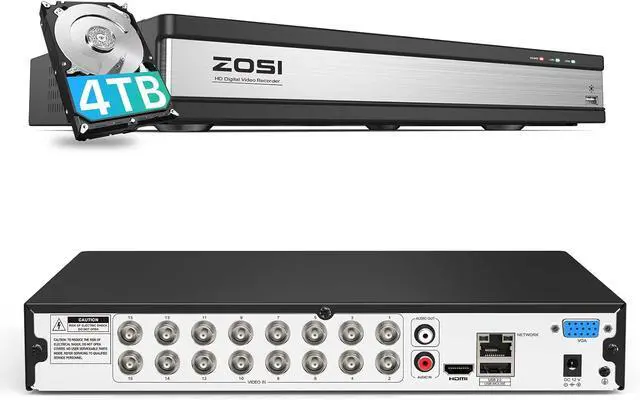
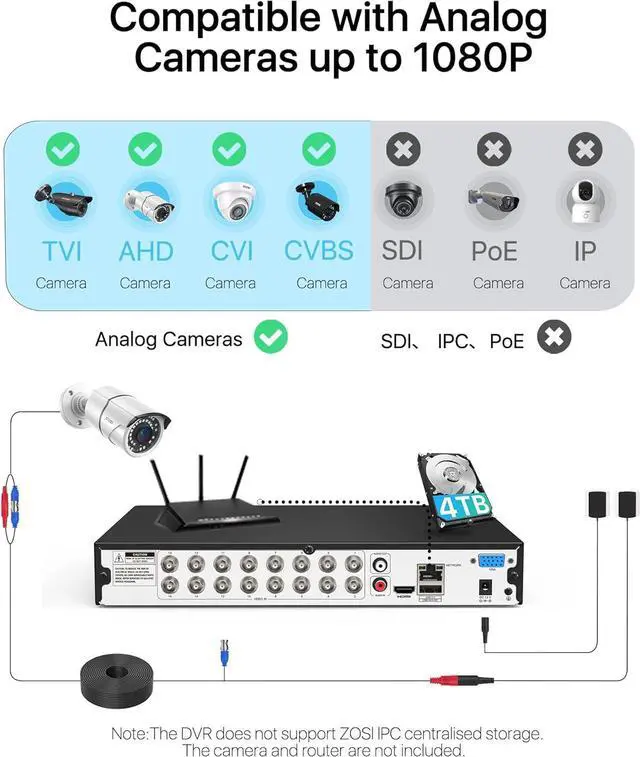
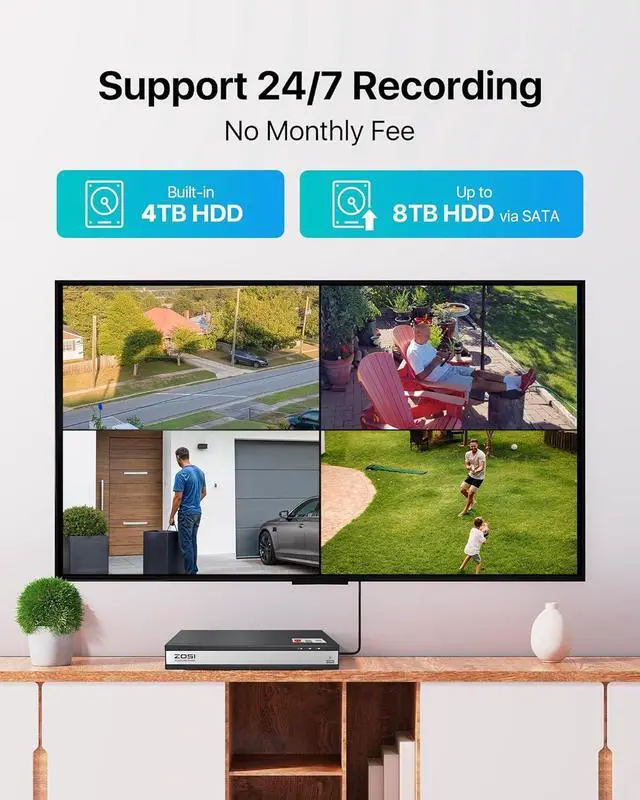
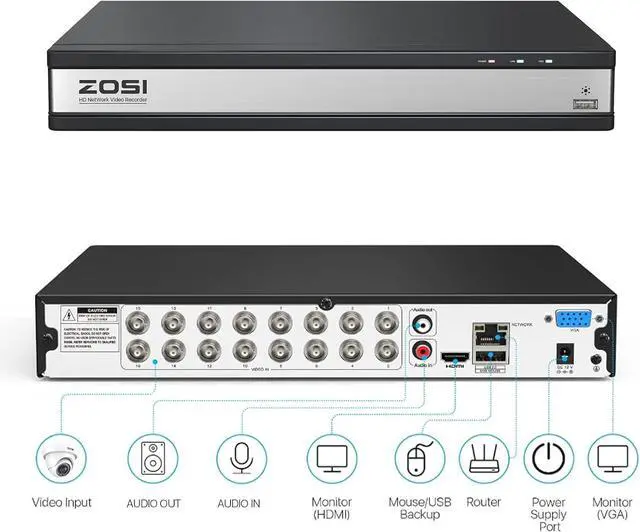
Local Viewing: No Network needed, just connect the system to a monitor via HDMI / VGA port and enjoy multiple-cam views on one screen.
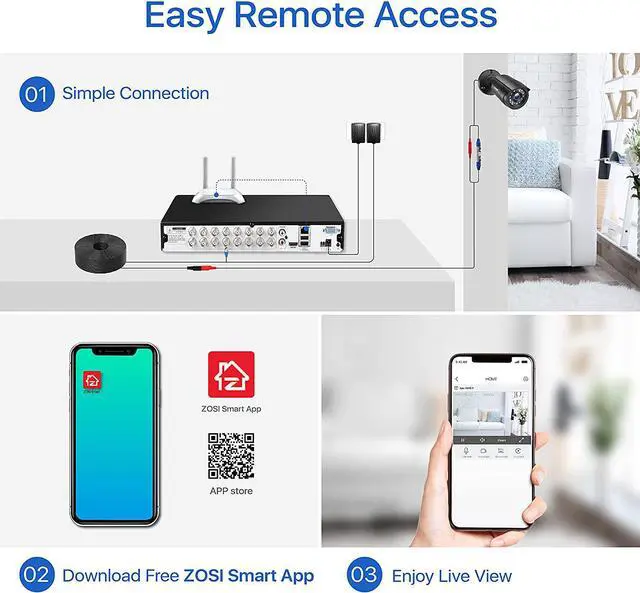
Remote Viewing: Connect the internet to the DVR . Download the ZOSI Smart app on your smartphone, Or download the AVSS PC client on PC.
With remote app, you can view feeds live, receive push notifications and watch any previously recorded footage. Youll never miss any moment, no matter where you are.
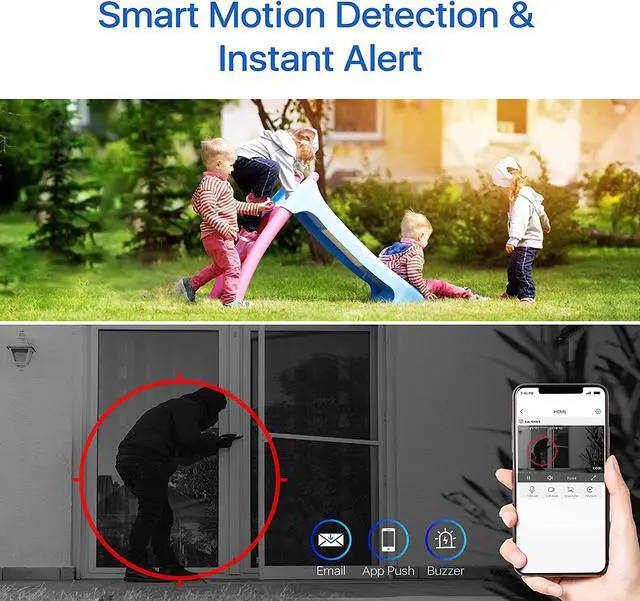
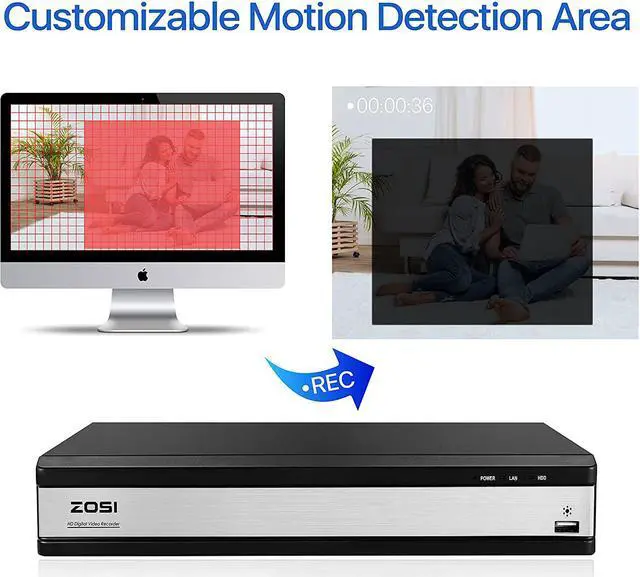
Once any movement is detected by the security camera system, you will receive instant push notifications via ZOSI Smart App, email alerts and buzzer alarms, so you are able to act in the first time if something suspicious happens.
You can customize your motion detection setup by:
Set up specific detection zones you need to monitor certain areas.Adjust the sensitivity to reduce unnecessary false alarms.
Record Continuous: Your DVR will continuously record regardless of what is Happening.
Schedule Record: The schedule is presented as a 24-hour 7 days a week grid and is color coded to represent the event type.
Motion Detection Record: Your DVR will only record when motion is detected.
Recycle Record: This option allows your DVR to overwrite the oldest video files on the hard drive when recording.
Local View & Remote View Motion Detection and Smart Alerts Different recording mode