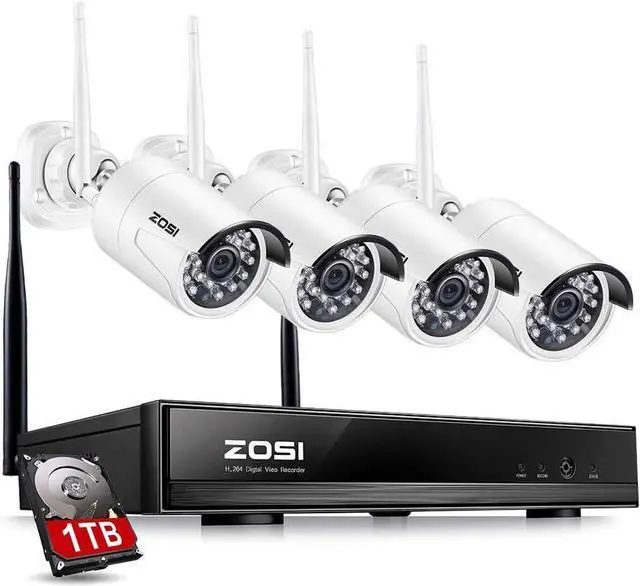
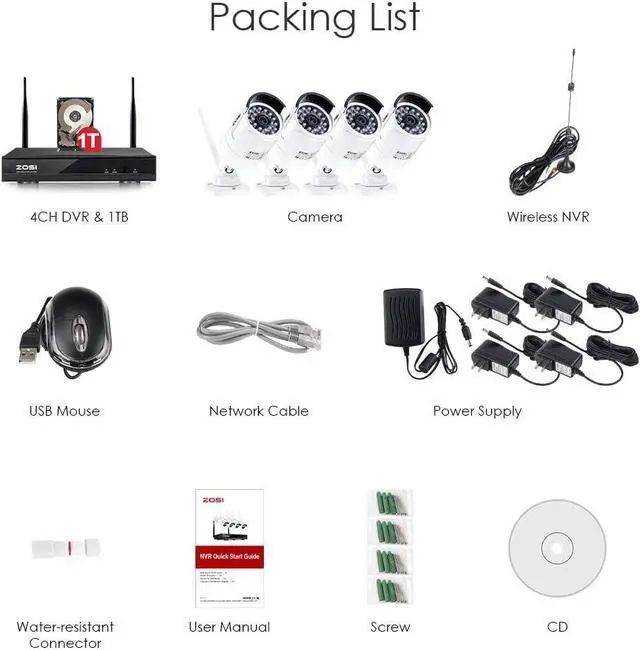
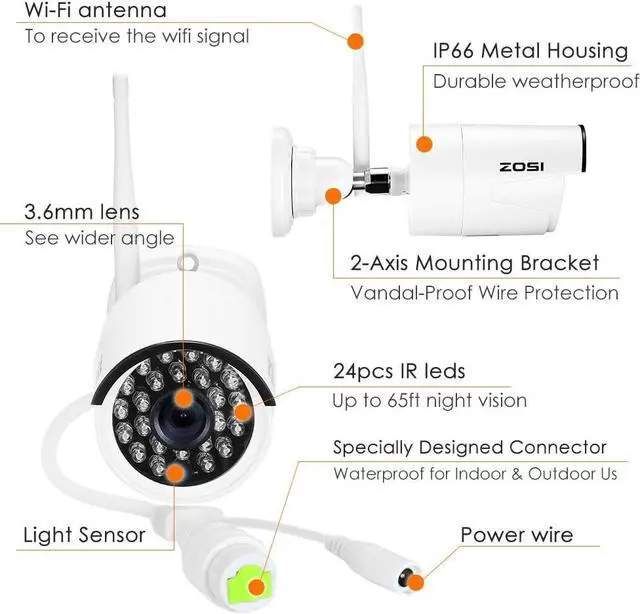
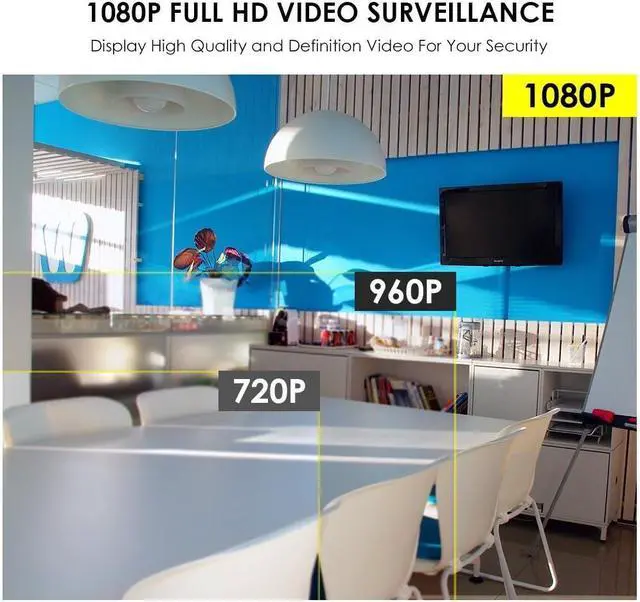
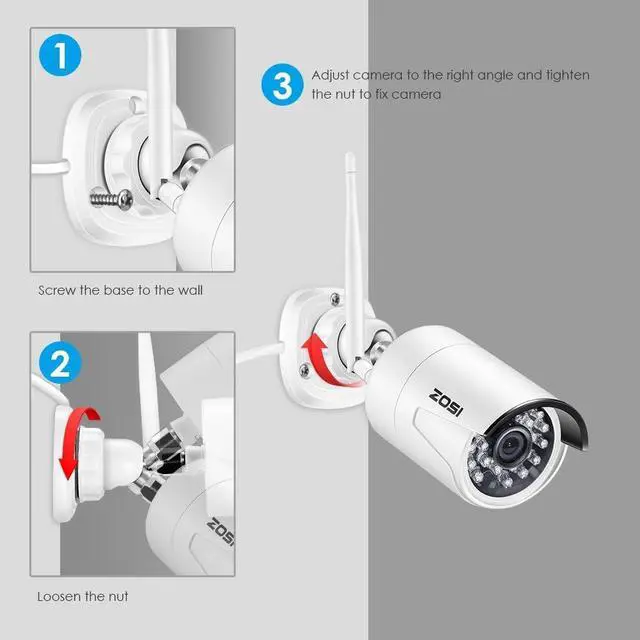
Better Than 960P, 50% Clearer than 960P. 1920*1080 Image Sensor Makes Clear and Stunning High-def Video.For the ultimate in protection, the kit includes 4 all-weather x 1080p Cameras with powerful night vision up to 65ft. The cameras are truly weather proof with high quality Aluminum materials .
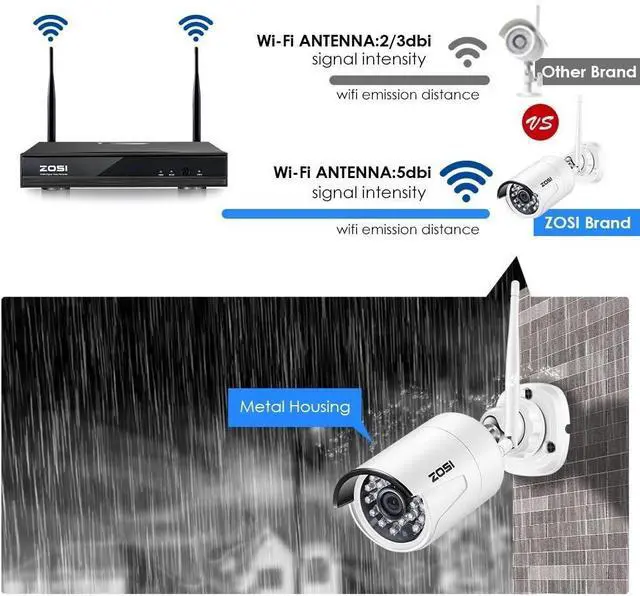
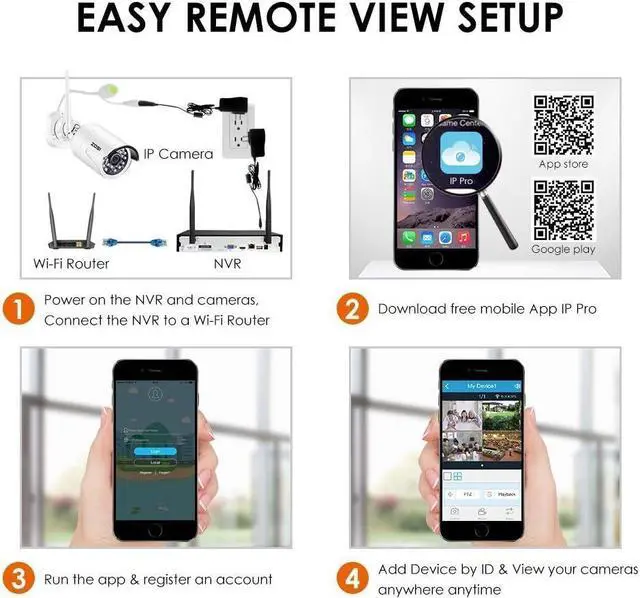
Auto-pair, Actual Plug N Play.Easy to setup, no need wires anymore,no exposed lines anymore, more beautiful, more hidden, more safely.Built-in security dedicated wireless wifi module with stable signal and strong anti-interference, support long transmission distance, open areas up to 350m, can through 1 to 4 walls in actual measurement.
DVR includes a pre-installed security-grade 1TB hard drive. Specifically designed for 24/7 uptime.Or by utilizing space-saving lower resolutions and motion detection settings, you can continuously record for up to 30+ days before running out of storage space.Ultra-Long Continuous Recording + Backup By USB.
In some case, NVR is not able to receive strong signals from some cameras due to the far distance or some physical obstacles like walls.
Set One Camera As an Antenna:
In the NVR system, set one of the camera which is near to the NVR or from which NVR receives strong signal as a repeater to enhance the WIFI transmission between them.
When WiFi signal is not strong enough against walls,users can take off the original antenna and replace a Extension WiFi Antenna.
Get the extension WiFi antenna ,connect it to the camera which sends weak signals due to the distance or other issue to strengthen its connection to the NVR.
Or Drill a hole on the wall to let the extension cord go through and simply it where WiFi signal is strong
WiFi range is likes an apple and the antenna of NVR is in the center of it. WiFi signal is strong all around the WiFi range.
Antenna of NVR should be put straight up, if not, WiFi signal will be weak.
According to the signal transmission character of
antenna, the antenna of cameras should overlap or parallel to NVR WiFi range
If some of the cameras' mounting spots are out of WiFi range, you need to hard wire the cameras to the NVR to get images.
1.Use standard Network cables to connect the cameras to the Router
2.After connecting the camera to the router,please right click the mouse > go to 'Video Manage' > click 'Refresh' > click
'Auto Add' .Then you will see the camera is added to the NVR and display video on the screen.
Repeater Setup
Extension WiFi Antenna
Position Correctly
Wired connection
ZOSI 1080P 4 channel Wireless security camera system Full HD 1080P Video & Day and Night Surveillance Free from Complex Wiring Rellable Storage +USB Back up Extend WiFi distance -- Repeater Setup Extend WiFi distance -- Use the Extension WiFi Antenna Extend WiFi distance -- Position the Antenna Correctly Wired connection