Your Browsing History
Meet Your Seller
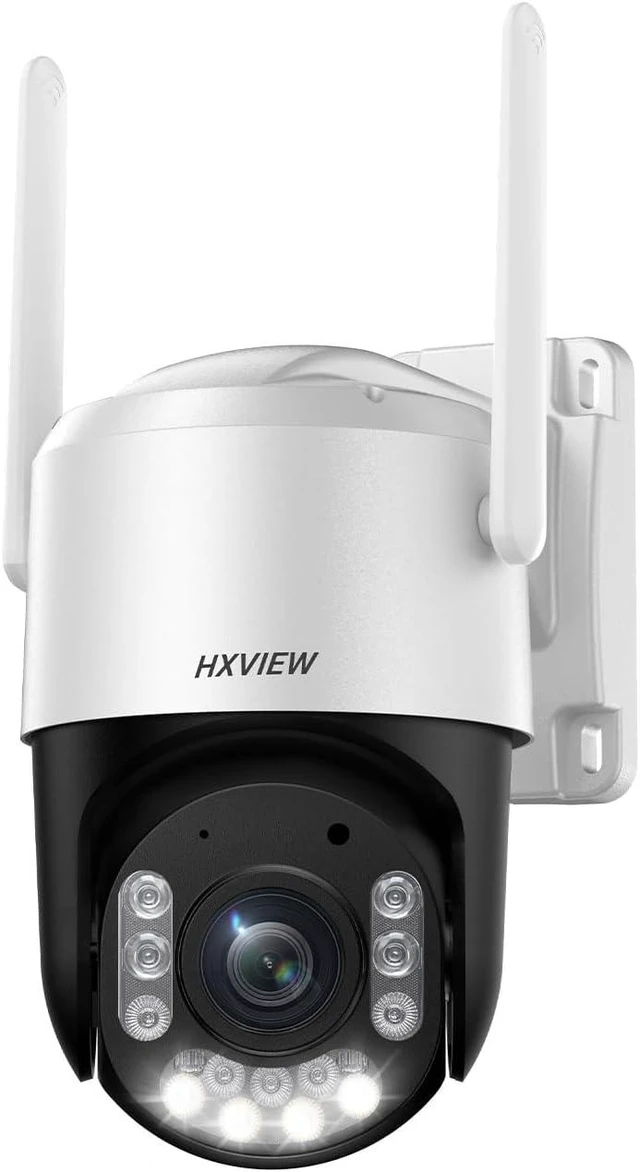
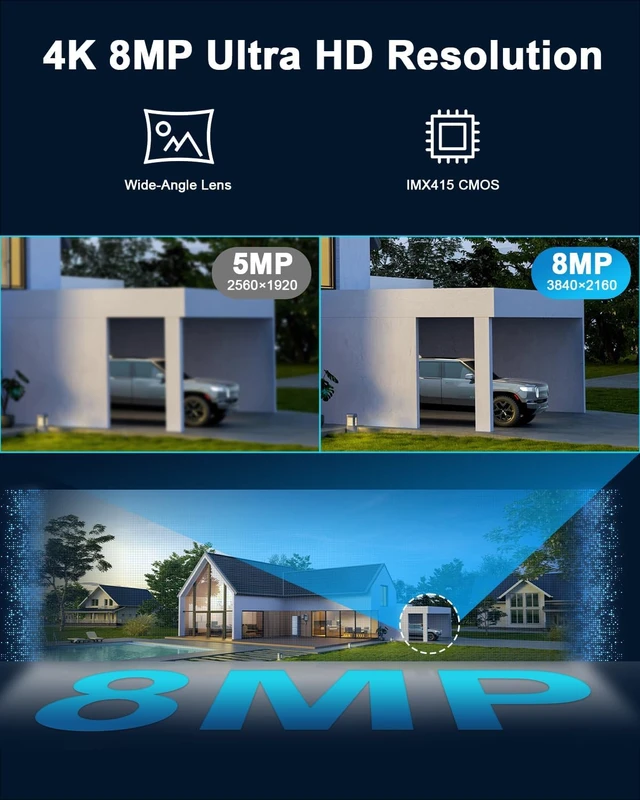
4K WiFi PTZ Camera, 30X Optical Zoom for Outdoor Security, BU-H810
- Red-Blue Strobe Alarm, Smart Person/Vehicle/Pet Detection, 1000FT Night Vision, 24/7 Recording, Auto Tracking, RTSP, IP66
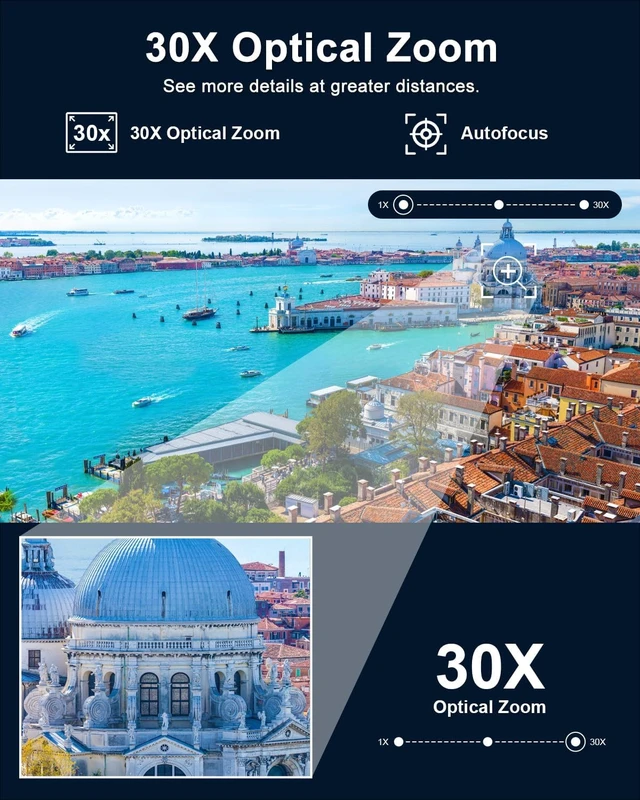
- 30x Optical Zoom & 1000FT Night Vision: This PTZ camera outdoor features autofocus, capturing license plates, faces, and livestock activity in crisp detail across long driveways, farm gates, and barn entranceswithout sacrificing image quality. High-power infrared LEDs deliver up to 1000 feet of night vision for 24/7 monitoring of rural and commercial properties.
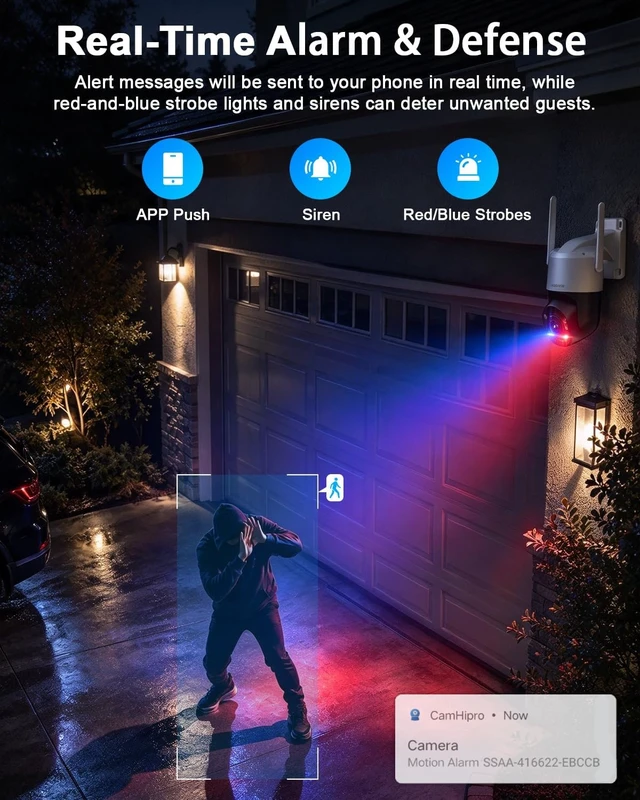
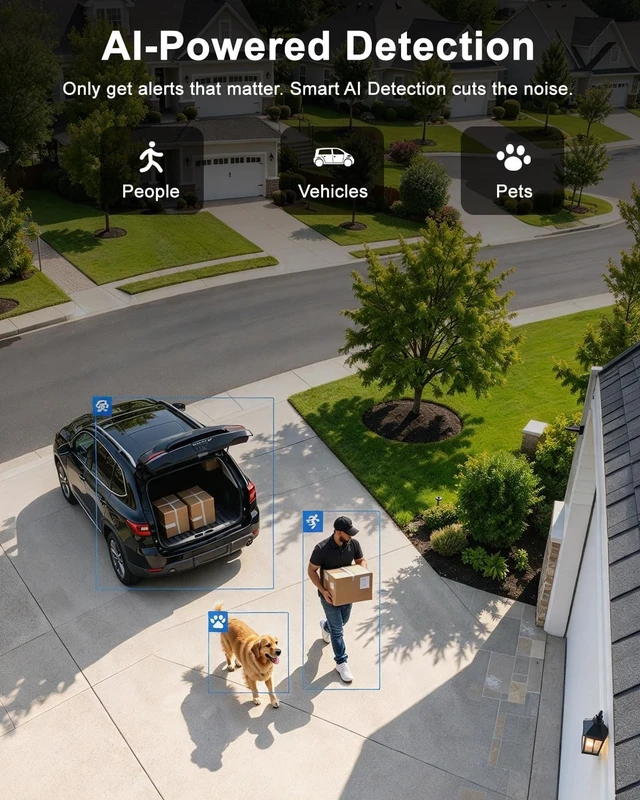
- Smart AI Detection & Red-Blue Strobe Alarm: This 4K PTZ camera uses AI to filter out false alarms caused by animals and leaves while accurately identifying people, vehicles, and pets. You can adjust the detection zones and sensitivity to further cut down on false alerts. When an intruder is detected, the PTZ cameras built-in red and blue strobe lights flash as an active deterrentdesigned to scare off porch pirates, driveway trespassers, and after-dark intruders at homes or businesses.
- Human Tracking &
+
+
Overview
Specs
Reviews
Any questions? Ask CelesteSM will help you find out quickly.
Try me now
1Red/Blue Strobe Alarm2Al Detection3Two-Way Audio4Color Night Vision1Auto Cruise2Smart Auto-Tracking3RTSP Live Streaming4Well Compatible1Cross-Device Live View2Connected Family Security3Choose Your Storage4IP66 Weatherproof How do I turn the red and blue strobe lights on and off on my security camera?
To turn them on, open the CamHipro app, go to "Preset Position", enter 37, and tap "Set"; to turn them off, open the CamHipro app, go to "Preset Position", enter 37, and tap "Call".
How to set the position where the camera automatically returns after tracking ends?
Control the camera to rotate to the desired position, open the CamHipro APP, find "Preset Position", then enter "92" and click "Set".
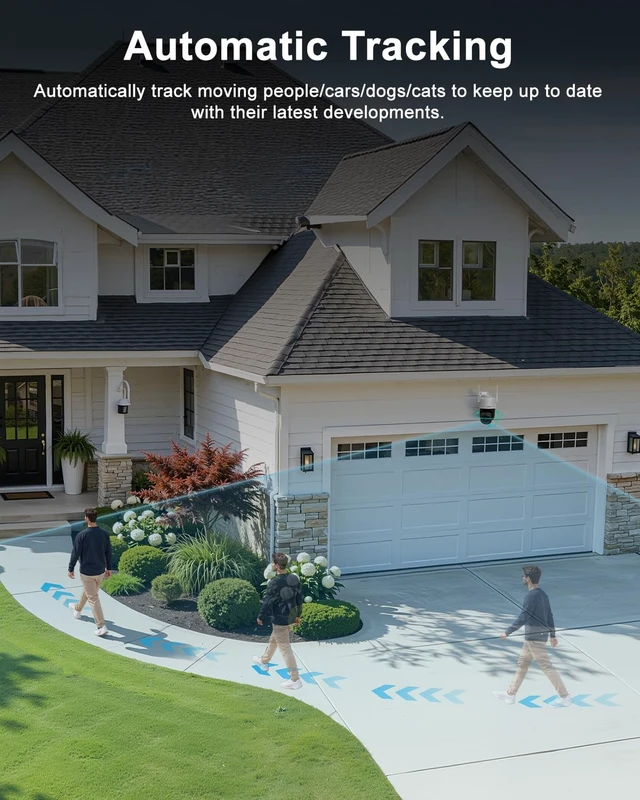
How do I turn on the automatic tracking feature?
Open the CamHipro APP, find "Preset Position", enter "92", and click "Call".
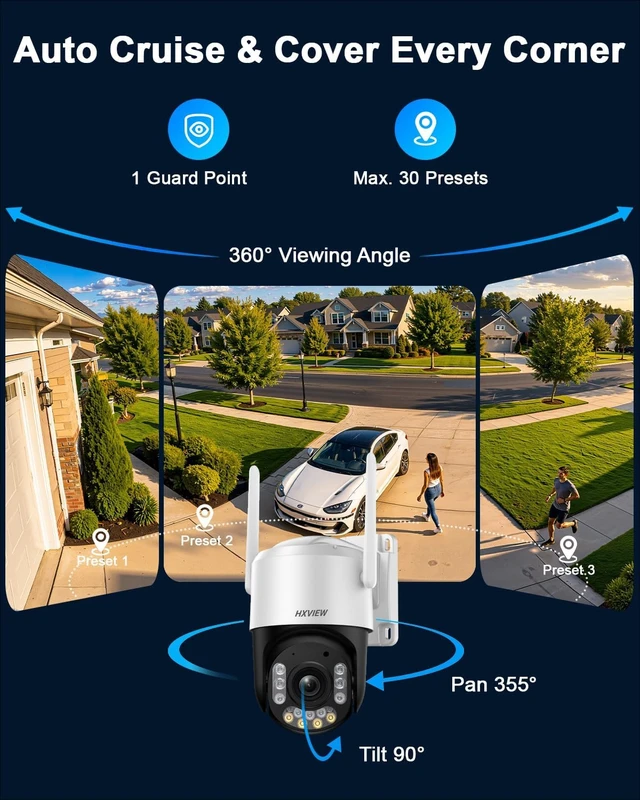
How to set the cruise point?
Preset positions 1 to 30 are cruise points. You can control the camera to rotate to the desired position, then open the "Preset Position" interface, enter "1", click "Set", and so on to set up to 30 cruise points.
How to turn on the automatic cruise function?
When you have set more than 3 cruise points, open the "Preset Position" interface, enter "93", and click "Call".
BU-H900
Warranty & Returns
Warranty, Returns, And Additional Information
Warranty
- Please contact the Seller directly for warranty information. Warranty information may also be found on the Manufacturer's website.
- CONTACT
Return Policies
- Return for refund within: 30 days
- Return for replacement within: 30 days
- This item is covered by Cloudless Clear Return Policy
Manufacturer Contact Info
- For a directory of all our manufacturers, please click below.
- Manufacturers Directory
LOADING...