Your Browsing History
Meet Your Seller
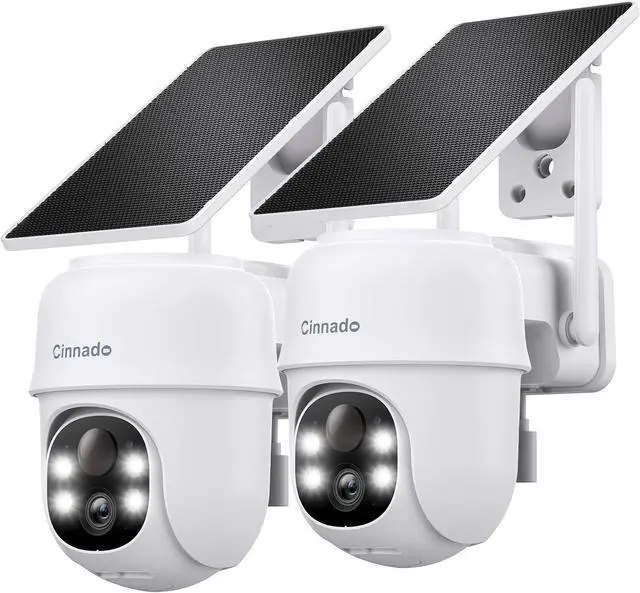
Cinnado 2K Solar Wireless Outdoor Cameras for Home Security White B6 2Pack
- 2.4Ghz Wi-Fi Security Camera with Auto Tracking for Farms/Garages, AI Detection, Spotlight Color Night Vision, Instant Alerts
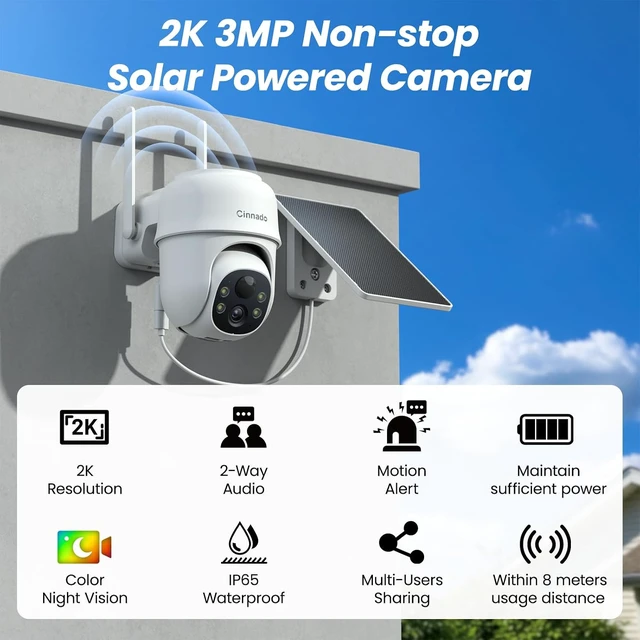
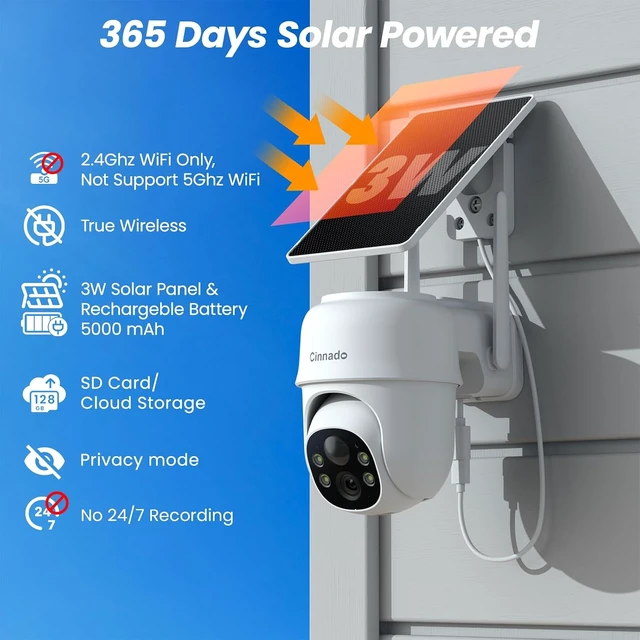
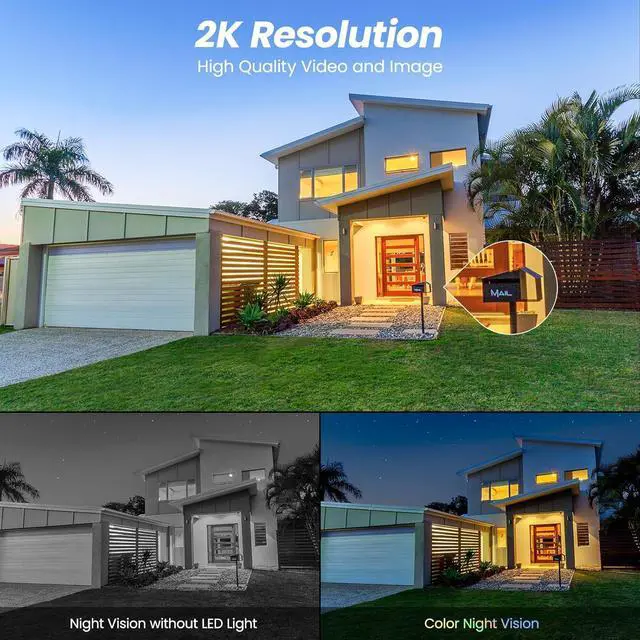
- 2K Resolution and Color Night Vision: These solar camera security outdoor are equipped with 2K resolution, the max resolution is 2304x1296p. In cases of limited network connectivity, it can switch to a reliable 768x432p SD resolution. This security cameras wireless offers multiple night vision mode: Full color night, Intelligent light and Auto infrared mode. Please note that this outdoor camera only support 2.4G wifi. 5G wifi is not supported. No 24/7 continuous recording.
- Solar/Battery Power and True Wireless: The outdoor camera wireless can be charged by solar power with provided solar panel, eliminating the need for plugs. In bad weather or low-light conditions, the backup battery ensures uninterrupted monitoring. For installation, use the provided hole positioning stickers to mark and drill holes, secure the base with screws, and plug in the camera to com
+
+
Overview
Specs
Reviews
Any questions? Ask CelesteSM will help you find out quickly.
Try me now
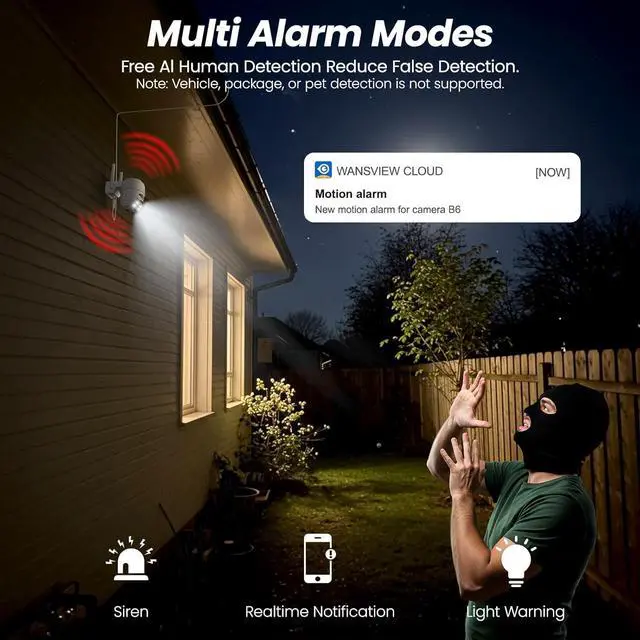
1PIR and AI Detection2Multiple Alarms3Storage Options4Quad View5Optimal Solar Placement12.4GHz WiFi Only2Solar Powered3Easy Setup4Easy Mounting5Share with Family What type of Wi-Fi network is required for setup?
This camera requires a 2.4GHz Wi-Fi band to connect. It is not compatible with 5GHz-only networks. Please ensure your router broadcasts a 2.4GHz signal (often found in your router's wireless settings under a dual-band network name or a separate SSID)
Why is my wireless camera delayed?
To conserve battery, the spotlight is an intelligent motion-activated light. It automatically turns off when idle to save energy, and instantly activates when motion is detected or you use Live View in the app.
Can this camera record video 24/7 continuously?
No. As a solar/battery-powered camera, it is designed to record short, event-triggered video clips when motion is detected to maximize battery life. It does not support 24/7 continuous recording. It allows for months of operation between charges.
Is a monthly subscription required to use the camera?
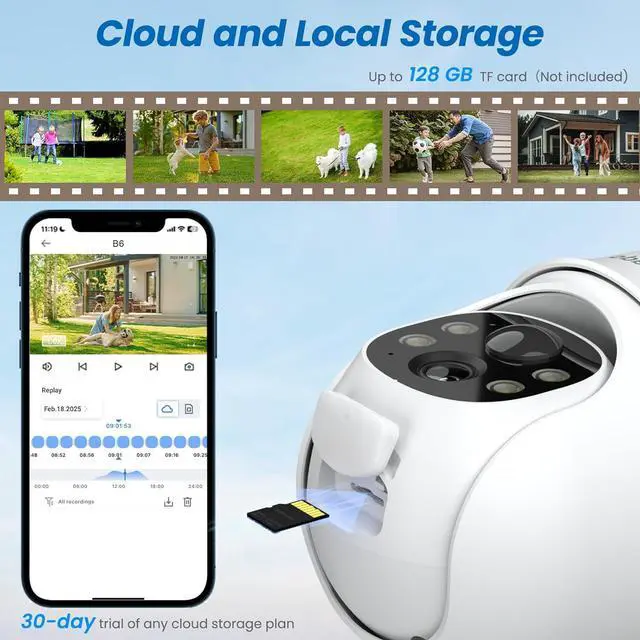
All core features are free. You can playback recordings by enabling Motion Alert feature without needing an SD card or subscription. If the app prompts need subscription to replay longer video, inserting a micro SD card(not included) is applicable.
How can I troubleshoot if the camera won't connect to Wi-Fi?
Ensure your phone is on a 2.4GHz Wi-Fi band. Move the camera closer to the router and verify your password. For dual-band routers, temporarily disabling the 5GHz band in your router's settings can simplify the process.
What type of Wi-Fi network is required for setup?
Why is my wireless camera delayed?
Can this camera record video 24/7 continuously?
Is a monthly subscription required to use the camera?
How can I troubleshoot if the camera won't connect to Wi-Fi?
Warranty & Returns
Warranty, Returns, And Additional Information
Warranty
- Please contact the Seller directly for warranty information. Warranty information may also be found on the Manufacturer's website.
- CONTACT
Return Policies
- Return for refund within: 30 days
- Return for replacement within: 30 days
- This item is covered by Cloudless Clear Return Policy
Manufacturer Contact Info
- For a directory of all our manufacturers, please click below.
- Manufacturers Directory
LOADING...