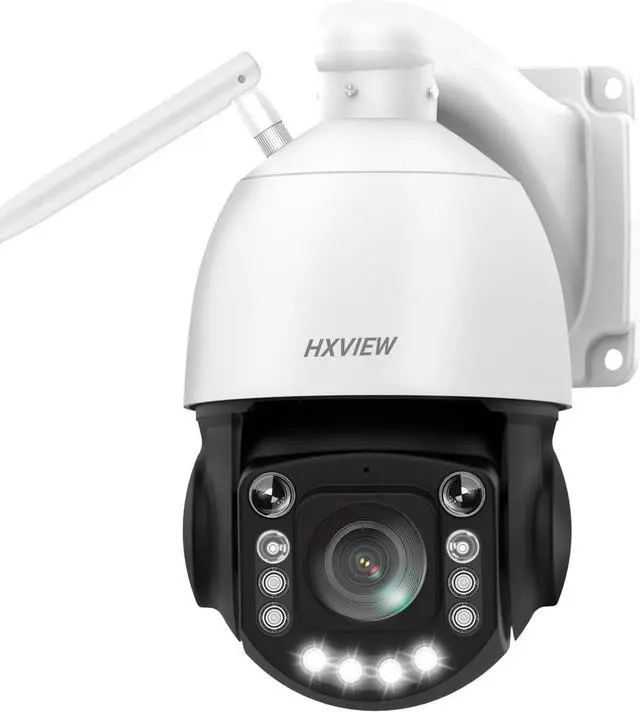
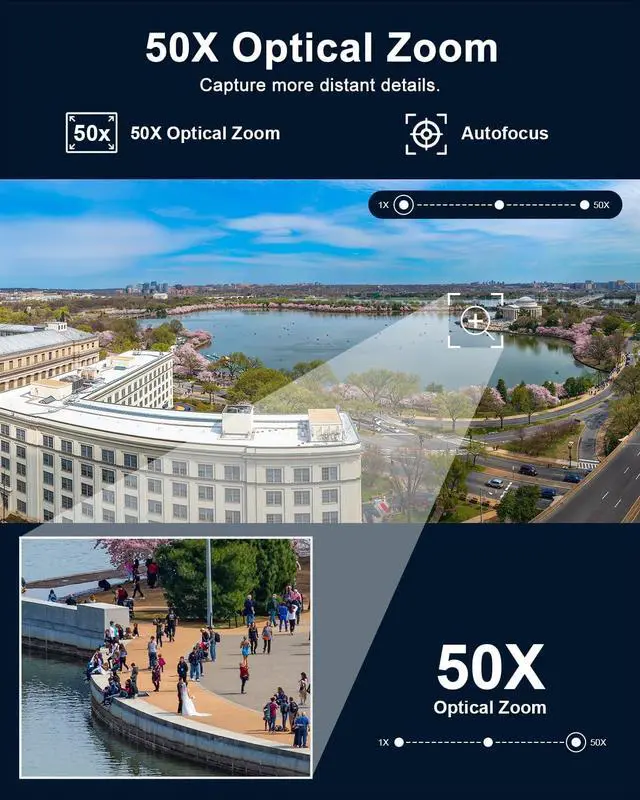
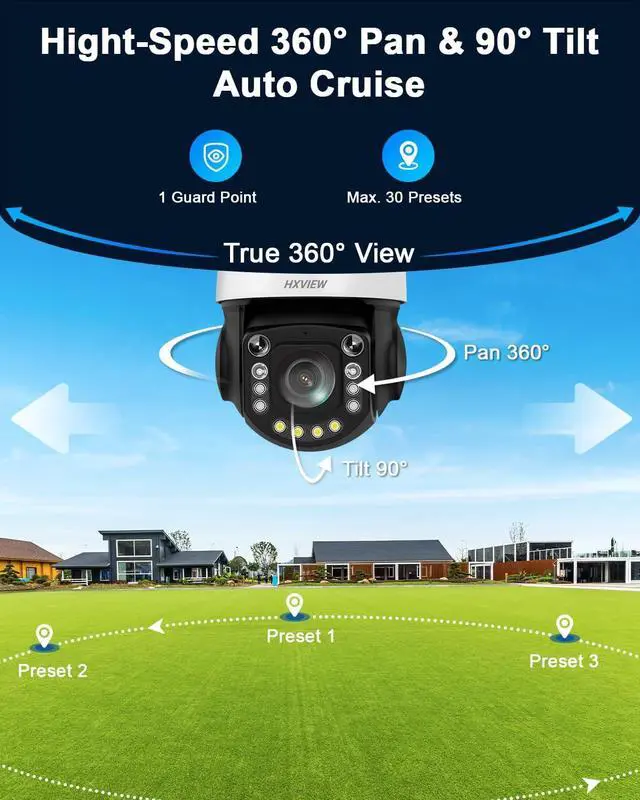
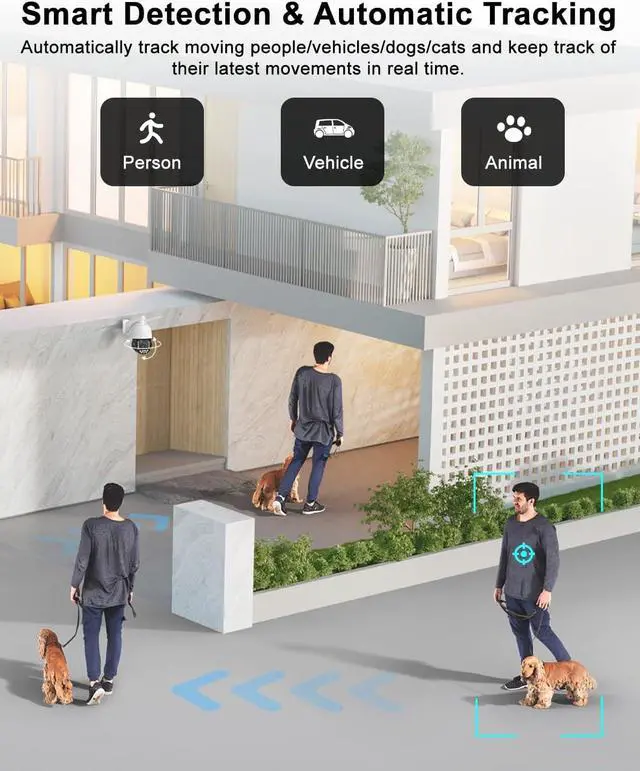
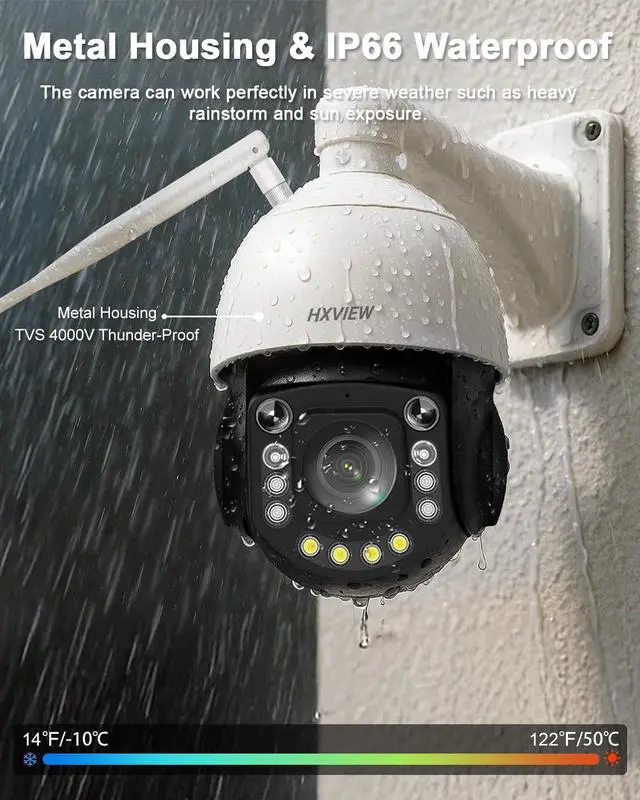
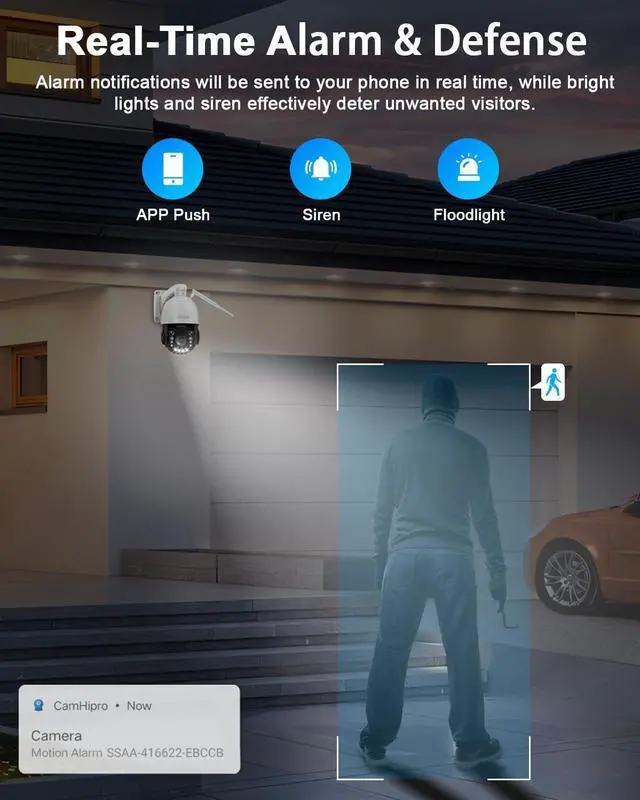
1360° Hight-Speed PTZ2Cruise & Tracking4Smart Al Detection5Real-Time Siren1Metal Housing2RTSP Live Streaming3Well Compatible4PTZ Camera Dimensions Can a power extension cable cause night vision failure on the outdoor PTZ camera?
To avoid night vision failure, do not use power extension cables; if necessary, use only a pure copper cable 16 ft with the original HXVIEW DC 12V 4A 48W power adapter. Longer or poorquality cables risk insufficient power and night vision issues.
How to set the position where the camera automatically returns after tracking ends?
Control the camera to rotate to the desired position, open the CamHipro APP, find "Preset Position", then enter "92" and click "Set".
How do I turn on the automatic tracking feature?
Open the CamHipro APP, find "Preset Position", enter "92", and click "Call".
How to set the cruise point?
Preset positions 1 to 30 are cruise points. You can control the camera to rotate to the desired position, then open the "Preset Position" interface, enter "1", click "Set", and so on to set up to 30 cruise points.
How to turn on the automatic cruise function?
When you have set more than 3 cruise points, open the "Preset Position" interface, enter "93", and click "Call".
Auto-Cruise & Human Tracking Identify Real Threats Warn off the Intruder Metal Housing & IP66 Waterproof Product Dimensions at a Glance Professional Security Surveillance Focus on What Really Matters Quick View of Important Moments Multi-Users Viewing Real-Time Conversation Can a power extension cable cause night vision failure on the outdoor PTZ camera?
How to set the position where the camera automatically returns after tracking ends?
How do I turn on the automatic tracking feature?
How to set the cruise point?
How to turn on the automatic cruise function?
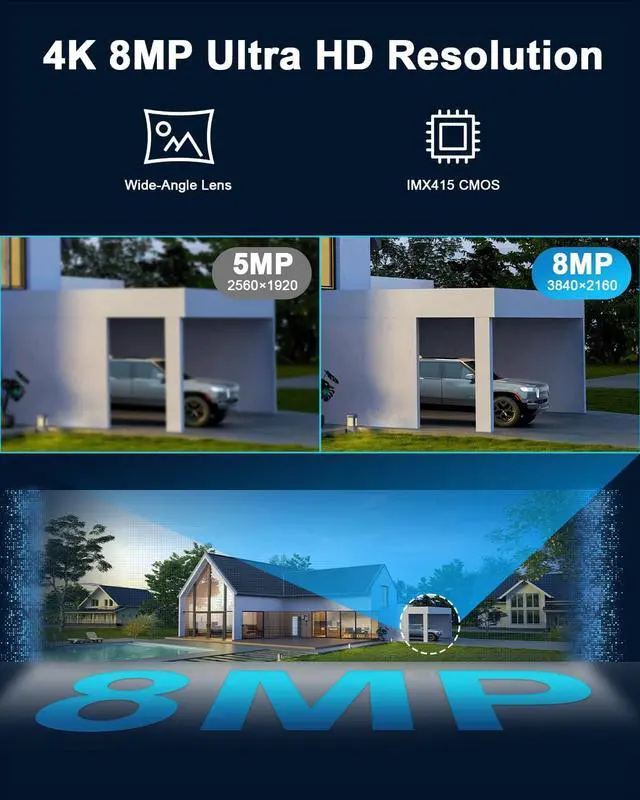
PTZ Cams Comparison 9.84×7.68×5.51 Product Size 8.66×7.87×5.51 4K Resolution 4K 50X Optical Zoom Zoom 30X Optical Zoom 360° Continuous Pan 355° 200°/s Rotation Speed 30°/s Super IR Ultra Infrared light Super IR Humanoid/Vehicle/Pet AI Detection Humanoid/Vehicle/Pet 9.84×7.68×5.51 Product Size 7.28×5.7×4.72 4K Resolution 4K 50X Optical Zoom Zoom 10X Hybrid Zoom 360° Continuous Pan 355° 200°/s Rotation Speed 15°/s Super IR Ultra Infrared light IR Humanoid/Vehicle/Pet AI Detection Humanoid/Vehicle/Pet 9.84×7.68×5.51 Product Size 7.28×5.7×4.72 4K Resolution 2K 50X Optical Zoom Zoom 4X Digital Zoom 360° Continuous Pan 355° 200°/s Rotation Speed 15°/s Super IR Ultra Infrared light IR Humanoid/Vehicle/Pet AI Detection Humanoid




 here!