Your Browsing History
Meet Your Seller
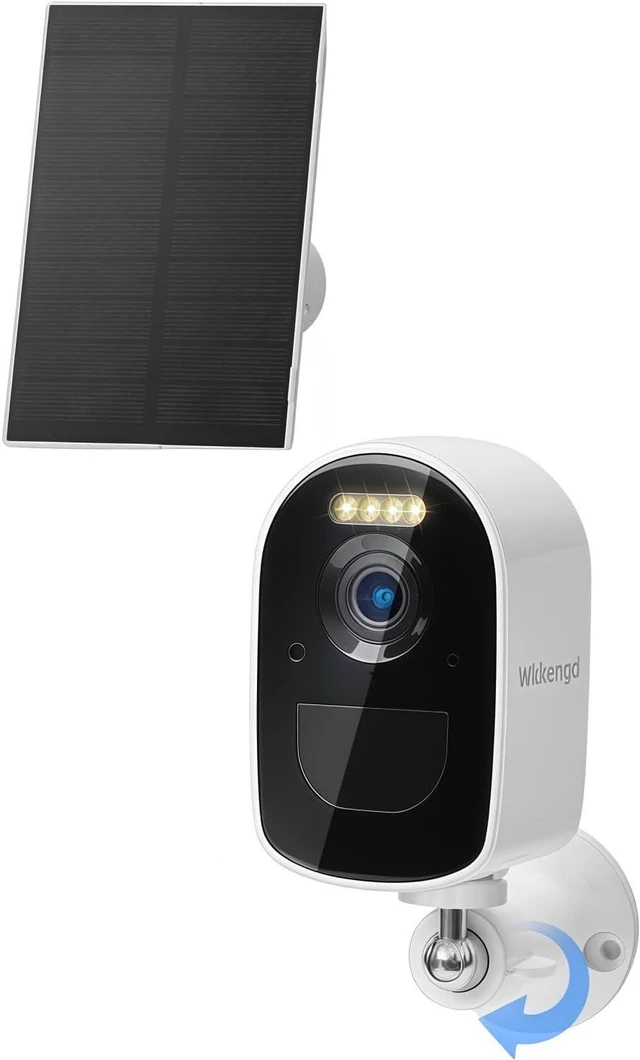
Solar Powered 4MP Wireless Outdoor Security Camera, Compatible NVR Security Camera System
- How to add to system: Turn on the camera - Click the House icon - Match Code - Match Code again, the left channel displays new information, indicating successful pairing.
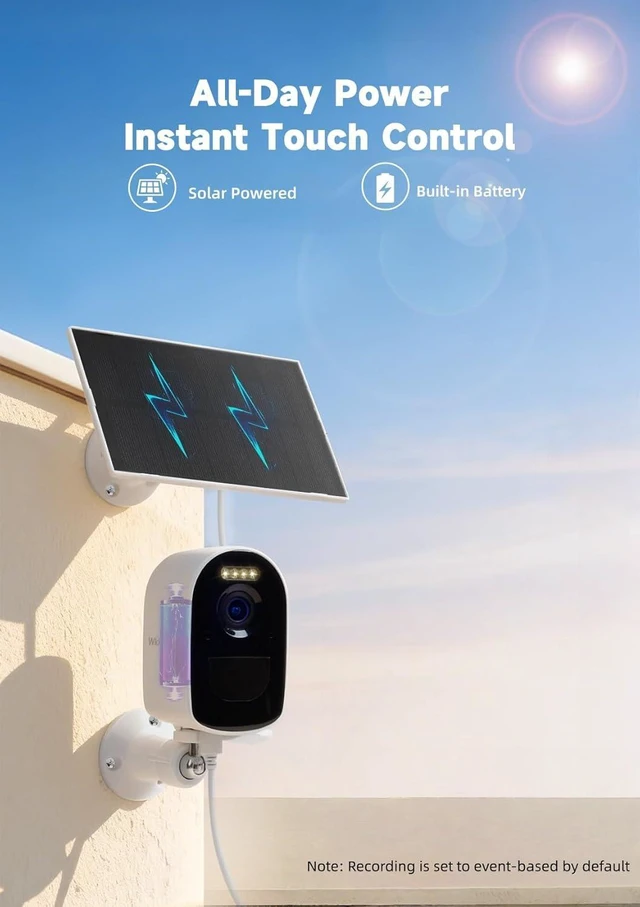
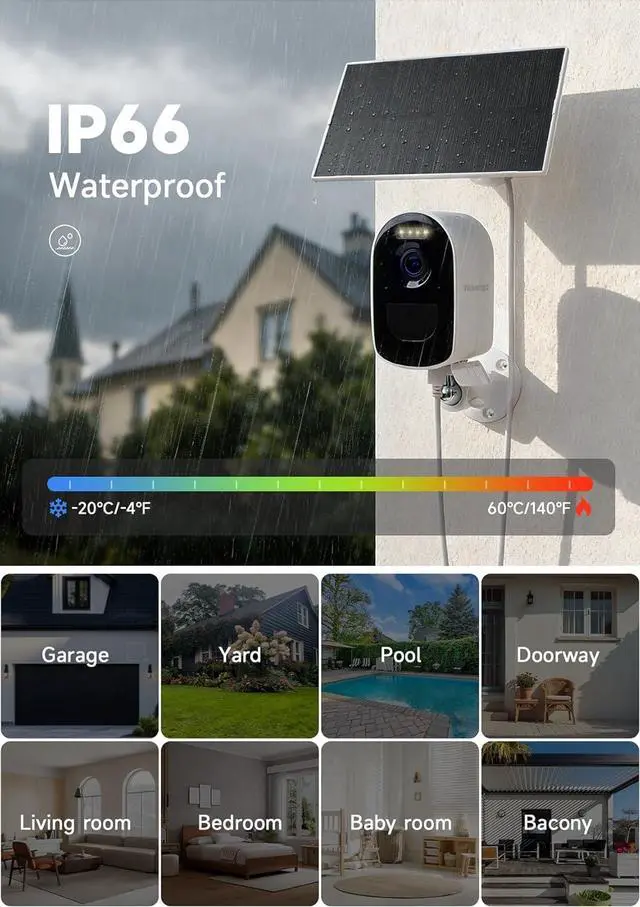
- Solar Powered & 100% Wire-Free: Built-in rechargeable batteries and solar panels provide continuous power, eliminating wiring and outlets. Install the wireless solar powered outdoor security cameras anywhere around your home for flexible, hassle-free security, ideal for everyday outdoor security
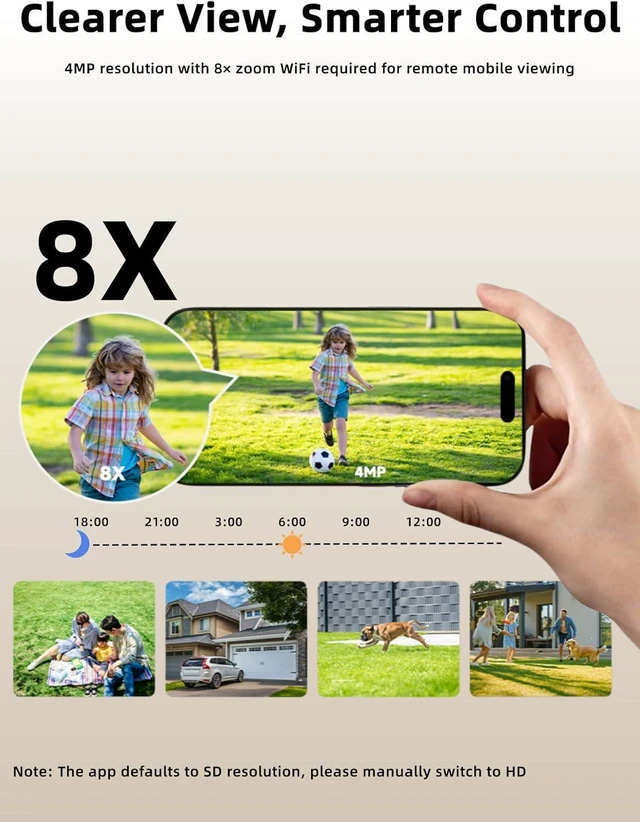
- 4MP HD & Color Night Vision with 8X Zoom: The outdoor solar security camera see every detail day or night, and instantly warn strangers or communicate with family via touchscreen for effortless home security
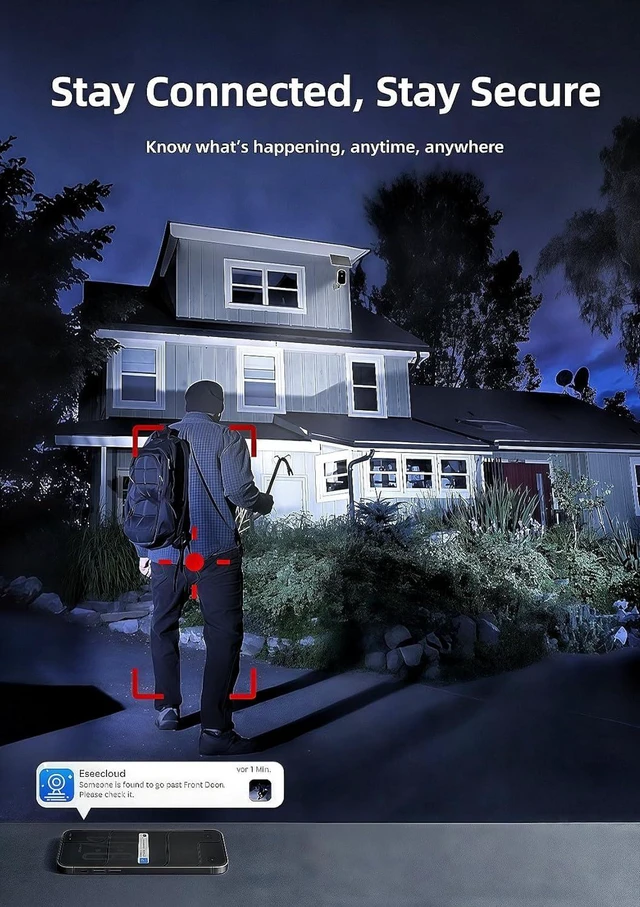
- Always there to protect you, as safe as home: Equipped with WiFi 6 technology, enjoy faster and more stable signals. Remote control lets you manage everything in your home anytime, anywhere. Whether it's keeping an eye on your family, checking on your pets, it's all at your fingertips, no monthly fee
+
+
Overview
Specs
Reviews
Any questions? Ask CelesteSM will help you find out quickly.
Try me now
Connect to the Wkkengd system for use: Turn on the camera - Click the House icon - Match Code - Match Code again, the left channel displays new information, indicating successful pairing.(For models without a solar-powered light, start watching at the 26-second mark.)
Use with a standalone mobile phone: Download the Eseecloud App/Scan the manual to download the APP - Register and Log into the Eseecloud App - Click on the plus"+" in the Eseecloud App screen - Add device - Add This Device - Enter the WiFi password (Support 5G/2.4G WiFi)
4MP resolution with 8× zoom WiFi required for remote mobile viewing
Safeguarding security while respecting family privacy
No complicated wiring requiredjust a few screws to secure it in place
The camera and mount support multi-angle adjustment for greater flexibility
Can I use it indoors?
Yes, our home security camera system can be connected to solar panels for low-power event recording, or connected to a power source for 24-hour continuous recording, meeting different installation needs for indoor and outdoor environments
Why does it only start when I click?
Your camera is in low-power sleep mode to extend battery life. When motion is detected, it will activate immediately and begin recording
Will my device miss important events when it enters sleep mode?
No. Our system features intelligent motion detection that activates real-time recording upon movement. Sleep mode saves power when inactive, ensuring no resources are wasted
Is the app free to use?
Yes
NOTE: Cloud storage requires a fee (optional), and ads on the interface can be manually disabled
Two Methods of Use Clearer View, Smarter Control Privacy Zone Protection No wiring needed just mount and go Can I use it indoors?
Why does it only start when I click?
Will my device miss important events when it enters sleep mode?
Is the app free to use?
Warranty & Returns
Warranty, Returns, And Additional Information
Warranty
- Please contact the Seller directly for warranty information. Warranty information may also be found on the Manufacturer's website.
- CONTACT
Return Policies
- Return for refund within: 30 days
- Return for replacement within: 30 days
- This item is covered by Cloudless Clear Return Policy
Manufacturer Contact Info
- For a directory of all our manufacturers, please click below.
- Manufacturers Directory
LOADING...