• $108.99
  • Free 30-day Returns
  • Ships from China.

    Shipped by Cloudless Clear

    Price alert
    Shop it at NeweggBusiness.

    Meet Your Seller

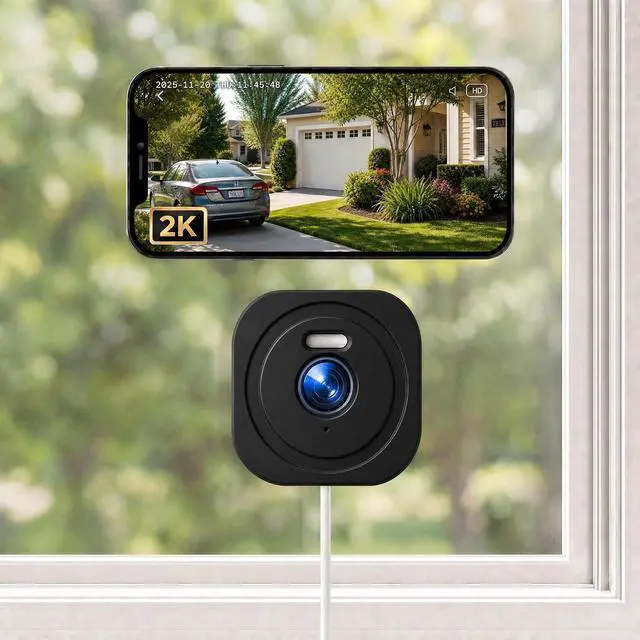
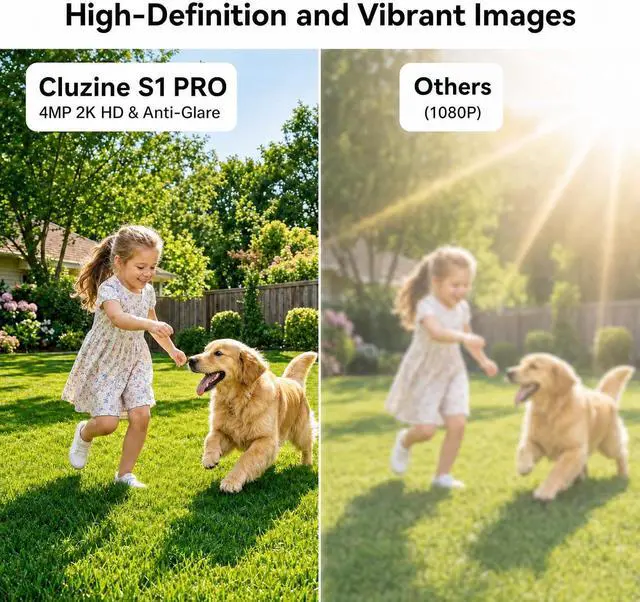
    4MP 2K Window Camera, Anti-Glare Color Night Vision, No Monthly Fee

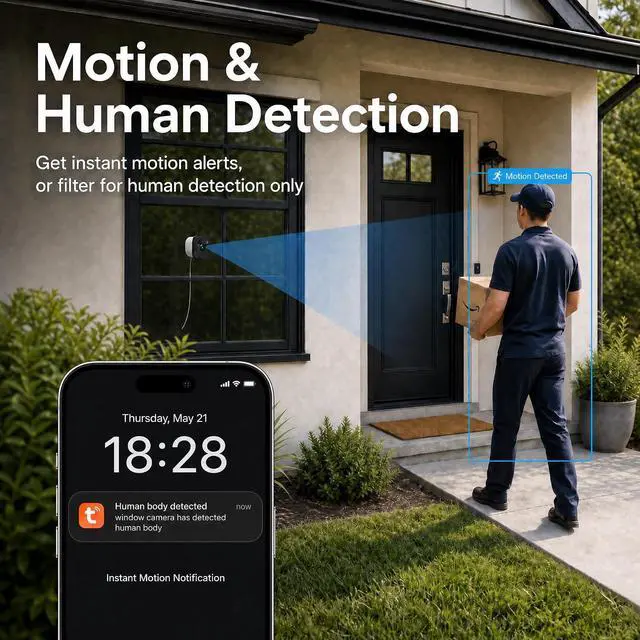
    • Window Security Camera, 2.4G & 5GHz WiFi, Motion Detection, Easy & Quick Install, 24/7 Recording, Anti-Glare
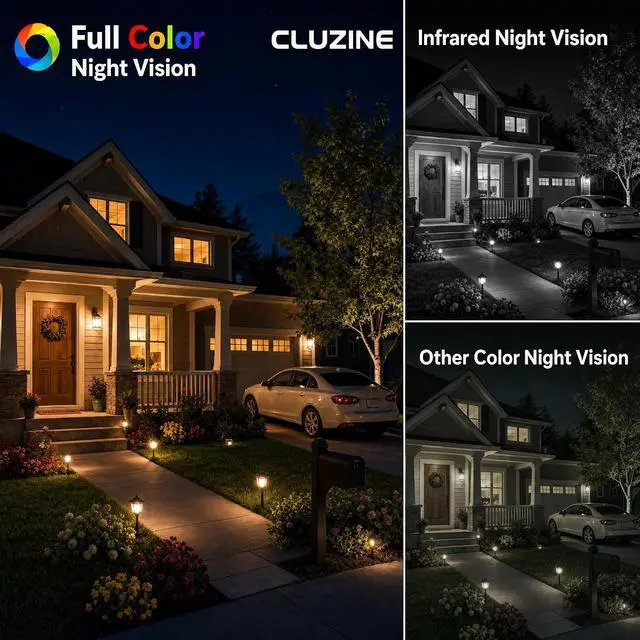
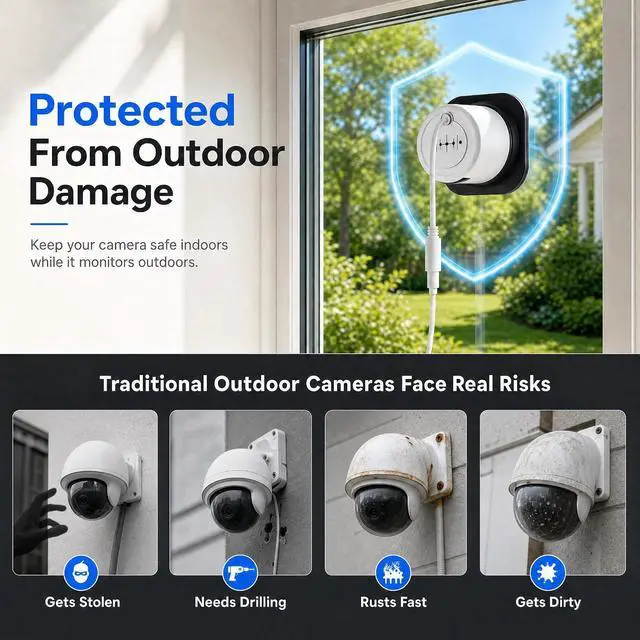
    • ENGINEERED FOR THRU-GLASS VIEWING Many users are tired of the blinding glare when pointing cameras out the window. Our proprietary anti-reflection shroud securely seals against the glass, neutralizing indoor light interference. Unlike standard indoor cameras, this window camera for home security features an advanced Starlight Sensor. Enjoy pristine 2K full-color night vision of your driveway or yard from the safety of your home.
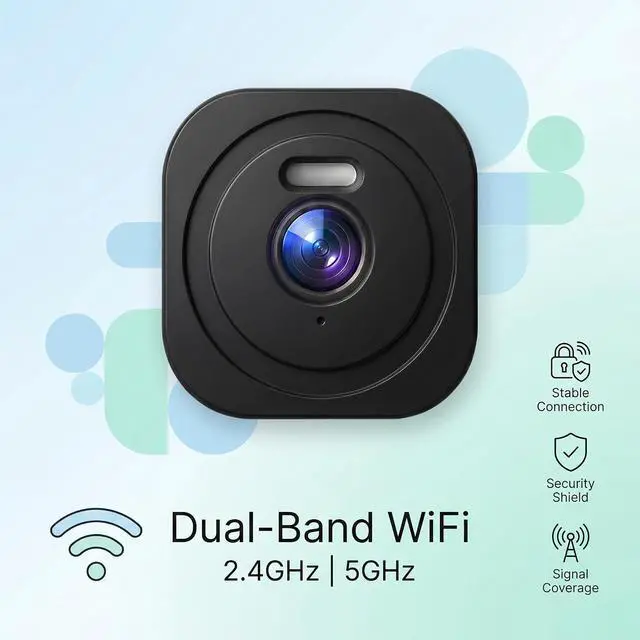
    • STABLE 2.4G/5G DUAL-BAND WIFI Equipped with an upgraded dual-band chipset, this window camera seamlessly connects to both 2.4GHz and 5GHz Wi-Fi routers. It delivers a powerful signal that easily reaches through walls and glass, ensuring a highly stable connection. Experience lag-free, real-time video streaming for reliable home security anytime, anywhere.
    • ZERO MONTHLY FEES & SECURE LOCAL STORAGE There is no need to fall for the expensive cloud
    +
    +
    Overview
    Specs
    Reviews

    Any questions? Ask CelesteSM will help you find out quickly.

    1Motion Detection2Intelligent Analysis3Custom Detection Area1Device Sharing2Two-Way Audio1No Monthly Fee2Dual-Band WIFI 3Multiple Use Cases Q: The night vision shows reflections.
    A: Ensure the camera is installed completely flat against the window. Turn off Night Mode in the app, any gap between the lens and glass may cause glare.
    Q: The camera fails to connect to my WiFi.
    A: Verify your password and ensure the camera is within range of your router. This camera supports both 2.4GHz and 5G networks.
    Q: Do I have to subscribe to cloud storage?
    A: Cloud storage is optional. To enjoy extended recording features without a subscription, you can use a local memory card (not included). Lift the cover and insert the card into the slot at the bottom.
    Q: How to View Local and Cloud Recordings?
    A: Once you have installed a MicroSD card or activated a Cloud subscription, make sure the corresponding storage option is enabled in your device settings. View the recording on the Messages page in the app
    Q: There is a blue glare in my night-vision footage
    A: This is caused by the cameras blue indicator light. Please disable the cameras indicator light in the app settings:
    Settings Basic Function Settings Status Indicator
    2K HD Resolution Color Night Vision Motion Detection Intelligent Analysis Custom Detection Area Device Sharing Two-Way Audio Fix Glare in 2 Easy Steps Complete the Connection of the Equipment Easy Installation Q: The night vision shows reflections.
    Q: The camera fails to connect to my WiFi.
    Q: Do I have to subscribe to cloud storage?
    Q: How to View Local and Cloud Recordings?
    Q: There is a blue glare in my night-vision footage

    Warranty & Returns

    Warranty, Returns, And Additional Information

    Warranty

    • Please contact the Seller directly for warranty information. Warranty information may also be found on the Manufacturer's website.
    • CONTACT

    Return Policies

    Manufacturer Contact Info

    LOADING...