Your Browsing History
Meet Your Seller
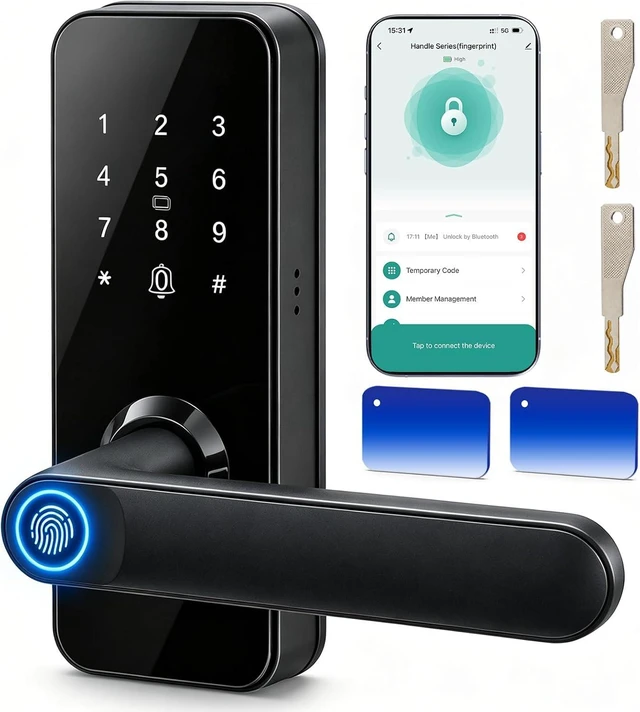
Smart Door Lock with Handle, Keyless Entry for Front Door
- Fingerprint & Keypad Entry, Bluetooth App Control, One-Time Codes, Auto-Lock, Anti-Peeping, Type-C Emergency Power
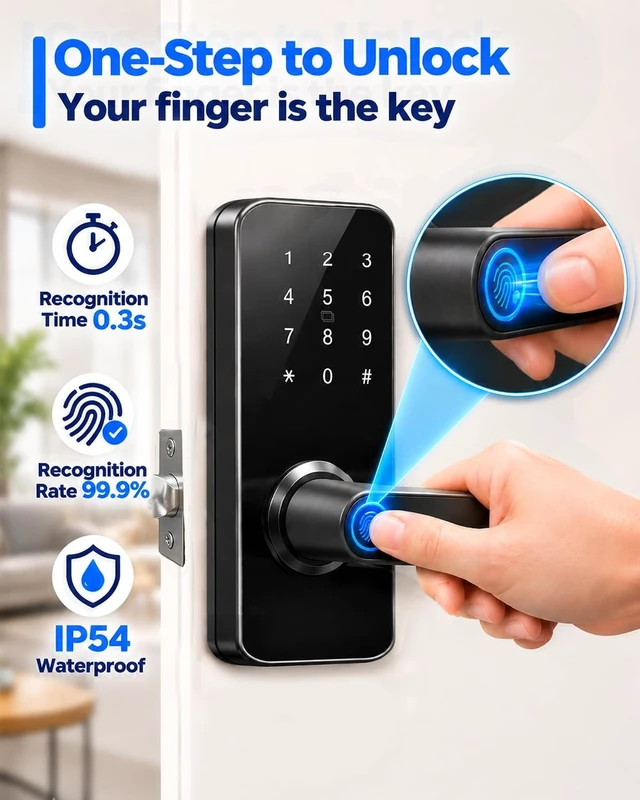
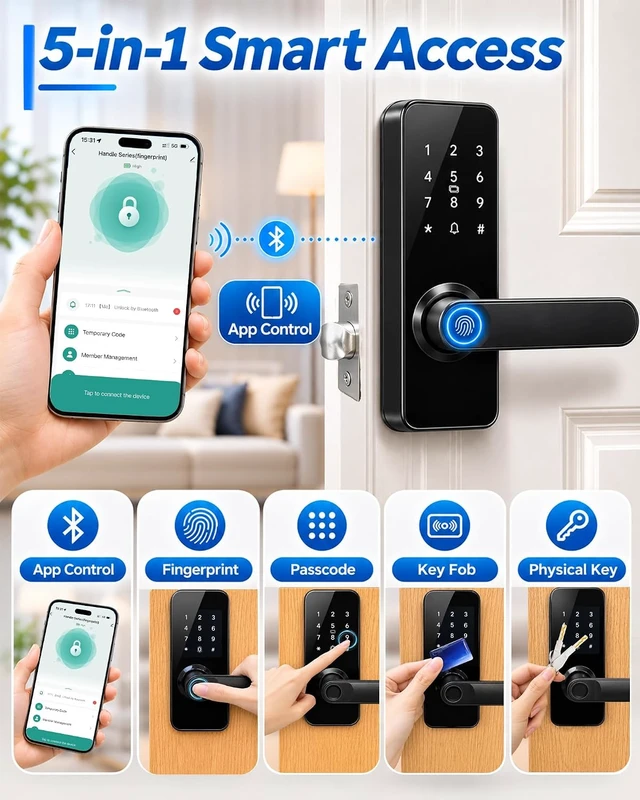
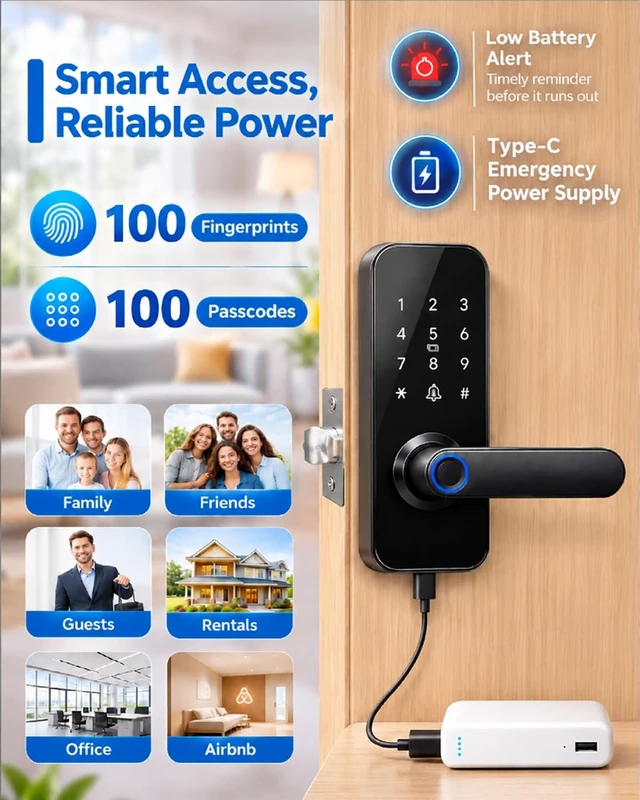
- Come Home, Walk Right In: No more searching for keys with full hands or dealing with forgotten keys. Unlock with your fingerprint, passcode, IC card, Bluetooth App when nearby, or mechanical key. Store up to 100 fingerprints and 100 passcodes for convenient everyday access at home, the office, or a rental property.
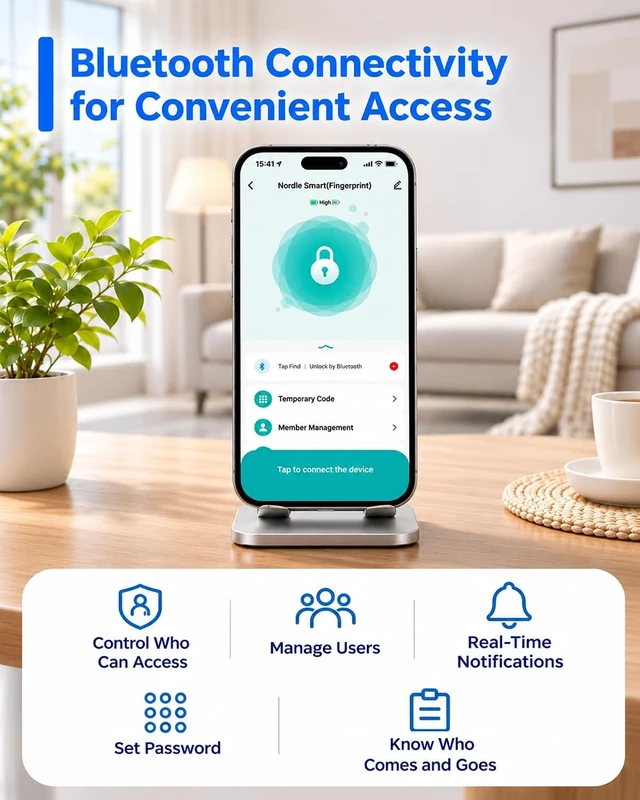
- Manage More from Your Phone: Connect to the lock via Bluetooth when nearby to unlock from your phone, view access logs, add or remove users, manage fingerprints and passcodes, and adjust the auto-lock timerall from the App without complicated programming at the keypad.
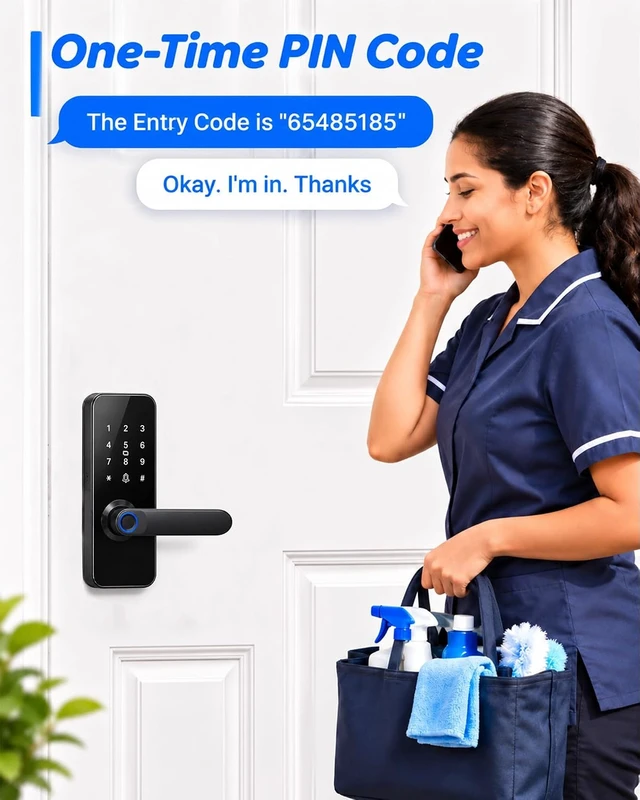
- Share Access, Not Your Keys: Create one-time passcodes for guests, cleaners, contractors, or maintenance visits instead of hiding a spare key or sharing your everyday code. Administrator control helps protect important settings, making temporary access easier to manage for homes, offices, and
+
+
Overview
Specs
Reviews
Any questions? Ask CelesteSM will help you find out quickly.
Try me now
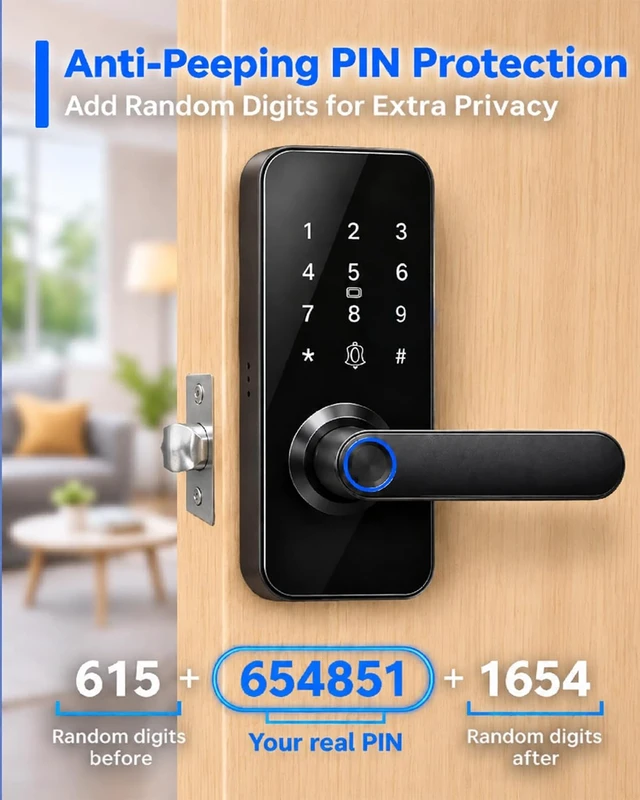
1One-time Code2Duration Passcodes3View Records4Smart User Management1Anti-peeping Password2Volume Adjustable3Password Protection4Protection Can I adjust the keypad sound and volume?
Yes. You can easily adjust the keypad volume through the Bluetooth app or enable Silent Mode for quieter operation. The backlit keypad makes entering your passcode easier in low-light conditions.
Can I give a temporary passcode to a guest or cleaner?
Yes. You can create one-time passcodes for guests, cleaners, or contractors, so they can enter without using your personal code. Manage access through the Bluetooth app when you are near the lock.
Can I control the fingerprint door lock with my phone
Yes. Connect through Bluetooth when you are nearby to unlock the door, view access logs, add or remove users, manage fingerprints and passcodes, and adjust the auto-lock timer.
Will the smart lock lock the door automatically when I leave?
You can set the auto-lock timer from 1 to 180 seconds. Anti-peeping passcode protection and a temporary keypad lockout after five incorrect attempts add extra convenience and security.
Is this keypad door lock easy to install, and what if the batteries run out?
Easy to install on compatible doors with the included support card or our product page video. Low-battery alerts remind you when to replace batteries. Use the Type-C emergency power port or mechanical key for backup access if needed.
One Touch, You're Home Convenient Keypad Entry Smart Control from Your Phone Flexible Unlocking Options Temporary Codes for Trusted Access Scheduled Passcodes Access History at a Glance Smart User Management Anti-Peeping Protection Quiet Mode for Peaceful Nights Password Error Protection Anti-Theft & Pry Protection Can I adjust the keypad sound and volume?
Can I give a temporary passcode to a guest or cleaner?
Can I control the fingerprint door lock with my phone
Will the smart lock lock the door automatically when I leave?
Is this keypad door lock easy to install, and what if the batteries run out?
Warranty & Returns
Warranty, Returns, And Additional Information
Warranty
- Please contact the Seller directly for warranty information. Warranty information may also be found on the Manufacturer's website.
- CONTACT
Return Policies
- Return for refund within: 30 days
- Return for replacement within: 30 days
- This item is covered by Cloudless Clear Return Policy
Manufacturer Contact Info
- For a directory of all our manufacturers, please click below.
- Manufacturers Directory
LOADING...