Your Browsing History
Meet Your Seller
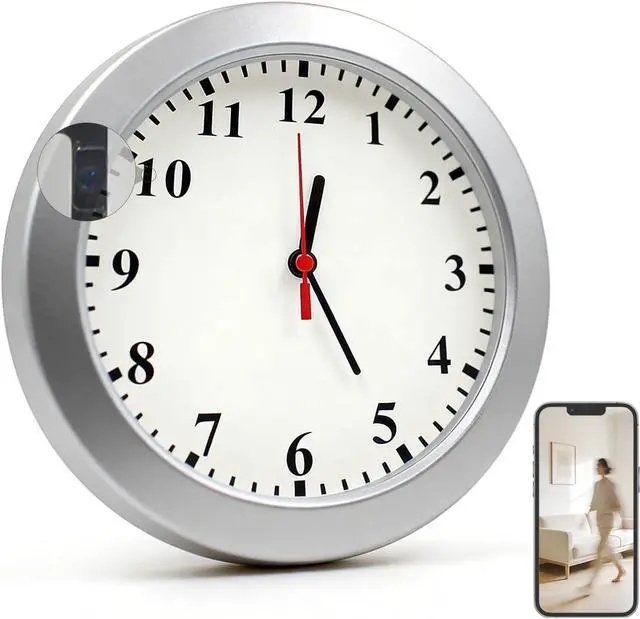
Spy Cams Hidden Clock Camera Wireless Nanny Cam Hidden Spy Cameras
- 1080P FHD | Real-Time View | Motion Detection | 4-5 Hours Working | Connect to Phone 8.7in Wall Clock Cameras | No Audio
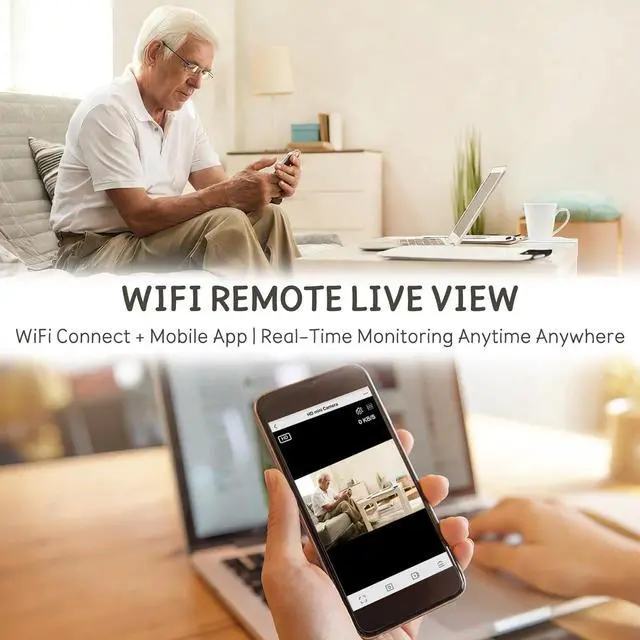
- Rea-Time View: Connect to WiFi, access real-time monitoring via mobile app, check your space anytime anywhere.
- 1080P FHD Clear Video: 1080P full HD recording captures sharp, detailed footage for clear viewing.
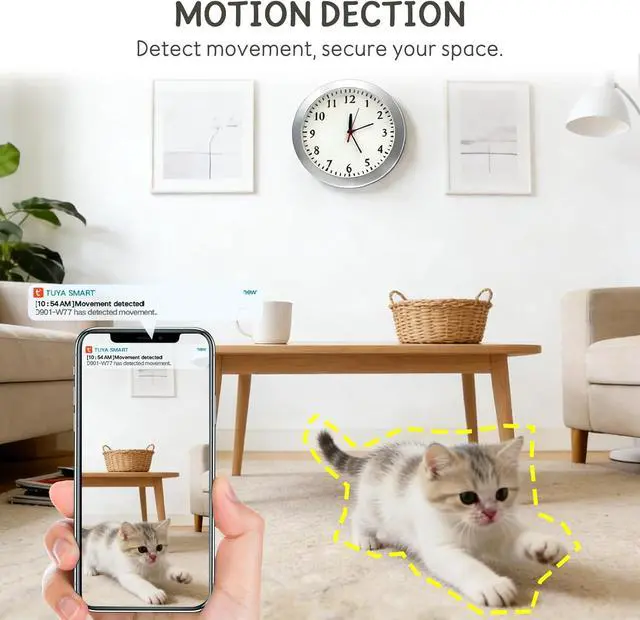
- Smart Motion Detection: Equipped with advanced sensor technology, automatically sends instant alerts when motion is detected in the monitoring zone, guarding against potential safety risks.
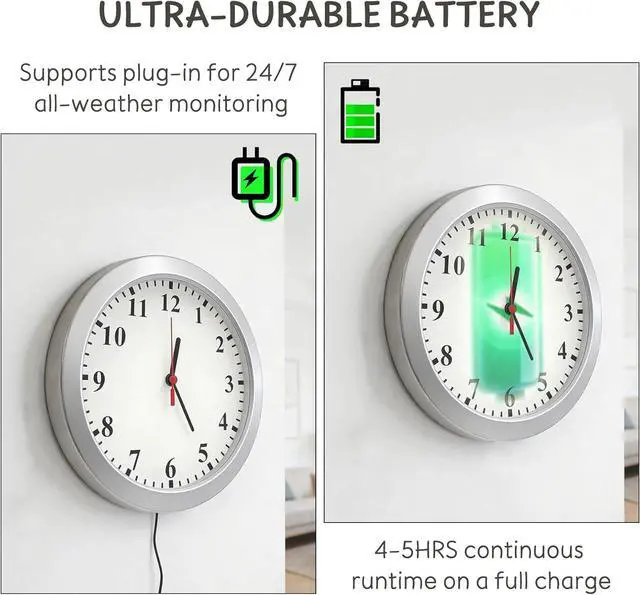
- Long Lasting Battery & Non-Stop Power: Delivers 4-5 hours of continuous use on a full charge, and supports using while plugged in for 24/7 all-weather monitoring needs.
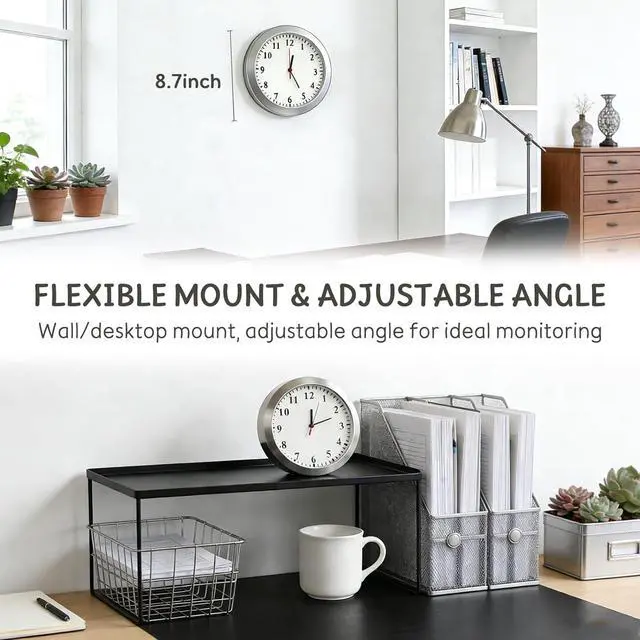
- Dual-Function & Flexible Angle: 8.7-inch circular clock design (AA battery req., not included); wall/desktop placement, adjustable camera viewing angle to fit your monitoring needs perfectly, seamlessly combining security monitoring and a functional clock.
- Free local storage via SD card(not included):
+
+
Overview
Specs
Reviews
Any questions? Ask CelesteSM will help you find out quickly.
Try me now
Fed up with blurry footage and missed moments?
This clock camera has you covered! Sharp 1080P HD, real-time phone view, quick motion alerts. Auto loop recording, 45 hours long standby, works nonstop while charging. Keep an eye on things effortlessly.
Fully charged, it records continuously for up to 45 hoursPlug it in to keep running without running out of batteryBattery mode for temporary surveillance, wired mode for constant round-the-clock watchSimple setup, move and position it with ease
Features reliable loop recordingAutomatically overwrite the earliest footage when storage is fullSkip tedious manual file deletionMaintain ongoing recording all the time Step 1: Download the free APP on your phone, sign up and log in. Allow the requested permissions.
Step 2: Charge the device. Suggest plugging into an outlet while operating.
Insert a Micro SD card for video storage (SD card not included).
Step 3: Power on and wait 20s. When the indicator flashes, hold the Reset button with a pin for 8s and release. Reset is successful if the light goes off and re-illuminates. Wait. When the indicator flashes, start camera setup on the APP.
Step 4: Add Device Enter your home router Wi-Fi network name and password (please make sure it is correct) Please wait for a moment Connect successfully!
Precautions for First-Time Setup
1. Fully charge the camera or connect it to a power supply before use.
2. Keep the camera and your phone close to the router during configuration.
3. 2.4GHz WiFi is recommended for smoother setup.
What to Do If Configuration Fails
1. Power on, wait 20s
2. When light flashes, hold reset button 8s with reset pin. Reset succeeds if light restarts.
3. Wait for flashing light, then pair via APP
SD Card Not Detected After Insertion
1. Format your SD card to FAT32.
2. Power off the camera before inserting or removing the SD card.
Dual Power Modes Fit Your Needs Hassle-Free Continuous Recording Precautions for First-Time Setup
What to Do If Configuration Fails
SD Card Not Detected After Insertion
Compare & Select Real-Time Monitoing 1080P FHD Night Vision Motion Detection Included SD Card? Need WiFi? Loop Recording Real-Time Monitoing 1080P FHD Night Vision Motion Detection Included SD Card? Need WiFi? Loop Recording Real-Time Monitoing 1080P FHD Night Vision Motion Detection Included SD Card? Need WiFi? Loop Recording

Warranty & Returns
Warranty, Returns, And Additional Information
Warranty
- Please contact the Seller directly for warranty information. Warranty information may also be found on the Manufacturer's website.
- CONTACT
Return Policies
- Return for refund within: 30 days
- Return for replacement within: 30 days
- This item is covered by Cloudless Clear Return Policy
Manufacturer Contact Info
- For a directory of all our manufacturers, please click below.
- Manufacturers Directory
LOADING...