Total Control, Total Peace of Mind
Act Now: Avoid a Lockout Emergency: Recharge Your Smart Lock
Red Alert: The Dangers of Faulty Fingerprint Recognition, When Biometrics Fail: The Importance of Security
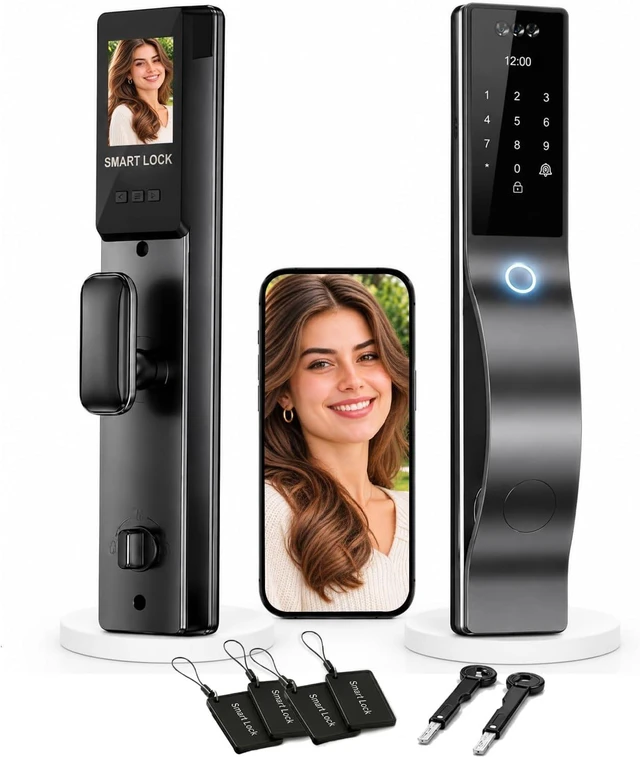
Face Recognition Feature Multiple User Access
How do you get the User Guide for Configuration and Installation or Template Diagram?
You will Find the user manual through the Physical Guide or Q.R Code are available inside the Lock Box or by Contacting us
How to change the Motor Direction?
press 888#.in factory reset or
Enter Intial Admin Password "*","#" 123456 then "#" , press "3" Install
then Press "1" Motor Dir then Select (1 foreward or 2 reverse) to change the direction of the Lock acc to actual opening direction.
How to change the device language (User Interface) ?
To change the language, Enter Intial Admin Password "*","#" 123456 then "#" , press "1" Local Setting, "3" option then press "3" Language Setting then Select "2" for English
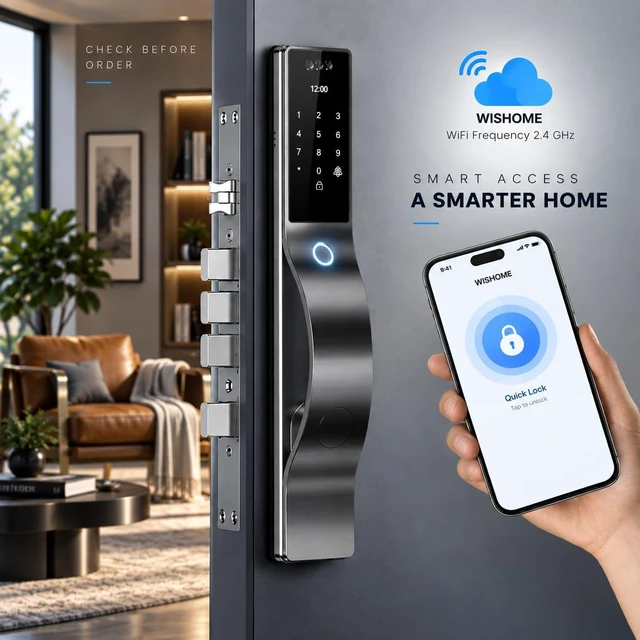
How to Check the Status of your Network Connection to link the Lock to App (If you have a problem with the connection)?
- Turn on mobile Wi-Fi and Bluetooth
- WIFI 2.4G, not 5G or others
- Take the Smart lock near to the router
If above does not work, reset the router, or use another mobile to connect
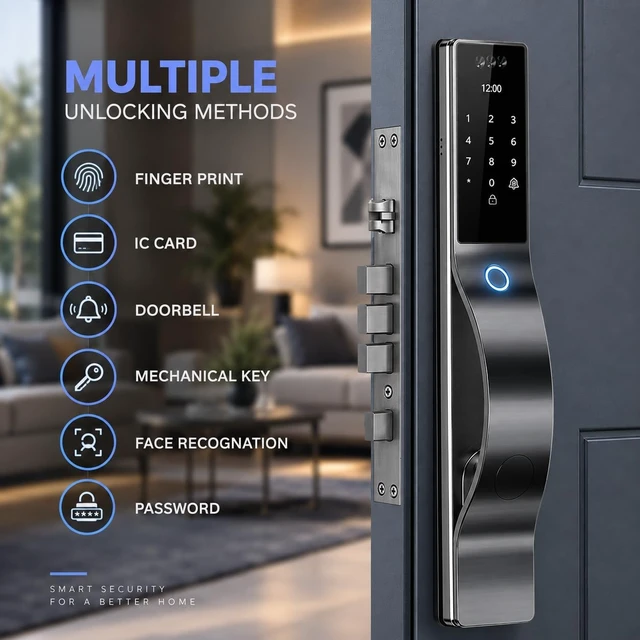
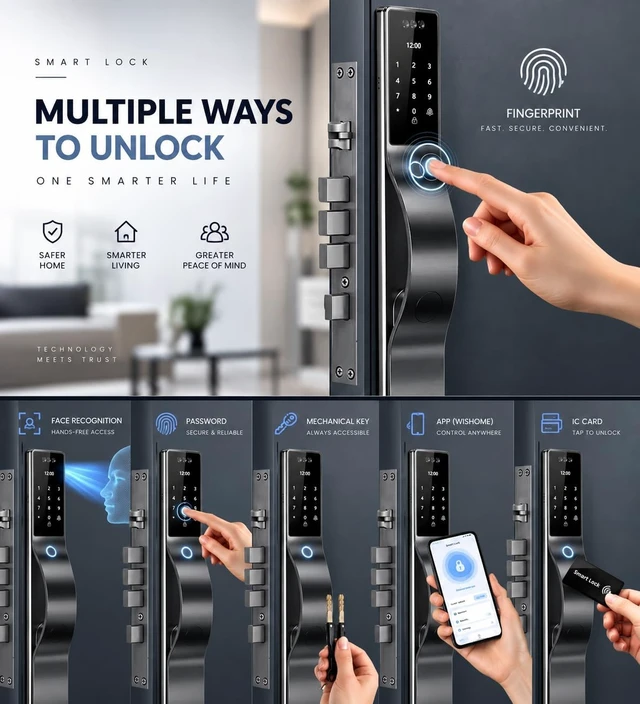
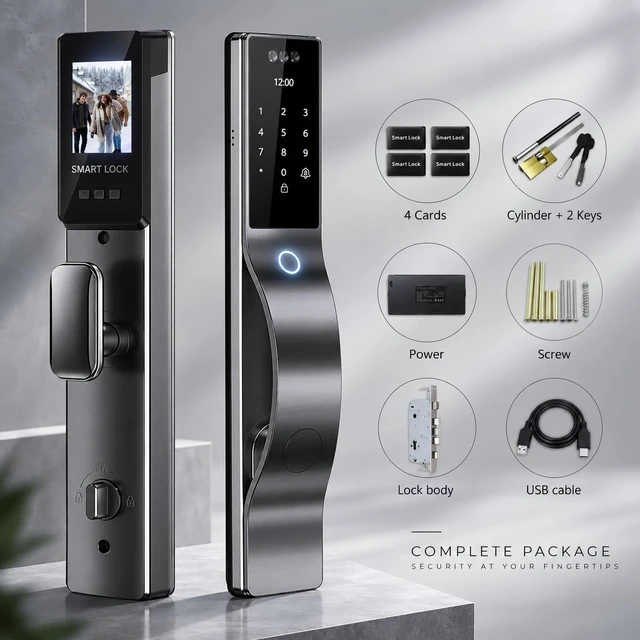
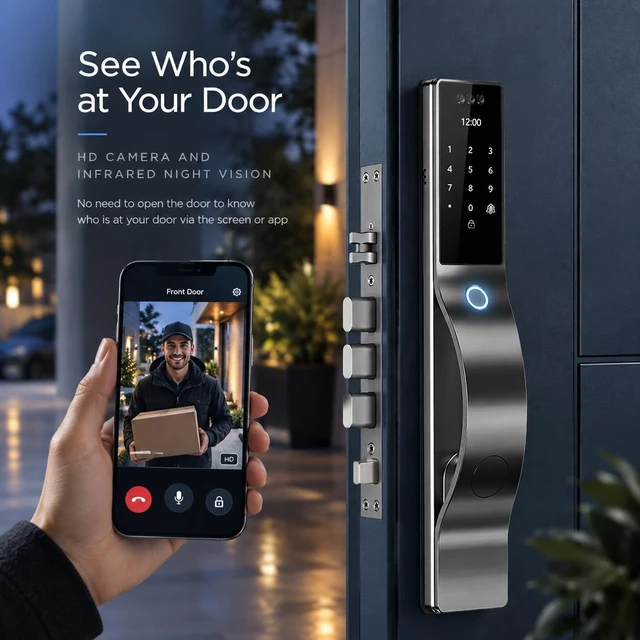
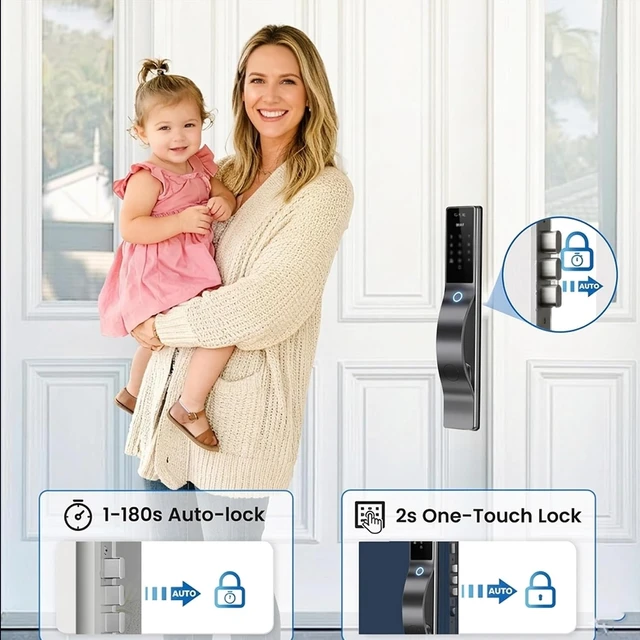
Smart Door Lock with Multiple Access Random Digit Password Accurate Biometric Access Effortless Access with IC Card Trusted Security, Key in Hand Smart Door, Smart Life Upgrade your Home Security with Smart Door Lock Low Battery Alert! Security Safeguard Sleek Design, Unlimited Access Peace of Mind Starts at Your Fingertips: One Lock Smart Control Automated Door Lock Smart Lock Install Remote Door Control Easy Code Sharing Secure Remote Access Alexa Voice Commands How do you get the User Guide for Configuration and Installation or Template Diagram?
How to change the Motor Direction?
How to change the device language (User Interface) ?
How to Check the Status of your Network Connection to link the Lock to App (If you have a problem with the connection)?




 here!