Your Browsing History
Meet Your Seller
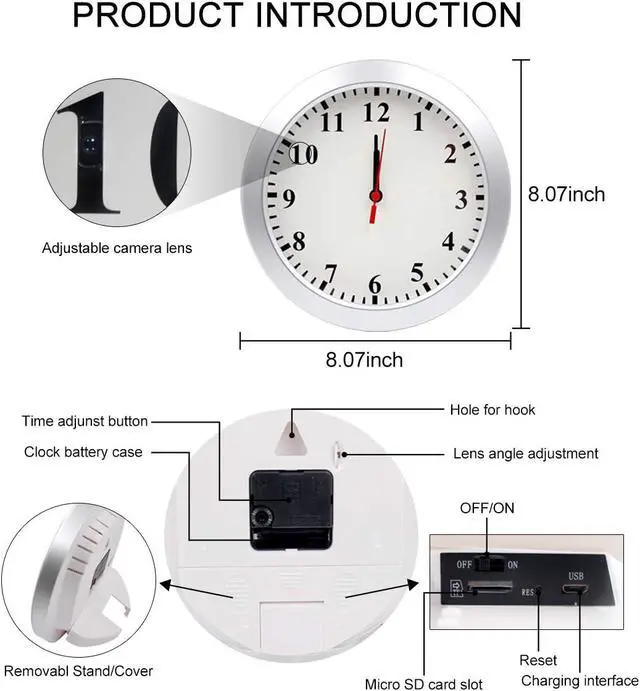
Pelay Hidden Camera Detector Wall Clock 1080P No WiFi Security Camera Nanny Cam Video Recorder with Motion Detection, No Audio Home/Office Surveillance
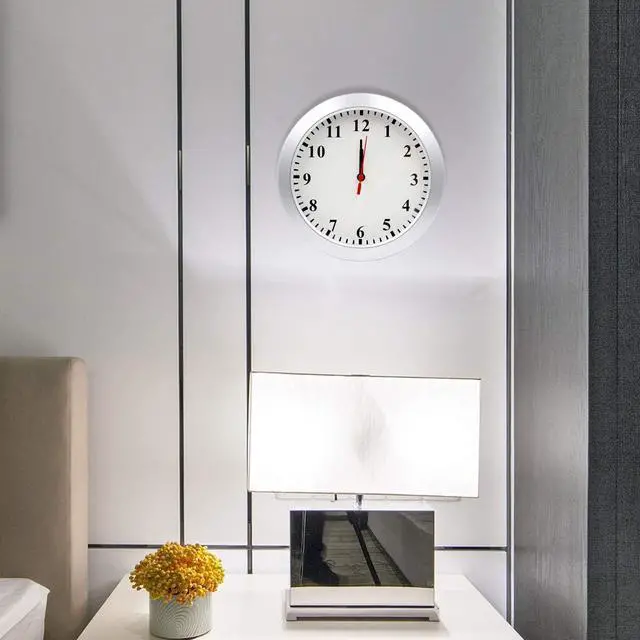
- This wall clock can be placed in your home or office and used directly as a timepiece.
- No app download required. The camera supports up to 128GB of storage (SD card sold separately). Simply turn on the camera to start recording. Use VLC media player to view files on your computer.
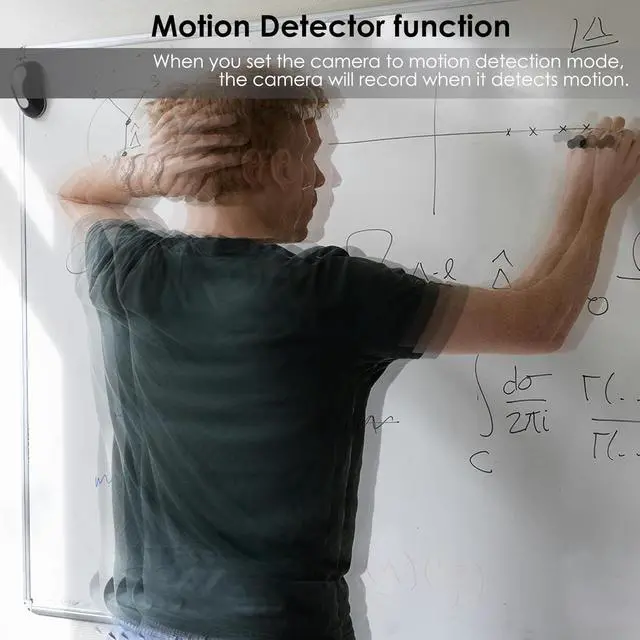
- When switched to motion detection mode, the camera will automatically record video upon detecting moving objects. Once the moving object leaves the camera's field of view, the system will automatically save the file to the memory card after the 3-minute recording period concludes.
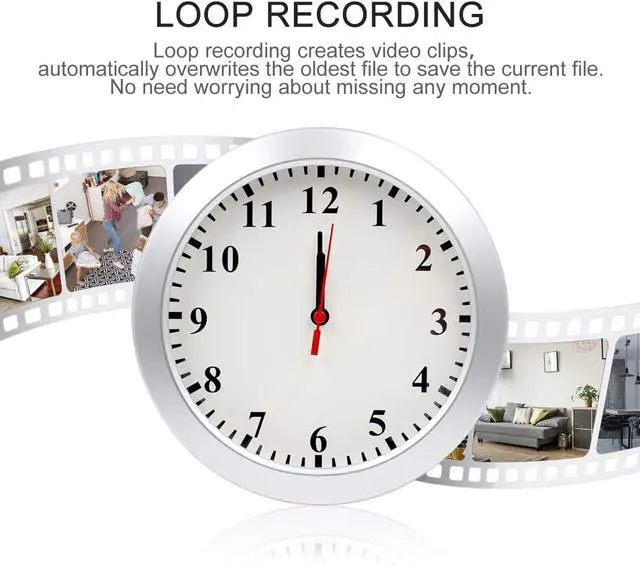
- The loop recording feature automatically overwrites the oldest files when storage space is full. The device features a charging port for convenient charging and supports simultaneous charging and use.
- Our support team provides round-the-clock assistance with device setup, troubleshooting, and resolving other potential issues. Note: Federal law prohibits the sale of any camera with audio capabilities.
+
+
Overview
Specs
Reviews
Any questions? Ask CelesteSM will help you find out quickly.
Try me now
1.Our camera does not come with Wi-Fi connectivity. If you need Wi-Fi, please consider our other model that supports this feature.
2.This camera requires an SD card to operate, and all files will be saved directly to the card.
3.This camera does not have night vision.
4.For first-time use, please fully charge the camera.
5.Since this camera has a relatively small battery, we recommend using it while plugged in.
6.According to USA law, sound is forbidden, our spy camera has no sound.
1.When you receive the camera, we recommend charging it first. The indicator light will flash red while charging, and stay solid red once it's fully charged.
2.Insert a formatted SD card into the camera. (If both the red and blue indicator lights flash rapidly, this means the camera can't read the SD card you'll need to replace it with a new one.)
3.Once the SD card is inserted, you can select either L or M mode, and the camera will start recording.
*For video playback, we recommend using VLC Media Player.
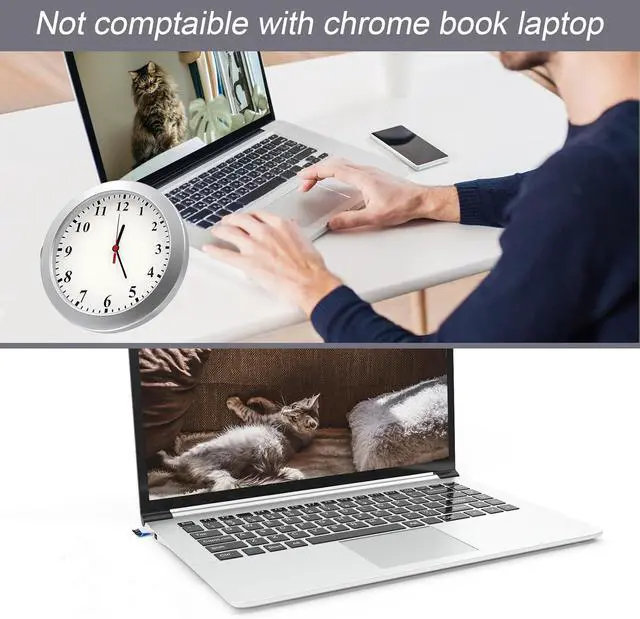
*Chromebook computers are not supported; if you use one, no video will be displayed.
Warranty & Returns
Warranty, Returns, And Additional Information
Warranty
- Please contact the Seller directly for warranty information. Warranty information may also be found on the Manufacturer's website.
- CONTACT
Return Policies
- Return for refund within: 30 days
- Return for replacement within: 30 days
- This item is covered by Cloudless Clear Return Policy
Manufacturer Contact Info
- For a directory of all our manufacturers, please click below.
- Manufacturers Directory
LOADING...