Your Browsing History
Meet Your Seller
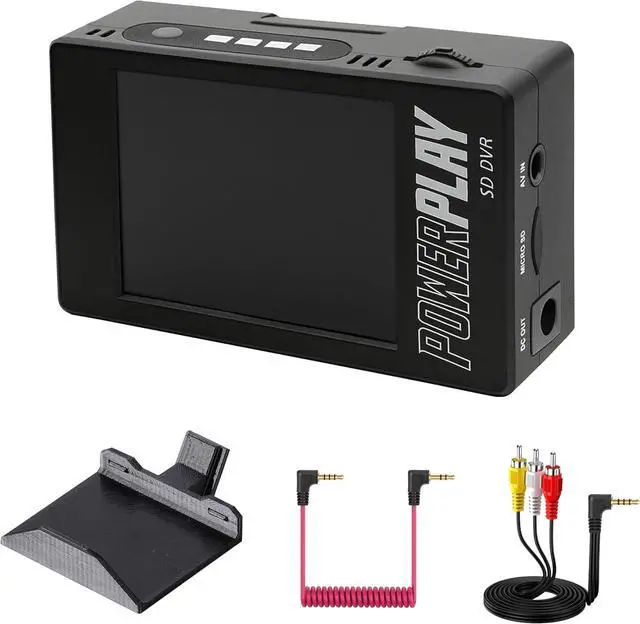
PowerPlay DVR Video Recorder Upgraded, 60fps Video Capture & Recording for Tapeless Camcorder, VHS, 8mm, Hi8, Mini DV Player, Analog AV/RCA to Digital Converter
- Upgraded High-Efficiency Recording Capture smooth, high-quality video with advanced compression and 60fps frame rate, preserving detail while reducing file size. Perfect for archiving vintage footage.
- Analog to Digital Converter for Camcorders & VCRs Digitize VHS, VHS-C, 8mm, MiniDV, and Digital8 tapes directly to micro SD card (up to 512GB Class 10). Ideal for home video preservation, retro content creators, and video archivists.
- Resolutions Build-in 2.4 inch 640 × 480 RGB LCD screen. Records video at AV 720x576 (PAL) 50fps, 720x480 (NTSC) 60fps.
- Portable DVR with Clip Mount Compact, lightweight design includes a clip mount for hands-free use and easy portability. Great for field recording, on-the-spot transfers, and mobile video capture.
+
+
Overview
Specs
Reviews
Any questions? Ask CelesteSM will help you find out quickly.
Try me now
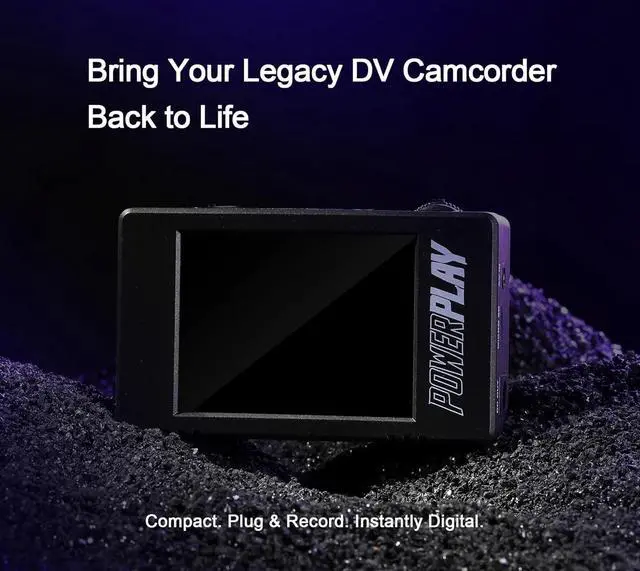
The PowerPlay DVR records analog footage as MP4 files at up to 60fps for smooth playback. Supports VHS, 8mm, and MiniDV tapes, saving directly to a micro SD card (up to 512GB). No computer required.
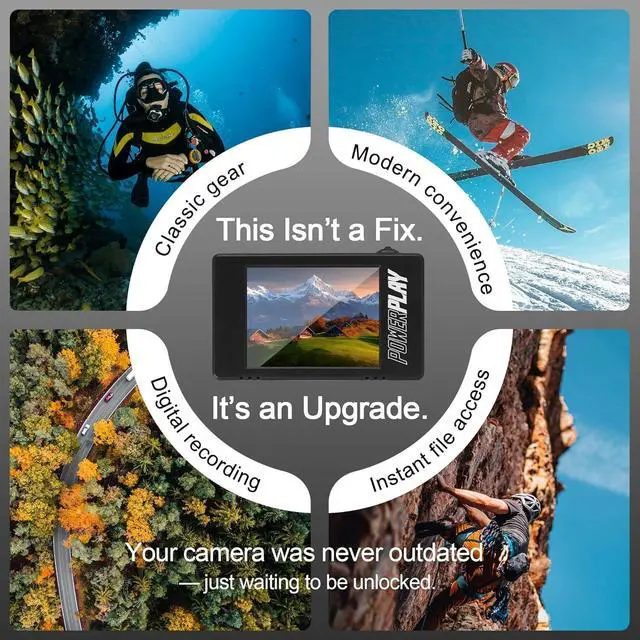
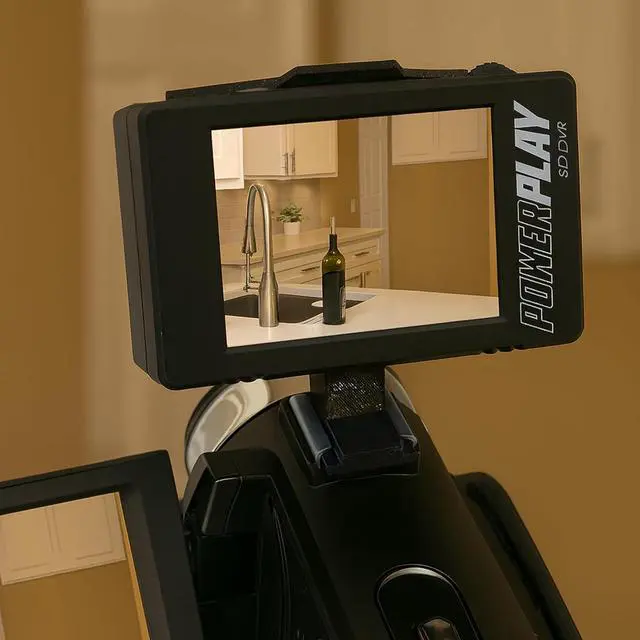
Mounts directly to your legacy camcorder your old camera was never outdated, just waiting to be unlocked.
Those tapes in the closet won't last forever. Digitize them before they degrade.
Mount the DVR to your camcorder with the included cold shoe mount, plug in the AV cable, insert your SD card you're ready to record.
Classic gear meets modern convenience: digital recording with instant file access.
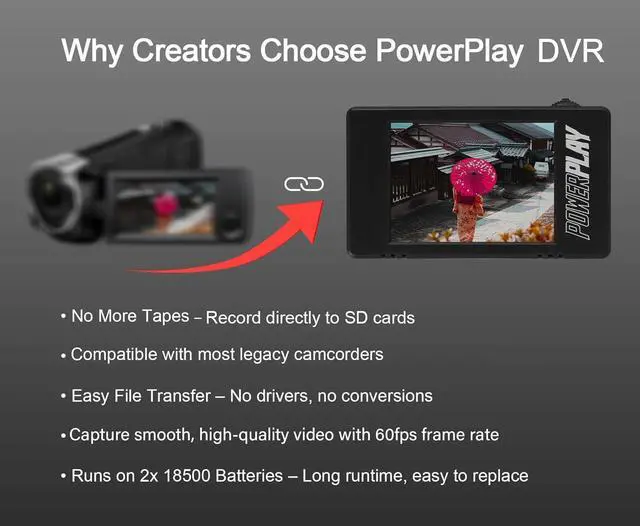
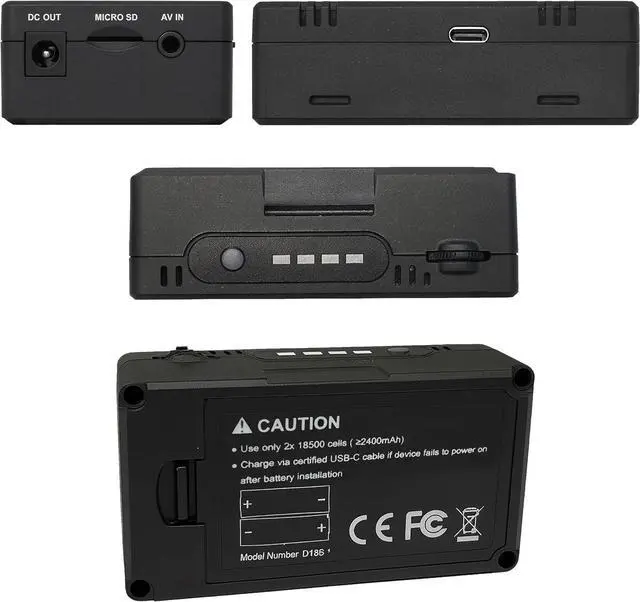
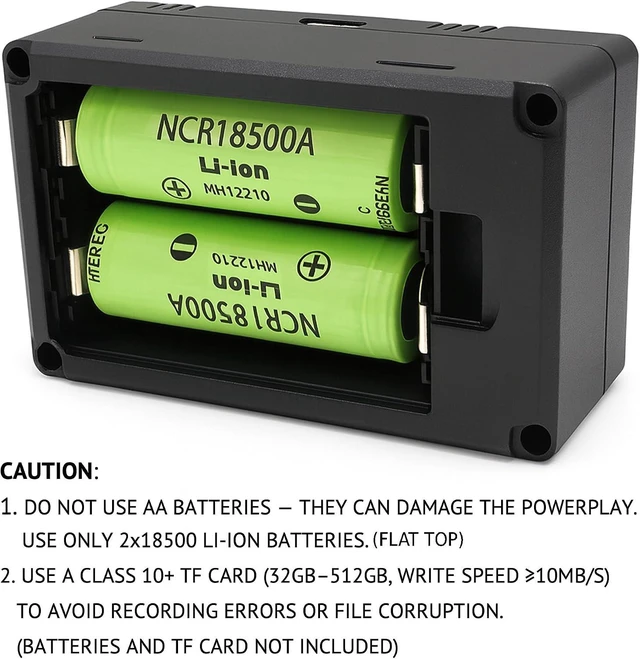
No more tapes record directly to SD cards. Compatible with most legacy camcorders. Easy file transfer with no drivers, no conversions. Smooth 60fps video, powered by 2× 18500 batteries for long runtime.
The built-in 2.4-inch 640x480 RGB LCD lets you watch your recording in real time directly on the device. No separate monitor needed. Confirm capture is running and check footage quality the moment you press record.
Video Resolution 720x480 (NTSC) 60fps / 720x576 (PAL) 50fps Frame Rate 60fps (NTSC) / 50fps (PAL) Video Data Rate Approx. 6Mbps (variable) Output Format MP4 Storage Micro SD up to 512GB; Class 10 recommended Connectivity AV input via included AV cable Screen 2.4-inch 640x480 RGB LCD Dimensions 3.25 x 2.00 x 1.12 inches In the Box PowerPlay DVR, clip mount, AV cables What type of micro SD card does the PowerPlay DVR require?
Use a Class 10 micro SD card with up to 512GB capacity. Class 10 is recommended to ensure smooth recording and reliable file storage.
How do I connect my tape player or camcorder to the PowerPlay DVR?
Connect your VCR or camcorder to the PowerPlay DVR using the included AV cable. The device accepts AV/RCA input no computer or additional software is needed.
Which tape formats are compatible with the PowerPlay DVR?
The PowerPlay DVR supports VHS, VHS-C, 8mm, Hi8, MiniDV, and Digital8 tapes. It is compatible with camcorders and VCRs that output a standard AV/RCA signal.
What file format does the PowerPlay DVR save recordings in?
All recordings are saved as MP4 files directly to your micro SD card. MP4 is widely compatible with modern video editing tools and media players.
Compact. Plug & Record. Instantly Digital. One Device. Every Tape Format You Own. Revive Your Camcorder Rescue Your VHS Tapes Setup to Shooting in Seconds An Upgrade, Not a Fix Take Your Digitizing Anywhere Why Creators Choose PowerPlay DVR Monitor Recording on the Built-In Screen Technical Specifications What type of micro SD card does the PowerPlay DVR require?
How do I connect my tape player or camcorder to the PowerPlay DVR?
Which tape formats are compatible with the PowerPlay DVR?
What file format does the PowerPlay DVR save recordings in?
Warranty & Returns
Warranty, Returns, And Additional Information
Warranty
- Please contact the Seller directly for warranty information. Warranty information may also be found on the Manufacturer's website.
- CONTACT
Return Policies
- Return for refund within: 30 days
- Return for replacement within: 30 days
- This item is covered by Cloudless Clear Return Policy
Manufacturer Contact Info
- For a directory of all our manufacturers, please click below.
- Manufacturers Directory
LOADING...