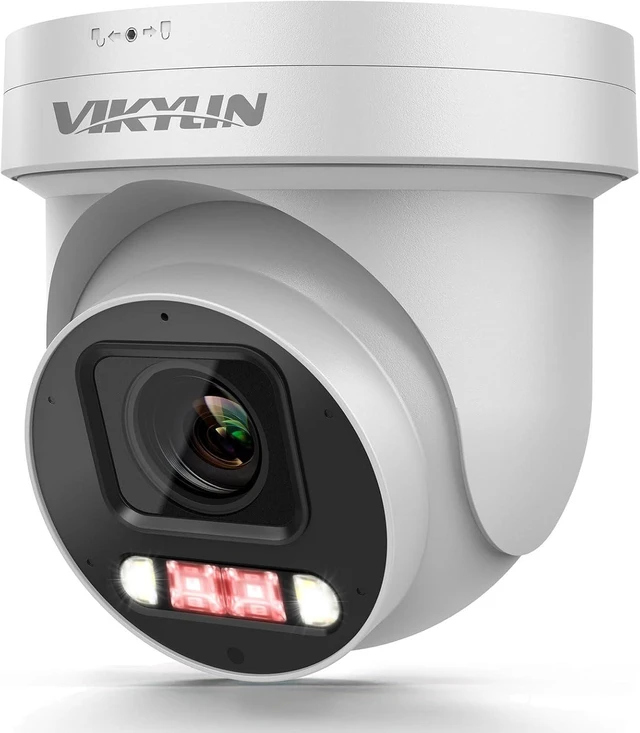
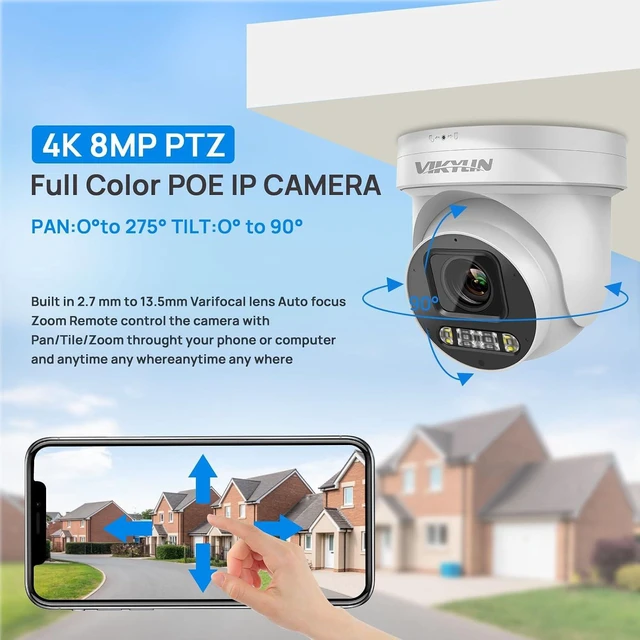
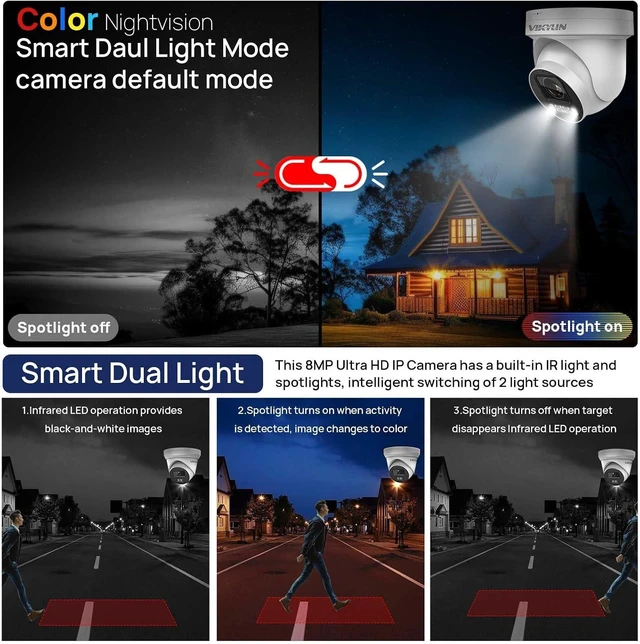
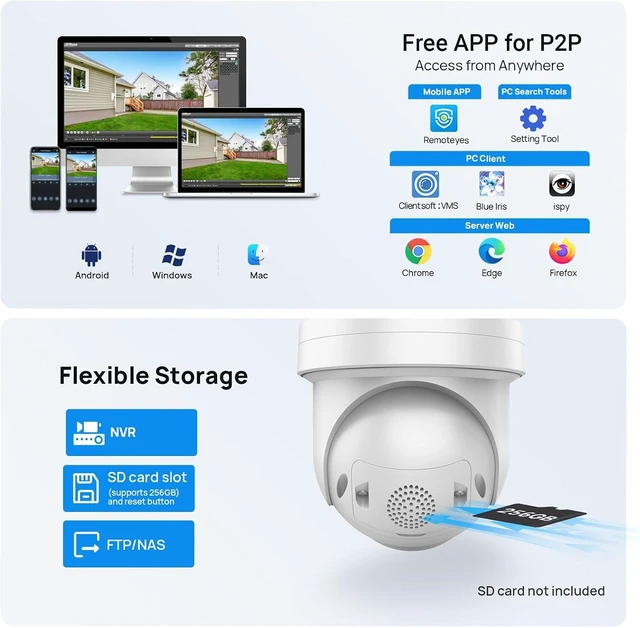
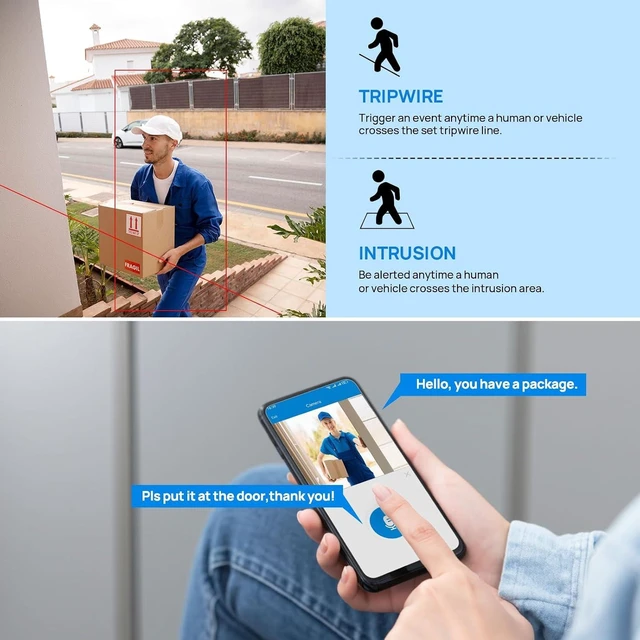
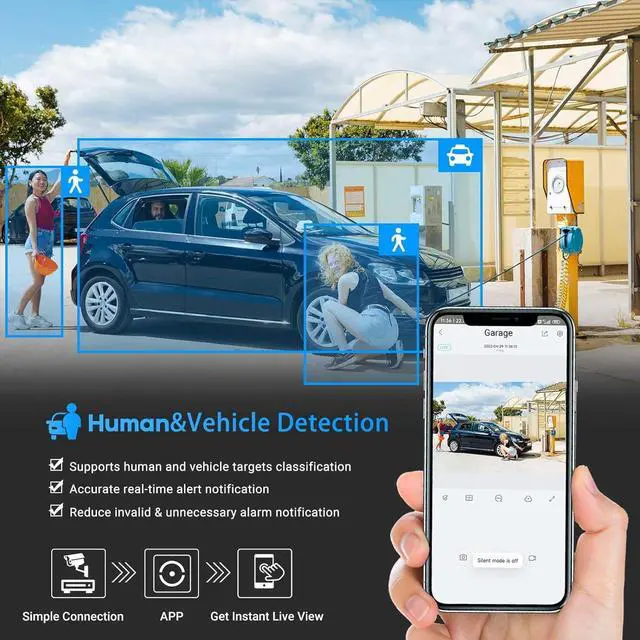
pls follow up the steps to get the camera work for you : step 1 use the same poe switch to connect your computer and the ptz camera; Step 2 Use SettingTool to search and modify for the camera's IP address , ensure the camera IP address and your computer IP address are in the same segment, the SettingTool you can downlaod from our Official website: vikylin.com; Step 3 use the Internet Explorer brower by type the cameras ip address,so that you can access and view the cameraPTZ cameras require only one Ethernet cable for power and data transfer, plug in a PoE injector/switch/NVR and they are ready to run! (NOTE: ethernet cable not included, sold separately).PTZ Camera Default IP is DHCP, Default IP Address: 192.168.0.123, User Name: admin, Password: 123456Please modify the ip address of this PTZ camera by "SettingTool".Click on the IP address, or open the browser URL and enter the IP address of the camera, log in to the camera in the web, and set up the functionsInstall the "Remoteyes" app from the APP Store or Google Play Market, scan the P2P QR on the web console of the PTZ IP camera, and bind the camera to your phone for remote real-time monitoring.Supports Onvif 23.12 compatible with many third-party NVR. This PoE PTZ IP camera is compatible with most security monitoring software, such as Blue Iris, iSpy, VLC, etc,Support Alarm Snapshot to SD card, Email, FTP and NAS(NFS),RTSP. Support Motion Detection, Human & Vehicle detection ;Cross Line Detection, Perimeter protection, Face DetectionTips:Due to the upgrade of the version, this camera add some new function like Cross Line Detection, Perimeter protection, Face Detection ,and the APP update to "Remoteyes" app, If the version you received is an older version, please also use the Videolink APP , The old and new versions cannot communicate with each other!14K UltraHD Resolution25xOptical Zoom3Real -Time Deterrence4Two-Way Talk5Cross Line /Perimeter Smart Dual Light technology adopts smart algorithm to detect targets. Usually, the IR illuminator is on at night; when the target appears in the monitoring area, the white light is on, and the ptz outdoor camera records the full-color video and information of key events;
the Ptz Outdoor camera links snapshot and video with full-colorimage. When the target is out of the monitoring area, the white light is off and the IR illuminatoris on, which reduces light pollution efficiently;
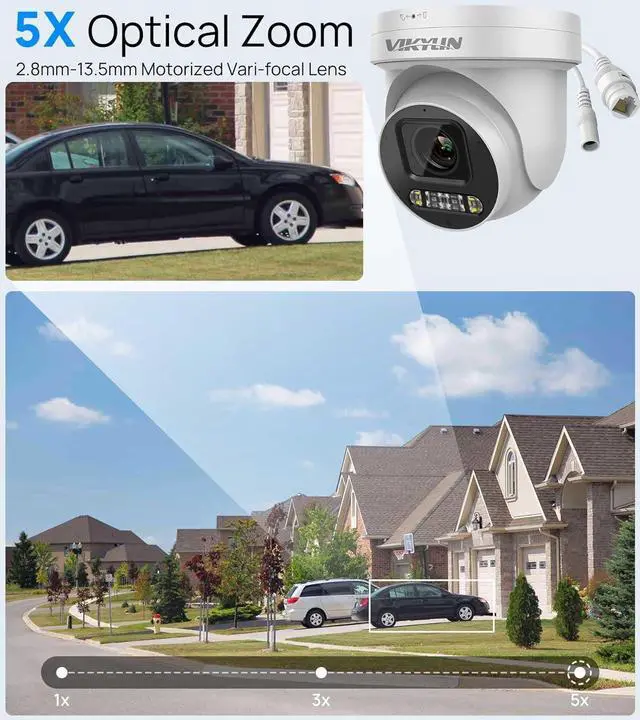
1SD Card storage &APP 2human/Vehicle Detection3How to install &IP674How to connect ptz camera5Plug and Play VK NVR This PTZ IP security camera includes an unique zoom lens, that enables remote customization of your viewing area (and focus). Focus on a small area in astonishing detail thanks to the 5X optical zoom or survey a larger scene for maximum coverage,NOT Auto Tracking Camera)
Pls Note To view the recorded videos of the alarm push events using the built-in "Remoteyes" APP on the camera,you need to purchase cloud storage as per the instructions in order to view the alarm playback. When the camera is connected to Our VIKYLIN VKView NVR( ASINB0B9SMT5QX) or a third-party NVR,the NVR's App for preview and viewing of alert notifications requires no additional subscription purchase. We recommend that you purchase it and use it in conjunction with the NVR. Resulotion 20@FPS(3840×2160),30FPS@(3072×2048,2592×1944,2560×1440,2304×1296 ) 60@FPS(1920×10801280×720) Smart Dual Light 2PCS Warm Light LED and 2PCS IR LED,IR Light Range: up to 40 m ;White Light Range: up to 40 m; Focal Length 2.7-13.5mm 5X Varifocal lens; Color: 0.01lux @(F1.6), 0 lux with IR light Video Frame Rate Main stream 20@FPS(3840×2160),30FPS@(3072×2048,2592×1944,2560×1440,2304×1296 ) 60@FPS(1920×10801280×720) sub stream 30 fps (720 x 480,640 × 480, 640 × 360, 480 × 480,480 × 360,CIF) PTZ Pan 0° to275°, Tilt 0° to 90°, Pan Speed: 15°/s Tilt Speed: Tilt Speed: 10°/s; horizontal FOV: 101° to 34°, vertical FOV: 56 to 19°, diagonal FOV: 125° to 37°,NOT Auto Tracking Camera) Ev




 here!