• $450.99
  • Free 30-day Returns
  • Ships from China.

    Shipped by Cloudless Clear

    Price alert
    Shop it at NeweggBusiness.

    Meet Your Seller

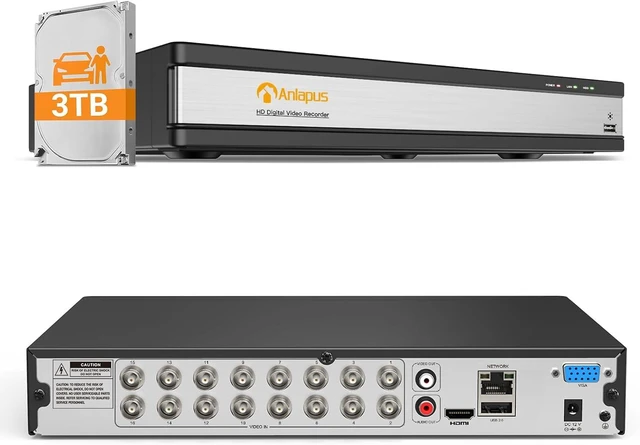
    Anlapus 16 Channel 5MP Home Security CCTV DVR Recorder, 3TB HDD

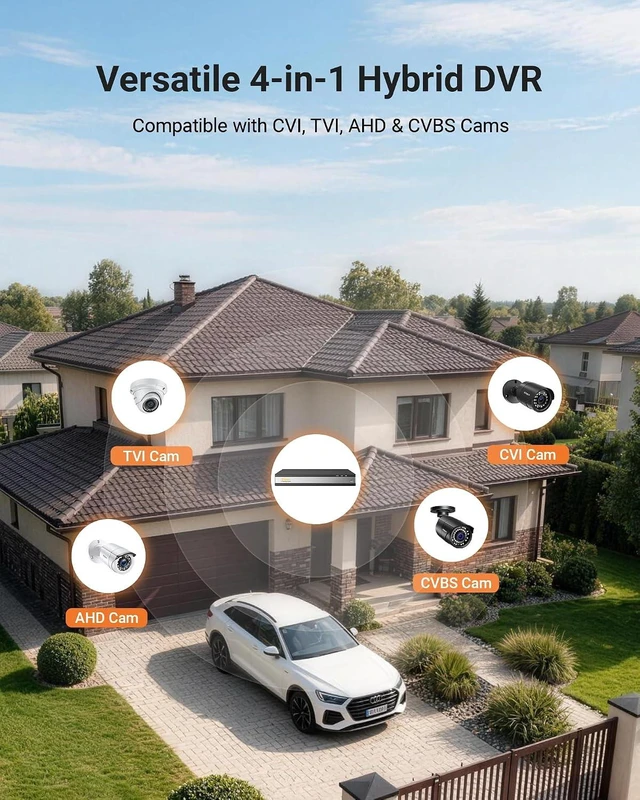
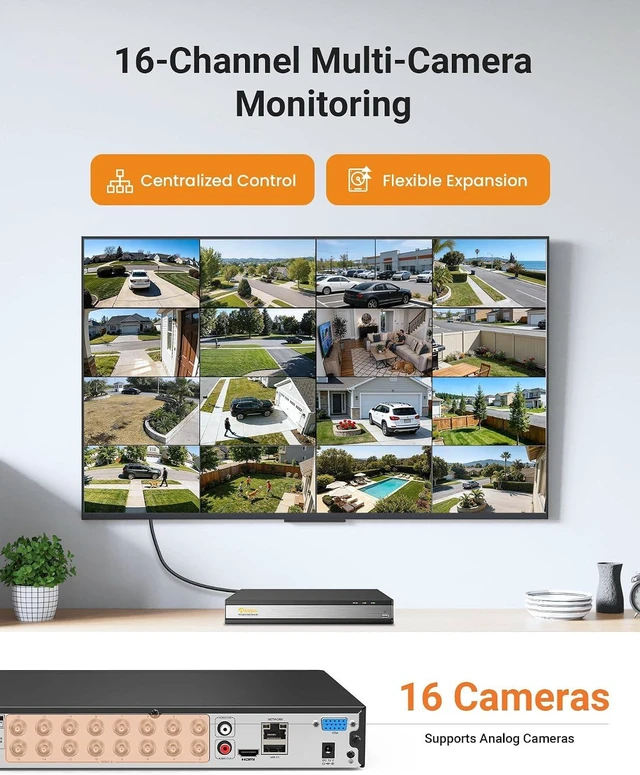
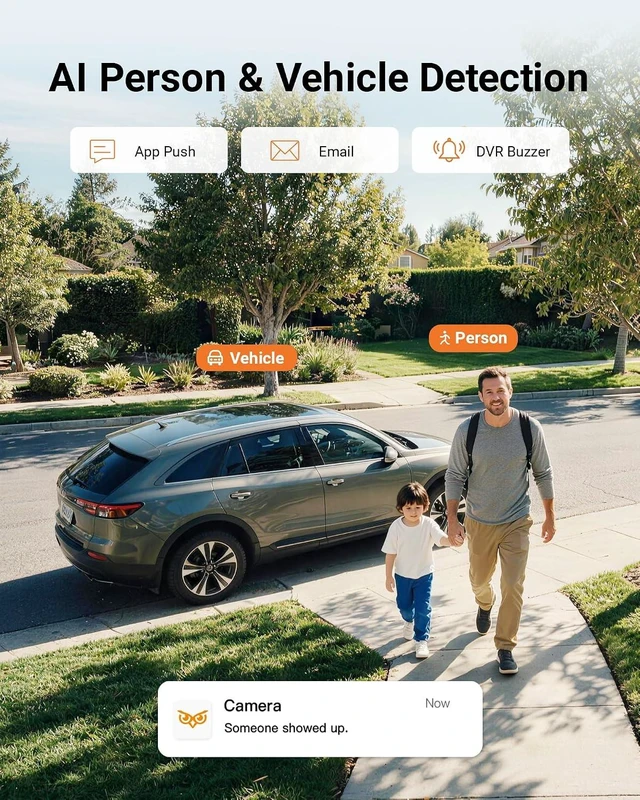
    • 16CH 3K DVR for 2MP/3MP/4MP/5MP TVI/CVI/AHD/CVBS Analog Cameras, AI Human/Vehicle Detection, Remote Access, 24/7 Recording
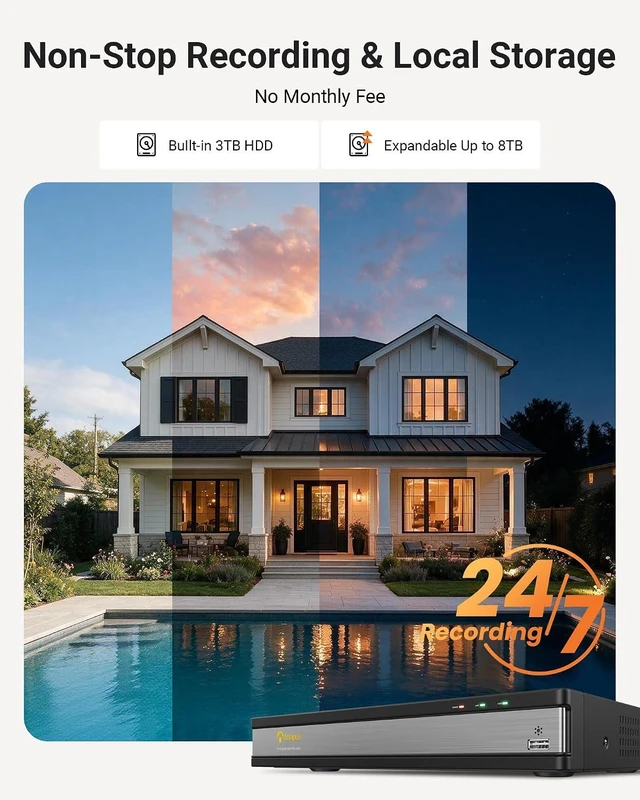
    • 16-Channel 4-in-1 Hybrid DVR with 3TB HDD: Supports HD-TVI, AHD, CVI, and CVBS cameras. Pair it with up to 16 compatible cameras for comprehensive home, retail, or small-business surveillance. Comes with a 3TB surveillance hard drive pre-installed, saving you the hassle of purchasing a separate drive. If you ever need more storage, it easily supports an upgrade up to 8TB.
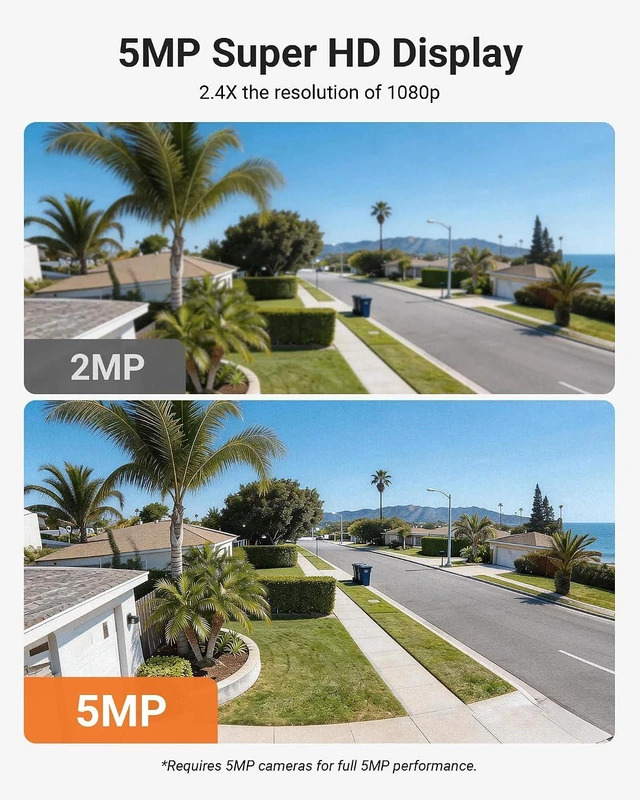
    • Advanced H.265+ Video Compression: Enjoy up to 5MP recording resolution (actual resolution depends on your camera). Advanced H.265+ video compression keeps footage clear at low bit rates, maximizing recording time on the included 3TB hard drive. Enjoy fewer upgrades and lower long-term costs while maintaining high-quality surveillance footage.
    • Smart AI Human & Vehicle Detection: Built-in AI accurately distinguishes people and vehicles from routine motion, such as passing shadows or swaying tre
    +
    +
    Overview
    Specs
    Reviews

    Any questions? Ask CelesteSM will help you find out quickly.

    1 4-in-1 DVR2Smart Playback3Recording Modes4Detection Zone5Privacy Zone Does the DVR come with a hard drive?
    Yes. It comes with a 3TB surveillance hard drive for 24/7 recording.
    Will it work with my analog cameras?
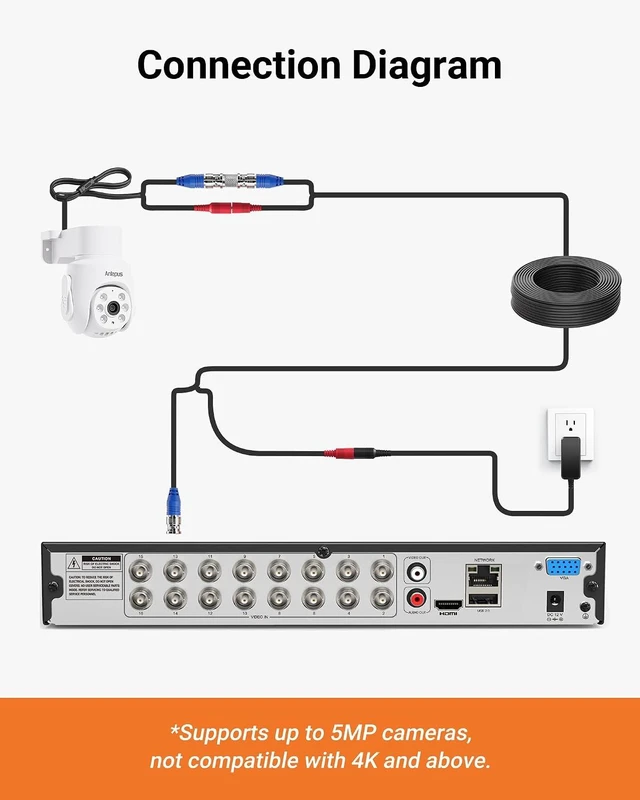
    Yes. It works with 1080P, 3MP, 4MP, 5MP analog cameras (HD-TVI, CVI, AHD, CVBS). It does NOT work with IP cameras or 8MP 4K cameras.
    Does it support AI detection?
    Yes. AI Human/Vehicle Detection is included. This helps reduce false alerts from animals or shadows.
    Can I view cameras remotely without internet?
    No. Remote viewing needs an internet connection. Local viewing via HDMI or VGA does not need internet.
    How to view my cameras remotely?
    You can remote access via Vsees App/AVSS Client. Make sure the app is up to date.
    Pan Tilt Camera System

    Warranty & Returns

    Warranty, Returns, And Additional Information

    Warranty

    • Please contact the Seller directly for warranty information. Warranty information may also be found on the Manufacturer's website.
    • CONTACT

    Return Policies

    Manufacturer Contact Info

    LOADING...