• $113.99
  • Free 30-day Returns
  • Ships from China.

    Shipped by Cloudless Clear

    Price alert
    Shop it at NeweggBusiness.

    Meet Your Seller

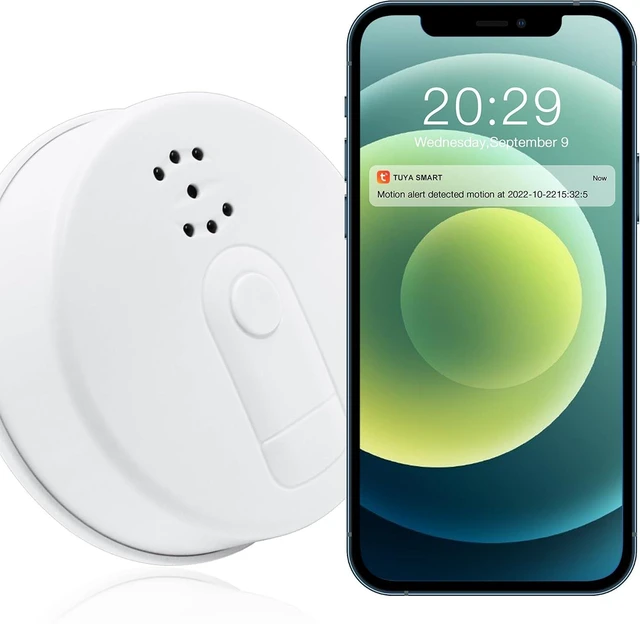
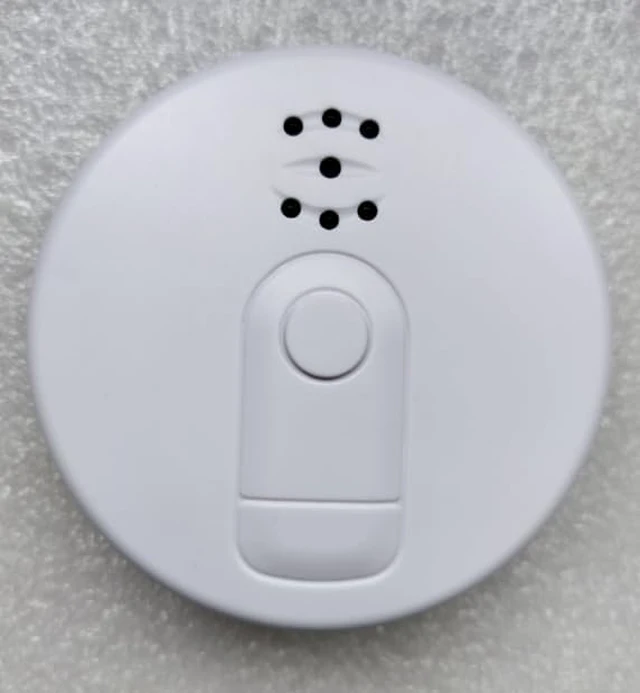
    Hidden Smoke Detector Spy Mini Camera WiFi 1080P Home Security Nanny Cam

    • Night Vision, Motion Detection, Video Recorder, App Control
    • The indoor surveillance mini camera now features 1080P high resolution, 2.4G network, 128G video storage, and a 120-degree wide-angle lens. The camera's stealthy design and ease of use make it a great choice for discreet surveillance.(No smoke detection feature)
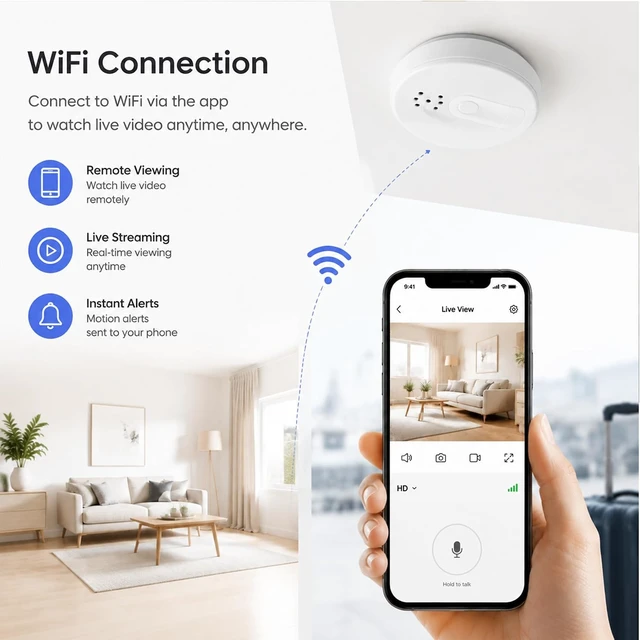
    • Connect the camera to your home Wi-Fi network and use the free smartphone app to view live streaming footage from your security camera from anywhere.
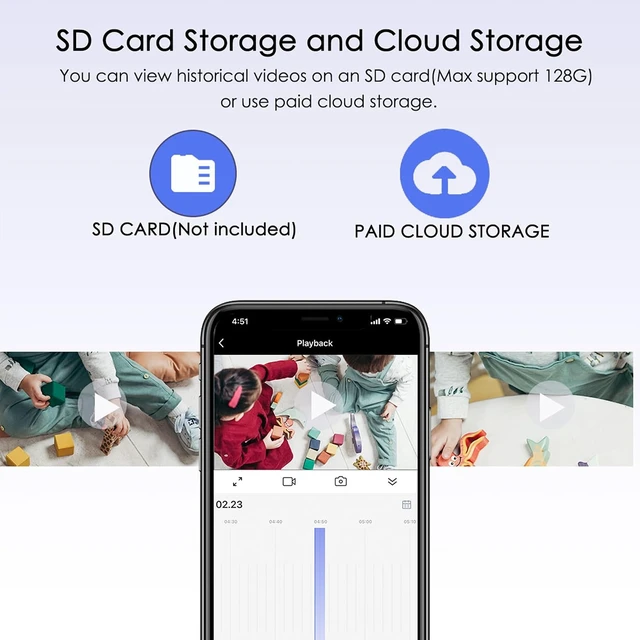
    • You can watch the archived/recorded content by inserting an SD card. With this feature, you can check what's happening when you're not at home, in the office, or anywhere else you need to be safe.
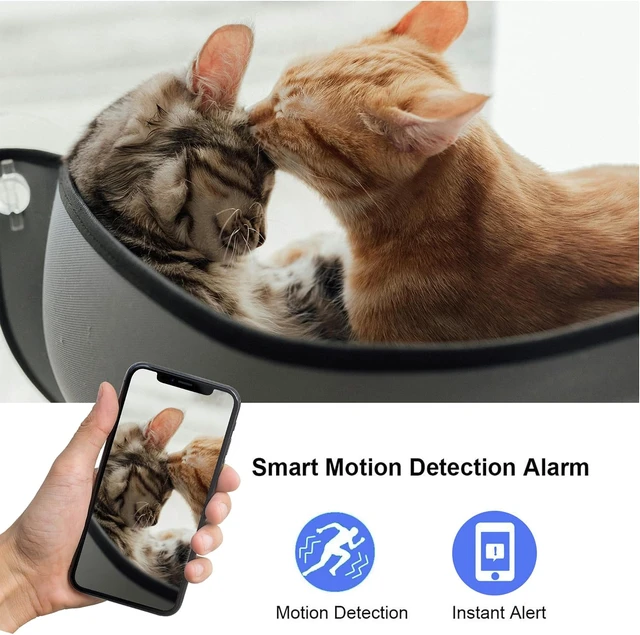
    • The mini camera will notify you through the phone app and automatically take a picture and save it in the photo album within the app when it senses movement. To use this feature, you need to insert a card to the camera and enable notifications on your phone. (SD card not included)
    • According to USA law, sound is forbidden,
    +
    +
    Overview
    Specs
    Reviews

    Any questions? Ask CelesteSM will help you find out quickly.

    1.This device does not include smoke detection functionality; it is solely a camera.
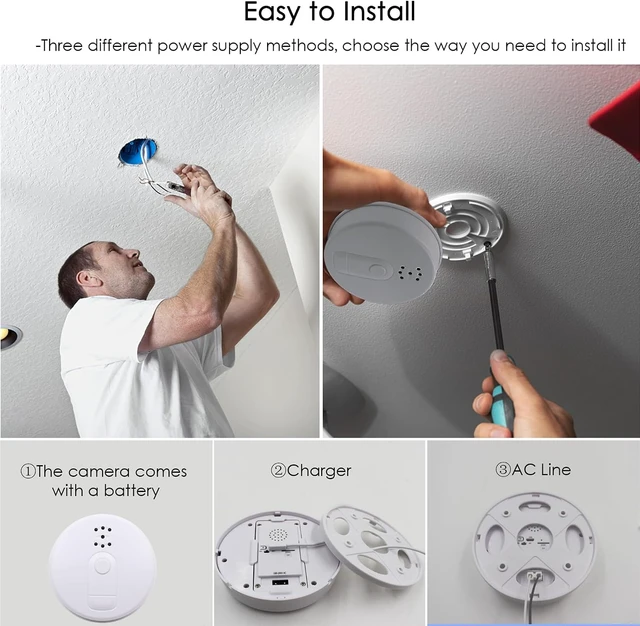
    2.After being fully charged, the camera can be used for approximately 4 hours. We recommend using the camera while it is charging.
    3.You can connect the camera directly to AC power to keep it charged.
    4. If the camera goes offline, we recommend resetting it.
    5.According to USA law, sound is forbidden, our camera has no sound.
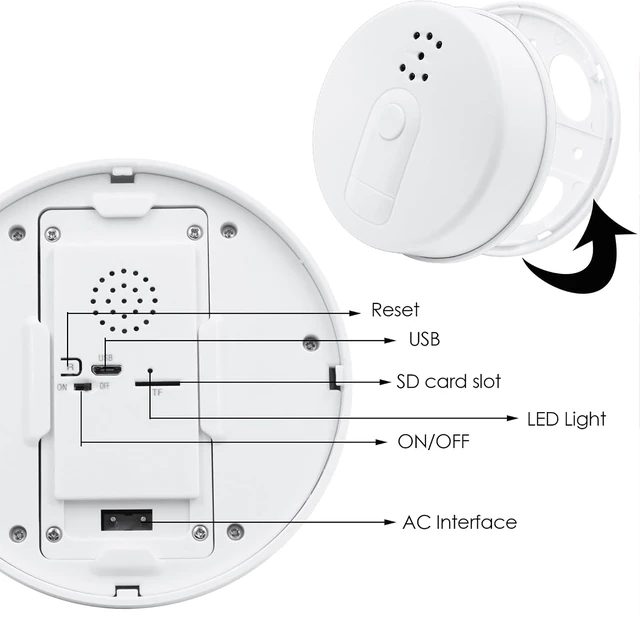
    Connecting the camera to power switch the ON/OFF to the ON position, you will see the blue indicator light is always on, wait 30 seconds, you will see the blue indicator light flashing.
    Please hold the Reset button for 7-8 seconds, then release button. The BLUE light goes off and on again, which means reset has completed.
    Then the indicator light is always on, wait 30 seconds the indicator light will start flashing again, you can configure the camera.
    When you first configure the camera, you need to reset the camera.

    Warranty & Returns

    Warranty, Returns, And Additional Information

    Warranty

    • Please contact the Seller directly for warranty information. Warranty information may also be found on the Manufacturer's website.
    • CONTACT

    Return Policies

    Manufacturer Contact Info

    LOADING...