Your Browsing History
Meet Your Seller
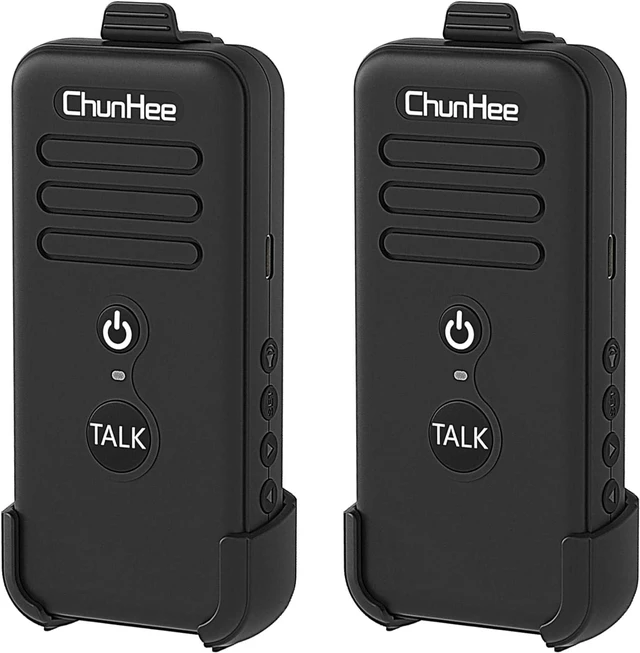
Intercoms Wireless for Home, Upgraded Long Standby 16 Channels Caregiver Wireless Intercom System for Elderly 1640ft Portable Intercom Two Way Room to Room Communication Intercom for Home Use
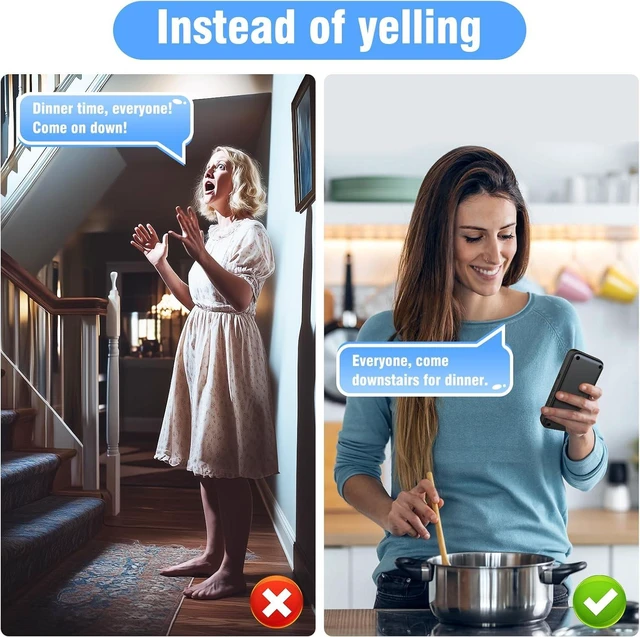
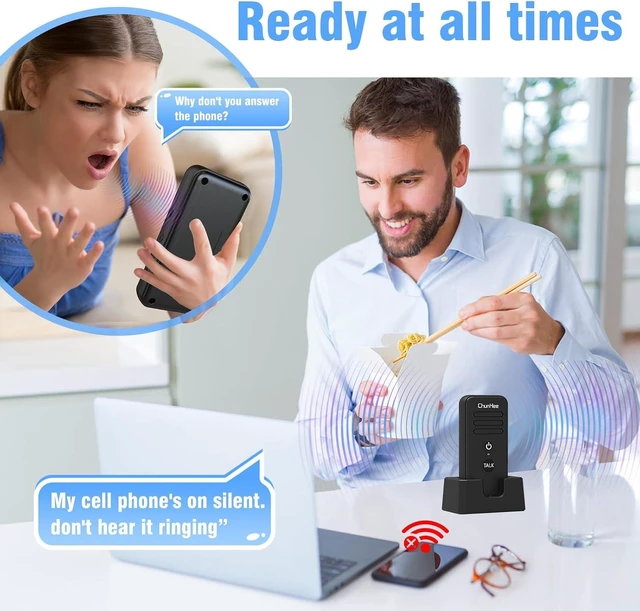
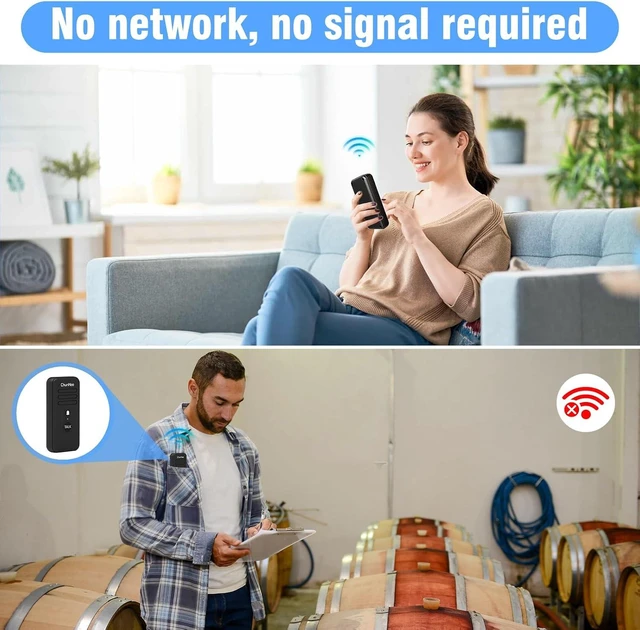
- Intercom for Home Office - No need to yell to get someones attention. No WIFI or Internet. A good room to room communication caregiver intercom for calling for help at home or a free & quick communication intercom system with team members.
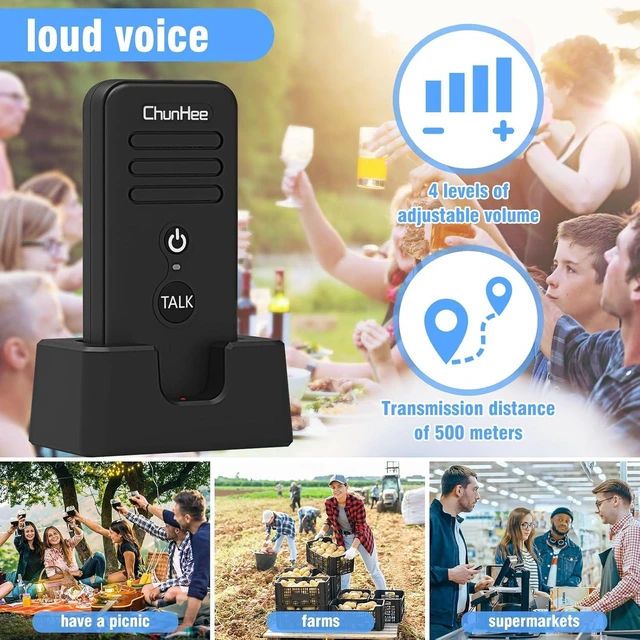
- Customizable - The portable intercom system has 16 channels (1-16) and 4 volume levels (60dB/80dB/100dB/115dB) to adjust. This home intercom system with clear sound for different application scenarios to use.
- Portable - Lightweight and small design so that you can place it in your pocket. The removable clip will help you clip the intercom to your shirt pocket, collar, or pants pocket. And it will protect the unit if it is dropped by accident.
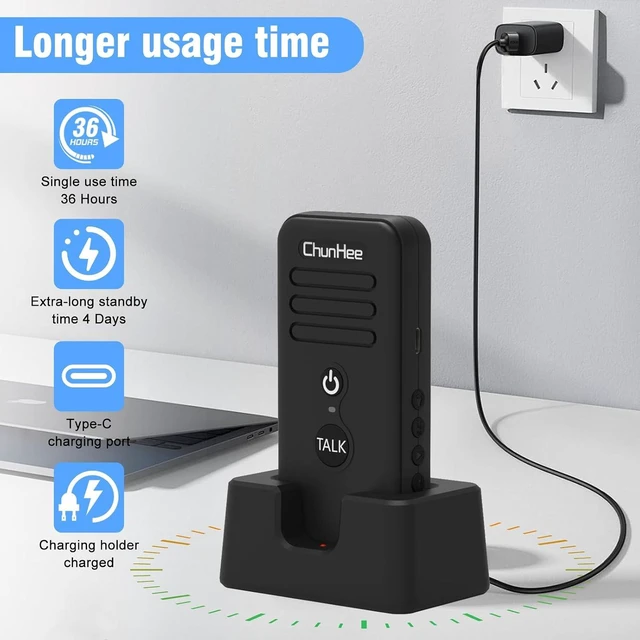
- Long Standby - USB-C type charge port (on the right side), make the charge easier. The standby time of this intercom is up to 7 days, use time of the intercom is about 48 hours.
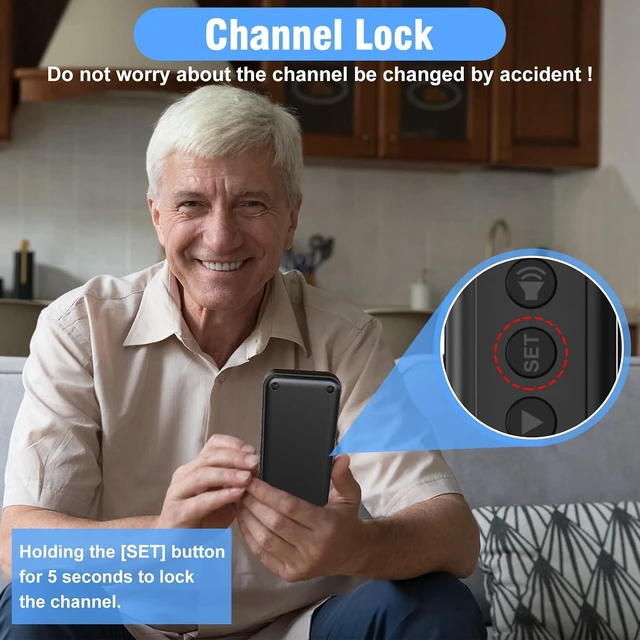
- Channel Lock - Thoughtful channel lock design. Do not worry if the channel is changed by accident any more, you can lock the chan
+
+
Overview
Specs
Reviews
Any questions? Ask CelesteSM will help you find out quickly.
Try me now
1Intercom for Elderly2Intercom for Home3Intercom for Business When press the talk button, will the other person hear you speaking immediately?
The other person will hear your voice immediately (Prohibit both parties holding the talk button at the same time).
The two-way radio experience channel noise, increased background noise, or reduced communication distance.
Stay away from electronic devices and high-voltage wires that may cause interference while using the two-way radio. If interference occurs, try switching to another channel to reduce the interference.
How to open the channel lock function?
Holding the SET button on the right side of the intercom for 5 seconds, you will hear a 'DI' sound from the intercom that means the channel is locked. If you need to change the channel, please holding it for 5 seconds again till hear a 'DI-DI' sound.
Does not work
Check if both intercoms are powered. Charge the devices for at least 1 hour, then try again.
No sound during communication.
1. Check if the channel is at the same channel
2. Other models devices can not work together.
3. Please try to turn it on again then adjust the volume.
When press the talk button, will the other person hear you speaking immediately?
The two-way radio experience channel noise, increased background noise, or reduced communication distance.
How to open the channel lock function?
Does not work
No sound during communication.
Warranty & Returns
Warranty, Returns, And Additional Information
Warranty
- Please contact the Seller directly for warranty information. Warranty information may also be found on the Manufacturer's website.
- CONTACT
Return Policies
- Return for refund within: 30 days
- Return for replacement within: 30 days
- This item is covered by Cloudless Clear Return Policy
Manufacturer Contact Info
- For a directory of all our manufacturers, please click below.
- Manufacturers Directory
LOADING...