Your Browsing History
Meet Your Seller
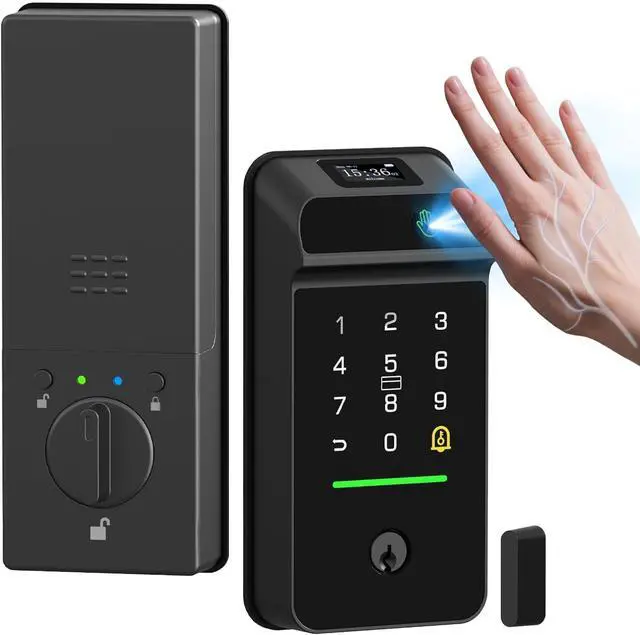
Keyless Entry Door Lock Palm Vein, Bestkid Smart Lock for Front Door with Wireless Doorbell Built-in WiFi, Biometric Deadbolt App Remote Alexa Control Auto Lock Rechargeable Battery
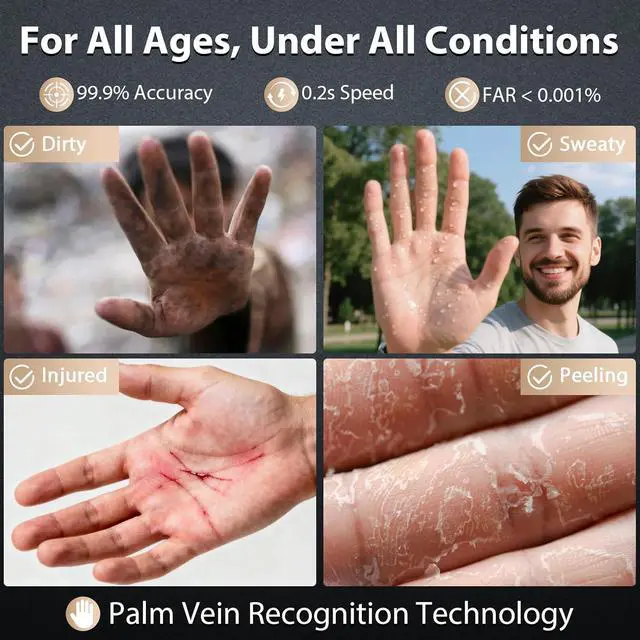
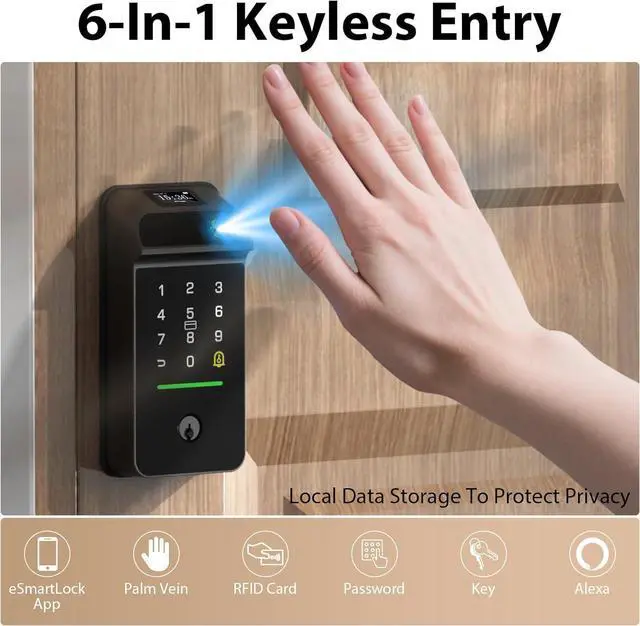
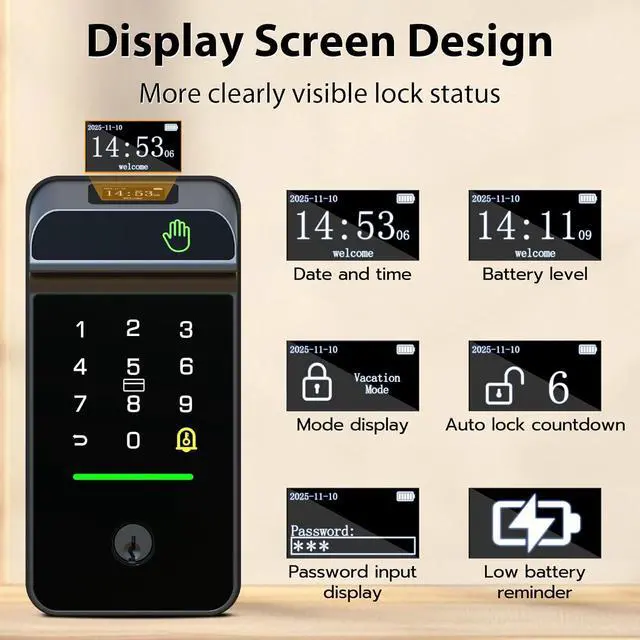
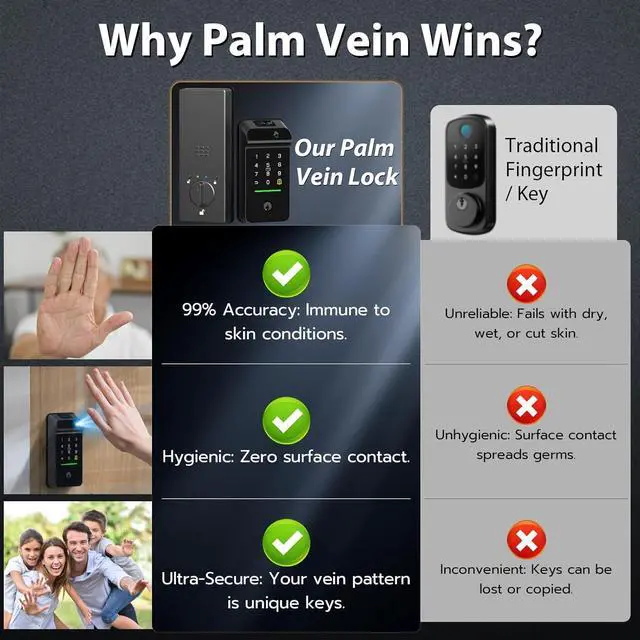
- Touchless Palm Vein Tech: Unlock with a wave. Solves fingerprint issues for seniors/kids immune to dry/cut/moist skin at 99% accuracy in 0.2s. Hygienic, zero surface contact. 6-In-1 Keyless Door Lock with Bluetooth App, Palm Vein, RFID Card, NFC, password, or key.100% local data storage protects privacy.
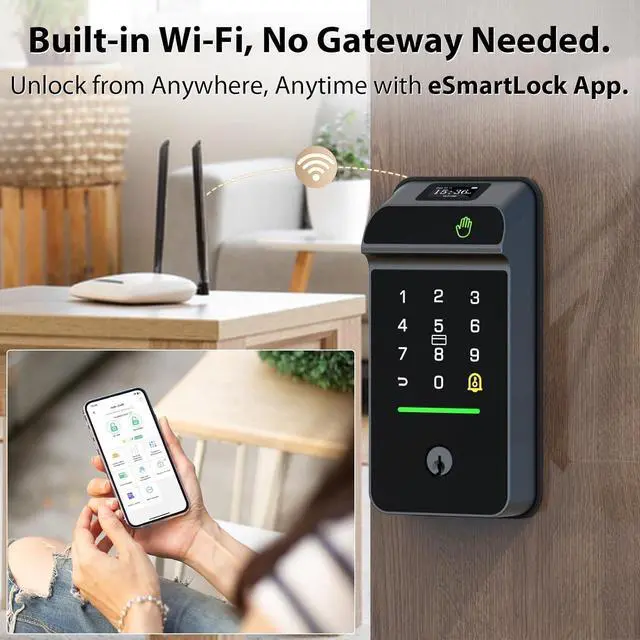
- No gateway: Unlock from Anywhere Anytime: Built in WIFI, no gateway required. Use eSmartLock APP to remotely unlock, get real-time notifications, view visitors, view unlock records, and easily set up.
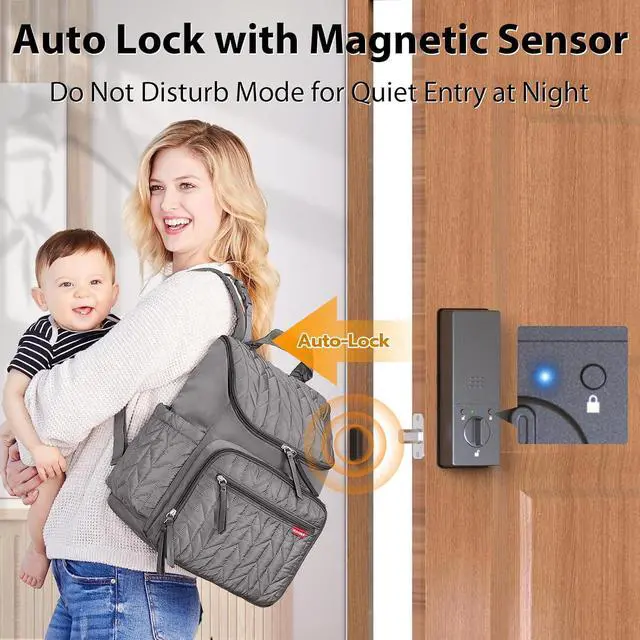
- Auto Lock & Do Not Disturb Mode: Thanks to the built-in Magnetic Sensor, the auto-lock feature locks the door for you after you close it. Alternatively, you can disable this feature and leave the door always open. Also, the Do Not Disturb mode can mute the door lock sounds within a certain period of time, to avoid affecting your familys sleep when you get back home late.
- Temporary Passwords: You can authorize visitors to enter your home by sharing temporary passwords to your guests
+
+
Overview
Specs
Reviews
Any questions? Ask CelesteSM will help you find out quickly.
Try me now
Q1: Why is it that after I successfully installed the door lock, it still couldn't function properly? It shows that it's locked, but in reality, it's not?
A1: The reason is that after the lock is newly installed, it needs to be calibrated through the APP. As long as the lock is securely attached, click on "More features" in the APP and select "Calibration Lock" to perform the calibration. Only after the calibration is successful can the lock be used normally.
---
Q2: Why can't the palm vein lock be unlocked immediately after the palm vein information is entered?
A2: Palm print recognition works only when the red light next to the palm print icon is on. After entering your information, let the lock go into sleep mode. Then re-unlock with your palm printonce the red light is on, recognition will succeed and the lock will open.
1Palm Vein Technology2Built-in WiFi3Temporary Passcode46 Unlock Ways1Local Data Storage2Anti-Peeping Password3Auto-Lock & Switch Mode4Long-lasting Battery Life5APP Alert & Doorbell FAQs help you use it smoothly:
Warranty & Returns
Warranty, Returns, And Additional Information
Warranty
- Please contact the Seller directly for warranty information. Warranty information may also be found on the Manufacturer's website.
- CONTACT
Return Policies
- Return for refund within: 30 days
- Return for replacement within: 30 days
- This item is covered by Cloudless Clear Return Policy
Manufacturer Contact Info
- For a directory of all our manufacturers, please click below.
- Manufacturers Directory
LOADING...