Your Browsing History
Meet Your Seller
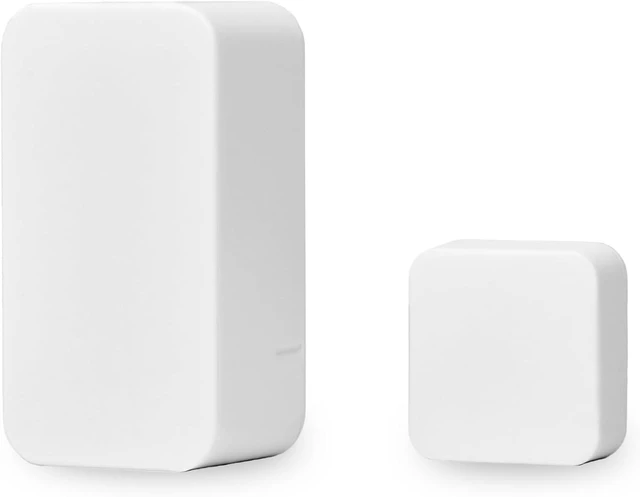
Nuki Door Sensor, for Nuki Smart Lock, Remote Notifications (Door Open, Closed), Bluetooth, Accessory for Electronic Door Lock, Smart Home, White
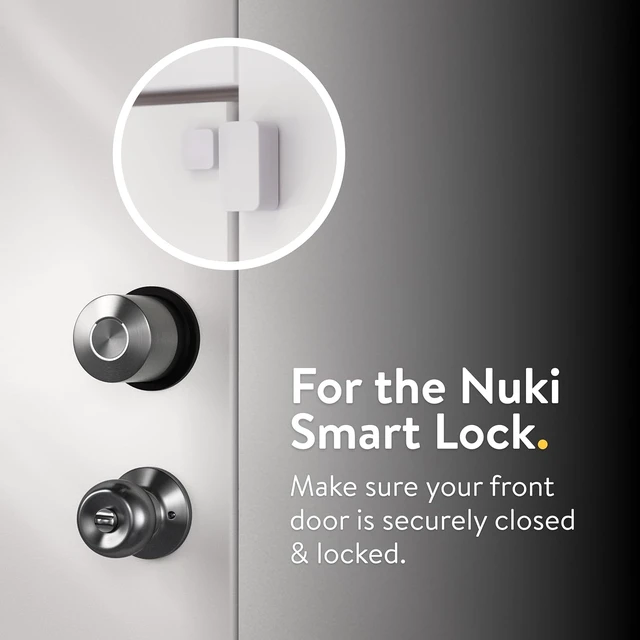
- Smart door sensor: In combination with the Nuki Smart Lock and the free Nuki App, you can check remotely whether your door is open or securely closed.
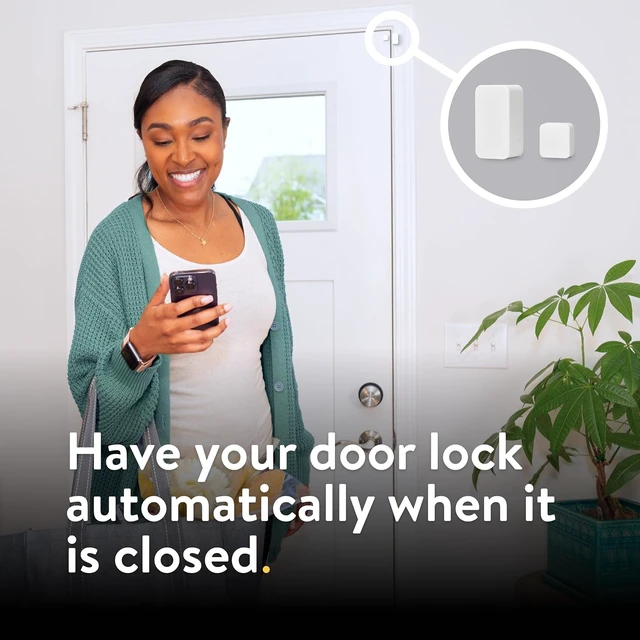
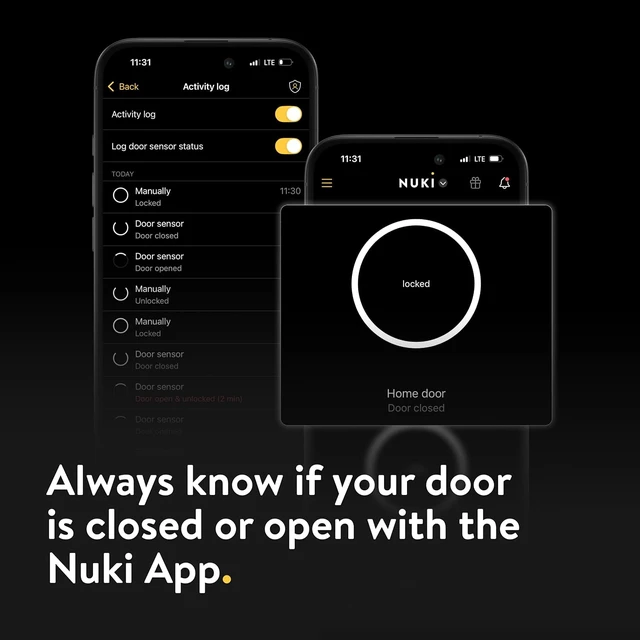
- Always informed: Conveniently check the status of your door (open/closed and unlocked/locked) at any time via the smartphone app.
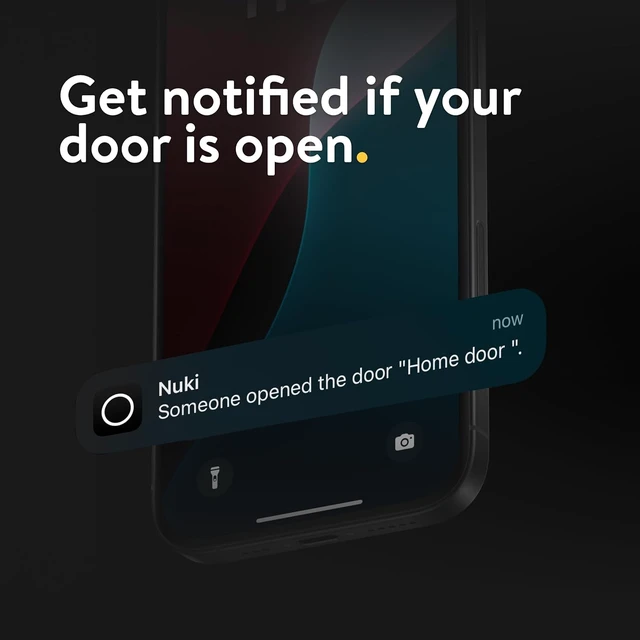
- Smart notifications: Get notified immediately whenever the status of your door changes for example, when your child comes home.
- A worry-free home: Enjoy full control and maximum security even when youre away from home, without ever having to think about physical keys again.
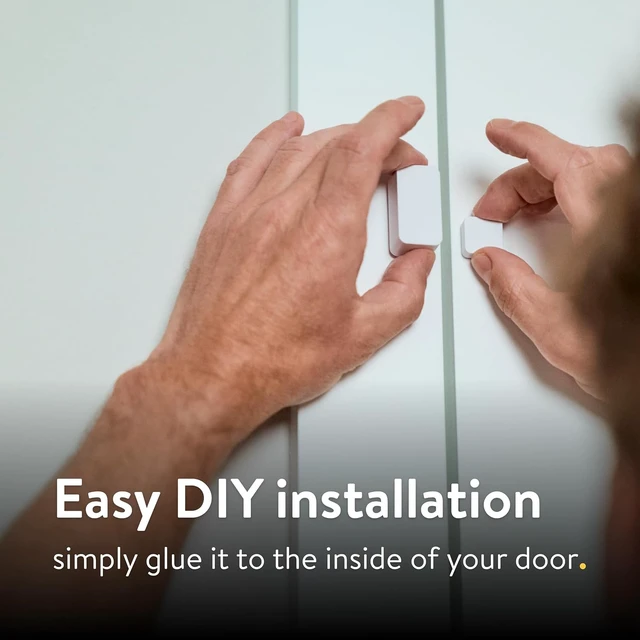
- Easy installation: The discreet white sensor is easily attached to the door and frame and set up step by step via the Nuki App.
+
+
Overview
Specs
Reviews
Any questions? Ask CelesteSM will help you find out quickly.
Try me now
How do I install the Nuki Door Sensor?
You install the Nuki Door Sensor by attaching it to your door and frame using the adhesive pads. Next you connect it to your Smart Lock via the Nuki app. The app guides you through opening and closing the door so the sensor can learn its positions.
How is the Nuki Door Sensor powered?
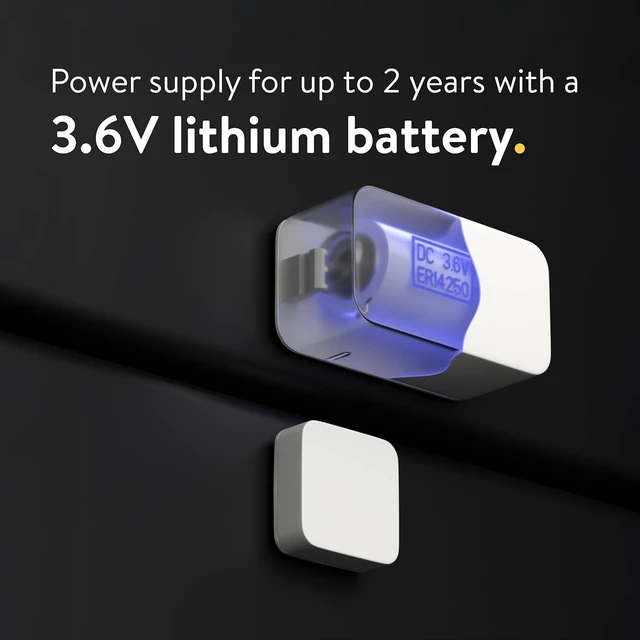
The Nuki Door Sensor is powered by a 3.6V lithium battery (½ AA ER14250) with a lifespan of approximately 2 years. The Nuki app notifies you when the battery level drops to 20%.
Is the Nuki Door Sensor compatible with every Smart Lock?
The Nuki Door Sensor is only compatible with the Nuki Smart Lock. The combination of the two offers you convenient keyless entry and allows secure access for family and guests, eliminating the need for physical keys.
How do I see the status of my Door Sensor?
In addition to the usual screens for unlocked and locked, the door status (open/closed) is now also displayed in the Nuki app.
How do I install the Nuki Door Sensor?
How is the Nuki Door Sensor powered?
Is the Nuki Door Sensor compatible with every Smart Lock?
How do I see the status of my Door Sensor?
Warranty & Returns
Warranty, Returns, And Additional Information
Warranty
- Please contact the Seller directly for warranty information. Warranty information may also be found on the Manufacturer's website.
- CONTACT
Return Policies
- Return for refund within: 30 days
- Return for replacement within: 30 days
- This item is covered by Cloudless Clear Return Policy
Manufacturer Contact Info
- For a directory of all our manufacturers, please click below.
- Manufacturers Directory
LOADING...