• $522.99
  • Free 30-day Returns
  • Ships from China.

    Shipped by Cloudless Clear

    Price alert
    Shop it at NeweggBusiness.

    Meet Your Seller

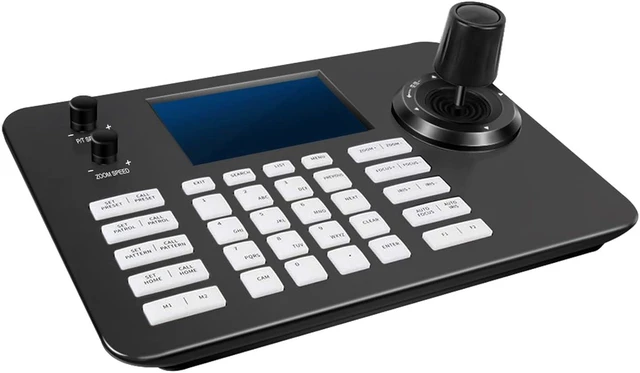
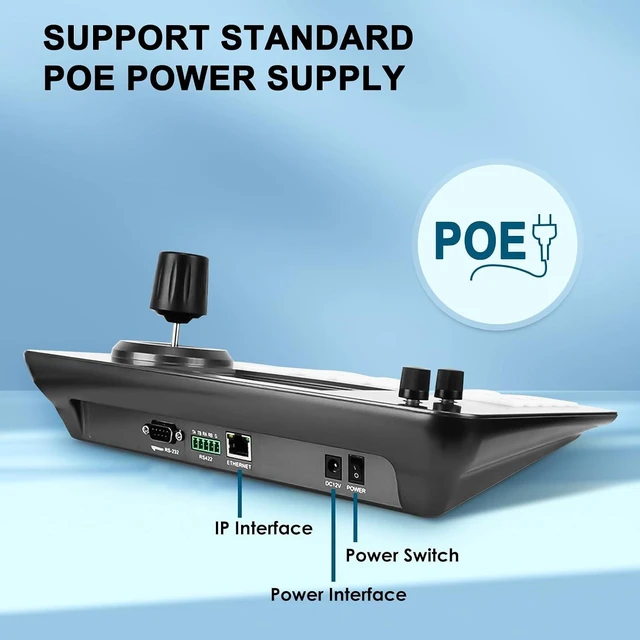
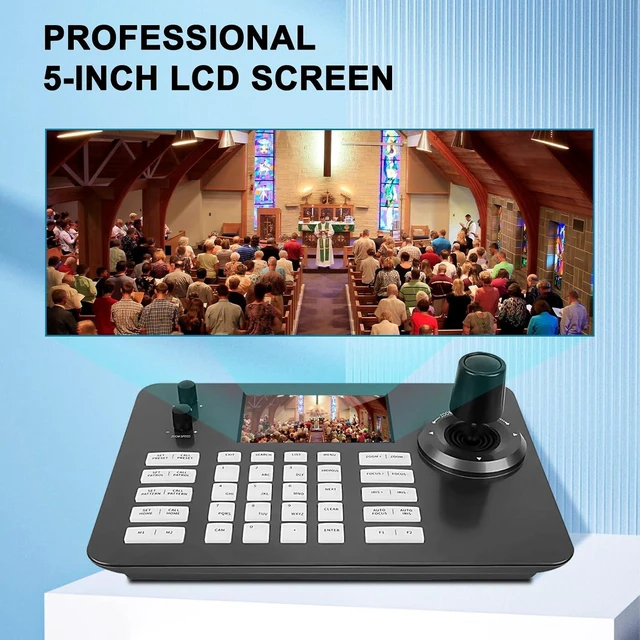
    ADKIDO PTZ Camera Controller Joystick, POE IP Network Keyboard with Real-Time 5-Inch LCD Screen, 4D Joystick Controller Compatible with Dome IP Camera

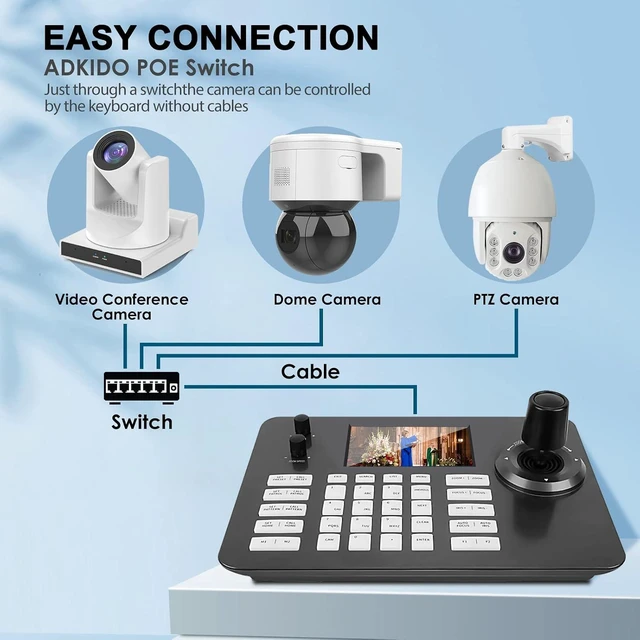
    • Universal Network Compatibility Powered by a stable Linux system, this PTZ camera controller and PTZ camera keyboard supports standard network surveillance protocols. Seamlessly manage and switch between up to 999 IP security cameras simultaneously with smooth, low-latency control
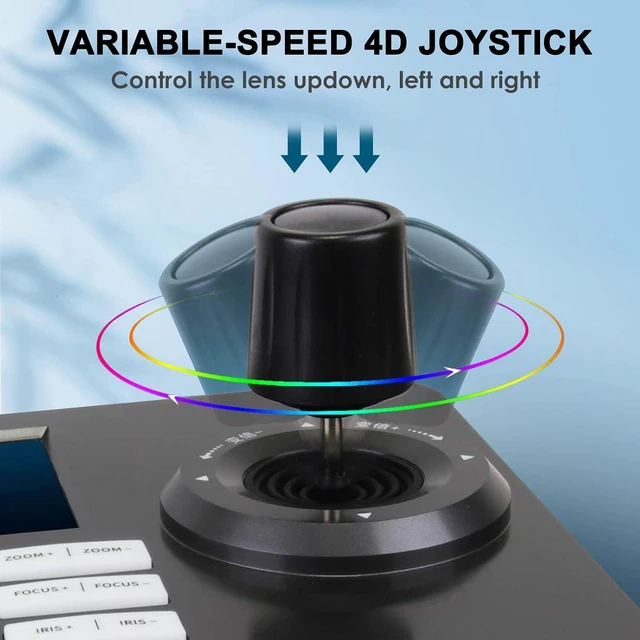
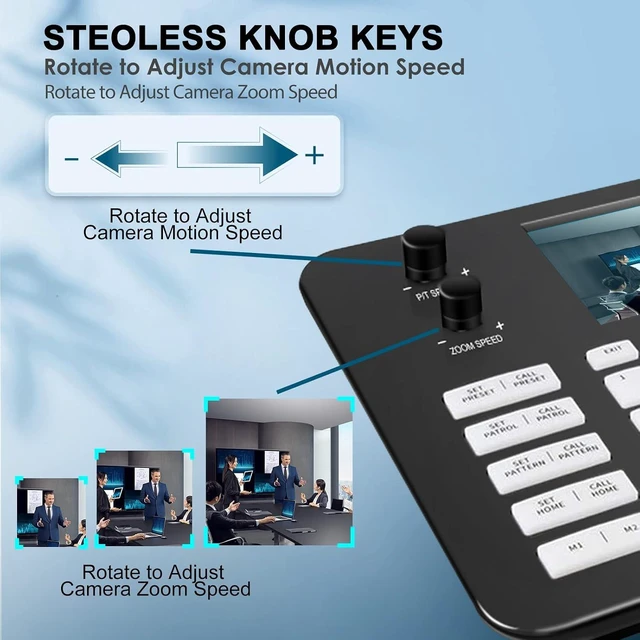
    • Precision 4D Control & Web Setting Built with an ergonomic PTZ controller joystick and dedicated zoom knob, it effectively eliminates control lag and position errors. Supports independent IP address assignment, web GUI configuration, and custom button mapping for intuitive operation
    • 5-Inch Real-Time LCD Display Featuring a durable, scratch-resistant aluminum alloy housing, this PTZ controller integrates a 5-inch LCD screen (800x480 resolution). It directly supports H.264 and H.265 video decoding, allowing real-time camera feed monitoring directly on the console
    • Presets Patrol & AB Scanning Easily configure preset points, auto-patrol patterns, and AB scan routes for automated monitoring. Th
    +
    +
    Overview
    Specs
    Reviews

    Any questions? Ask CelesteSM will help you find out quickly.

    How to connect ptz camera with controller?
    1, Power up the device
    2, change the ip of the controller and camera to the same segment after connecting to the network
    3, search-add on ptz controller
    ADKIDO ptz camera controller Support ip control with independent IP address. Support IP,POE,IE web setting / 5 inch LCD screen real-time monitoring / 4D joystick control ptz / preset patrol pattern / AB scan and Knob for zoom and control speed
    1. check that the camera's onvif function is turned on
    2. set the ip of the ptz controller to be the same as the camera ip segment, then search on the controller,add the camera to the list. As shown in figure steps1-6
    Or add the camera ip manually, As shown in Figure steps 7-8
    Easy camera selection and controls
    You only need to press three buttons to select the camera and control, while other models require entering the camera IP or down selecting the camera IP
    The PTZ Controller control all the livestream cameras and ptz cameras in the LAN
    ADKIDO PTZ controller is used to control all ptz cameras in LAN. And switch the livestream scene to the audience in real time
    PTZ Camera, 20X Camera

    Warranty & Returns

    Warranty, Returns, And Additional Information

    Warranty

    • Please contact the Seller directly for warranty information. Warranty information may also be found on the Manufacturer's website.
    • CONTACT

    Return Policies

    Manufacturer Contact Info

    LOADING...