Your Browsing History
Meet Your Seller
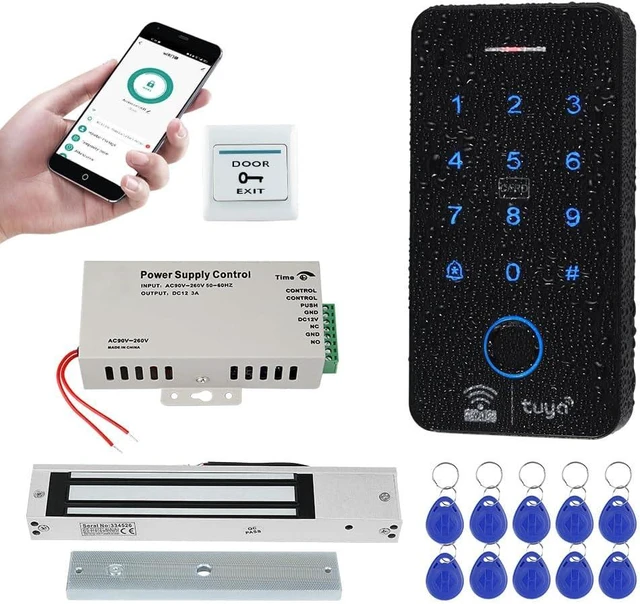
Fingerprint Access Control System WiFi Tuya IP68 Biometrics RFID Keypad 125KHz 13.56MHz, 280KG 600lb Electromagnetic Door Lock Kit, 12VDC Power Supply with 10PCS Key fobs
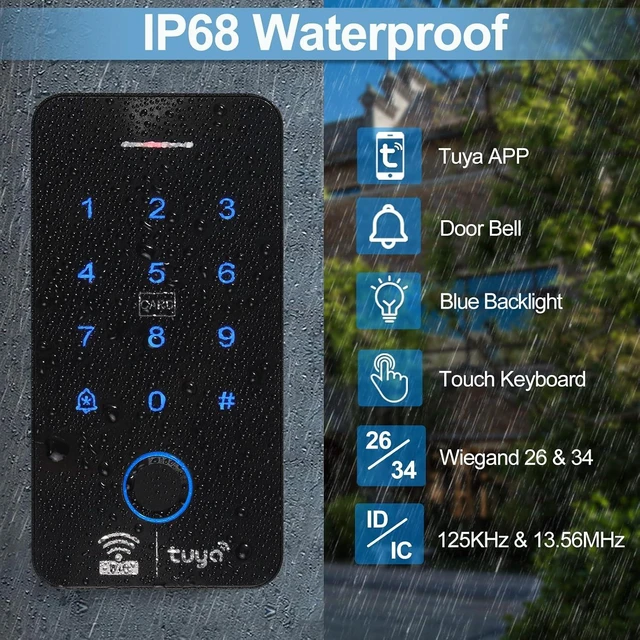
- Waterproof DesignIP68-rated waterproof construction, can be used indoors and outdoors. Made of high quality plastic, touch screen panel. Has backlight, work indicating light, very convenient to use even at dark
- Dual FrequencySupports 100 fingerprints and 8000 RFID card large user capacity. Working with 125KHz and 13.56MHz dual frequency, compatible with both RFID EM ID and IC cards. Can set Management cards, easy to program!
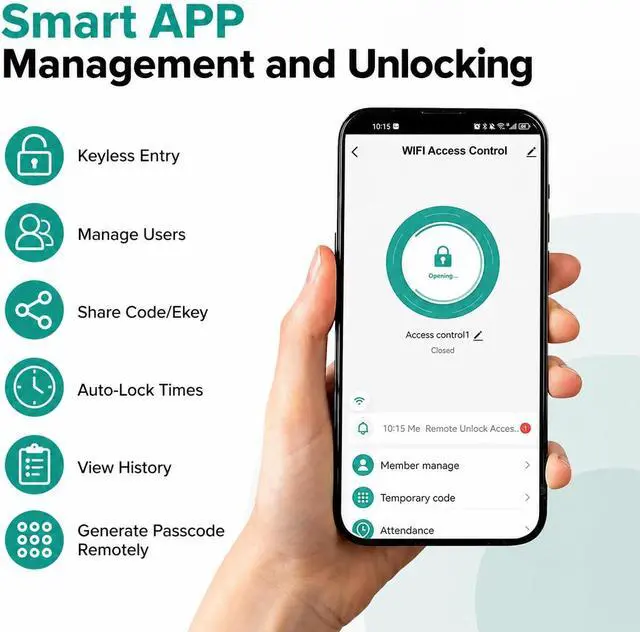
- Wifi Tuya Smart App Remote ControlWiFi Tuya Smart APP support for remote unlocking, user management, and access records viewing at anytime anywhere. It's very convenient! No need to connect to a computer, No monthly fees
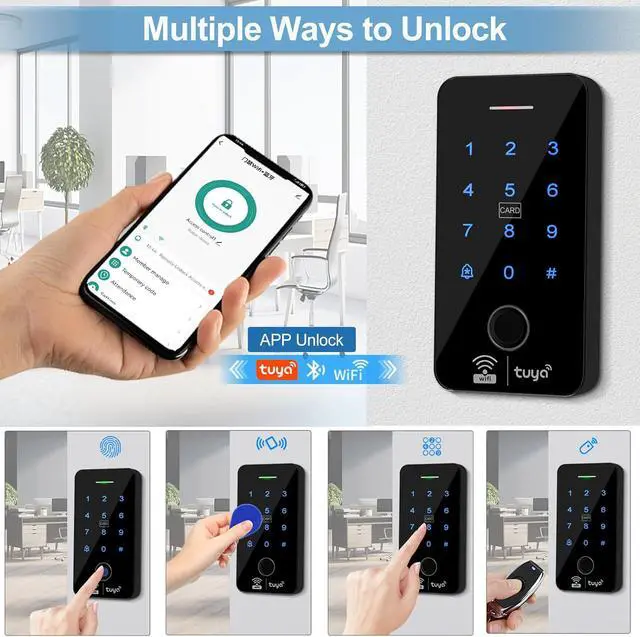
- 5 Multiple Ways to UnlockOffers multiple verification modes including Smartphone Tuya application, Fingerprint, RFID card, Password, and RFID card plus password combinations. Simple to use, no longer worry about forgetting mechanical keys when you go out, make your life safer and more convenient!
- Easy InstallationA complete set
+
+
Overview
Specs
Reviews
Any questions? Ask CelesteSM will help you find out quickly.
Try me now
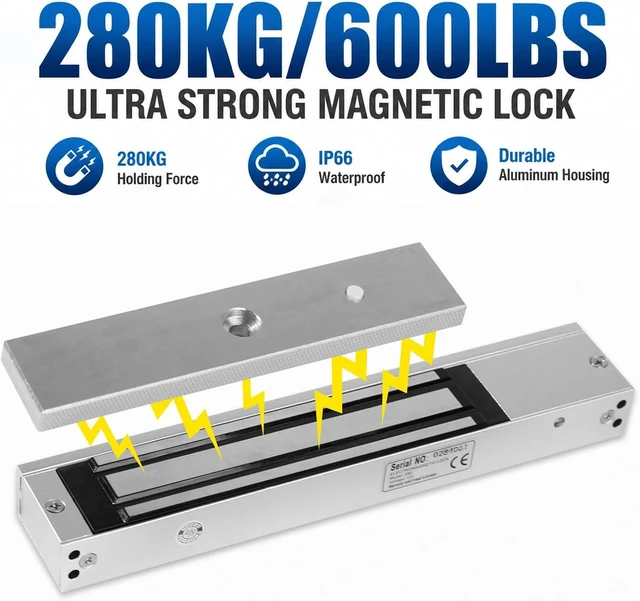
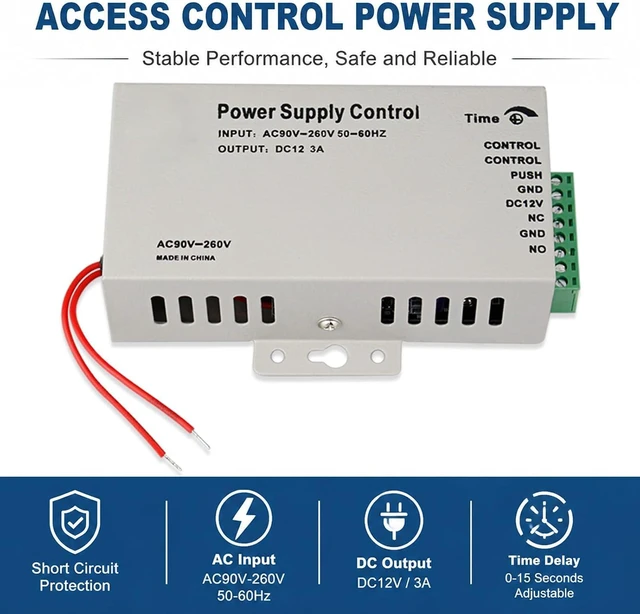
1280KG Magnetic Lock2Access Power Supply3Suitable for Door Type4Easy installation5Package Includes WiFi Tuya Smart APP support for Remote Unlocking, User Management, and Access Records Viewing at anytime anywhere. It's very convenient! No need to connect to a computer, No monthly fees
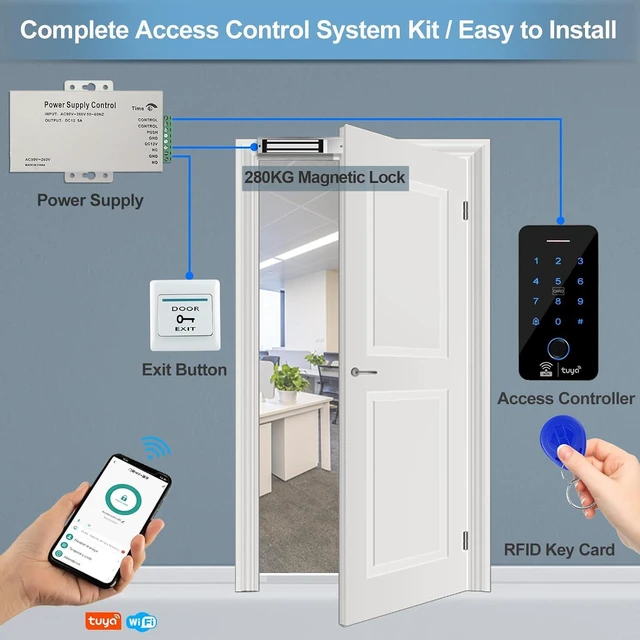
Wiring Diagram 1) Connect 4 Cables of Access Controller to Power Supply: 12V (red cable) to +12V; GND (black cable) to GND ; NO/PUSH (yellow cable) to PUSH ; COM (grey cable) to GND
2) Connect the cables of Electric lock to NC, GND of the Power supply.
3) Connect the cables of Door exit button to PUSH, GND of the Power supply.
4) Connect the cables of Access controller, Door exit button, Electric lock to the DC12V Ppower supply.
5) Connect the cables of the DC12V power supply to your AC Power.
How to Add Tuya Smart APP?
1) Search "Tuya Smart" in App store to download it.
2) Turn on Tuya APP, mobile phone Wifi and bluetooth
3) Enter # * 123456 # 68 # on the access control keypad, Click "Add Device'
4) Enter the WiFi password, Click "Next"
5) Click "Done'
WiFi Tuya Smart APP Remote Control and Management Easy Wiring Instructions for the Tuya APP
Warranty & Returns
Warranty, Returns, And Additional Information
Warranty
- Please contact the Seller directly for warranty information. Warranty information may also be found on the Manufacturer's website.
- CONTACT
Return Policies
- Return for refund within: 30 days
- Return for replacement within: 30 days
- This item is covered by Cloudless Clear Return Policy
Manufacturer Contact Info
- For a directory of all our manufacturers, please click below.
- Manufacturers Directory
LOADING...