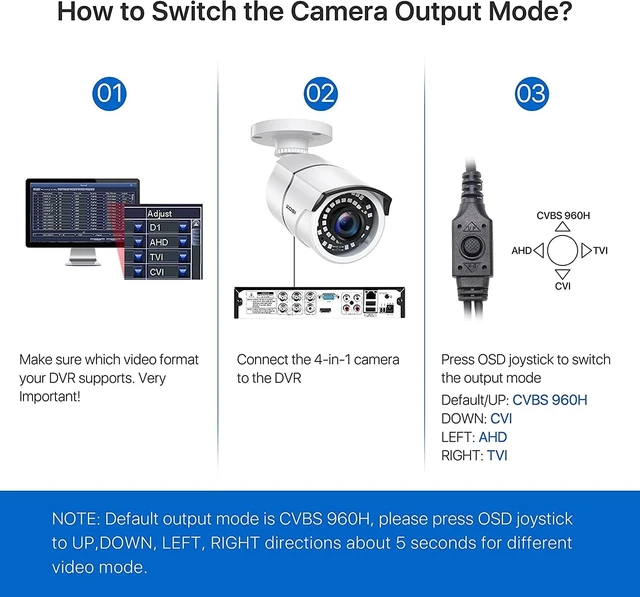
Press OSD joystick to switch the output mode:
Default / Right for 5 seconds: CVBS 960H Down for 5 seconds: CVI Left for 5 seconds: AHD Up for 5 seconds: TVI
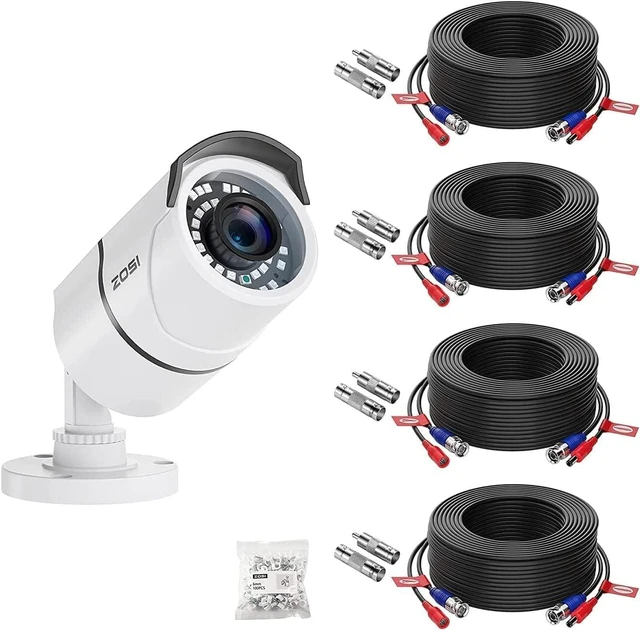
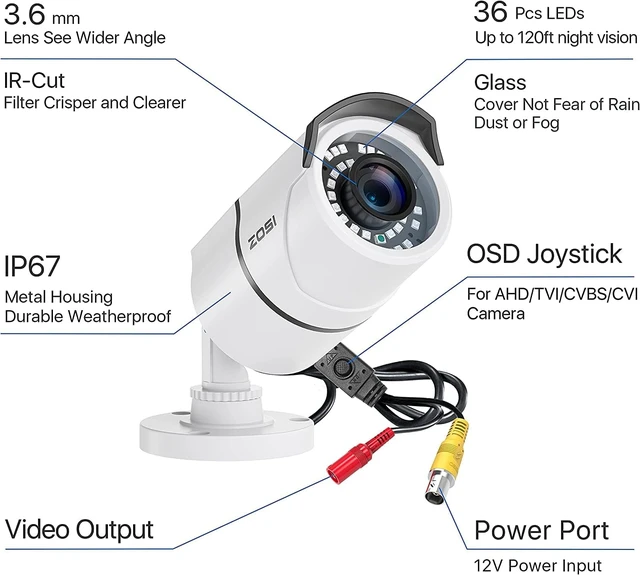
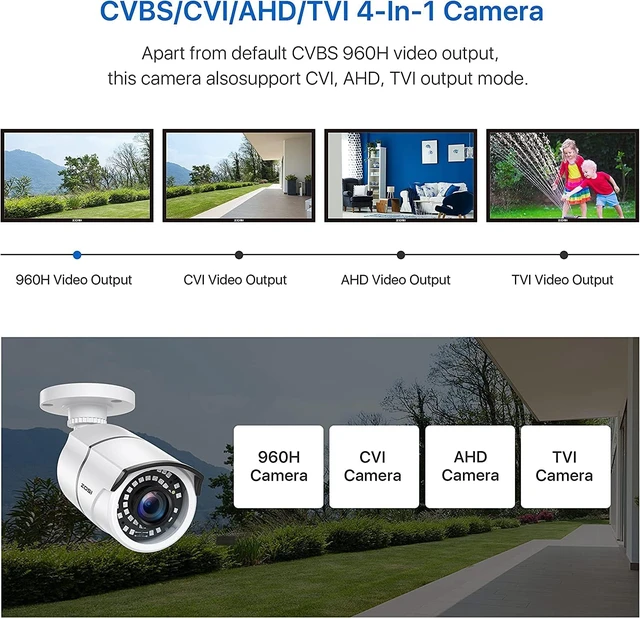
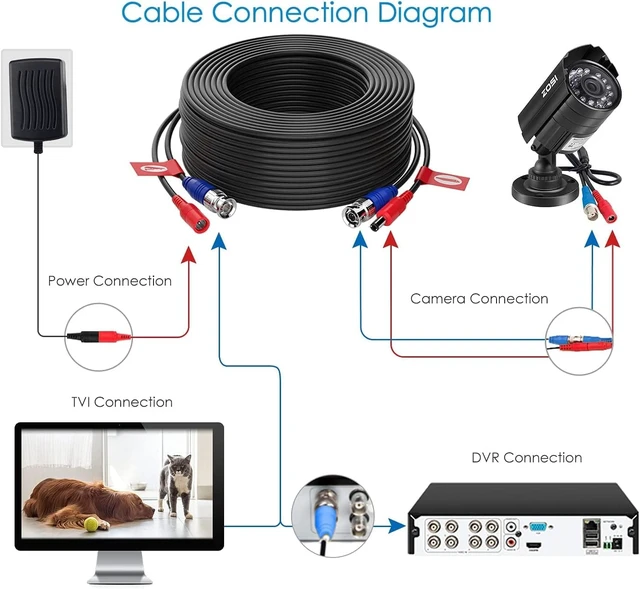
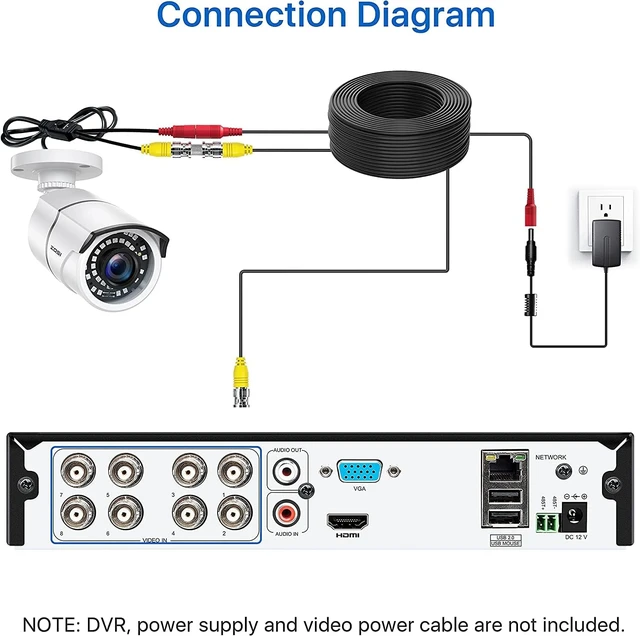
This camera is recommended to work with a security DVR.This camera needs to be wired with bnc video cable and power cable. Image Sensor: 1/3CMOS CMOS with IR-Cut. Lens: 3.6mm Active Pixels: 1920(H)×1080(V). Singal mode: CVBS 960H / TVI / AHD / CVI. IR LEDs Amount: 36pcs, 5mm LEDs. IR Distance(night vision): up to 100ft. Made: Aluminum Metal Casing Power supply: 12V 500mA This 1080p full HD camera has a built-in OSD menu that can change the 4 different video outputsHD-TVI, AHD, CVI, and CVBS(960H) and adjust the video settings.
Operation Mode
Switch from AHD: Press Leftward for 5 Seconds
Switch from TVI: Press Rightward for 5 Seconds
Switch from CVBS: Press Upward for 5 Seconds
Switch from CVI: Press Downward for 5 Seconds
Noted: Default Video Mode is Analog 960H Mode
Q: Video Loss appears where the image from my camera should be displaying on my DVR?
A: 1.Check the extension cable (power and video) is securely connected to the camera.
2.Check the video output from the camera is securely connected to a video input channel on the DVR.
3.Check the power from the camera is securely connected to a power supply.
4. The camera mode do not match your DVR.there is 2 ways to setup . (1) Press OSD menu DOWN 5 seconds,if still no picture come, try to press LEFT RIGHTUP for 5 second, till the signal matching your DVR. (2) Make sure the signal of your DVR, Use OSD menu to change the mode of the camera according to your DVRs video Mode.
See everything in details with true 1080p HD resolution. Get clearer and smoother images/videos than 720p cameras.
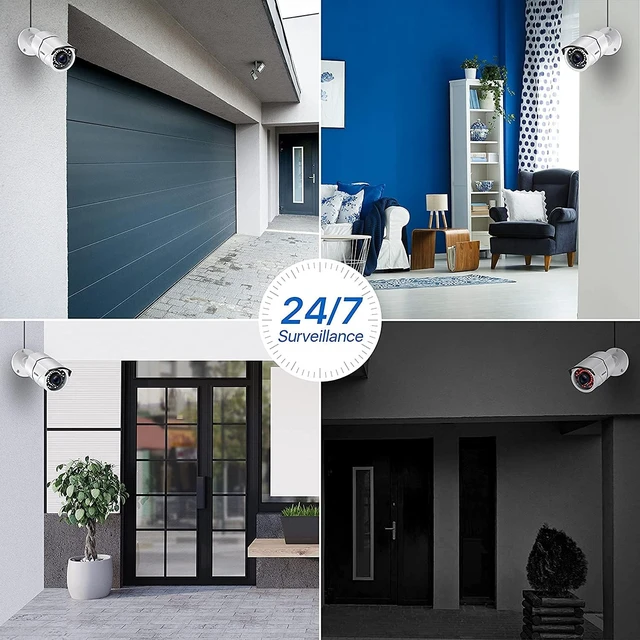
Mount this camera on the ceiling or on the wall. Its simple to place it anywhere indoor and outdoor for all-round surveillance.
With weatherproof and full metal housing , this security camera can stand on guard anywhere, outdoor or indoor, even in harsh weather conditions.




 here!