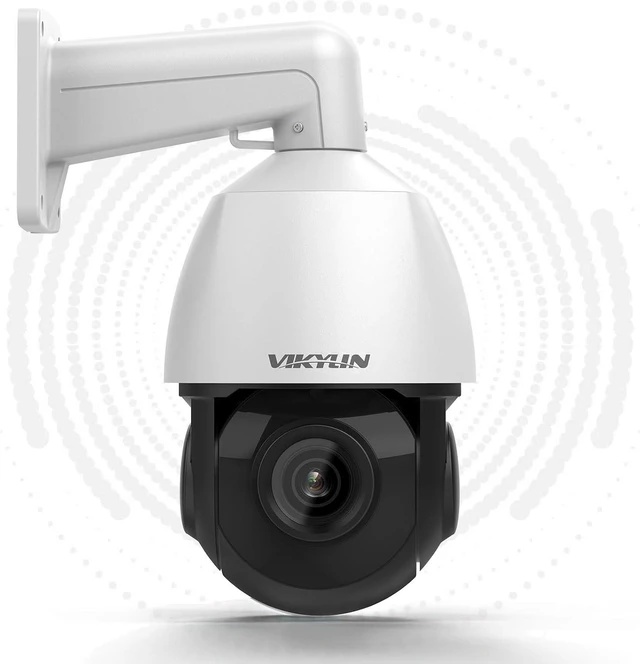
Pan Tilt 25x Optical Zoom, Auto Tracking PTZ Camera
pls follow up the steps to get the camera work for you : step 1 use the same poe switch to connect your computer and the ptz camera; Step 2 Use SADP tools or AjDevTools to search and modify for the camera's IP address , ensure the camera IP address and your computer IP address are in the same segment, the AjDevTools and SADP tools you can downlaod from our Official website : vikylin.com ; Step 3 use the Internet Explorer brower by type the cameras ip address,so that you can access and view the camera
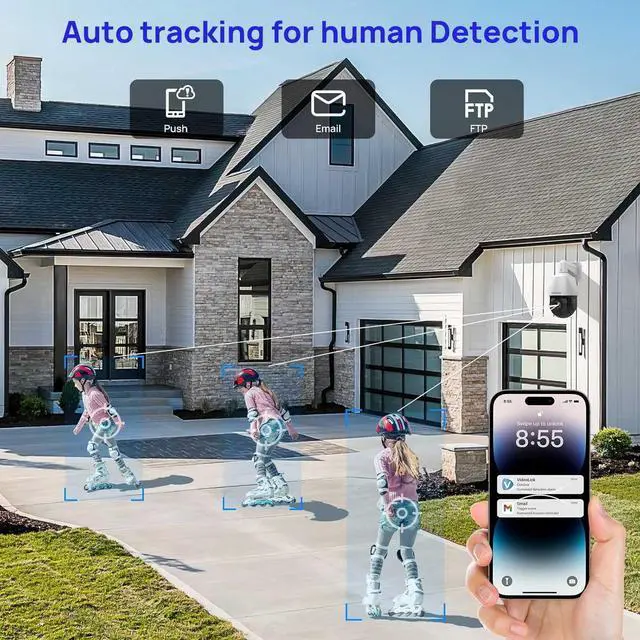
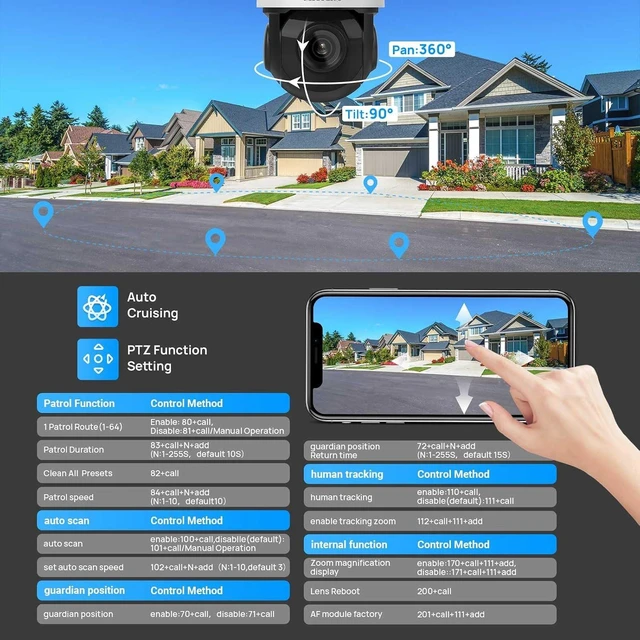
Default IP address: 192.168.1.110, username: admin, password: 123456Please modify the default ip address and password by installing the device search tool SADP Tool or AjDevTools, But Retset the password need use the AjDevTools or change througt Internet ExplorerWorking with Internet Explorer by type the cameras ip addressReal time view on mobile phone after installing the " Videolink" app from APP Store or GooglePlay MarketSupport most of the other brands NVR that support on-vif protocol step 1 pls log in trough IE brower by typing the camera's IP, step 2 click Event to Check whether the human detection function is turned on, should be turned on;step 3.PTZ auto human tracking is off by default. Enable: 110 + Call Disable: 111 + Call ; Patrol routine is off by default. Enable & set presets: 80 + Call Disable: 81 + Call Clear presets: 82 + Call
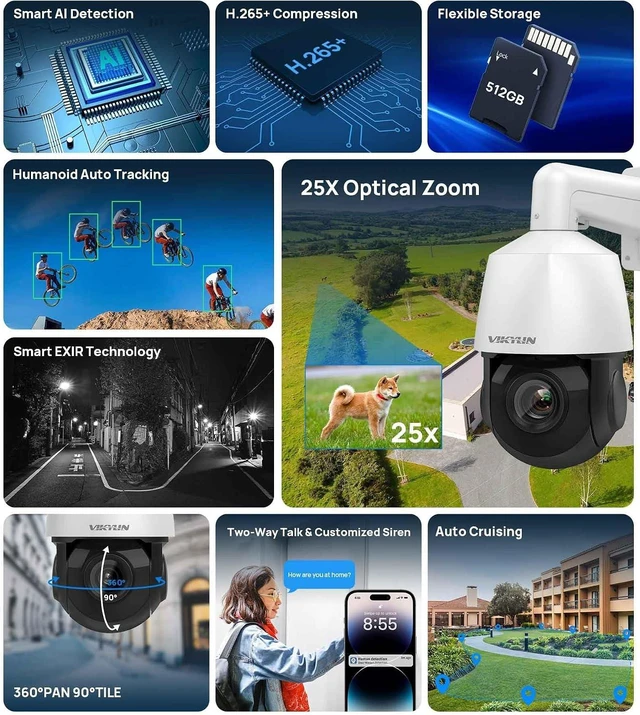
15MP PTZ 25X Optical Zom2Humanoid Auto Tracking3Two Way Audio4Auto Cruise5Human&Vehicle Detection This 5mp ip camera easy to add the camera to mobile phone via videolink app, video surveillance is a total breeze. You can enjoy live video, play back, take snapshots, receive motion alarms anytime from anywhere. You can also share the devices live video with your families and friends
Install the "VideoLink" app from the APP Store or Google Play Market, scan the P2P code on the web console of the IP camera, and bind the camera to your phone for remote real-time monitoring
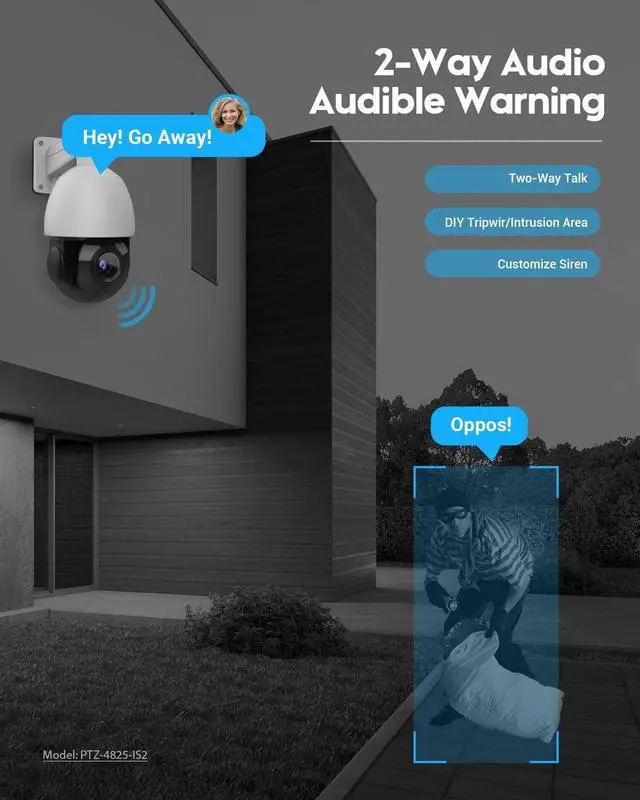
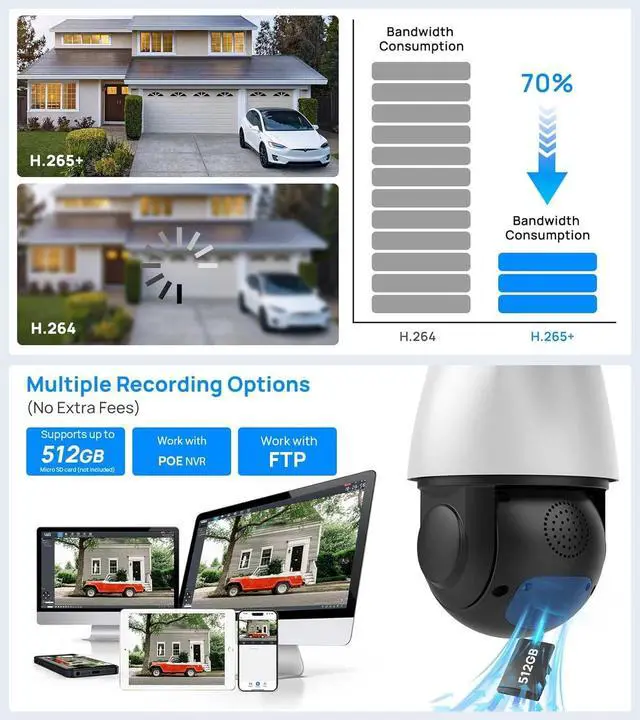
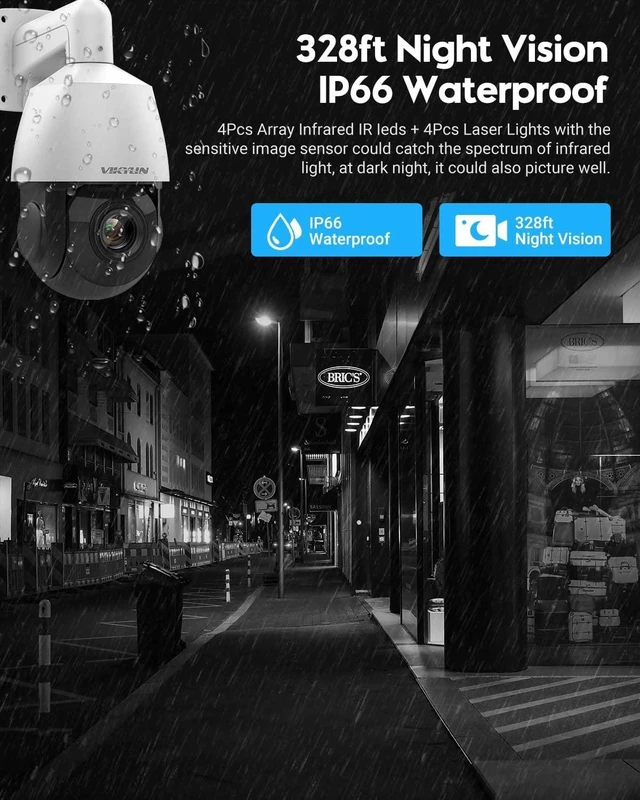
1PTZ Function Setting2328 IR Night Vision 3How to connect PTZ Cam4How to Install 5Quickly Locate &Play Back Resolution 1/2.8" IMX335 CMOS;2592 x 1944@30fps; WDR/HDR/3D DNR/2D DNR/HLC/BLC Lens 5.9mm to 147.5mm 25x Optical zoom;Pan Speed Configurable, from 0.5°/s to 60°/s. Preset speed:60°/s;Tilt speed Configurable, from 0.5°/s to 60°/s. Preset speed:60°/s Buit in Mic and speaker Yes, Tips:It builds in speaker/microphone that allows you to talk with the people or warn the unfriendly visitor by using 'VideoLink' APP or via web page. (The Two Way Audio Function will Not Works While Connected with NVR Except The VIKYLIN NVR) Night Vision IR Up to 100m; FOV Lens Moun horizontal FOV: 55° to 2.4°, vertical FOV: 33 to 1.4°, diagonal FOV: 61.5° to 2.8° Smart motion detetion support Human/Vehicle detectionauto tracking for hunam detection auto curise Operating Power DC 12V 2A , 5.5 *2.1mm coaxial plug power PoE(802.3at) Max.20W;-30 °C to +85 °C, humidity 95% or less (non-condensing) P2P Videolink Disable or Enable by yourself,log in to the camera's web operation terminal by type the cameras ip address,and then click Network to open the P2P function,and check Enable,The code will be displayed after clicking refres Communications Protocol HTTP, RTSP, DHCP, FTP, NTP,ONVIF,P2P, DHCP,SMTP,RTMP, etc;H.264 and H.265 and H.265+ encoding support; 3rd Party support list AjDevTools, SADP, videolink,LMS, iVMS-4200,Blue Iris , ISpy ,Milestone, Synology NSA, Qnap NAS, on-vif proctocl Video Compression 50Hz: 3 0 @FPS(2592×1944),30@FPS(2560×1440),25FPS@(2304×1296),30FPS@ (1944× 1944),30FPS@(1200×1200),60@FPS(1920×1080,1280 × 720) On-Board Storage Built-in memory card slot, support microSD card,up to 512GB;Support local storage and NAS (NFS, SMB/CIFS) Auto tracking human When person enters the video area, the camera will automatically track and send the real-time video/snapshot to your mobile phone.Built in multiple voices for selection, and supports custo




 here!