• $117.99
  • Free 30-day Returns
  • Ships from China.

    Shipped by Cloudless Clear

    Price alert
    Shop it at NeweggBusiness.

    Meet Your Seller

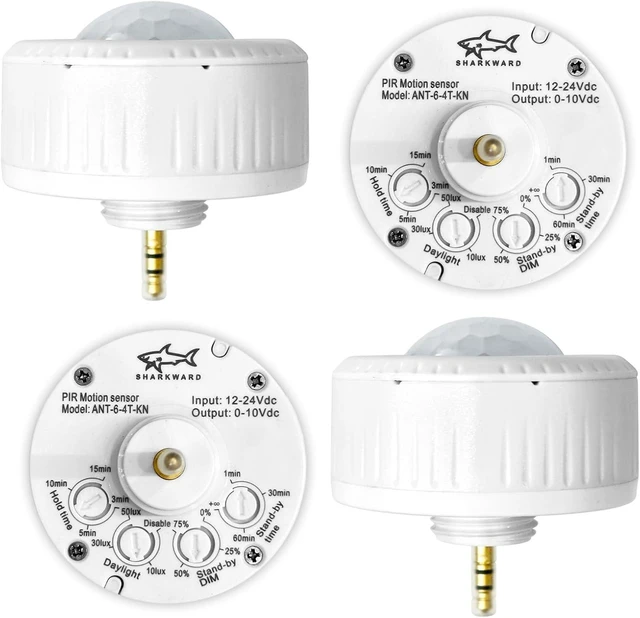
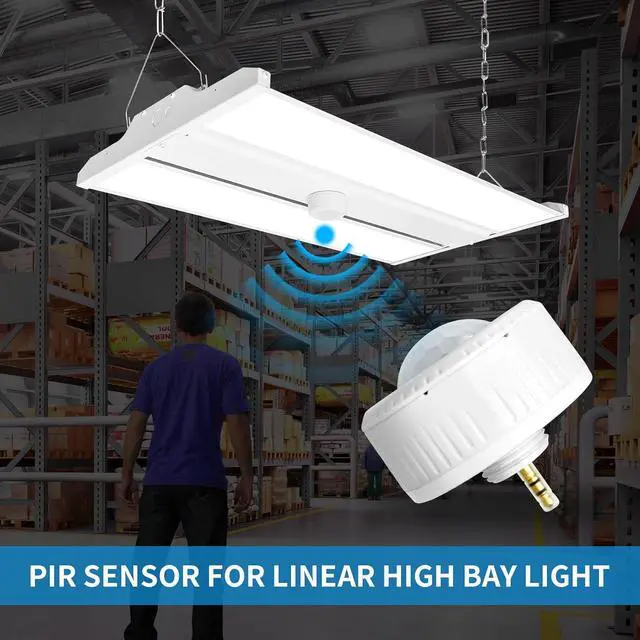
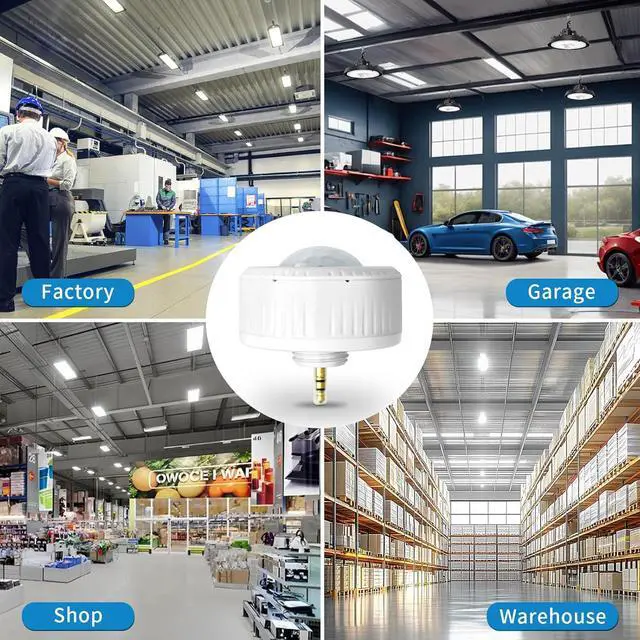
    4 Pack Ceiling Sensor, PIR Occupancy Motion Detector for LED High Bay Light, 40 FT Ceiling and 50 FT Wall Mount Detection Diameter, Commercial/Industrial Grade

    • Motion Sensor Switch Ceiling MountedThis sensor employs cutting-edge passive infrared (PIR) technology and microcontroller technology, providing superior stability compared to conventional motion sensors
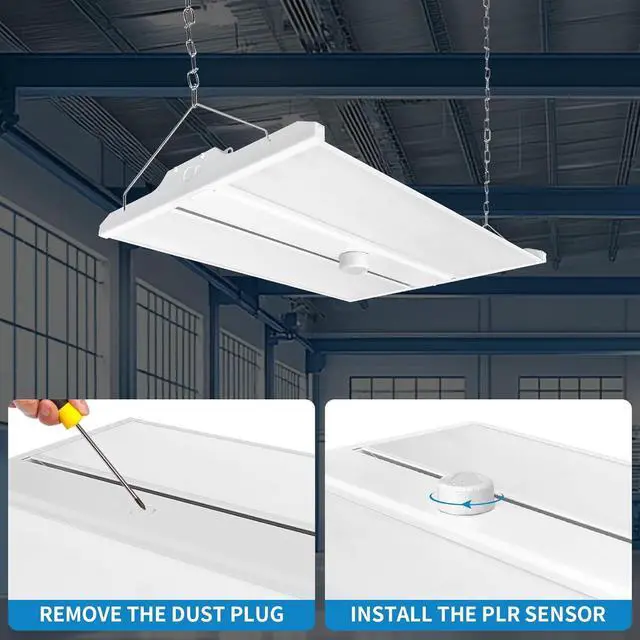
    • Easy to InstallationThis PIR Sensor is easy to install, only rotate down the sensor base on base of the LED Linear High Bay light or UFO highbay light and plug in the sensor and it is ready to use immediately
    • Extend Lamp Life & Energy-SavingRetains 30% of lumens in standby mode and instantly ramps up to 100% brightness when activated, maximizing energy efficiency and savings, effectively extends the life of the light
    • Smart Motion SensorDetection radius is 1-8m. The hold time of the motion sensor is 3min/5min/10min/15min. When the people leave the induction area, the light will be dim to 0/25%/50%/75% of full light output. Setting the "Stand-by DlM" at 0% means light full off during vacancy. Stand-by time to represents the time that the sensor will keep the light atlow dim l
    +
    +
    Overview
    Specs
    Reviews

    Any questions? Ask CelesteSM will help you find out quickly.

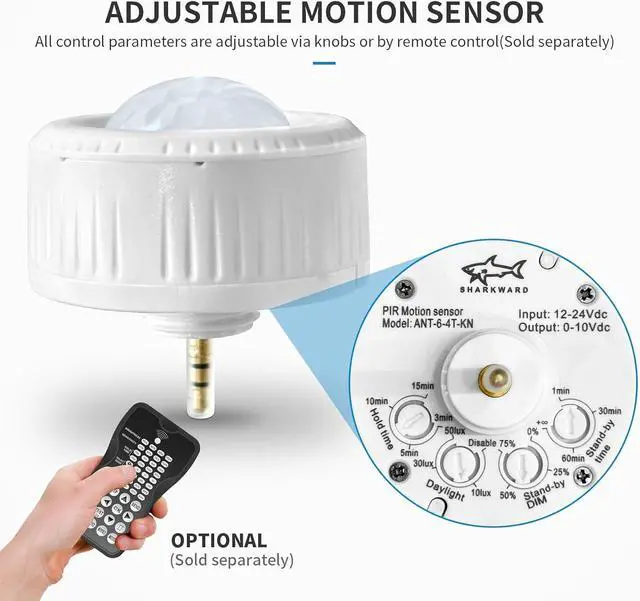
    1 Hold time: Hold time (Time from light trigger until no motion is detected) Settime duration until sensor triggers standby light level (3 minutes /5 minutes/10minutes/15 minutes).
    2Daylight: to select the current surrounding lux value as the daylight threshold(10lux,30lux,50lux,disable) when corridor function. and when smart photocellmode, the daylight thresholds is 10lux/100lux,30lux/300lux, 50lux/500lux foron/off automatically.
    3 Stand-by DlM: Set standby dimming level to 0/25%/50%/75% of full light output.Setting the "Stand-by DlM" at 0% means light full off during vacancy.
    4Stand-by time: To represents the time that the sensor will keep the light atlow dim level after the "Hold time" elapsed. Set Standby time level to 1minute/30 minutes/60 minutes/+oo .Note: When stand-by time choose +o , the fixture will come into smart photocellmode. And it will turn on and off automatically according to the daylight you set.

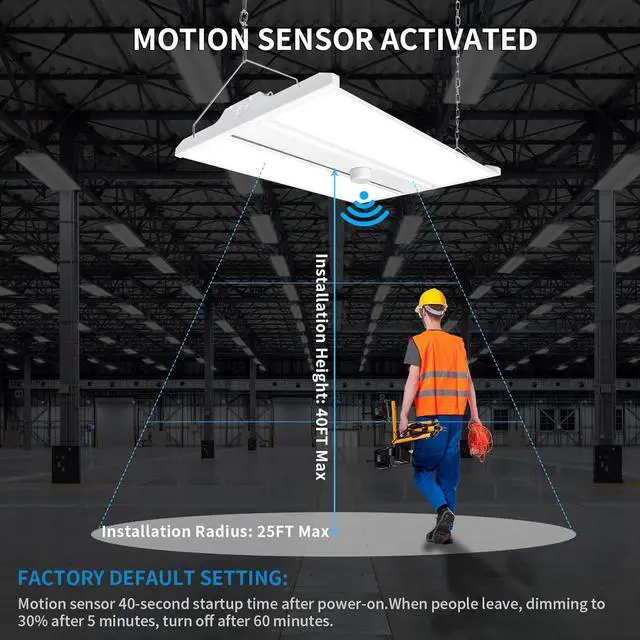
    NOTE: Warm up time is 40seconds. After the sensor connects input power first time, the light will keep on 40seconds,then go to dimming to work normally. NOTE: Factory Default Setting: Hold time is "3min", Daylight is "Disable", Stand-by DlM is "25%" Stand-bytimeis"30min".

    NOTE: Any setting changed by knobs or by Remote Control.NOTE: Do not insert or remove the sensor when the Fixture is powered on. All control parameters are adjustable via knobs or by remote control. WARNING

    Warranty & Returns

    Warranty, Returns, And Additional Information

    Warranty

    • Please contact the Seller directly for warranty information. Warranty information may also be found on the Manufacturer's website.
    • CONTACT

    Return Policies

    Manufacturer Contact Info

    LOADING...