Your Browsing History
Meet Your Seller
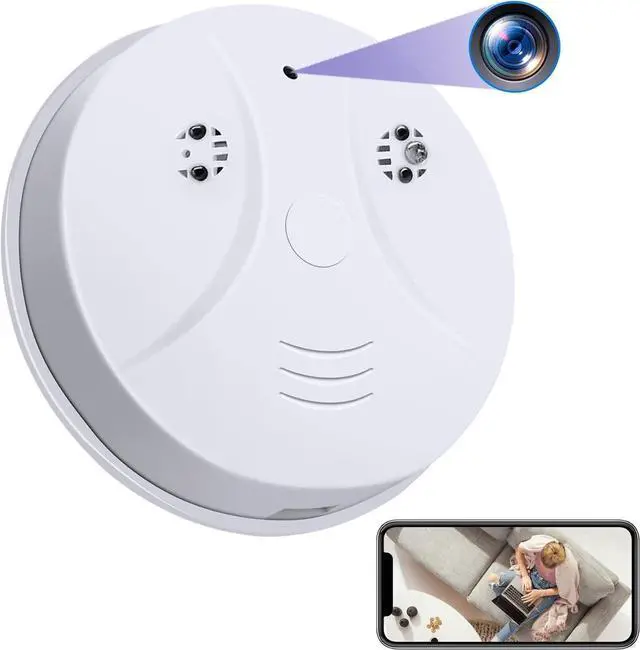
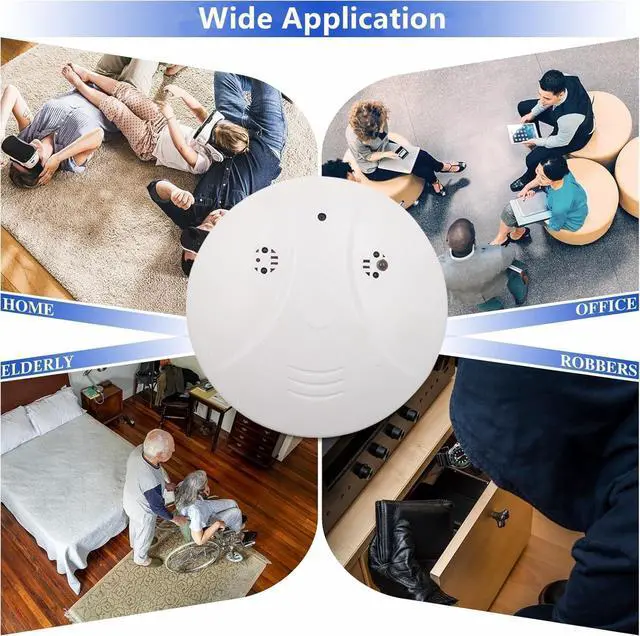
Security Hidden Camera Smoke Detector Indoor Cam Wireless WiFi Spy Camera
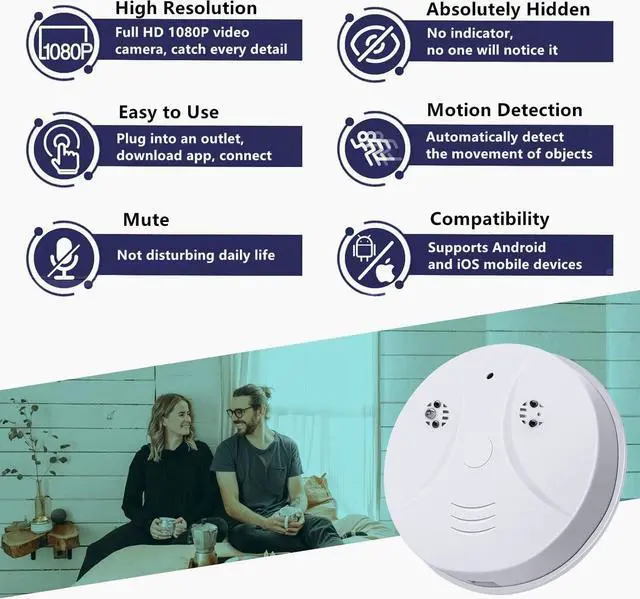
- HD 1080P Video Small Camera with Card reader, Night Vision and Motion Detection for Home Security
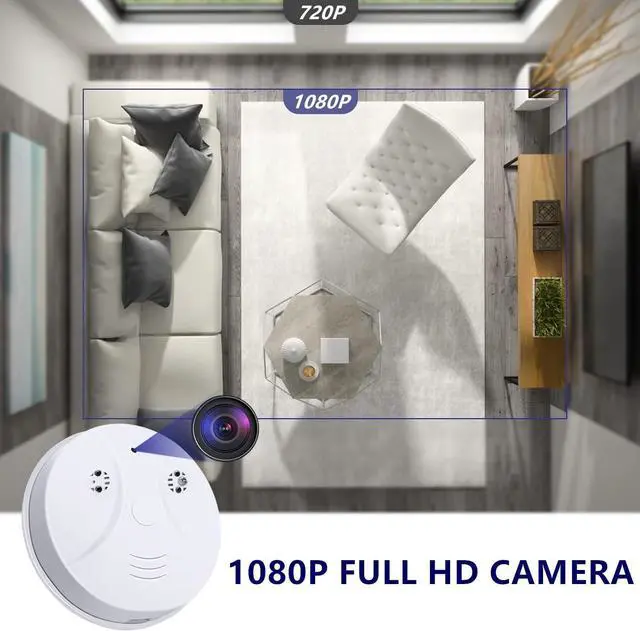
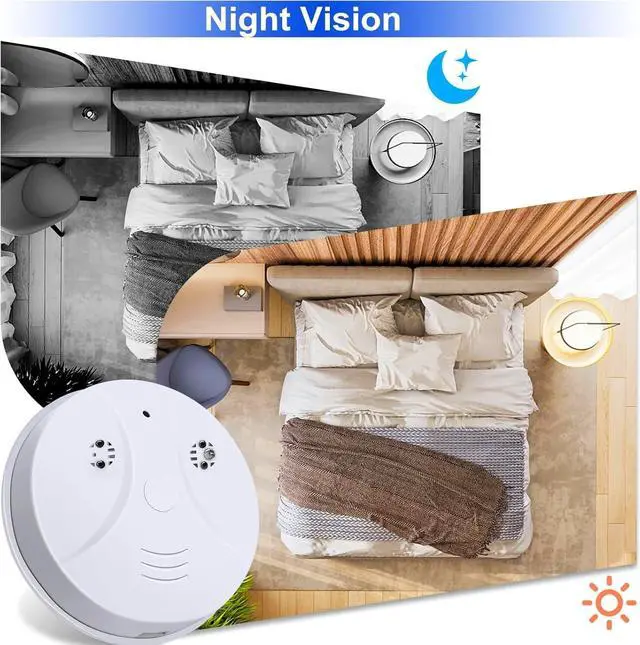
- 1080P HD Quality with Night Vision: Enjoy amazingly 1080P live screen, which can write down 150 degree wide angle. Remotely view live video through App, check your home anytime, anywhere. Wireless camera is equipped with 4 infrared lights, which greatly improves the night vision effect. You can see details clearly even in dark environment, protect your family and your personal property.
- Two Ways to Connect: 1. AP Mode: Please make sure the device and the router are within 5 meters of each other when you're connecting it. 2. QR Code: Connect devices by scanning QR codes. (For detailed connection steps for the 2 operating modes, refer to the user manual included in the package.)
- Use Multiple Cameras at the Same Time: You can set your own unique camera password and no one can hack into your camera. In addition, you can connect multiple cameras of the same APP with one phone and switch to
+
+
Overview
Specs
Reviews
Any questions? Ask CelesteSM will help you find out quickly.
Try me now
Connection Method 1--- AP Mode
1. Turn on the device and use reset pin to long press reset button until the indicator flashes slowly. Notice: please confirm the indicator light is flashing slowly when you are connecting it; For a fast connection, please make sure the device and the router are within 5 meters of each other when you're connecting it.
2. Please switch on the Bluetooth Function of your smartphone;
3. After Bluetooth is switched on from the phone >> Open Tuya APP >> Add Device (Devices to be added) >> Tape Add >> Enter Wi-Fi Information (choice of your home WiFi name and password, supports 2.4 and 5Ghz WiFi) >> Click "Next" >> HD mini camera being adding (indicator light will be fast flash, you also will be hearing "Di" tips sound), the device will be added within 1 minute >> Click "Done"(Added successfully) >> You can watch live video by smartphone.
Connection Method 2 --- Installation Instructions Image Code
1. Turn on the device and there will a prompt sound remind you to configure with WiFi.
2. Open APP >> Add Device >> click Camera & Lock >> choose Smart Camera(2.4GHz&5GHz) >> tick off Make sure the indicator is flashing quickly or a prompt tone is heard then click Next.
3. Select your WiFi network (2.4GHz or 5GHz) >> Input password >> Next.
4. Hold the cameras lens face to the Installation Instructions Image Code for scan, hold them together, and keep15-20 cm away, until you hear a Beep sound, which means the scan code is succeeded, the indicator quickly flashes and then keeps a long on, (clock camera is the LED time display change from 00:00 to time number), which means WiFi connection succeeded.
5. Click I Hear a Prompt, wait for a moment the device will be added successfully >> click Done. (if the connection is failed, please reset the camera try the same operation again)
1080p camera features a wide angle lens and delivers crisp images and fluid video at 30 frames per second.
Follow the instructions to connect to the Internet and you can check the scene remotely in real time from anywhere in the world (make sure the camera and WiFi signal are at a sufficient distance).
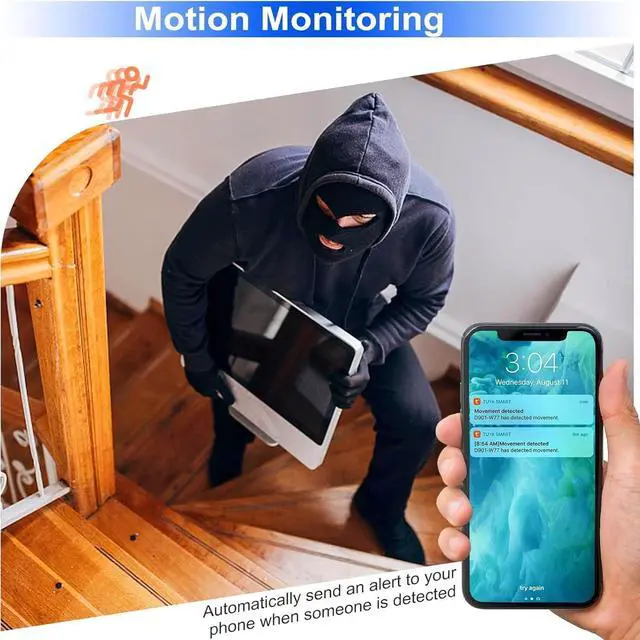
After recognizing the motion, the camera will send a push notification with the image to your phone. You can log into the app to see what's going on.
Wireless camera is equipped with 6 infrared lights, which greatly improves the night vision effect. You can see details clearly even in dark environment, protect your family.
Rotate the WiFi hidden camera counterclockwise, take out the chassis, then fix the chassis to the ceiling or wall with a spiral knife, and then turn clockwise to install the product back.
This product has nails for installation, which is very easy to install.
1. The smoke detector camera need to connect to a router 2.4Ghz / 5GHz WIFI. 2. Pls format the SD before first use. 3. Pls charge the mini camera wireless for 4 hours before using to get enough power. 4. We suggest that charging while recording, so that it will not go offline due to lack of power. Network Configure Steps ( 2 Connection Methods ) Full HD Camera Support WIFI Connection Motion Sensing & Alert Push Day and Night Work Installation Steps Easy To Install Warm Tips:
Warranty & Returns
Warranty, Returns, And Additional Information
Warranty
- Please contact the Seller directly for warranty information. Warranty information may also be found on the Manufacturer's website.
- CONTACT
Return Policies
- Return for refund within: 30 days
- Return for replacement within: 30 days
- This item is covered by Cloudless Clear Return Policy
Manufacturer Contact Info
- For a directory of all our manufacturers, please click below.
- Manufacturers Directory
LOADING...