• $126.99
  • Free 30-day Returns
  • Ships from China.

    Shipped by Cloudless Clear

    Price alert
    Shop it at NeweggBusiness.

    Meet Your Seller

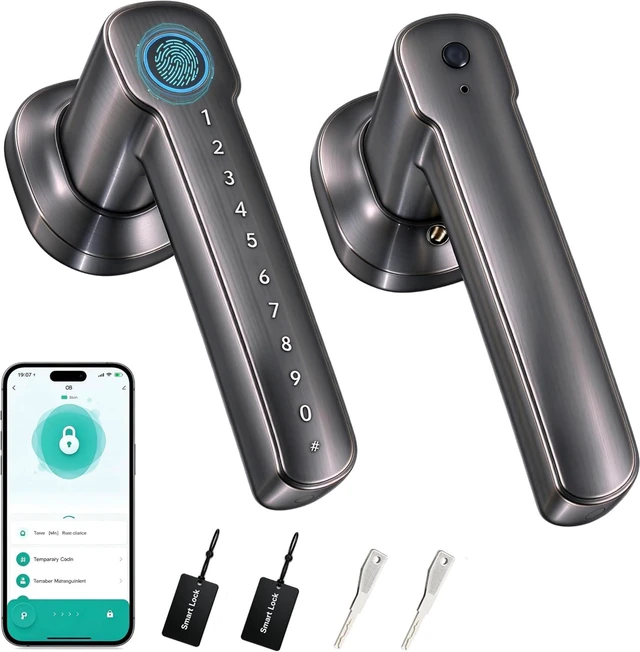
    Smart Fingerprint Door Lock, Keyless Entry Interior Smart Lock

    • Grey Electronic Touch Keypad, Digital Code & Backup Mechanical Key, TUYA App Remote Control for Bedroom & Office
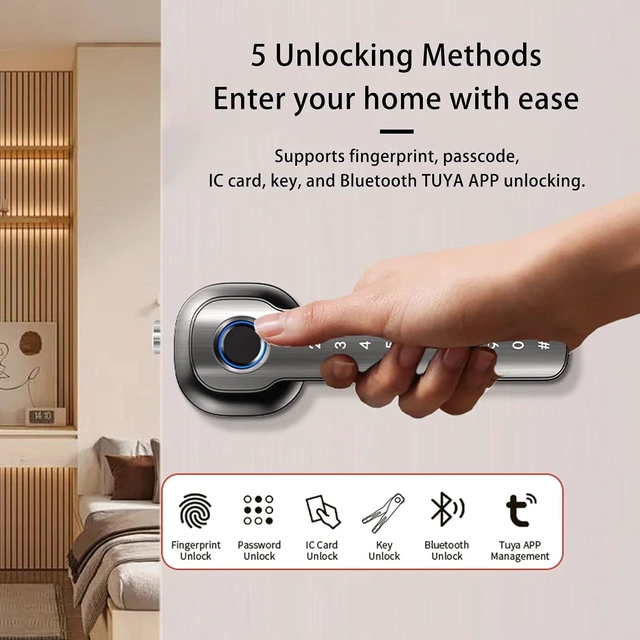
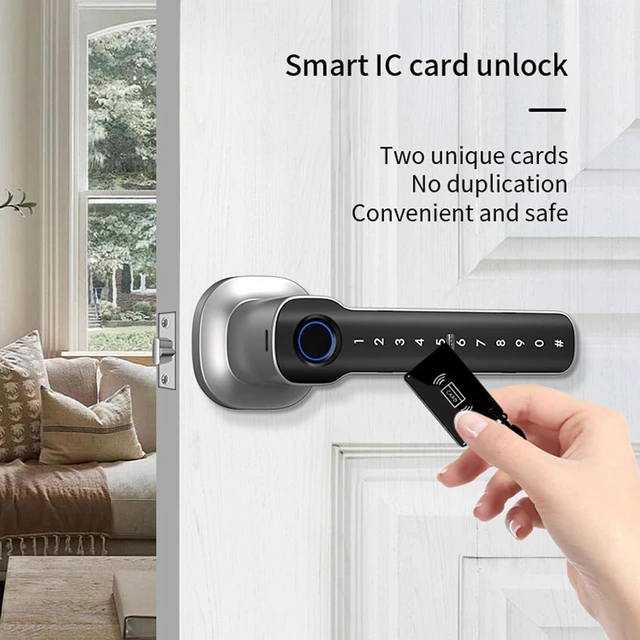
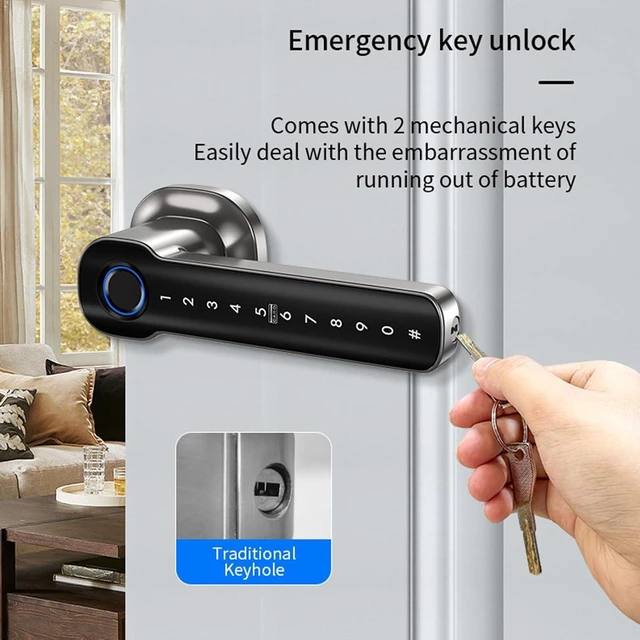
    • 5-in-1 Flexible Keyless Entry: 5 unlocking ways: fast fingerprint, anti-peep touch passcode, IC card, Tuya Bluetooth App & emergency mechanical key. Ditch messy keys for home, rental & office daily use
    • Tuya App Smart Access Management: Manage permissions easily via TUYA App, create permanent user access, send temporary codes to guests, check entry logs, set silent mode & custom auto-lock delay
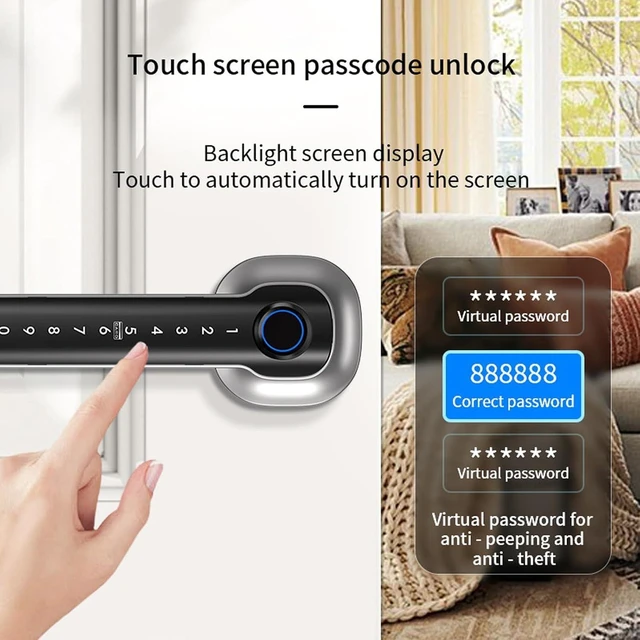
    • Safe Anti-Peep Backlit Touch Keypad: Touch-activated backlit keypad supports virtual anti-peep password. High-sensitivity biometric sensor realizes quick 0.5s fingerprint recognition for safer entry
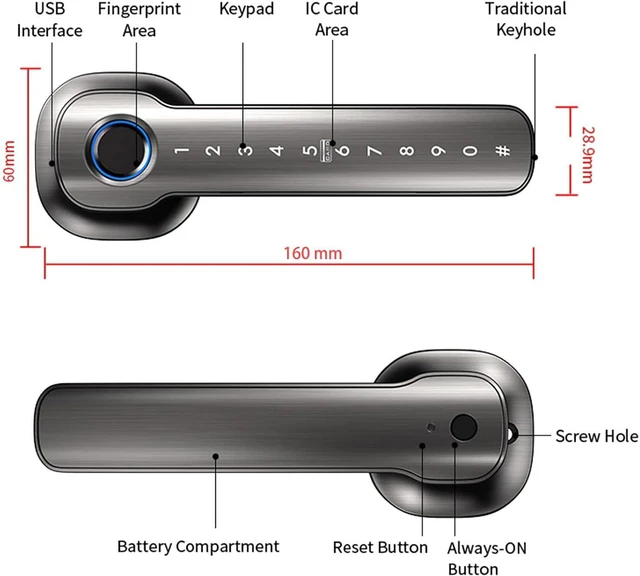
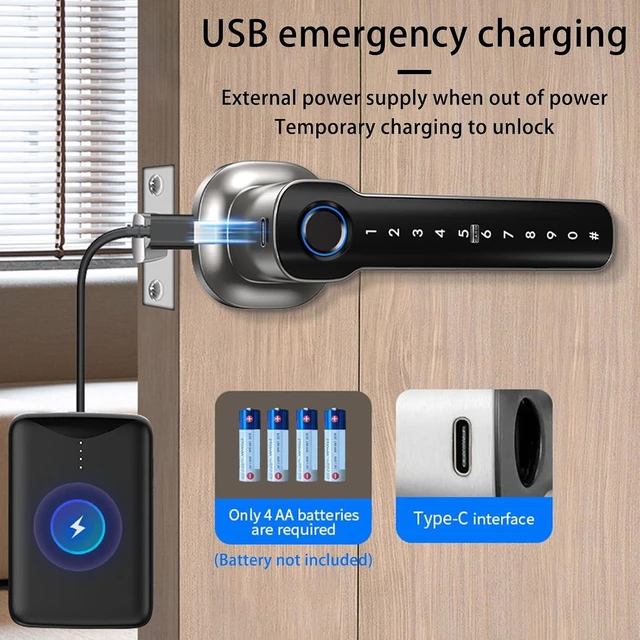
    • Emergency Power & Privacy Mode: Type-C USB emergency power port works with power bank when batteries die. Built-in privacy Always-On button & reset key; 2 spare mechanical keys for power outage backup (The product does not include batteries)
    • Easy DIY Install for Multiple Doors: Fit 35
    +
    +
    Overview
    Specs
    Reviews

    Any questions? Ask CelesteSM will help you find out quickly.

    Why can anyone unlock the door with their fingerprint?
    This smart door handle is initially set up to allow unlocking with any fingerprint. If administrator settings have not yet been configured (see the user manual for details), this step must be performed.
    What is the Type-C port on top of the door lock for?
    The Type-C port is for emergency use only. For example, when the battery is completely depleted and the door cannot be opened, it can be connected to a power outlet to provide power and unlock the door. Never use it for daily charging.
    What type of batteries does this Gilleithos fingerprint door handle lock require?
    Please use 4 AA alkaline batteries. Do not use rechargeable batteries. Do not charge the batteries via the Type-C port. (Batteries not included)
    How to restore factory settings?
    There is a small hole below the push-button door lock button. Use the tool included in the accessories to insert into this hole for about 10 seconds, until you hear a continuous beeping sound.
    Bedroom Office Meeting Room Why can anyone unlock the door with their fingerprint?
    What is the Type-C port on top of the door lock for?
    What type of batteries does this Gilleithos fingerprint door handle lock require?
    How to restore factory settings?

    Warranty & Returns

    Warranty, Returns, And Additional Information

    Warranty

    • Please contact the Seller directly for warranty information. Warranty information may also be found on the Manufacturer's website.
    • CONTACT

    Return Policies

    Manufacturer Contact Info

    LOADING...