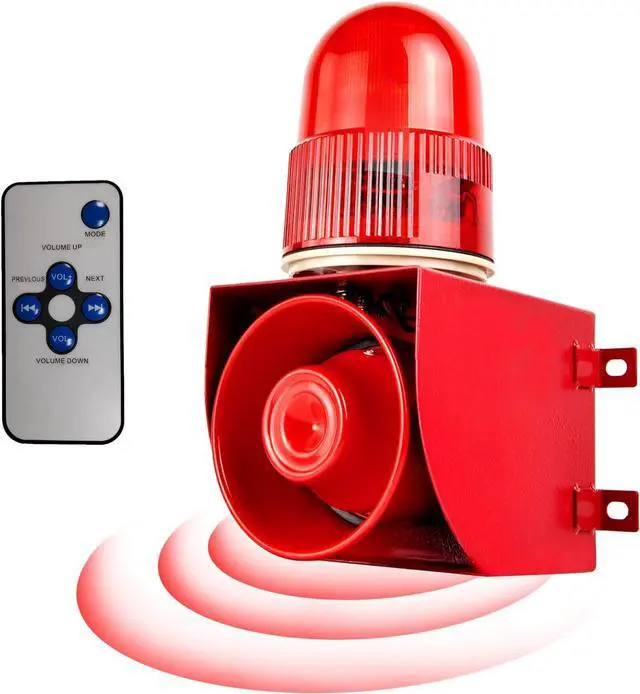
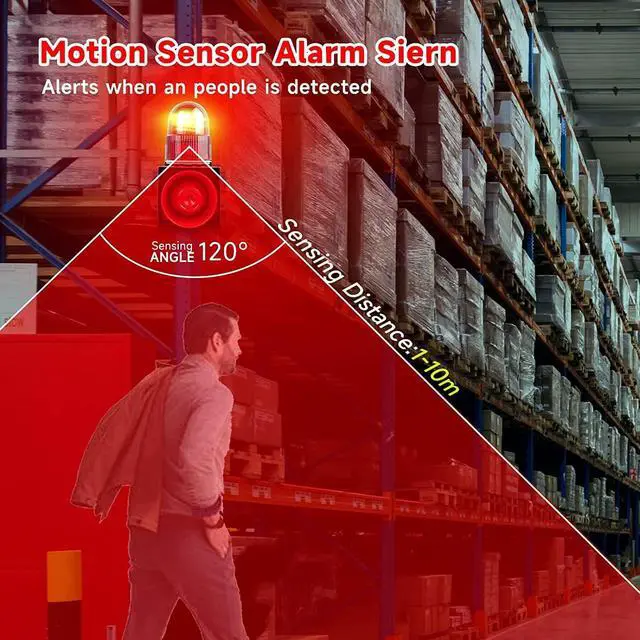
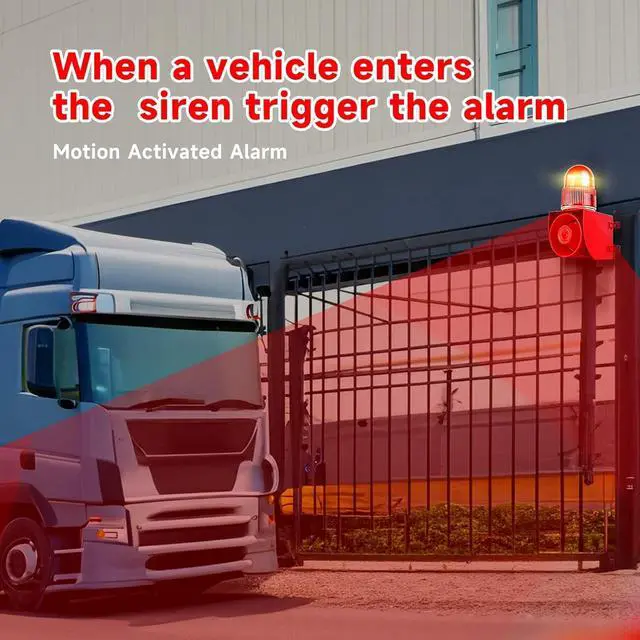
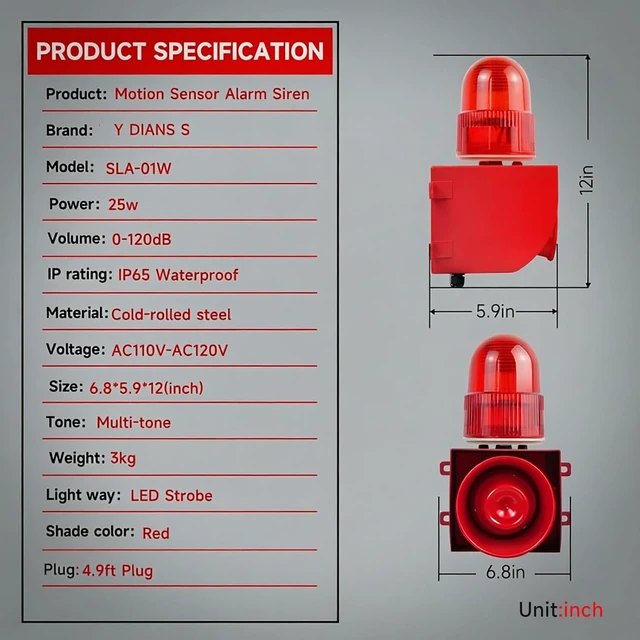
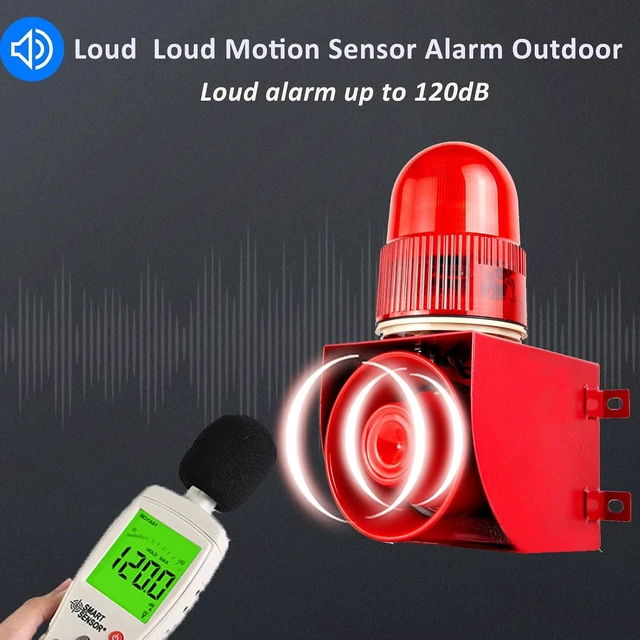
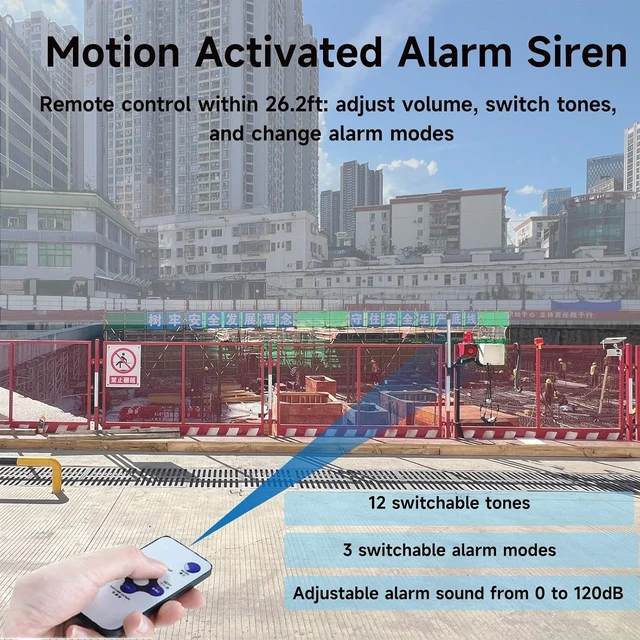
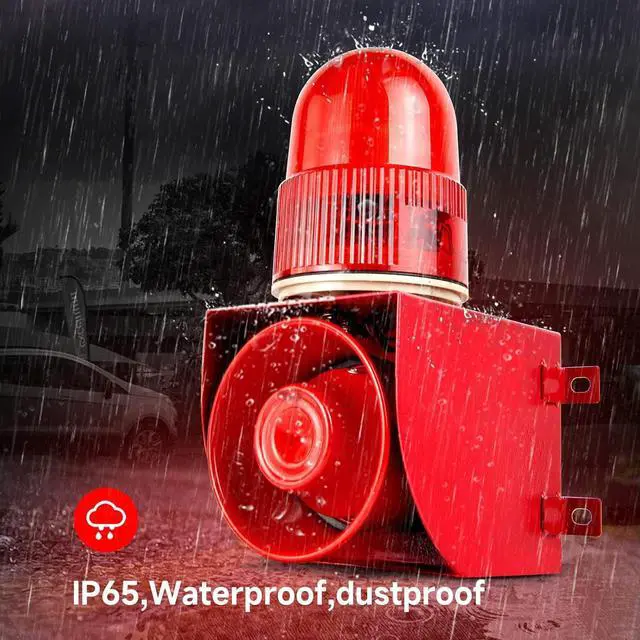
When a person or object enters the detection zone, the microwave sensor immediately activates the sound and light alarm. The detection range is adjustable from 110m (3.332.8 ft) with a wide 120° coverage angle. Once triggered, the alarm plays one complete audio cycle and then stops automatically if no further motion is detected
Control volume, tone and alarm modes easily via infrared remote control within 18m effective range
The alarm's default detection distance is set to 5m/16.4ftWhen the button is rotated counterclockwise to the end, the detection distance is at its minimum (about 1m/3.2ft)When the button is rotated clockwise to the end, the detection distance is at its maximum (about 10m/32.8ft)
Power off the alarm. Plug in the USB cable and connect the other end toyour computerThe computer will prompt that a removable hard disk is connectedOpen the disk and remove the sound you don't want or copynew sound files (MP3 or WAV File format) to the folder Alarm Installation Environment
1:Install height: 2-2.5m (6.6-8.2ft). Sensor is sensitive.
2:Install in open, clear area. Power off during install.
3:For testing, lower volume via remote, then turn to max.
How to trigger the alarm?
After powering on, the alarm is triggered when motion of a person or object is detected within the sensing area
Functions of the infrared remote control
Adjust the alarm volume (increase or decrease) and set the alarm mode! The remote control cannot turn the alarm on or off
How long does the siren stay activated after it is triggered?
After the siren is triggered, if no further motion is detected in the area, the alarm will play the current audio once and then stop automatically.
How long does the built-in alarm sound last?
Generally, the duration of the audio playback depends on the length of the built-in sound file
See More Application Scenarios of Microwave Motion Sensor Alarms Instant Audio-Visual Warning System for Warehouse Entrances Real-World Application: Factory Entrance Safety Motion Detection Demo: Farm Security Application 120° Wide-Angle Detection with Adjustable 110m Range REMOTE CONTROL FUNCTIONS Alarm Sensing Distance Adjustment Custom Audio Upload via USB Alarm Installation Environment
How to trigger the alarm?
Functions of the infrared remote control
How long does the siren stay activated after it is triggered?
How long does the built-in alarm sound last?




 here!