• $79.99
  • Free 30-day Returns
  • Ships from China.

    Shipped by Cloudless Clear

    Price alert
    Shop it at NeweggBusiness.

    Meet Your Seller

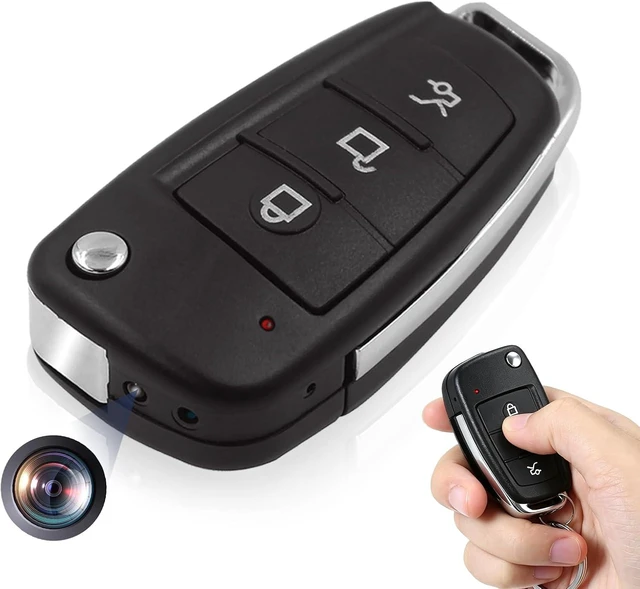
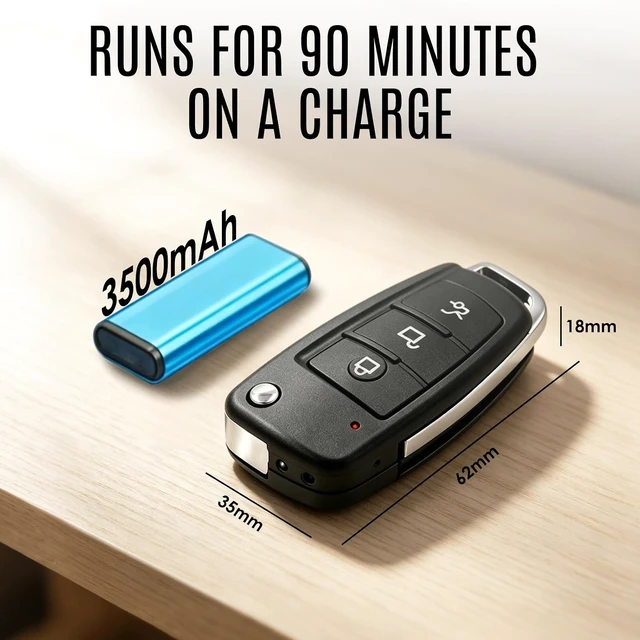
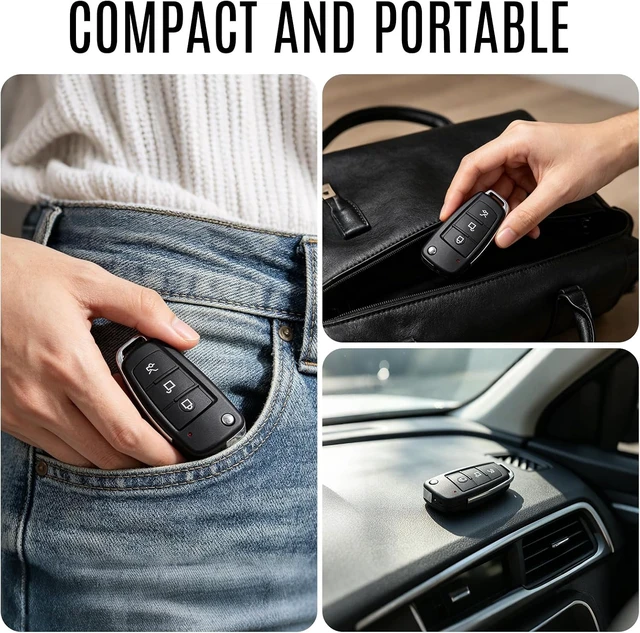
    Mini Hidden Spy Carkey Camera, Portable Security Cam with 32G

    • 1080p Recording Video & Photos, Motion Detection & Night Vision, Surveillance Camera for Home/Pet/Office, No Wifi/No Audio
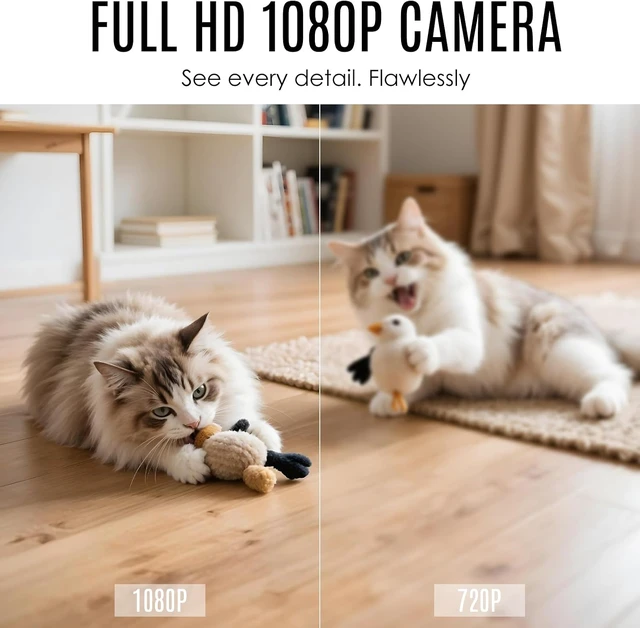
    • 1080P FHD VIDEO & PHOTO: Capture clear videos and photos with this carkey spy camera. The FHD lens records 1920×1080P video at 30FPS, helping preserve clear details for everyday monitoring, travel and personal security.
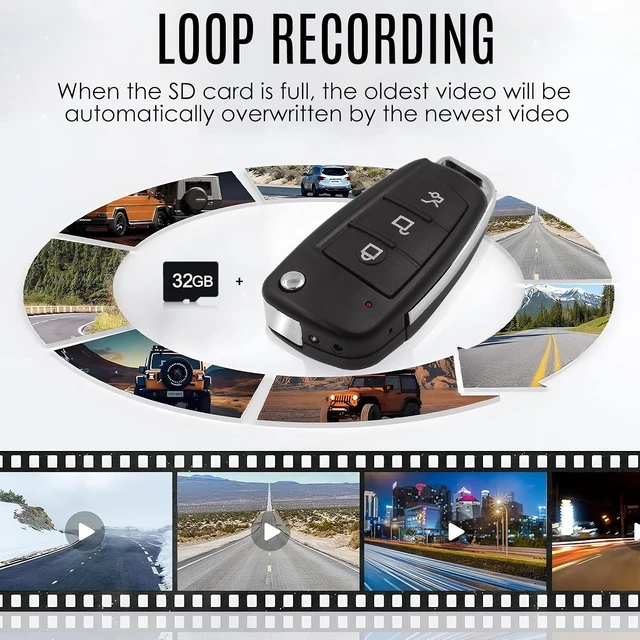
    • 32GB TF CARD INCLUDED: Ready to use right out of the box with a 32GB TF card included. Simply insert the card and start recording. For the best performance, format the TF card to FAT32 before first use.
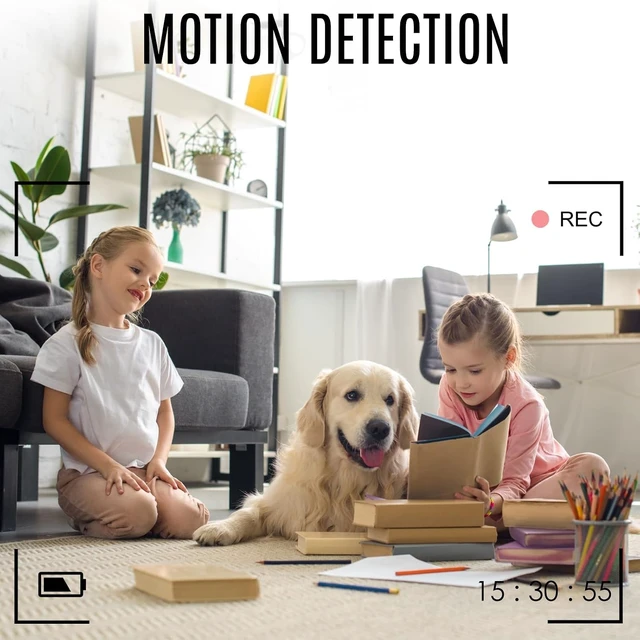
    • MOTION DETECTION: This small hidden camera automatically starts recording when movement is detected, helping you capture important activity without constant manual operation. Motion detection can also reduce unnecessary recording and help conserve battery power.
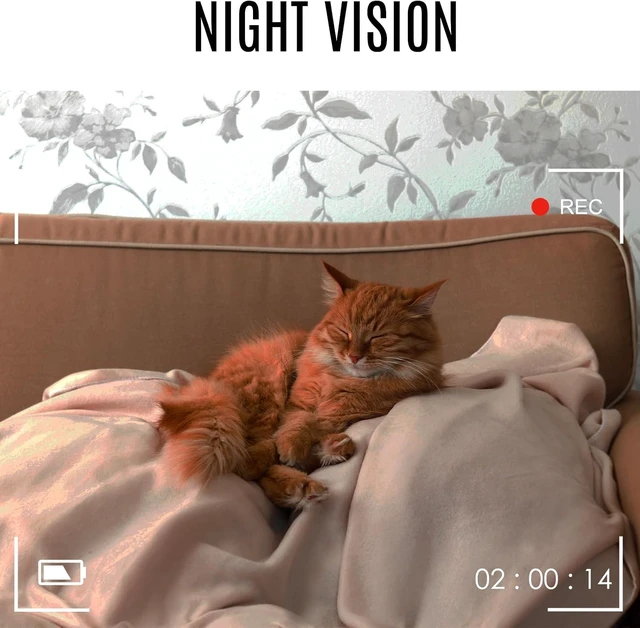
    • NIGHT VISION: Built-in infrared night vision allows this mini spy camera to capture footage in low-light and nighttime environments. It is designed to provide clearer visibility when lig
    +
    +
    Overview
    Specs
    Reviews

    Any questions? Ask CelesteSM will help you find out quickly.


    Step 1: Connect the camera to a USB-C cable for charging.Step 2: Insert a TF-format SD card (maximum 32 GB).Step 3: Press and hold the power button for 2 seconds to turn the camera on or off. Wait 5 seconds for the camera to enter standby mode.Step 4: Press the video/photo button. A single press takes a photo; each flash of the red LED corresponds to a photo.Step 5: Press and hold the video/photo button for 2 seconds to turn video recording on or off.Step 6: Briefly press the motion detection button to turn motion detection on or off.Step 7: Press and hold the motion detection button for 2 seconds to turn night vision on or off.Step 8: Use a card reader to transfer the data from the SD card to your computer and view the video files. Quick Start Guide

    Warranty & Returns

    Warranty, Returns, And Additional Information

    Warranty

    • Please contact the Seller directly for warranty information. Warranty information may also be found on the Manufacturer's website.
    • CONTACT

    Return Policies

    Manufacturer Contact Info

    LOADING...