Your Browsing History
Meet Your Seller
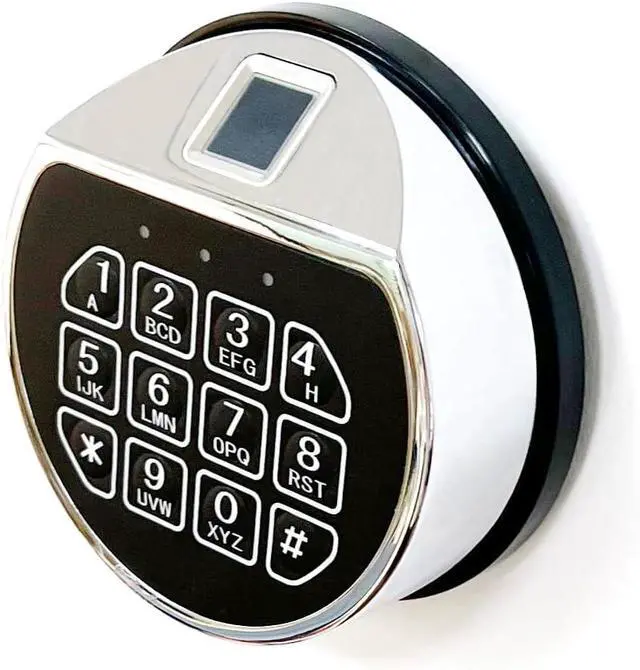
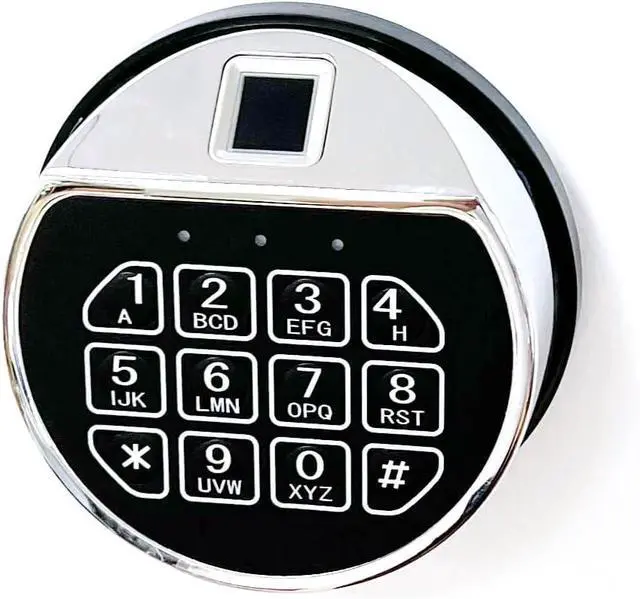
Biometric Gun Safe Lock Replacement, Digital Code Fingerprint Lock for Safe Box and Cabinet
- Zinc alloy
- DURABLE MATERIAL: High security zinc alloy keypad frame and fire resistant panel which provides physical protection against forced entry and lockout mode for 3 false codes
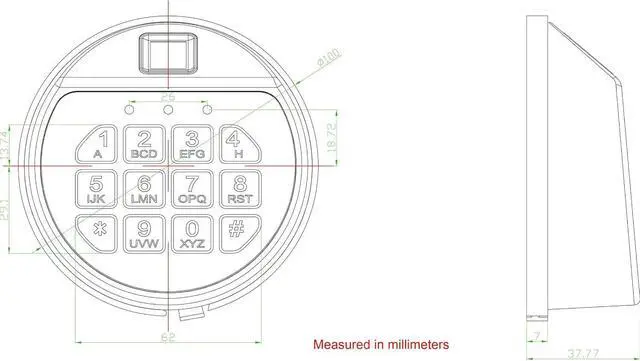
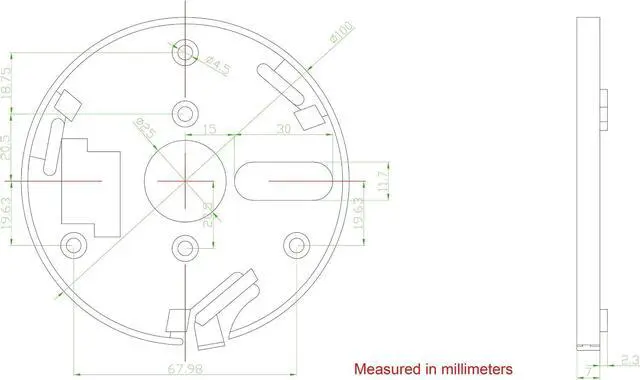
- DIMENSION: Round shape keypad panel with diameter 100mm / 3.94 inches and the weight is 0.77 ounces that fits most safe box and vault door
- SIMPLE OPERATION: Unlocked with 3-8 digital codes which can be programmed with 3 different colors of lights indicating different states
- FINGERPRINT CAPACITY: 20 fingerprints can be registered maximumly for convenient biometric access control and multiple user authorization
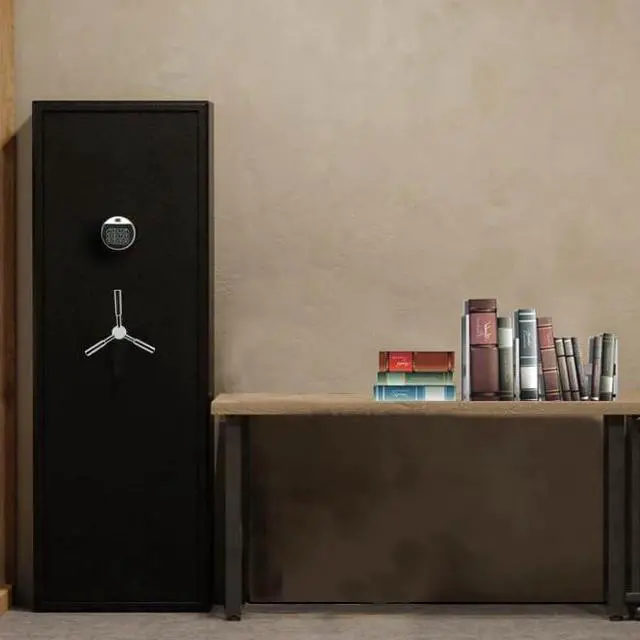
- APPLICATION: Various kinds of safe box and vault door, such as fireproof gun safes, pistol safes, handgun safes, depository safes, fire and burglary safes, hotel safes, fire resistant safes, fireproof filing cabinets
- DUAL MODE PROGRAMMING: The lock can be programmed to operate in dual mode with fingerprint plus code or single mode for flexible security options
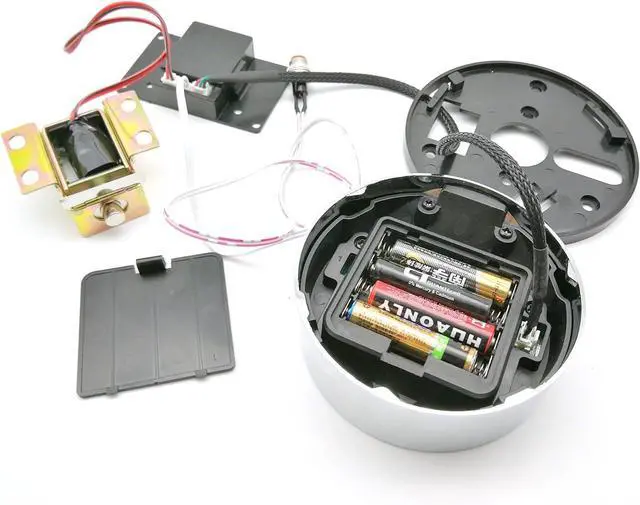
- POWER REQUIREMENTS: Operates on 4
+
+
Overview
Specs
Reviews
Any questions? Ask CelesteSM will help you find out quickly.
Try me now
1. Factory default code is 123456(3-8digits)
2. Fingerprint is blank(ANY FINGERPRINT CAN OPEN,20fingerprints maixmum)
3. Wrong codes input 3 times will lockout 5 minutes
4. Factory default mode is single mode (code or fingerprint)
5. Power is 4 AAA 1.5V alkaline batteries
1. Press red reset button the buzzer beep twice and yellow light is on
2. Input 3-8 new codes and press# the buzzer beep twice, the green light on.
3. It means the code is changed successfully
4. During enter code , press* to delete previous code
1.Press red reset button the buzzer beep twice and yellow light is on
2. Now the finger window area blue light is on ,input your fingers and yellow
light will flash,the buzzer will beep once
3. Operate same as step 2 for 3 times, the buzzer will beep twice, the green
light on , the finger window area green light is on, it means your fingerprints is
registered successfully
4. During fingerprints collected , if buzzer beep 3 times and red light on , it
means your fingerprints is registered failured . When finger window area is
blue light on , please repeat step 2 and 3 until successful.
Press reset button until you hear 10 times DIDI, it means all fingerprints are
deleted
Code: Input your code and press # , the buzzer will beep twice , the green
light on, it means the lock is opened (only 5 seconds)successfully.
Fingerprints: Input your fingerprints on the finger window area, the buzzer
beep twice, the green light on, it means the lock is opened(only5 seconds)
successfully.
Fingerprints+Code: Input your fingerprints on the finger window area, the
buzzer beep twice, the yellow light will flash,now input your code and press
# , now the buzzer will beep twice , the green light on, it means the lock is
opened (only5 seconds) successfully
Input *11 and press red reset button and the buzzer beep twice, the green
light is on , now it is single mode
Input *22 and press red reset button and the buzzer beep twice, the green
light is on , now it is dual mode(code+fingerprint)
press *633 and the buzzer will DI DI twice, now the buzzer is
closed,there is no sound after you input codes.
Press *66 and the buzzer will DI DI twice, now the buzzer is opened, you
will hear beep after you input the codes
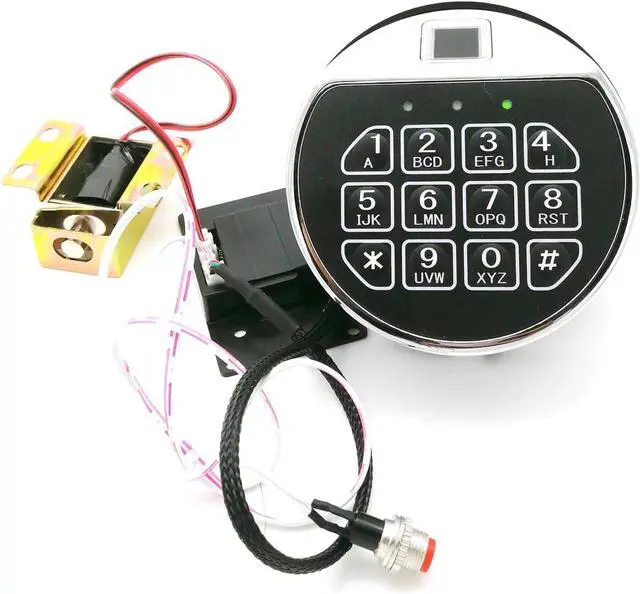
It can replace most of digital gun safe lock
See More Main feature How to program the lock How to change code: How to register fingerprint How to delete fingerprint: 3 Unlock way How to open How to change open mode How to open/close the buzzer Usage
Warranty & Returns
Warranty, Returns, And Additional Information
Warranty
- Please contact the Seller directly for warranty information. Warranty information may also be found on the Manufacturer's website.
- CONTACT
Return Policies
- Return for refund within: 30 days
- Return for replacement within: 30 days
- This item is covered by Cloudless Clear Return Policy
Manufacturer Contact Info
- For a directory of all our manufacturers, please click below.
- Manufacturers Directory
LOADING...