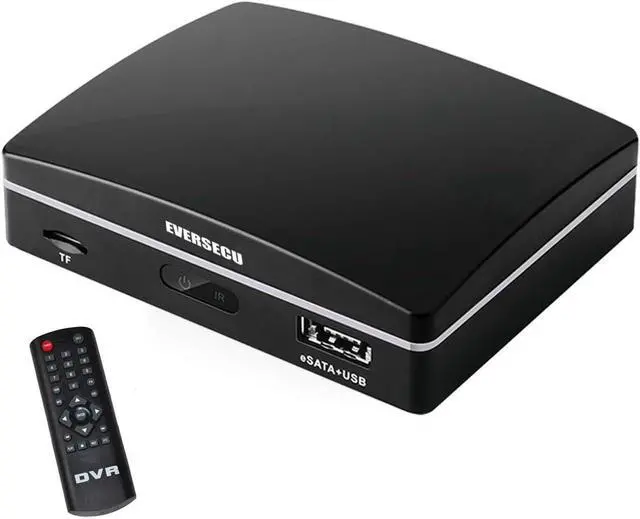
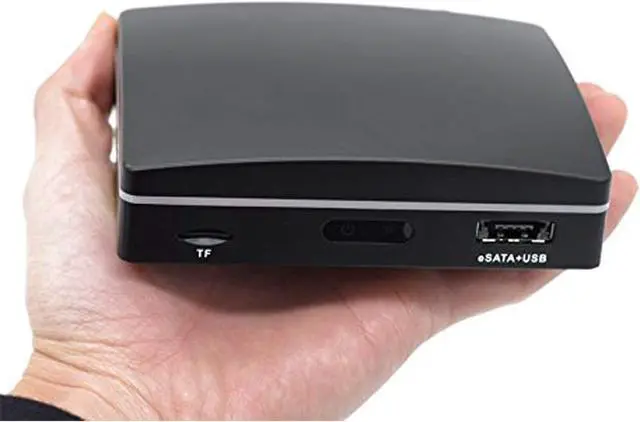
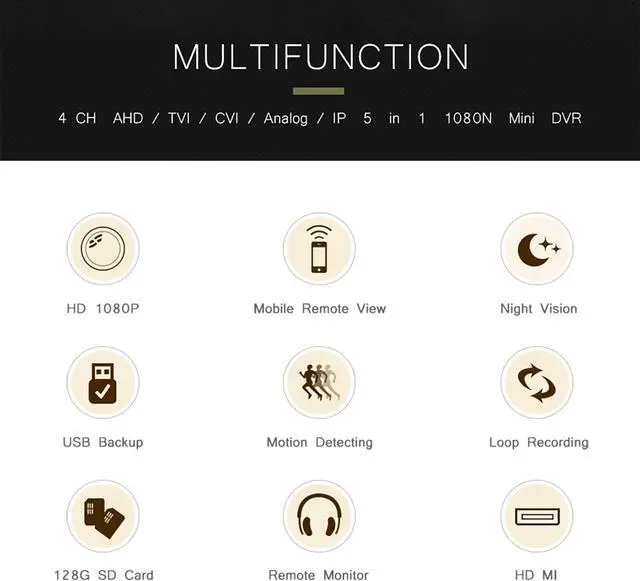
Multi-inputs 5-in-1 Mini hybrid Standalone CCTV DVR
-This DVR is a supermini hybrid 5-in-1 security DVR, works with BNC Analog Cameras, AHD cameras or HD-TVI/HD-CVI cameras. It provides a complete security solution for house/office/store/bank/supermarket/parking etc. if you need security cameras, please search ASIN: B074V68MKR
-This DVR does not include the hard drive, if you want to record the video, please install a Class 10 high-speed SD Card or an eSata HDD for recording
-This DVR also supports ONVIF Compatible IP Cameras, if you want to connect the IP cameras, must connect the IP cameraS to the switch, then connect the switch to the DVR.
OSEmbedded LINUX OS
Image codecH.264
Binding mode1 Channel binding, for example, 1st Channel connect AHD Camera, 2nd Channel can connect Analog camera
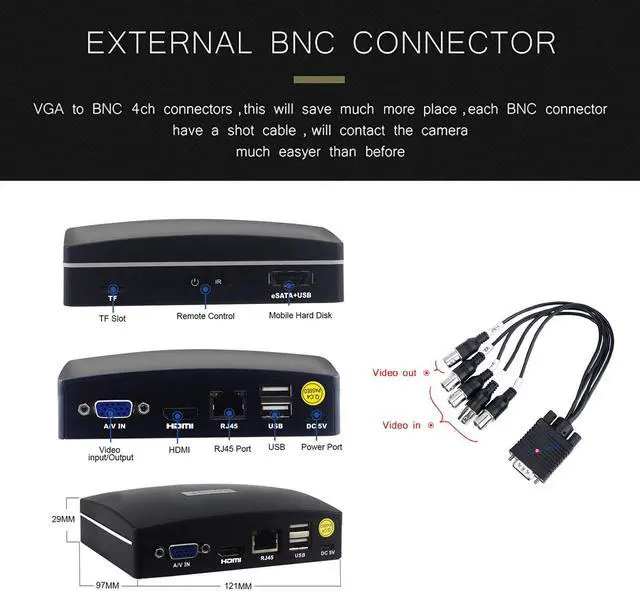
Video intput4 * BNC
Video Output1 * CVBS, 1 * HDMIMAX 1920*1080
Coaxial UTC4 Channels
USB Port2 * USB port (Support external HDD up to 6TB)
HDD Interface1 * eSATA HDD + 1 * USB Two-in-One Port (up to 6TB)
TF Card classSupport(Up to 128GB Class10)
PowerDC5V/2A
Step 1:Connect the DVR to the camera and a Monitor.
Step 2:Connect DVR to the internet for remote monitoring.
Step 3:Download free APP P6SPRO in APP Store or Google Play.
Step 4:Scan QR code to enjoy live viewing.(Right-click DVR menu, find "Guide", then click "next", it will show you QR Code scan.)
USB Port2 * USB port (Support external HDD up to 6TB)
HDD Interface1 * eSATA HDD + 1 * USB Two-in-One Port (up to 6TB)
A built-in USB port gives you the option of backingup and transferring your video footage with a USB flash driver or external USB hard drive,
You can search video by date, time, or event, simply choose the desired date and time range, and the requested video clip will appear. Clips are labeled event, which makes it easy to find a particular footage
After installing the APP, you can use your mobile phone or tablet to operate the DVR to achieve real-time monitoring whenever and wherever. you can also install CMS software on your computer. The PC software has more functions and can manage multi-DVRs in the same software.
Specification Easy Remote View Setup with QR Code Scan Vide Recording Playback Smartphone App and PC Software




 here!