Your Browsing History
Meet Your Seller
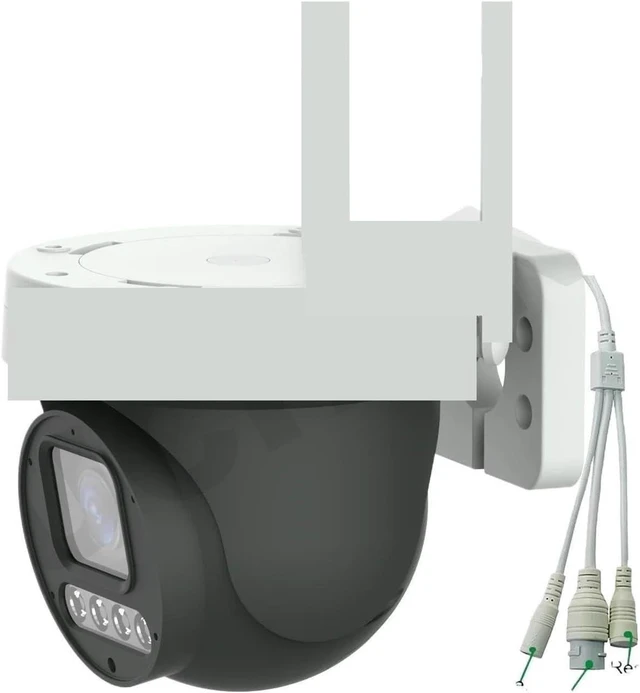
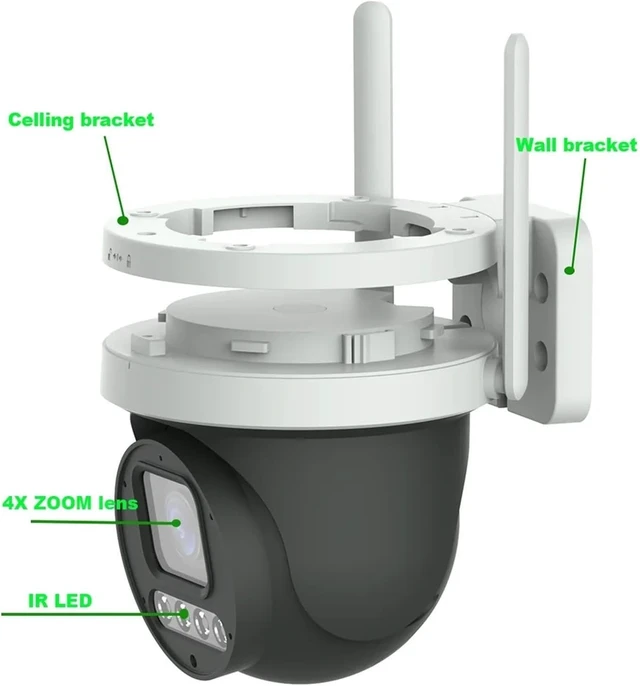
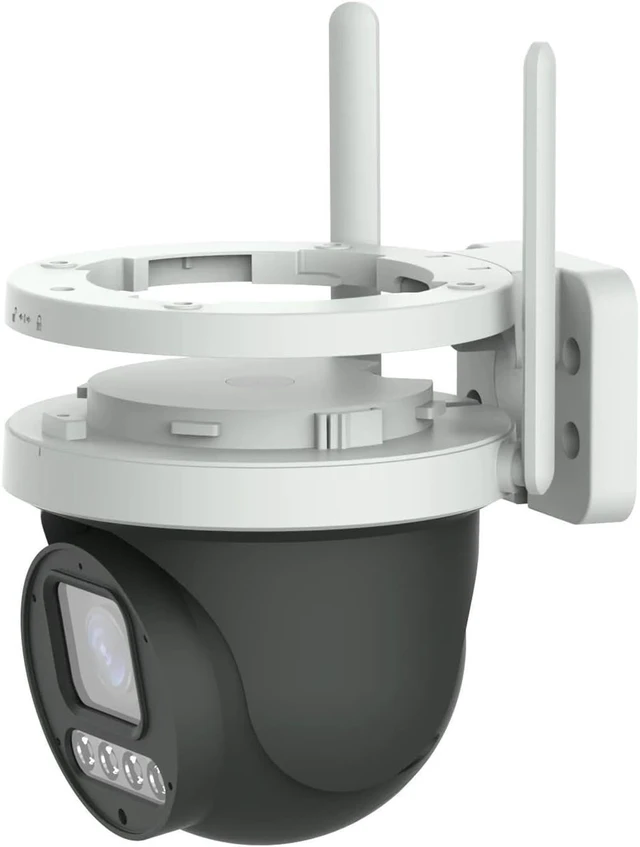
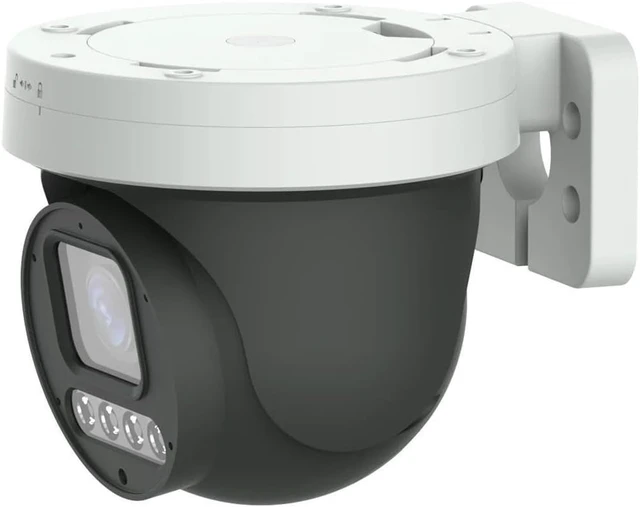
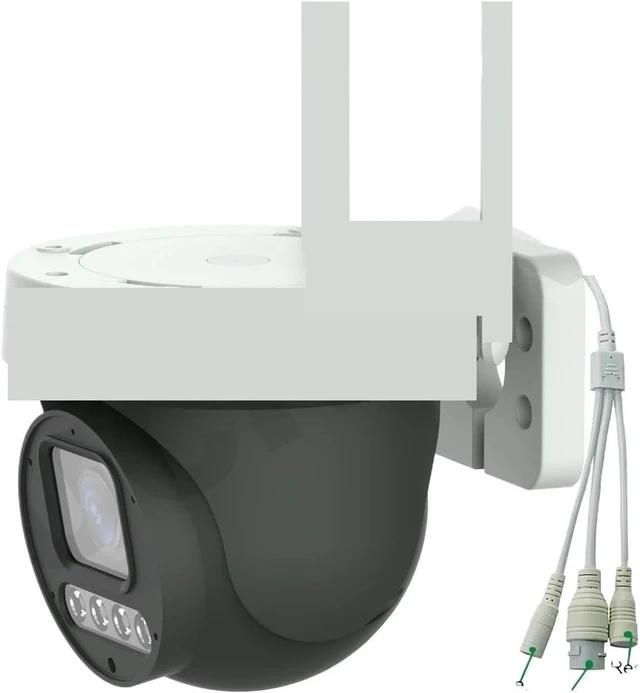
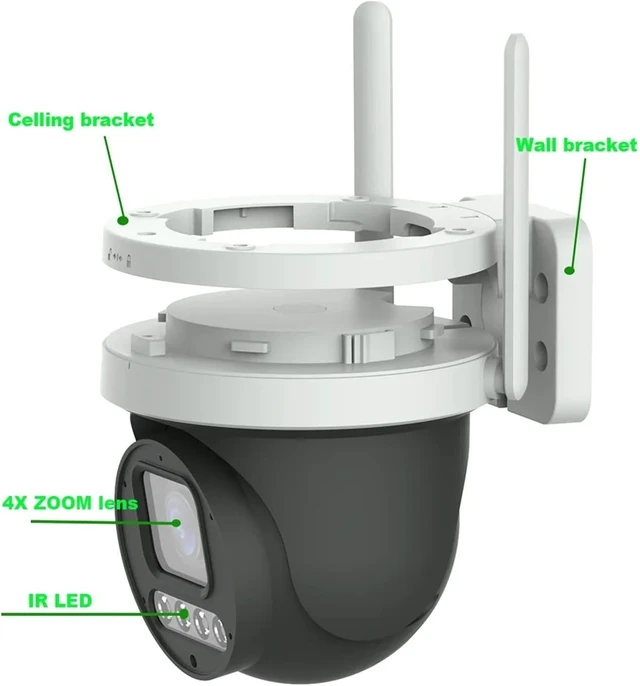
5MP 30fps 30X ZOOM WiFi POE
- 5MP 30fps 30X ZOOM WiFi POE Human Auto Tracking RTMP PTZ IP Camera RTMP 512SD TF Card 30M IR
- 1. **5MP 30fps** Sharp, smooth video for detailed surveillance.
- 2. **30X Zoom** Powerful close-up clarity on distant targets.
- 3. **Human Auto Tracking** Smartly follows movement with smooth PTZ control.
- 4. **WiFi + PoE Dual Mode** Flexible connectivity for wired or wireless setups.
- 5. **RTMP + 512GB SD Card** Easy live streaming with large local storage backup.
+
+
Overview
Specs
Reviews
Any questions? Ask CelesteSM will help you find out quickly.
Try me now
1: Live streaming control interface
2: Playback control interface
3: Manually record the video onto the app.
4: Two way voice intercom
5: PTZ control interface
6: Manually screenshot to APP
7: Preview video quality adjustment
8: Sound monitoring
9: PTZ control interface
10: Preset position operation interface
11: PTZ Advanced Function Operation Interface
12:ZOOM+/-
13: Pan Tilt control
14: Control speed adjustment
15:Focus+/-
16: Reset PTZ
17: Reset ZOOM LENS
18: Internal defogging of the camera (if supported by the camera)
19: Preset input dialog box
20: Set a preset position
21: Call a preset position
22: Delete a preset position
23: Preview of preset storage location
24: Set and enable the Home Position function
25: Stop Home Position
Mobile APP Function explanation2 :
26: Enter the tracking control interface
27: Enter the cruise control interface
28: Enter the scanning control interface
29: Enable tracking
30: Stop tracking
31: Scheduled tracking settings
32: Timer cruise setting
33: Activate cruise control function
34: Stop cruising
35: Enable cruise tracking (if supported by the camera)
36: Turn off cruise tracking (if supported by the camera)
37: Set the left boundary
38: Set the right boundary
39: Enable area scanning
40: Turn off area scanning
41: Enable horizontal scanning
42: Turn off horizontal scanning.
Package list
1x 30x zoom 5MP wifi PTZ IP Camera
1x 12V power adapter
Warranty & Returns
Warranty, Returns, And Additional Information
Warranty
- Please contact the Seller directly for warranty information. Warranty information may also be found on the Manufacturer's website.
- CONTACT
Return Policies
- Return for refund within: 30 days
- Return for replacement within: 30 days
- This item is covered by Cloudless Clear Return Policy
Manufacturer Contact Info
- For a directory of all our manufacturers, please click below.
- Manufacturers Directory
LOADING...